
AI Storyboard Generator From Script
Use script beats, shot notes, and product moments to create a structured AI storyboard before generating video clips.
LumiYingUpdated
What to prepare before generating a storyboard
A storyboard generator works best when the script is already broken into visual beats. Prepare these inputs before asking AI to create panels.
Turn written scenes into useful panels
A good script-to-storyboard workflow converts words into visible beats, shot choices, and reviewable frames before video generation starts.
Break scripts into visual beats
Each panel should map to one action, reaction, product reveal, or camera moment instead of a whole paragraph.
Specify panel count early
A 4-panel product ad, 6-panel explainer, or 8-panel short film needs different pacing.
Add shot language
Use wide shot, close-up, over-the-shoulder, product detail, cutaway, and final hero frame to guide variety.
Use storyboards before video
A storyboard lowers wasted generations by clarifying shot order before moving into image-to-video clips.
Script to storyboard workflow
Use this structure for ads, short films, product demos, explainers, and campaign videos.
Condense the script
Rewrite the script into scene beats: opening, problem, action, proof, reaction, and final frame.
Choose the board shape
Pick a panel count and aspect ratio based on where the storyboard will be reviewed or used.
Write shot-by-shot prompts
Include camera framing, action, product placement, lighting, and mood for each panel.
Generate and refine the board
Use the AI Storyboard Generator, then revise panel count, pacing, camera variety, or style.
Script-to-storyboard prompt patterns
Use these prompt structures when you want AI to convert a script, ad idea, or scene outline into storyboard panels.
Product ad script
Create a 6-panel product ad storyboard from this script: opening lifestyle shot, product close-up, problem moment, feature demonstration, customer reaction, final hero frame. Clean commercial lighting, modern studio style.
Use for e-commerce or paid social creative planning.
Short film scene
Create an 8-panel cinematic storyboard from this scene: quiet bus stop at night, character sees a glowing envelope, follows it through rain, meets a stranger, close-up decision, dawn wide shot. Moody lighting, consistent character.
Keeps the narrative sequence visible before video generation.
Explainer video
Create a 5-panel explainer storyboard: user problem, interface action, result screen, benefit moment, final CTA frame. Simple composition, clear UI focus, friendly brand style.
Useful for SaaS, creator tools, and product education.
Music visual plan
Create a 6-panel music video storyboard: performer silhouette, neon close-up, crowd texture, slow camera orbit, abstract light burst, final album-cover pose. Cohesive color and rhythm.
Helps set visual rhythm before making clips.
Build the video workflow
Connect planning, source images, and final video generation.

Storyboard to Video AI
Turn a storyboard into a short video. Upload a panel grid or up to eight shot images, describe the motion, and generate one clip with AI.
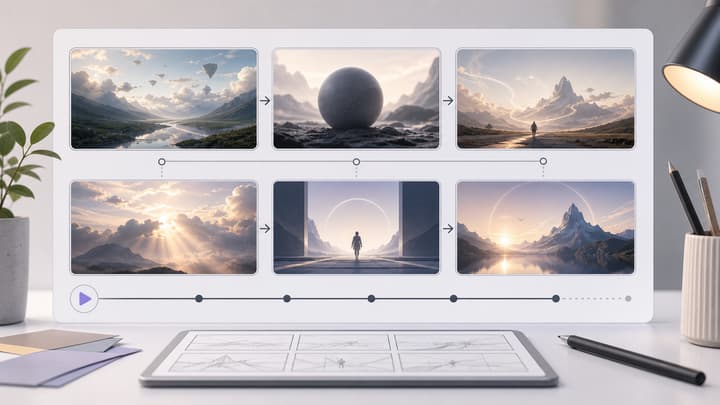
AI Storyboard Generator
Generate visual storyboard panels from a script or shot list.
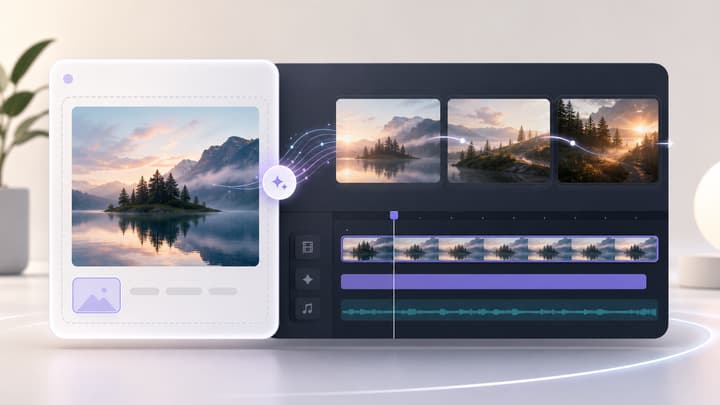
Image to Video AI Generator
Turn selected storyboard frames into short AI video clips.
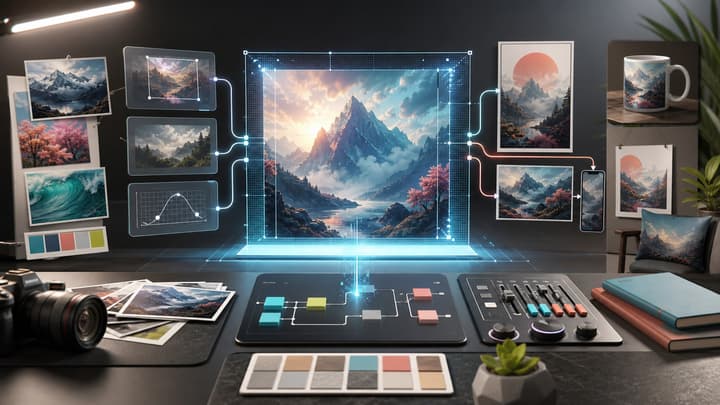
GPT Image 2 Tutorial
Create source images and visual references before storyboard planning.
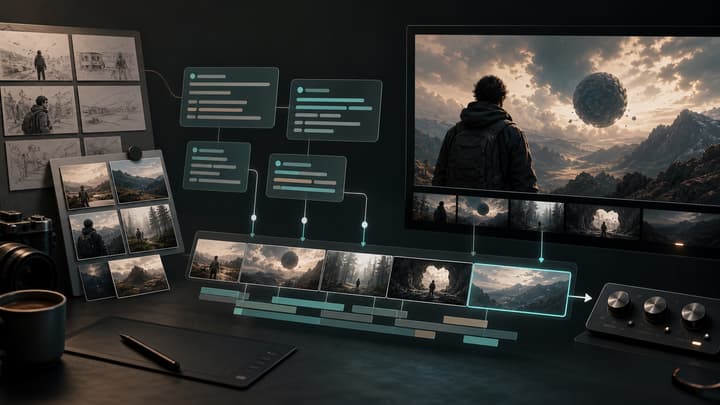
Seedance 2.0 Tutorial
Move from storyboard shots into AI video prompt and settings decisions.
AI Storyboard From Script FAQ
Can AI make a storyboard from a script?
Yes. The best results come from turning the script into short visual beats first, then asking the storyboard generator to organize those beats into panels.
How many panels should I request?
Use 4 panels for a simple ad, 6 panels for a product or explainer flow, and 8 or more panels for a short film or narrative sequence.
Should each panel include camera direction?
Yes. Add shot type, subject action, lighting, and mood for each important beat so the board has useful visual variety.
What should I do before animating storyboard frames?
Check whether the story order, character continuity, product placement, and camera variety are clear. Then choose the frames that are worth turning into video clips.
Turn your script into a storyboard
Open the Storyboard tool when your scene beats and panel count are ready.