AI Character Sheet Generator
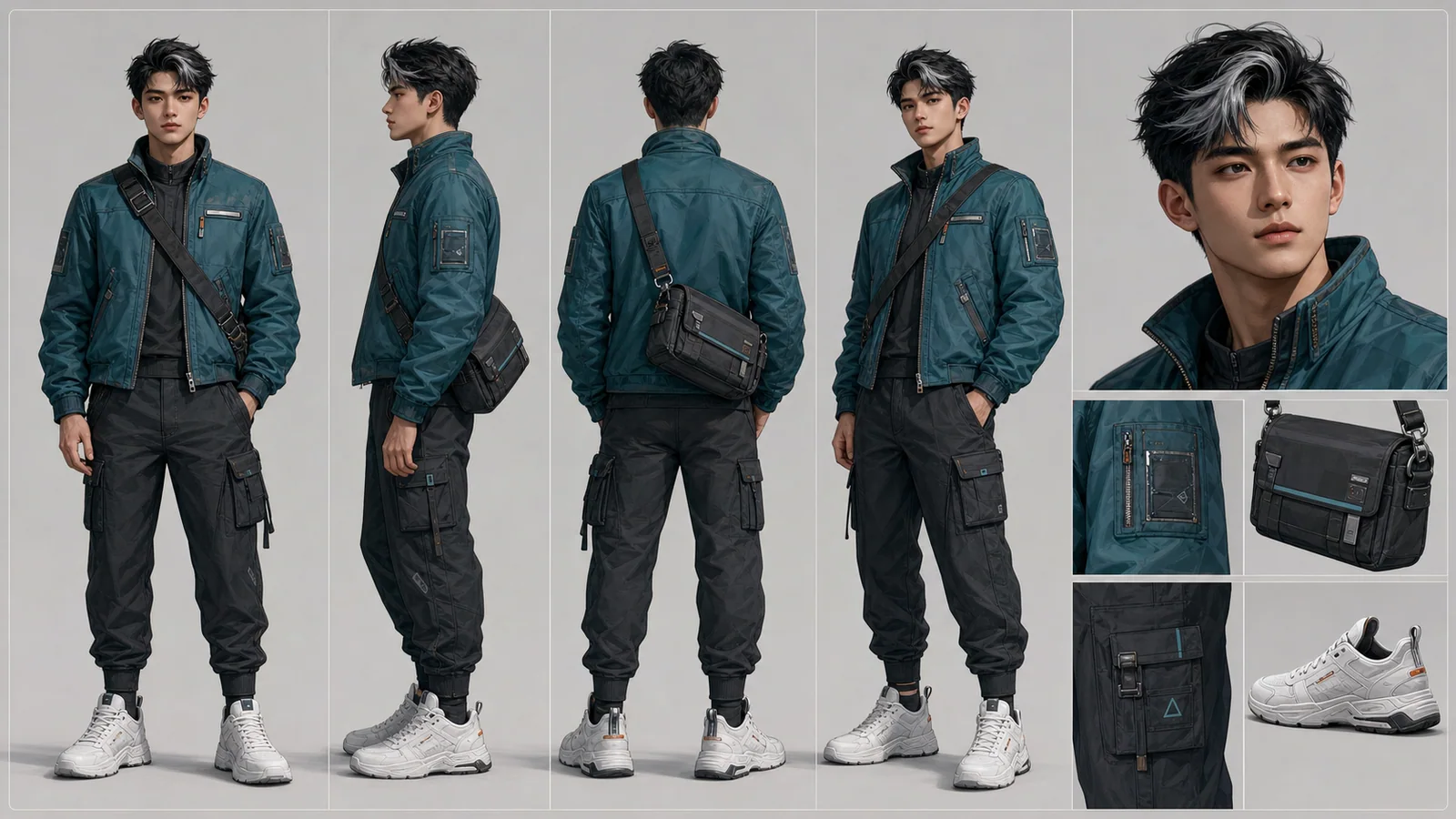
Create AI character reference sheets from a prompt or uploaded reference image. This AI character reference sheet generator turns your brief into consistent front, side, back, portrait, outfit, prop, and detail views inside one image generation.
What You Can Create With the Character Sheet Generator
Multi-angle character views
Generate front, side, back, three-quarter, portrait, and detail studies in one organized character reference sheet, turnaround sheet, or model sheet.
Keep identity and outfit aligned
The Character Sheet format helps keep face, proportions, clothes, colors, and accessories consistent across every panel.
Design mascots and product avatars
Use the same image generator for brand mascots, app characters, game NPCs, VTuber avatars, and campaign concepts.
Plan costume, props, and close-ups
Create clean character design sheet panels for outfit details, props, material studies, facial close-ups, and production-ready visual references.
Character Sheet Prompt Examples
Use these prompt examples to create AI generated character sheets. Write a simple character brief; LumiYing organizes the result into sheet views, detail panels, and production-friendly references.
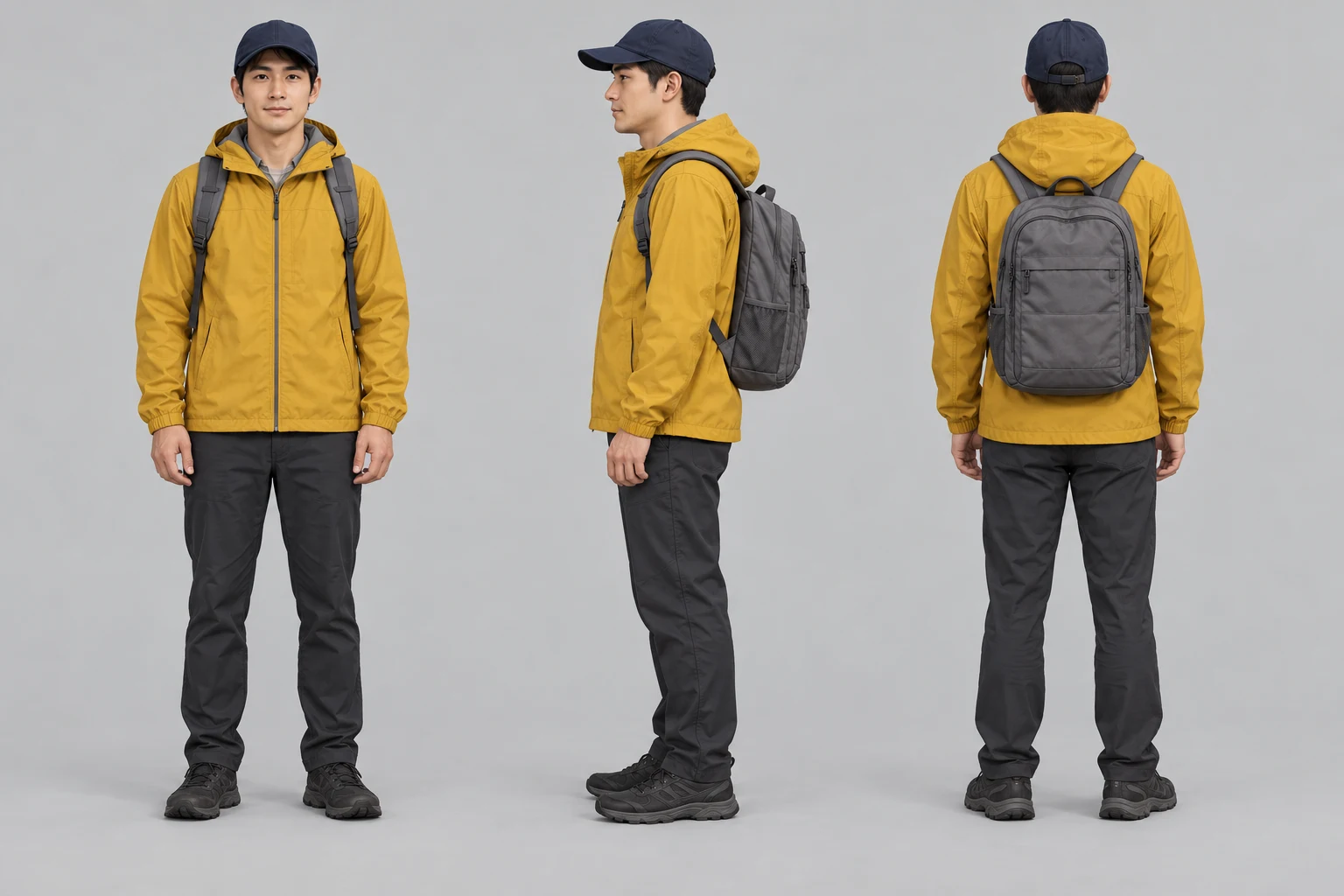
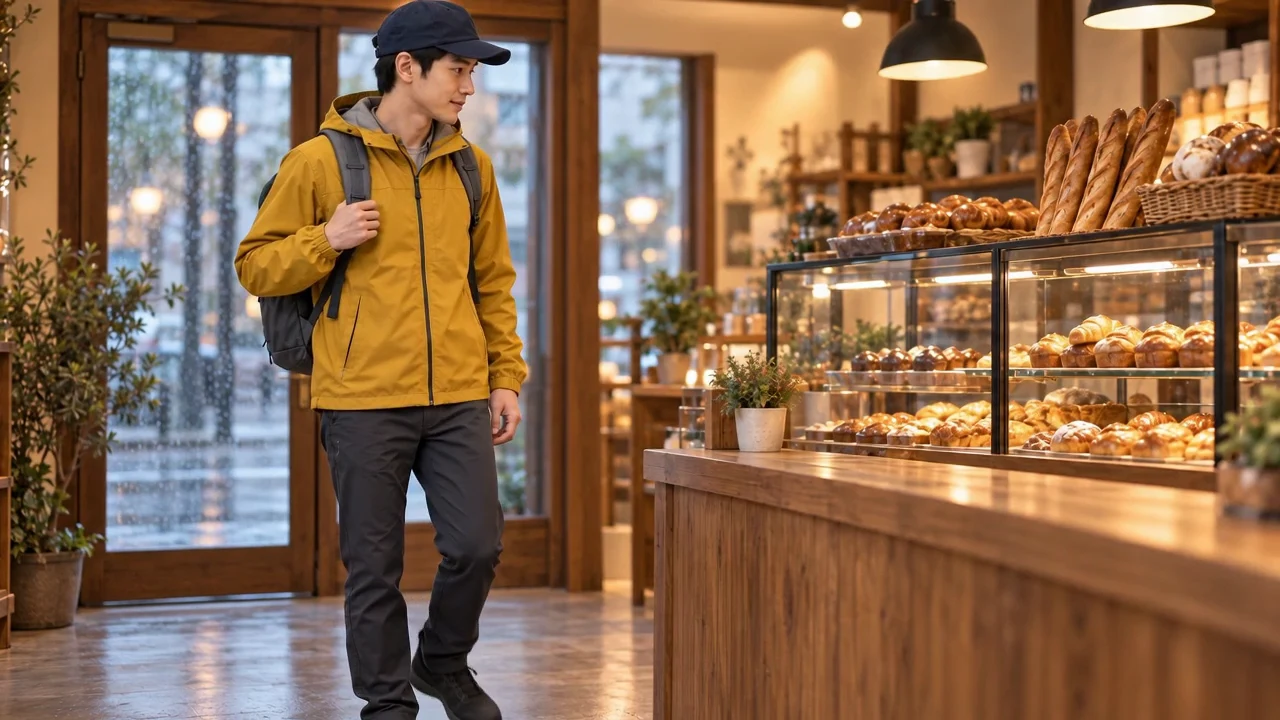
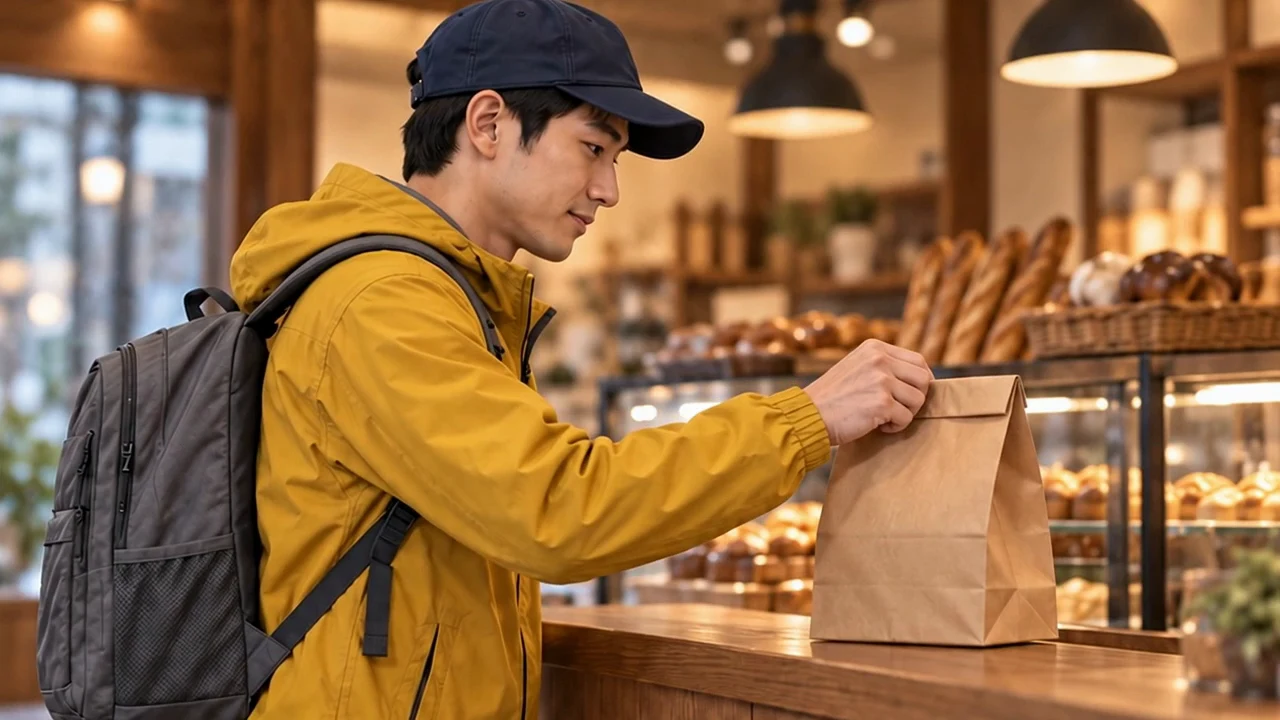
From a character sheet to a video sequence
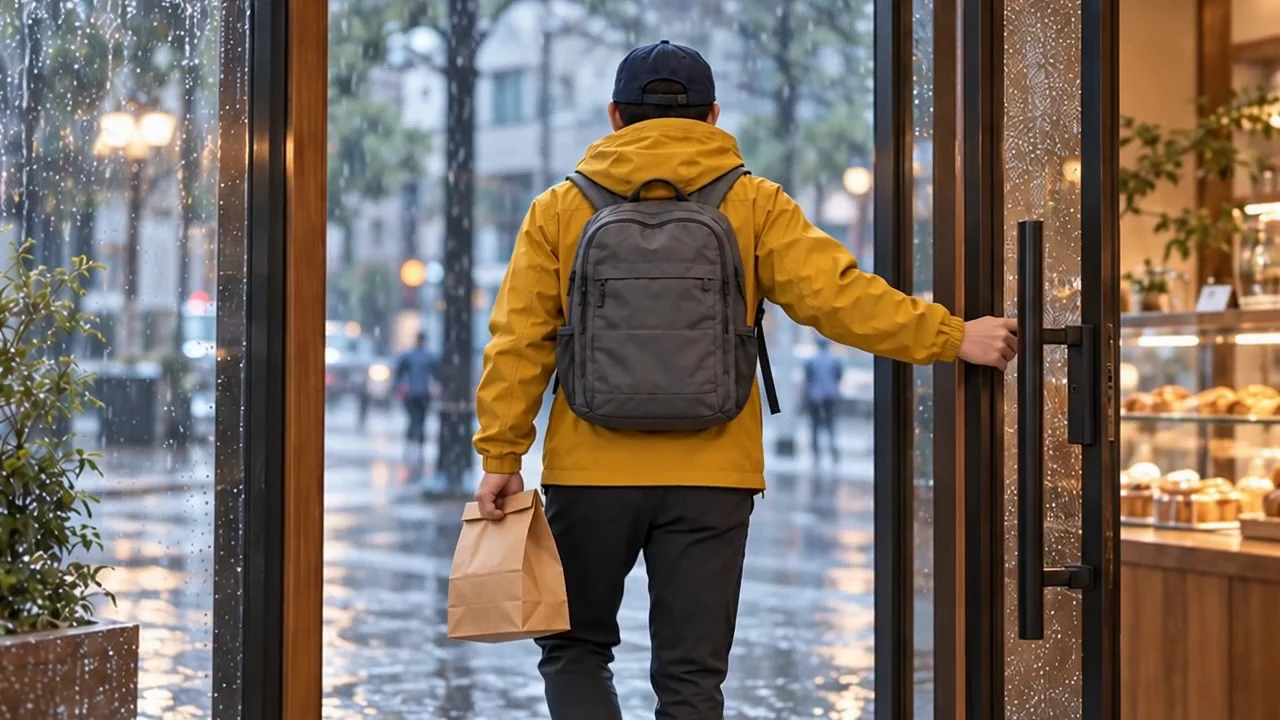
See how one character sheet and storyboard became three consistent video shots.
How to Generate an AI Character Sheet
Describe or upload your character
Write a character brief or upload one JPG, PNG or WebP image up to 30 MB. A reference image alone is enough; add a brief to specify the outfit, style or details to preserve.
Choose the sheet settings
Choose an aspect ratio and 1K, 2K or 4K resolution; start with 16:9 and 1K to review the design. The character-sheet format is already applied. Check the displayed credits before generating one sheet image.
Review every view
Compare the face, hair, body proportions, outfit colors and props across panels. Back views and hidden details are inferred. Revise the brief and regenerate, or open the result in the image editor to work on that image.
Why use a character sheet generator?
Character sheets need structure. LumiYing keeps the prompt box focused on the character while organizing the result into a production-ready reference sheet.
Cleaner prompts for creators
Users only describe the character. LumiYing adds the production prompt that asks for views, close-ups, spacing, and consistency.
Better reuse across projects
The same workflow works for game characters, mascots, animation model sheets, fashion concepts, visual reference sheets, and AI video planning.
Prompt remains editable and honest
Generation history keeps the user prompt focused on the character brief, so regenerate can restore the same workflow.
AI Character Sheet Generator FAQ
Can AI generate a character sheet?
Yes. LumiYing can generate a visual character sheet from a written prompt or reference image. The result can include consistent front, side, back, portrait, outfit, prop, and detail panels.
What is an AI character sheet generator?
It is an image-generation workflow that turns a character prompt or reference image into a structured character reference sheet with multiple views, portraits, outfit details, and prop studies.
Can I upload a reference image for a character sheet?
Write a character brief or upload one JPG, PNG or WebP image up to 30 MB. A reference image alone is enough; add a brief to specify the outfit, style or details to preserve.
Is this an AI DnD character sheet generator?
No. This page creates visual character reference sheets, not RPG stat sheets. It can help visualize a DnD-style character, but it does not generate rules, stats, abilities, or spreadsheet-style character sheets.
Can I generate a character sheet without writing a prompt?
Yes. Upload one reference image and leave the brief empty if you want to start from its design. Add a short brief when you need to clarify clothing, views or features; you do not need to select a sheet layout.
What is the difference between a character sheet, model sheet, and turnaround sheet?
A character sheet is the broad visual reference. A model sheet focuses on production consistency, while a turnaround sheet emphasizes front, side, and back views. LumiYing combines these ideas into one structured reference image.
Will my saved prompt stay clean?
Yes. LumiYing keeps your saved prompt focused on the character brief while regeneration can restore the same workflow.
Do I receive separate views or one image?
Each generation produces one composite character sheet. The views are panels within that image, not separate files. Download and crop a panel yourself if you need an individual view.
Can I turn the sheet directly into a finished video?
The video action passes the entire sheet to the video generator; it does not crop a panel or assemble a film. Prepare a single scene image for image-to-video, or add the sheet as an identity reference in Reference to Video and generate shots separately.
Related Tools and Resources
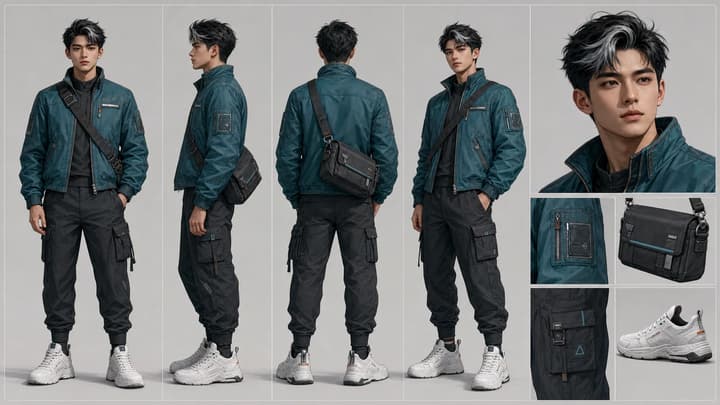
Character Reference Sheet Guide
Plan character views, expressions, outfit details, and reusable visual rules.
AI Video Character Consistency
Keep an AI character recognizable across shots. Prepare references, plan motion, compare clips and fix face, outfit or accessory drift with this workflow.
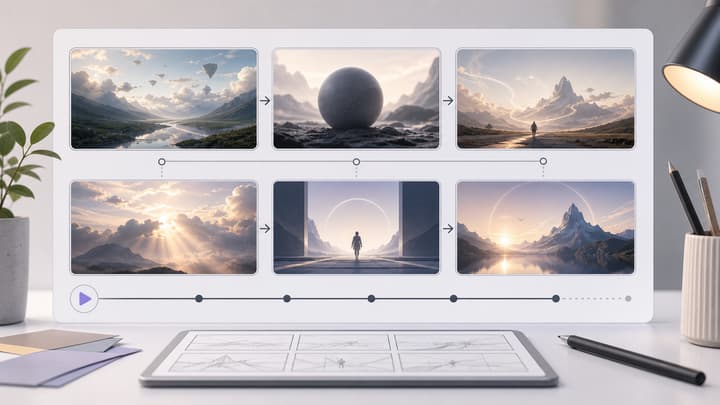
AI Storyboard Generator
Turn a scene or campaign idea into a multi-panel storyboard sheet.
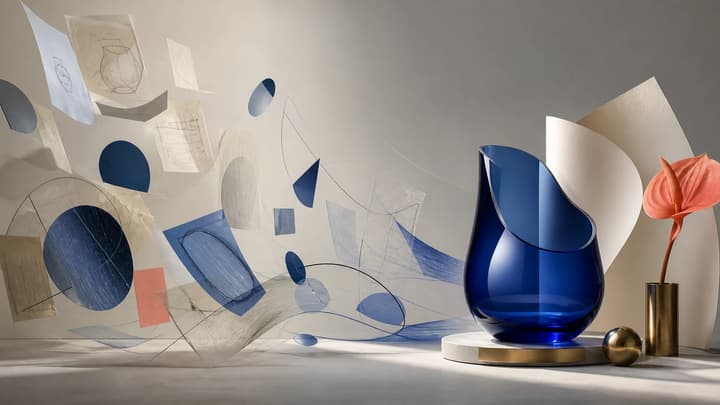
How to Write AI Image Prompts
Use a seven-part visual brief, five-step workflow, and 10 explained examples to write more controllable AI image prompts.

AI Image Editor
Upload an image, describe the edit, and create polished visuals for products, social posts, posters, or keyframes.
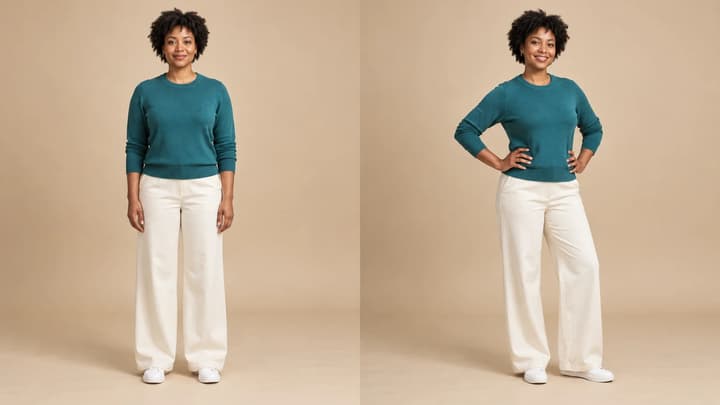
AI Pose Generator
Change a person or character’s pose from a photo. Choose 8 pose templates or upload a pose reference, then generate and review the result.
Create your next character sheet
Start from a brief or one reference image, then review the sheet before reusing it.