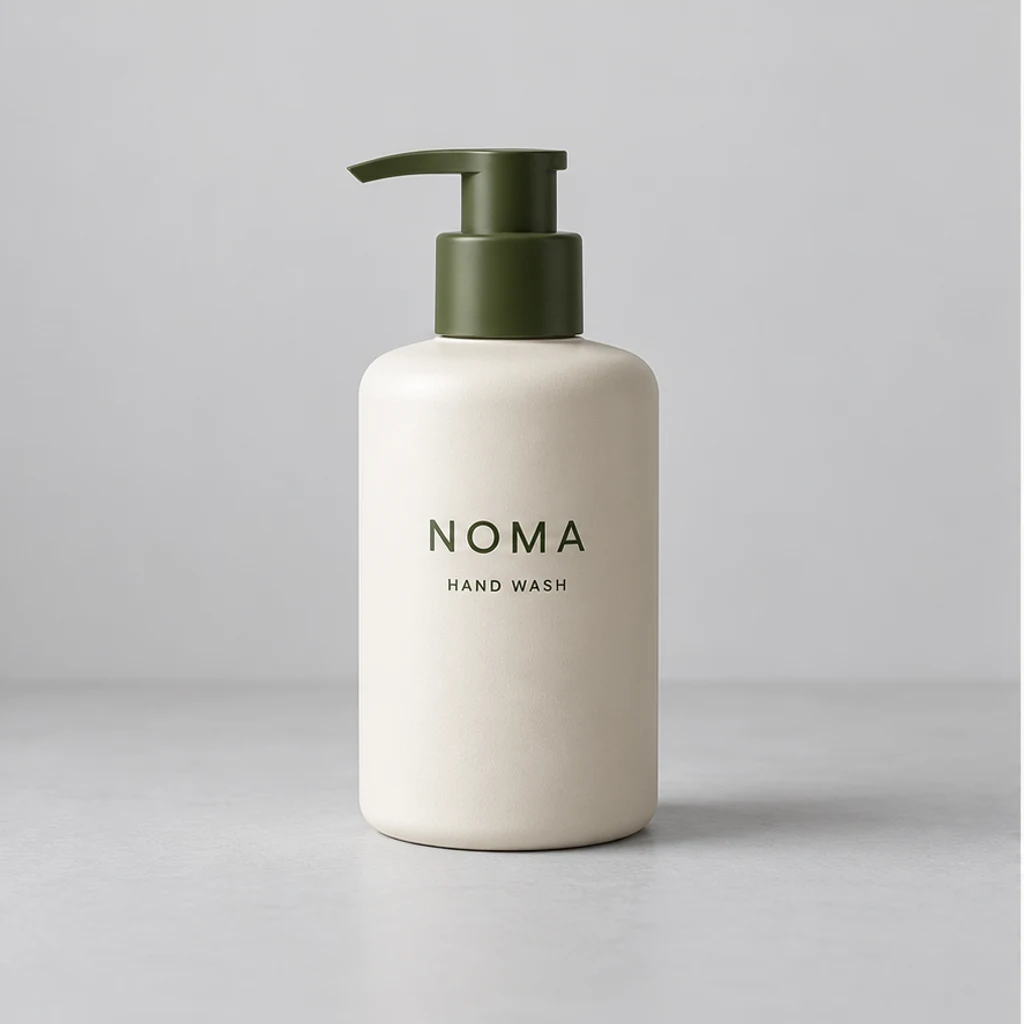
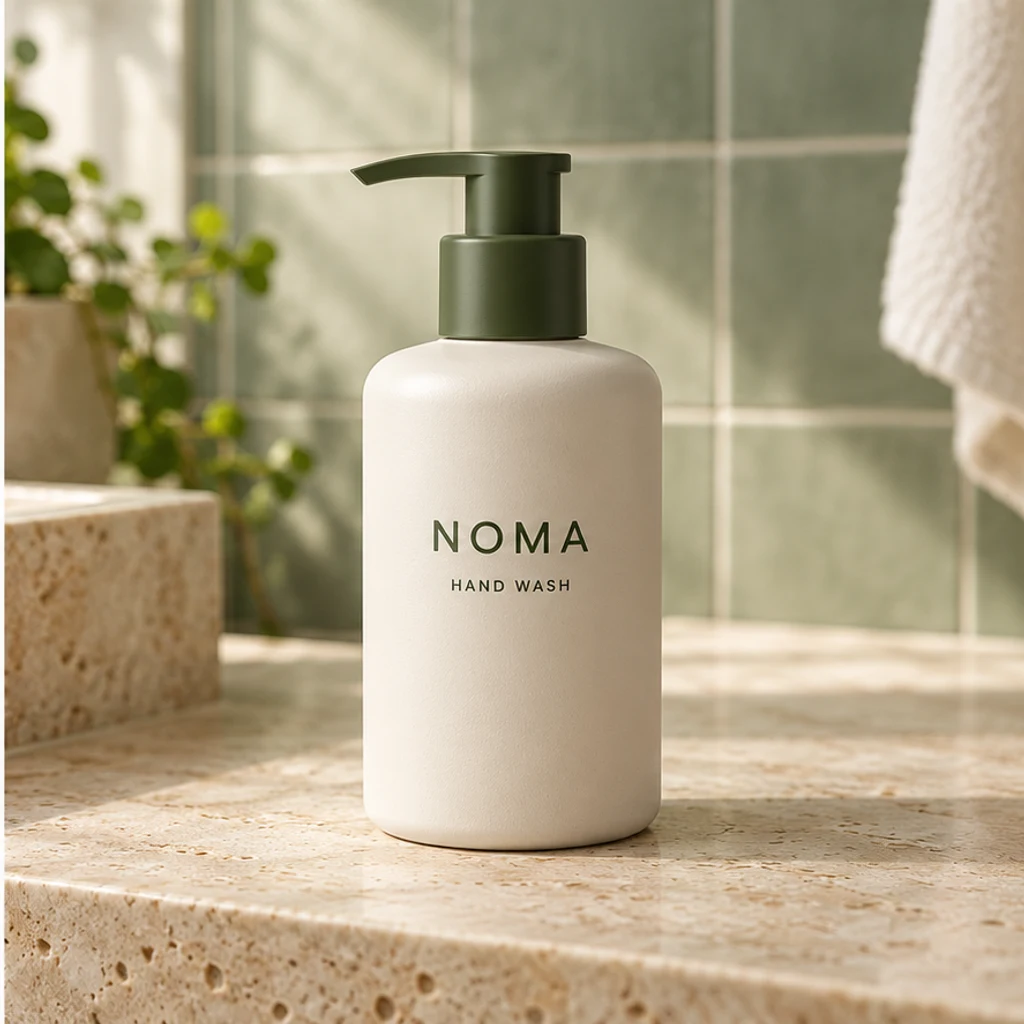
Hand wash on a stone counter
Load this exampleTry a soft bathroom scene around the ivory bottle and olive pump.
Turn a product photo into a realistic lifestyle scene. Choose a scene reference or describe a setting, then compare the product details before using the result.
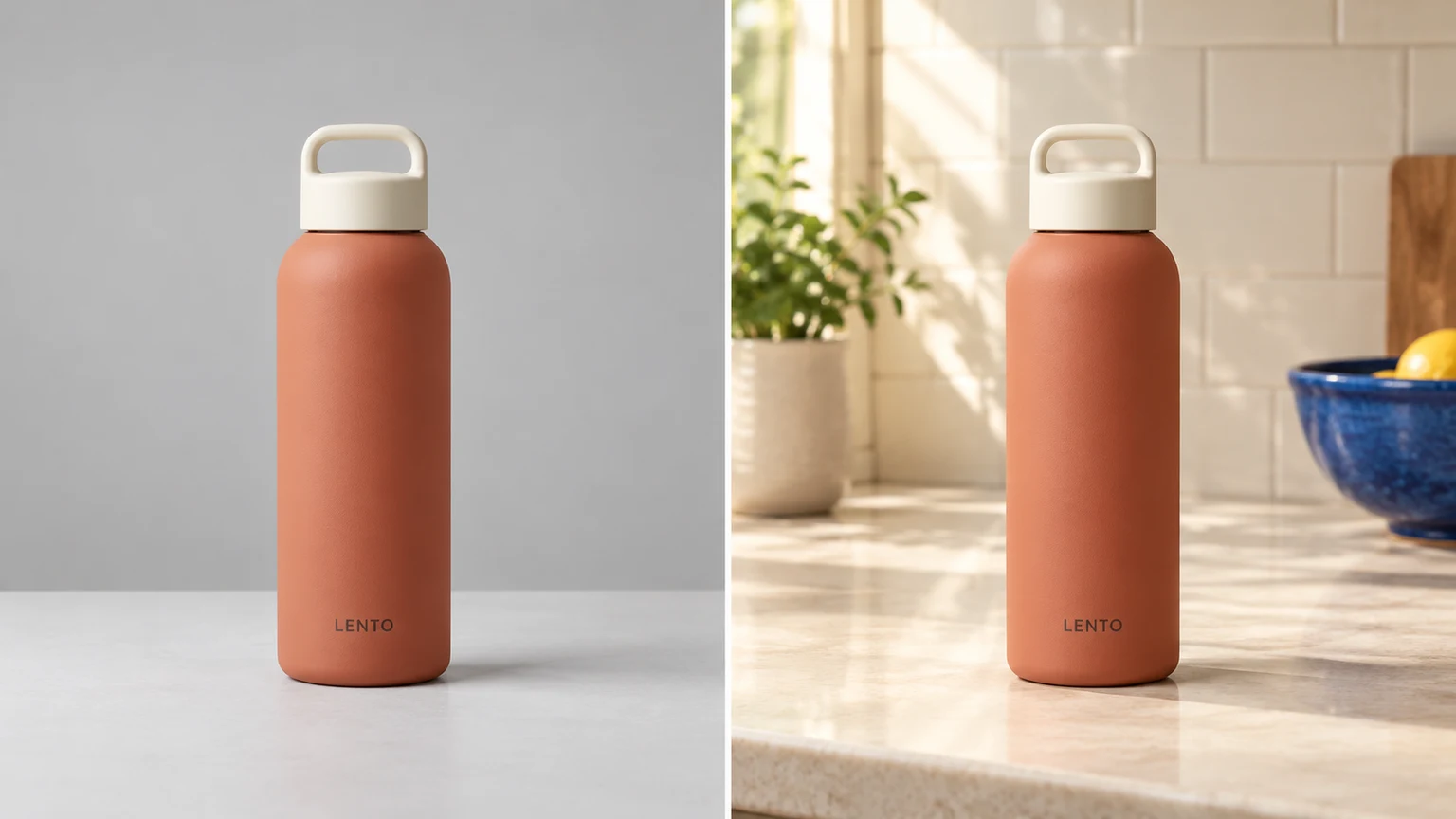
Place a terracotta vase on a bright sideboard, with a quiet background that lets its shape and ribbed finish stand out.
Show a blue serum bottle in a soft bathroom scene. Check the cap, label and glass color against the original.
Create a desk setting for a small speaker, with plausible scale, a clear silhouette and a grounded contact shadow.
Try a subtle gift-table scene around a tea tin. Leave its lid, printed details and packaging state intact.
Explore scene ideas with these AI-generated illustrations. Choose an example to load its product photo and matching instructions.
Try a soft bathroom scene around the ivory bottle and olive pump.
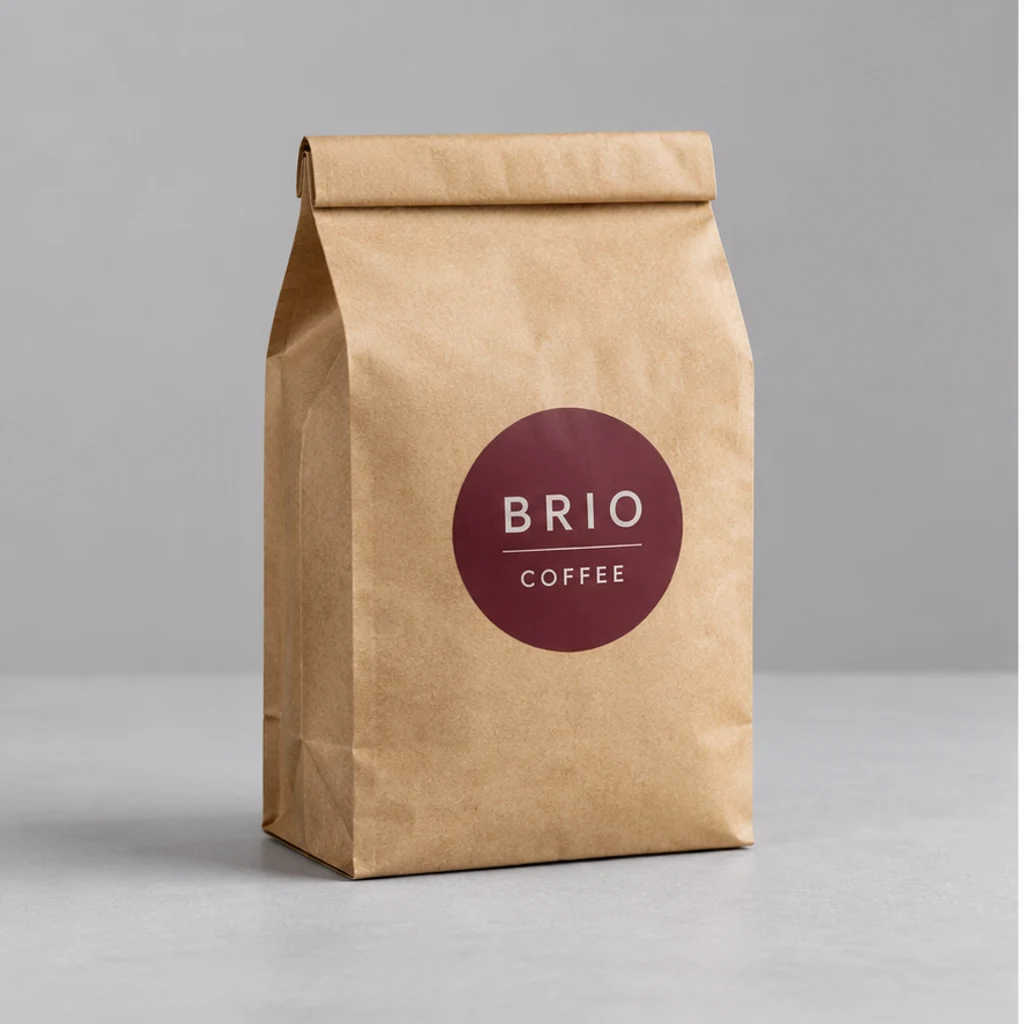
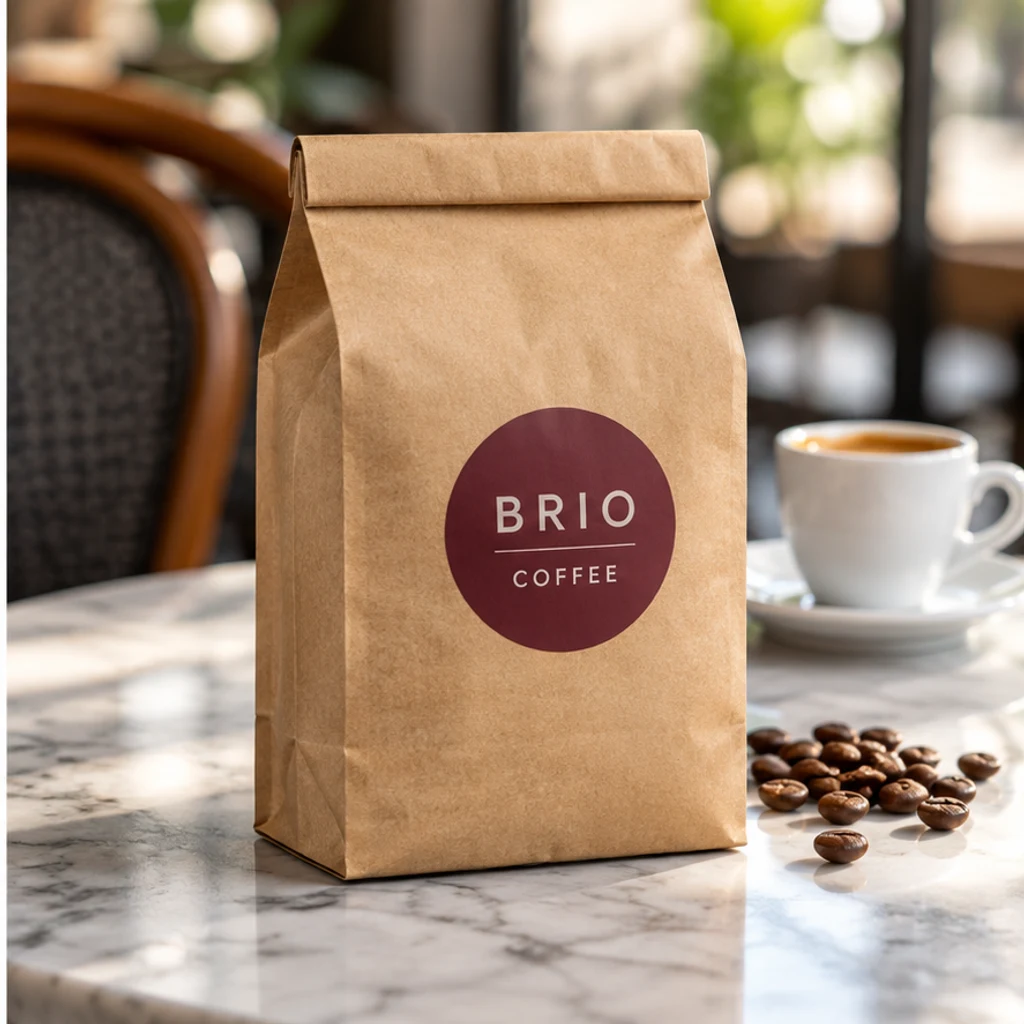
Give the sealed kraft bag a natural café context with a clear front label.
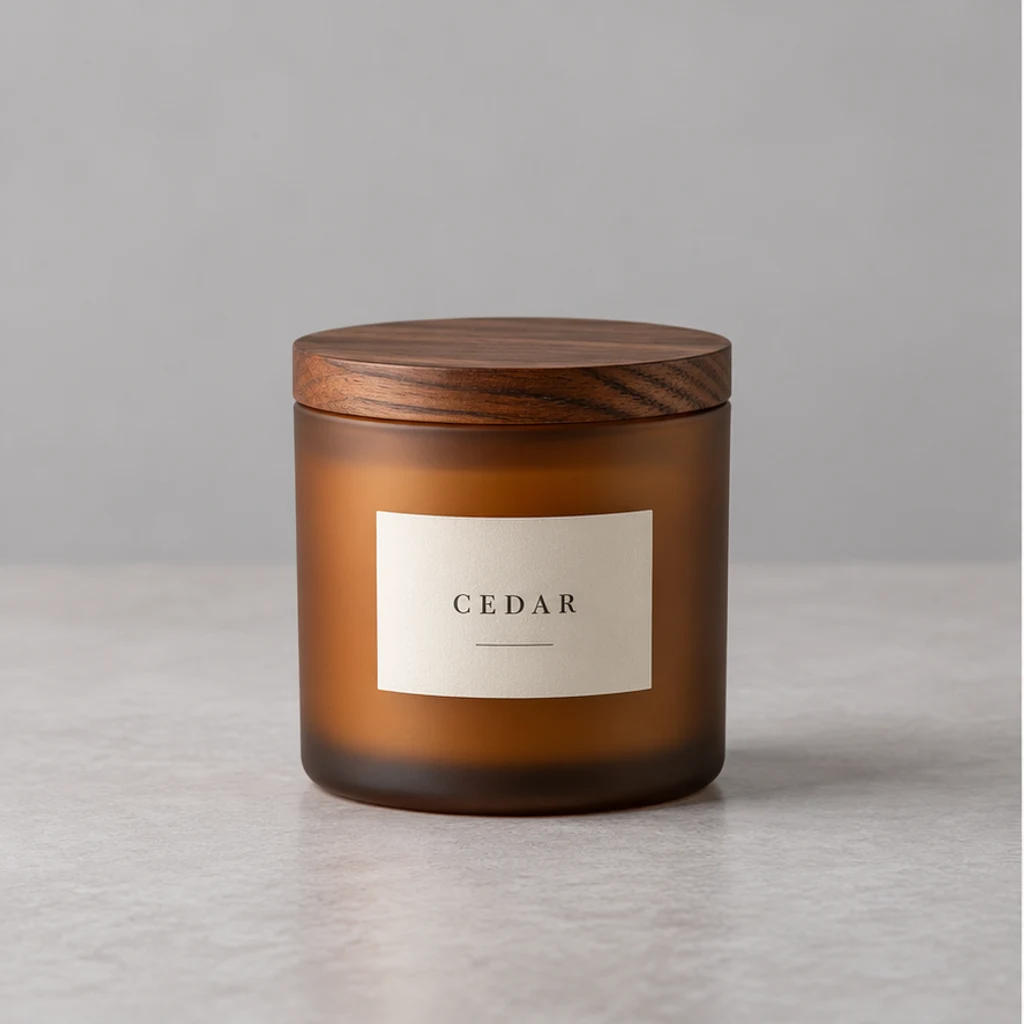
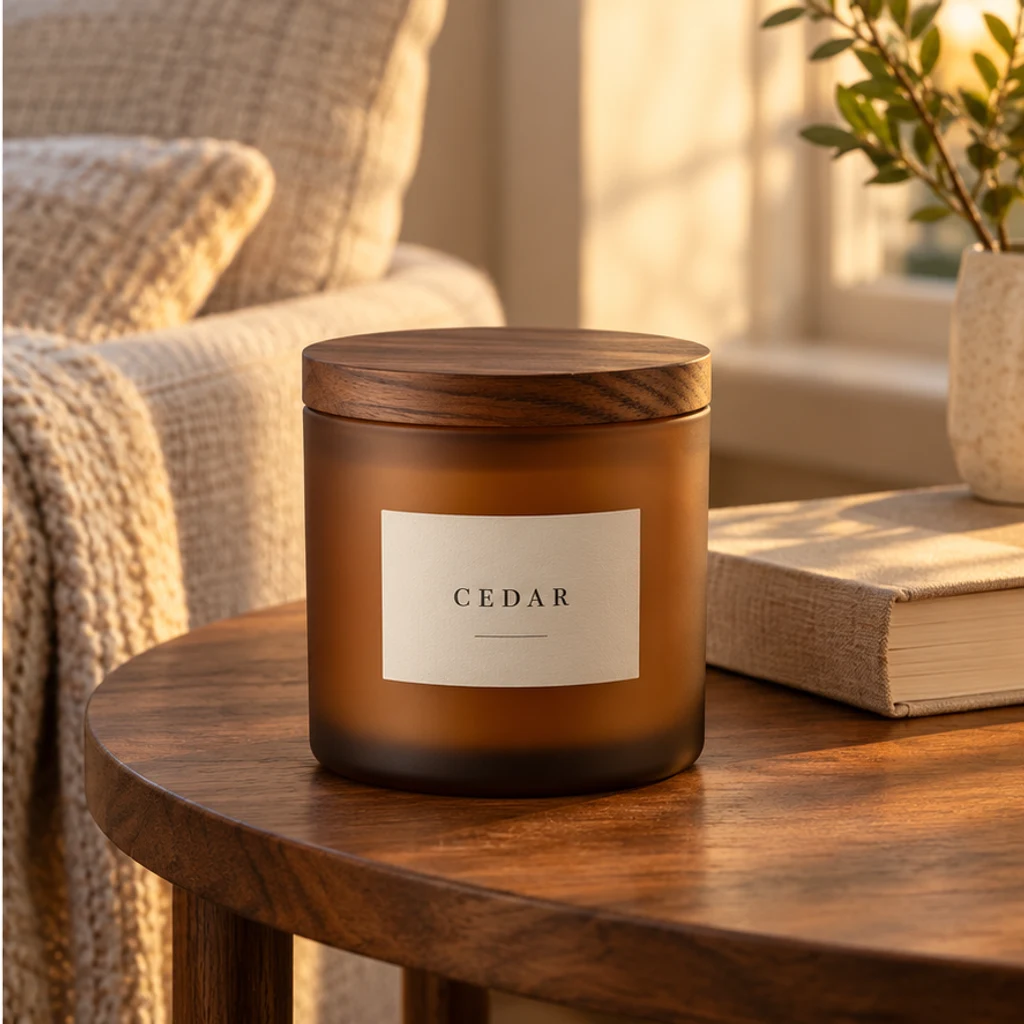
Create a warm reading-corner scene without opening or lighting the candle.
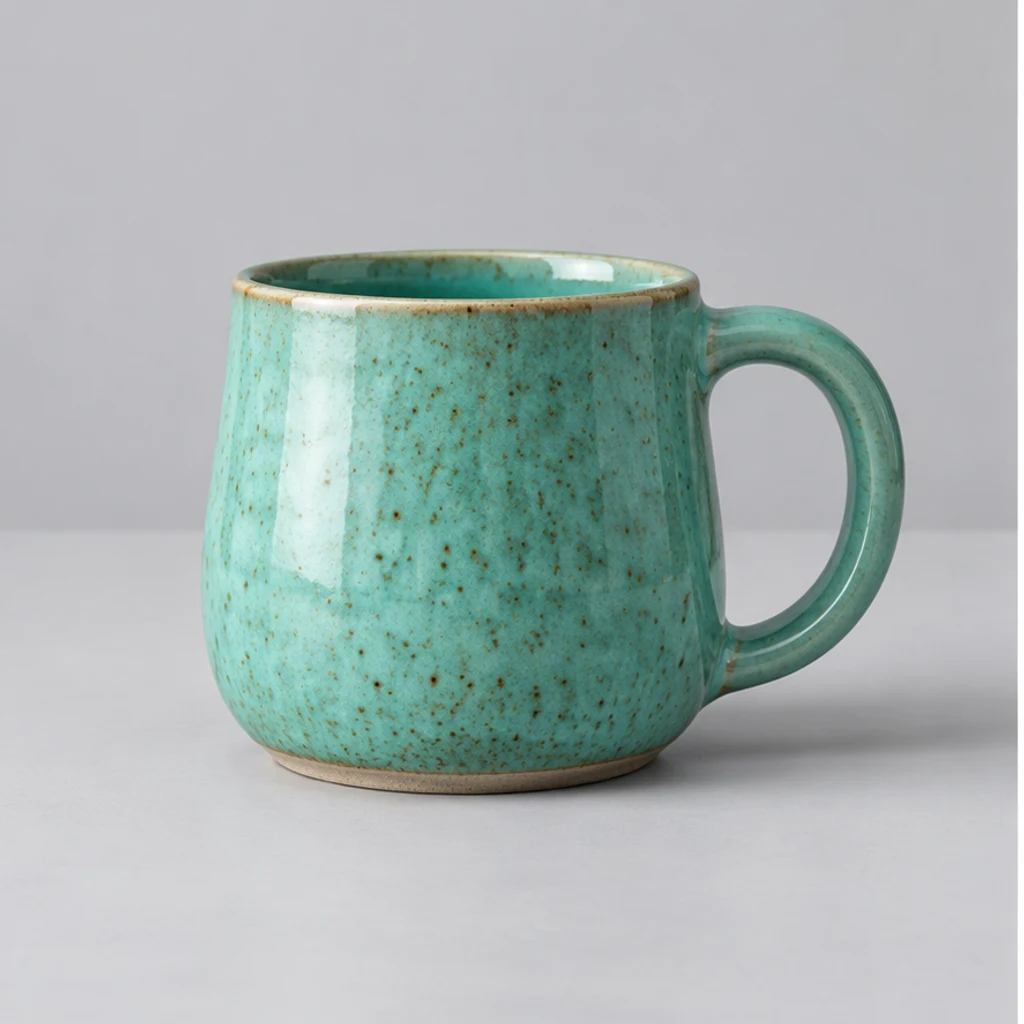
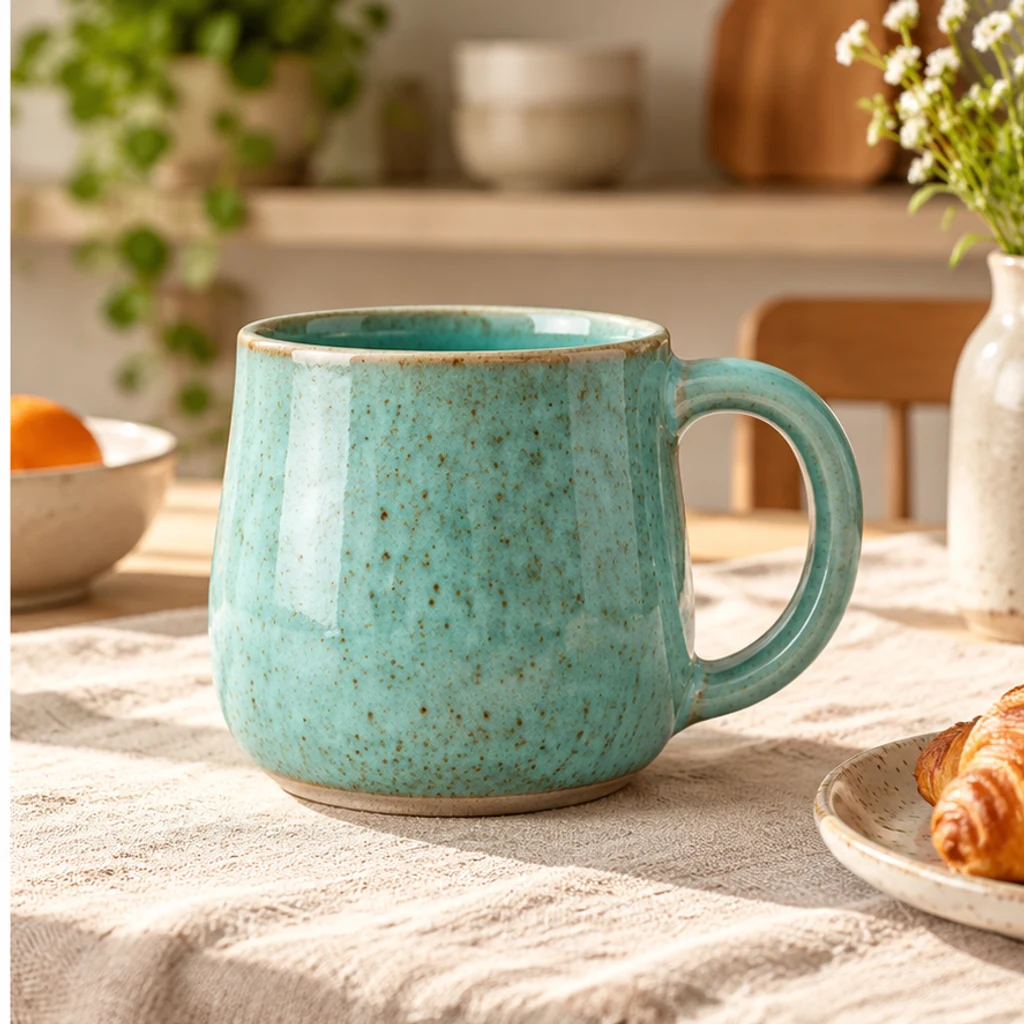
Place the turquoise mug on linen while retaining its handle and glaze.
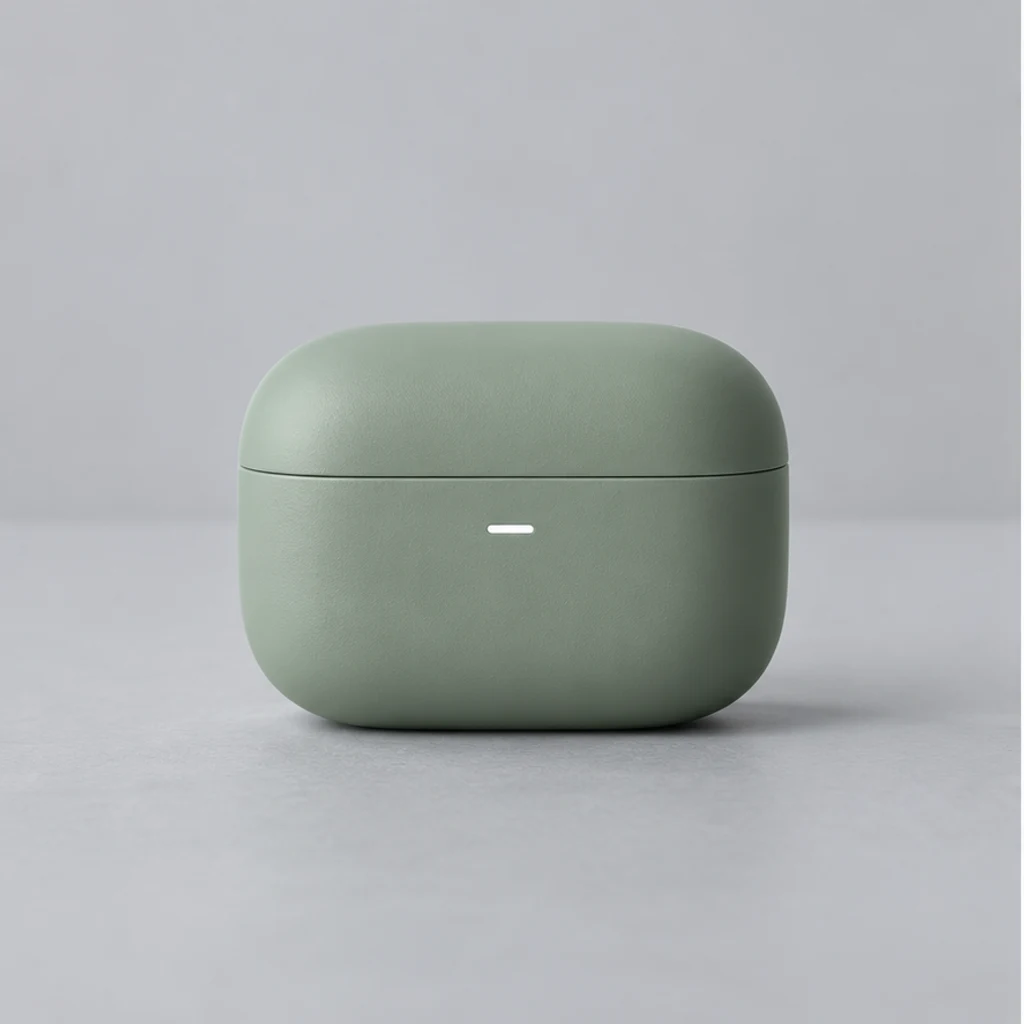
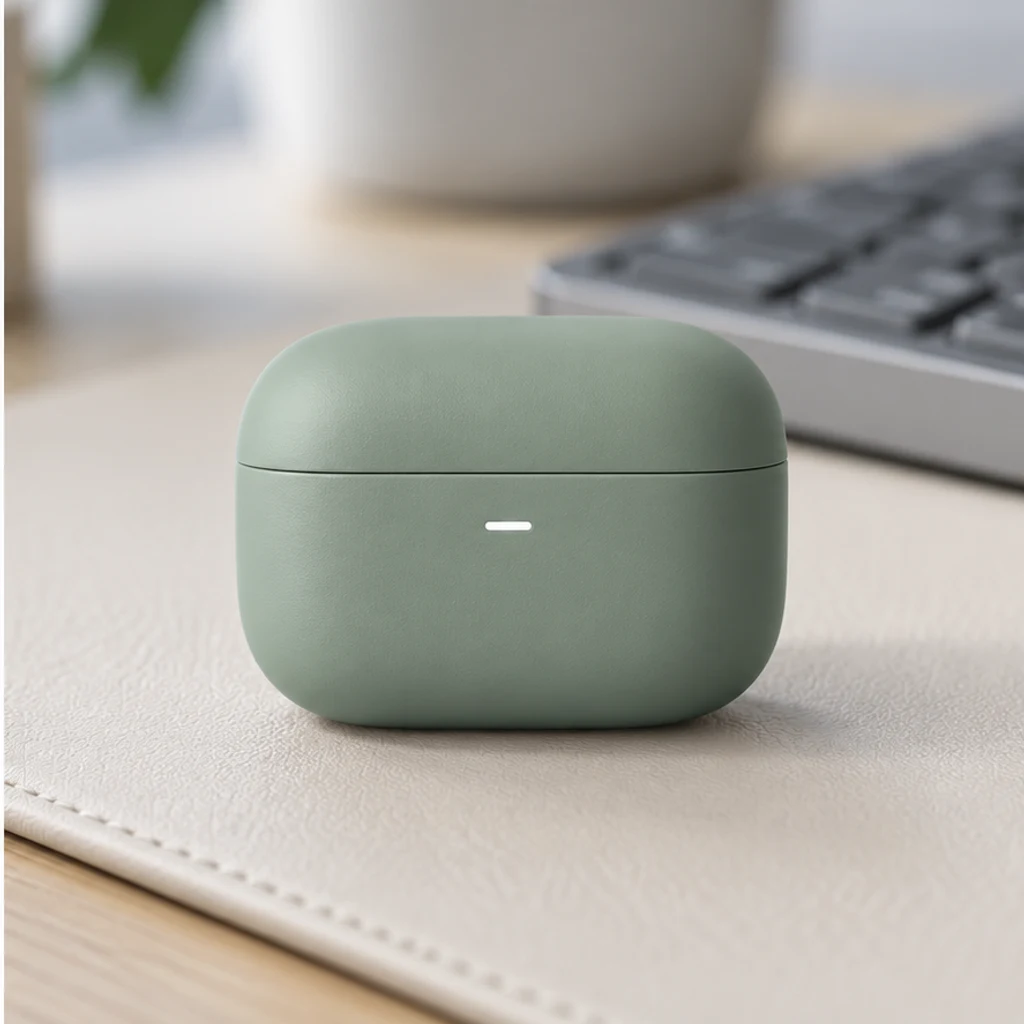
Build a quiet technology scene around the single closed case.
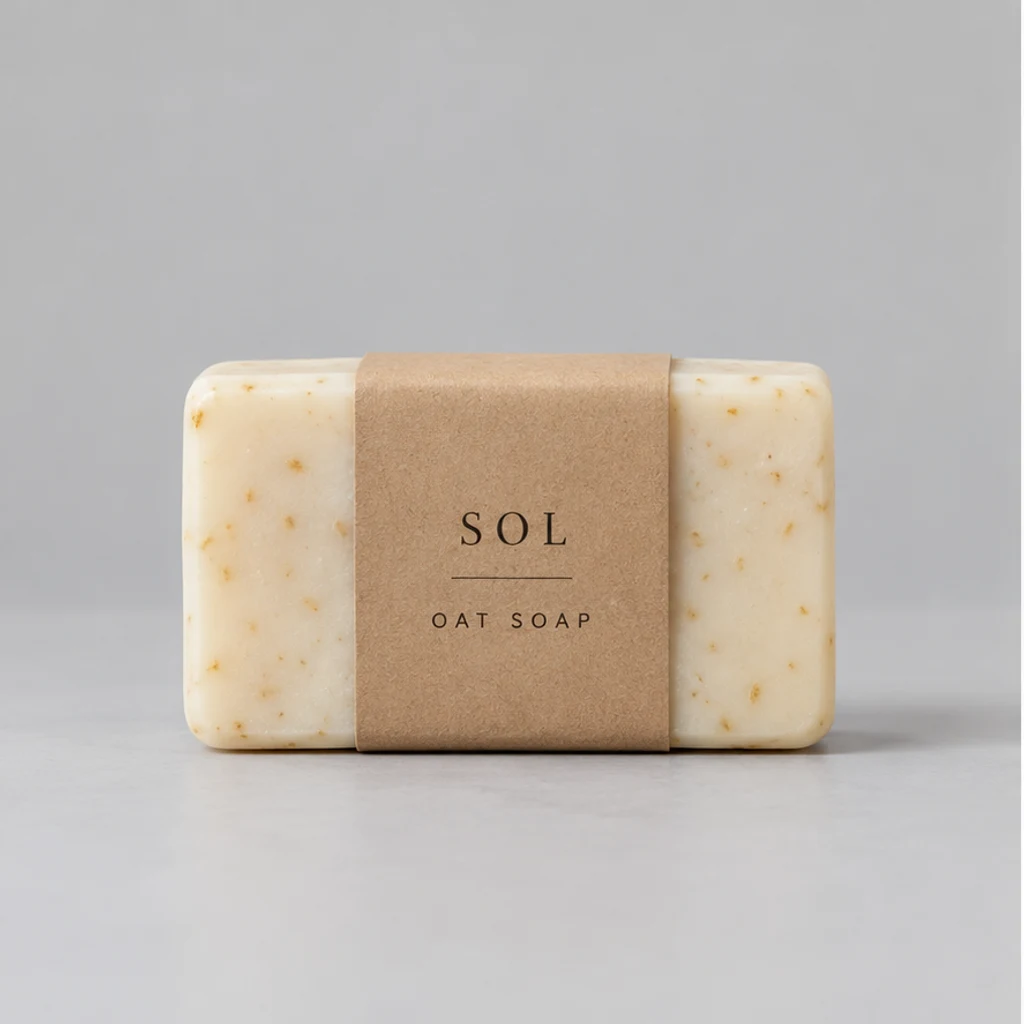
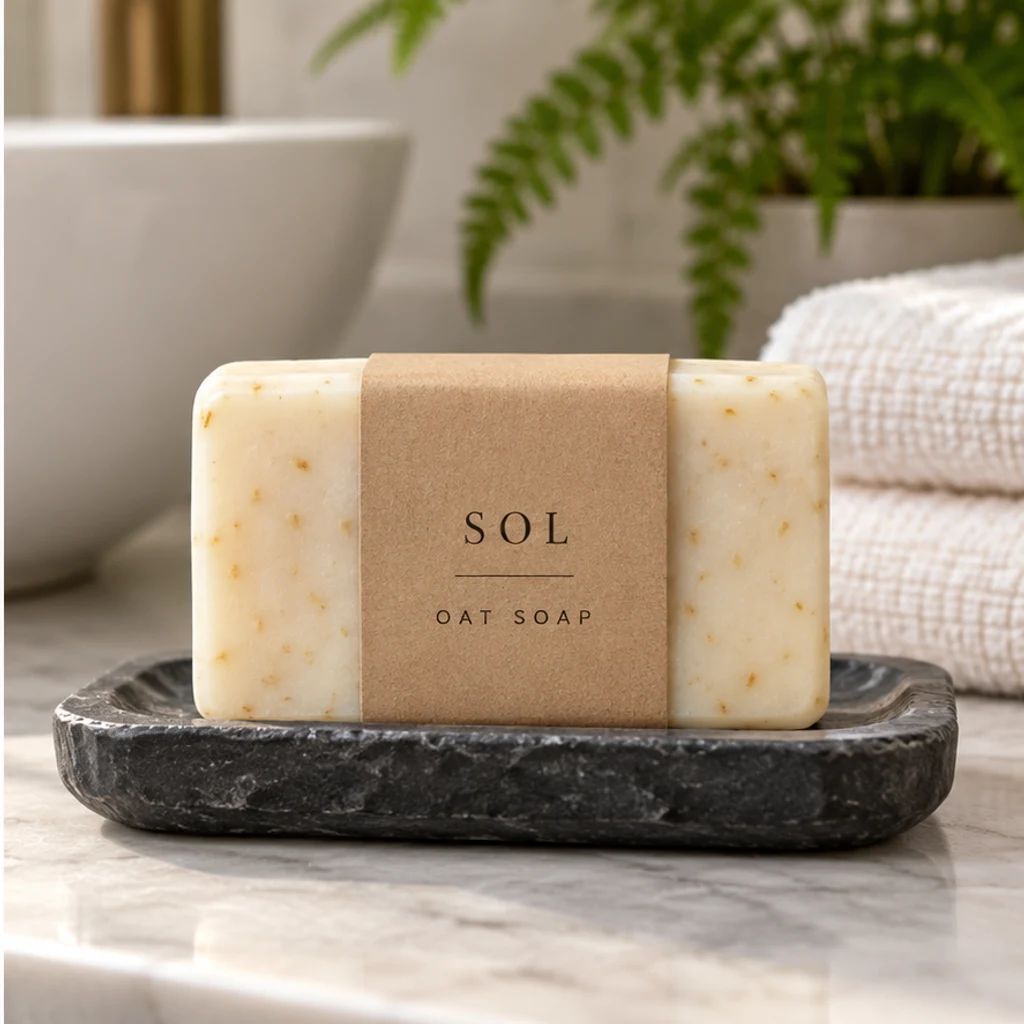
Show the wrapped bar on a soap dish with its paper band still visible.
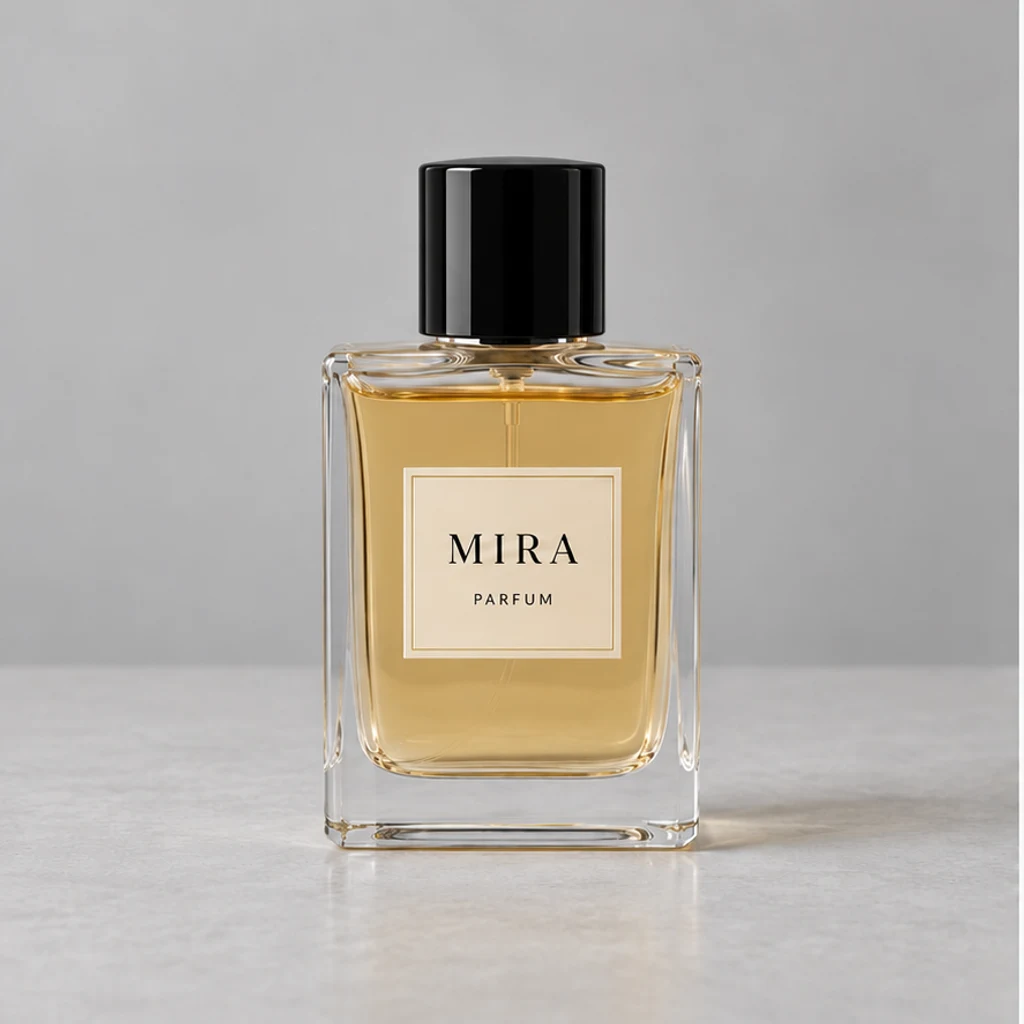
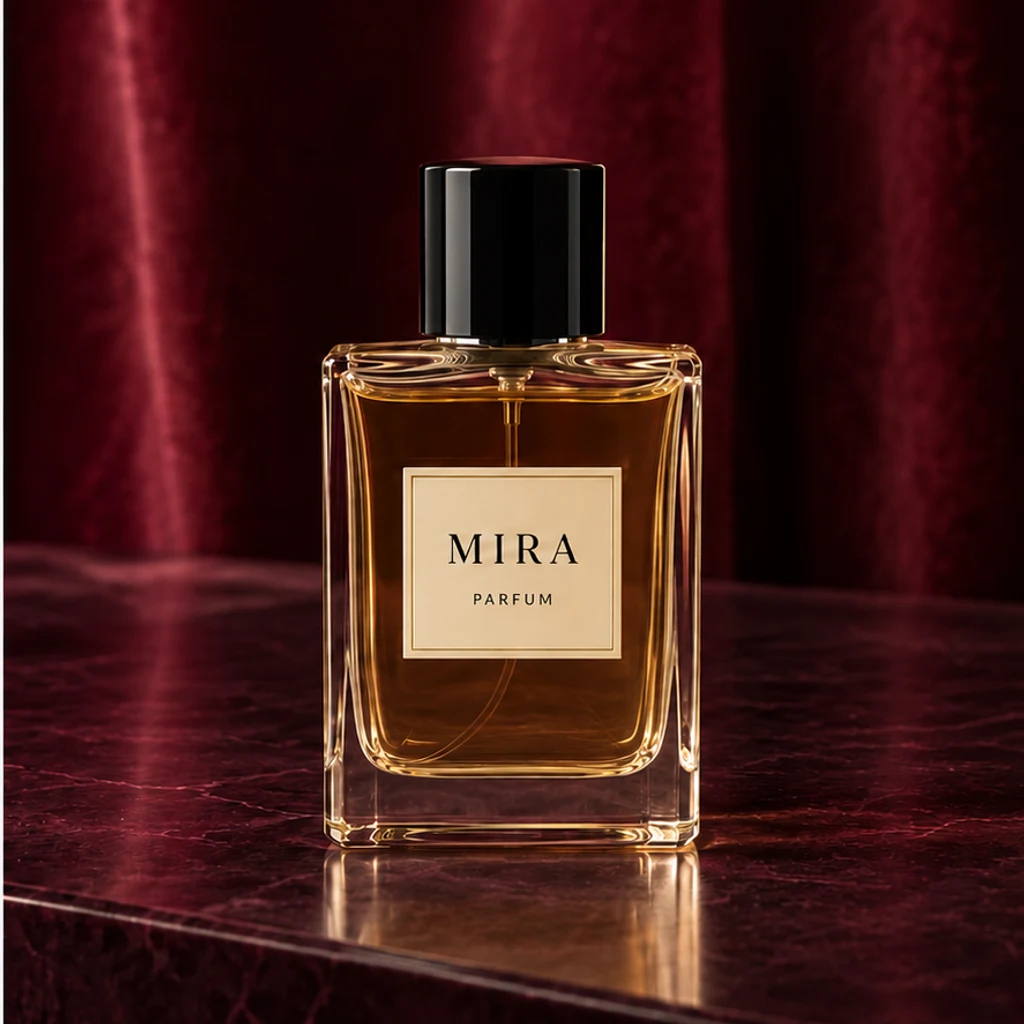
Compare a darker scene while checking glass, liquid level and label.
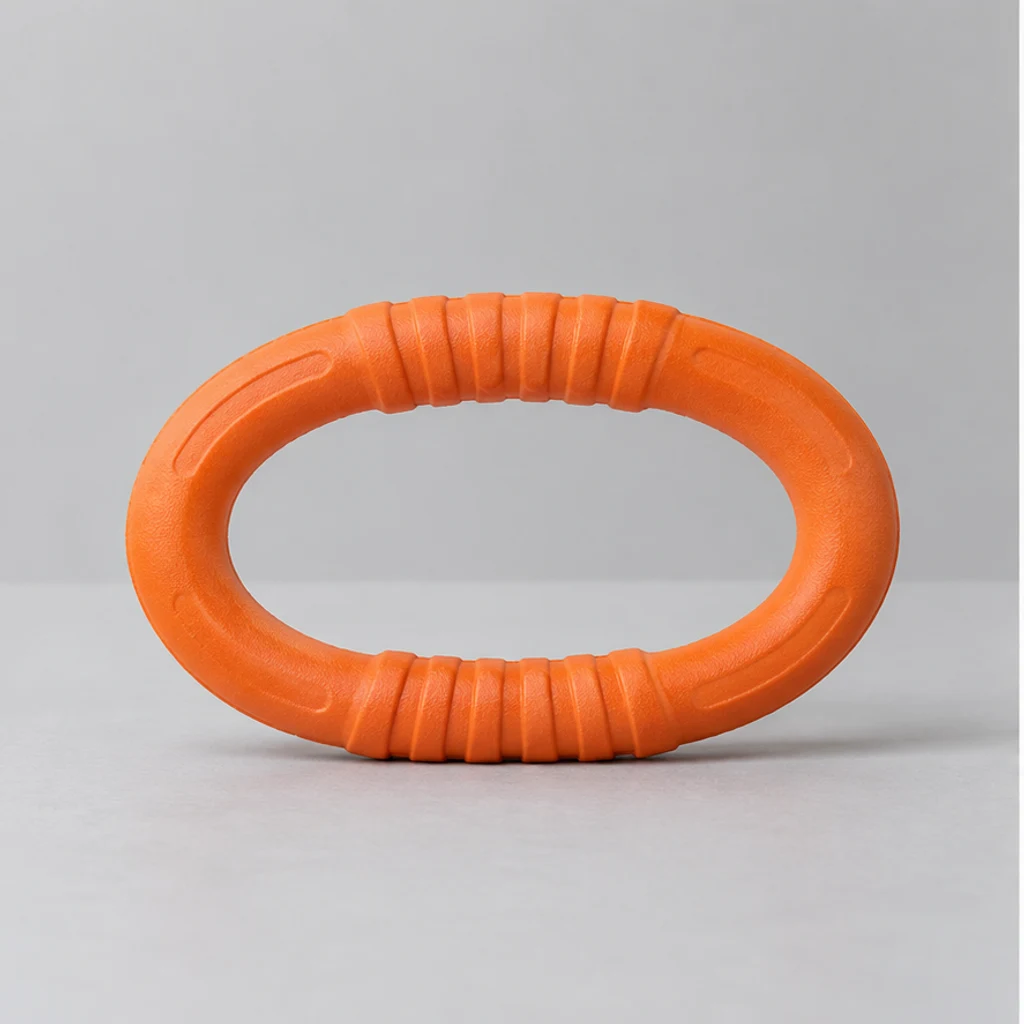
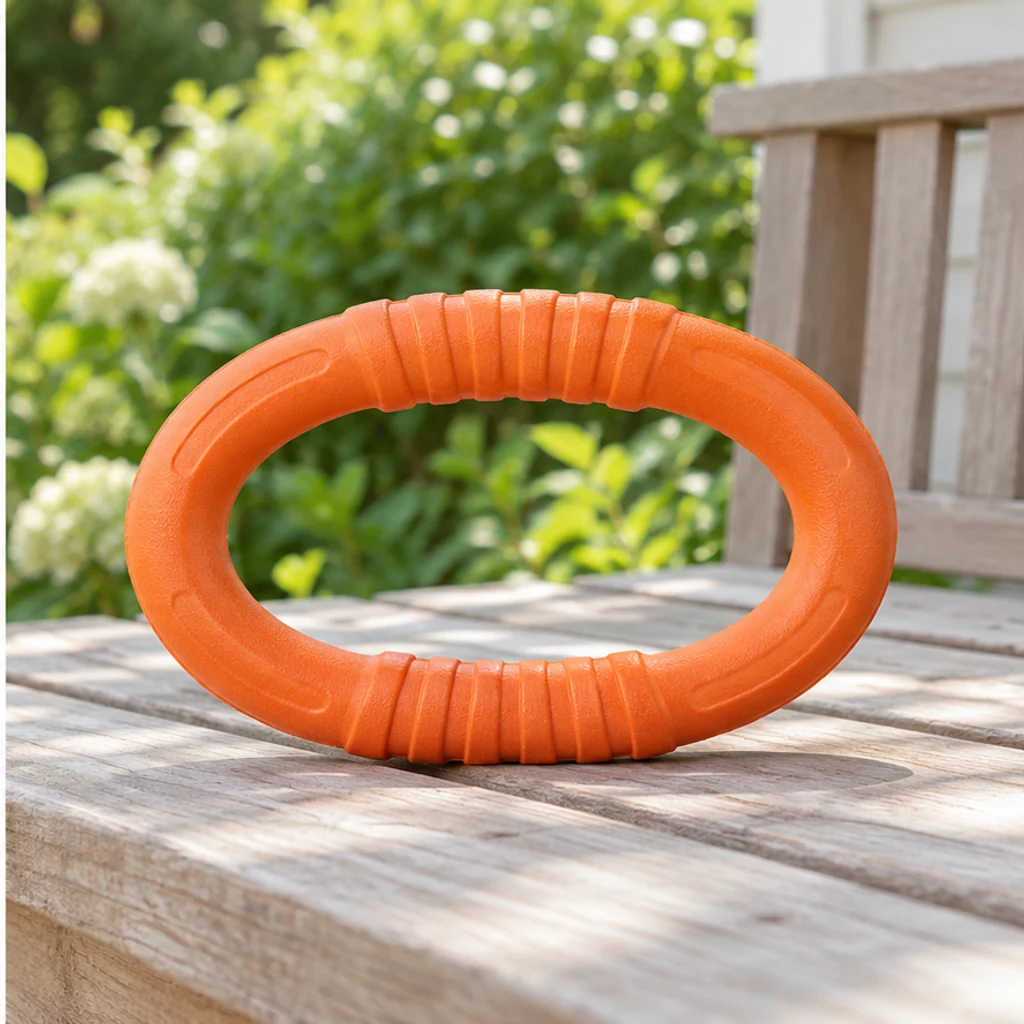
Create an outdoor setting while keeping the loop and molded grip clear.
Choose one clear product photo with the whole item visible. A simple background, readable label and soft light give the model a stronger source.
Select a scene card, upload your own reference or write Edit instructions. A reference guides the environment and lighting; the original photo supplies the product. With no direction, the tool chooses a simple everyday setting.
Generate one square product photo. Compare shape, color, logos, readable text and component count. Re-edit with the original input if a detail changes; generation and saved results use your existing history.
Generative imagery can change small details. Inspect the item at full size before judging the styling.
Compare every visible word, symbol, line break and label edge with the original.
Check handles, caps, seams, glass edges, color and visible texture.
Count product parts and keep props separate from the merchandise being offered.
Look for a plausible support surface, contact shadow and scale within the scene.
It presents a product in a believable everyday environment, helping people understand its context. White-background photos emphasize the item in isolation; both can serve different parts of a product gallery.
No. Upload the product and choose a scene card, your own reference, written instructions or no scene direction. With only the source, the tool chooses a restrained everyday setting appropriate to the item. Scene templates start unselected and can be removed.
Yes. The selected card or your uploaded scene is sent as a second image. They are mutually exclusive. It guides the environment, surface and light; the first photo remains the only source of the merchandise.
The tool is instructed to retain the product's appearance and readable text, but generative edits can still change details. Compare every output with your source and reject inaccurate labels, altered colors or shapes. Exact pixel or barcode preservation is not guaranteed.
This workflow focuses on a single product scene, without people or hands by default. It does not provide garment fitting, hidden-angle reconstruction, measured product scale or a batch-consistent catalog workflow.
Loading an example only fills the form and uses no credits. Generating an image uses LumiYing credits, with the price displayed on Generate. Review the result and your destination's image requirements before using it.
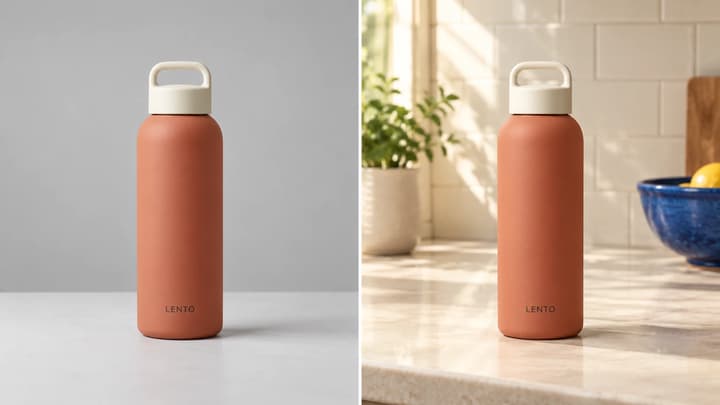
Learn how lifestyle product photography differs from white-background shots, prepare a source photo and create AI scene ideas with a product-detail checklist.
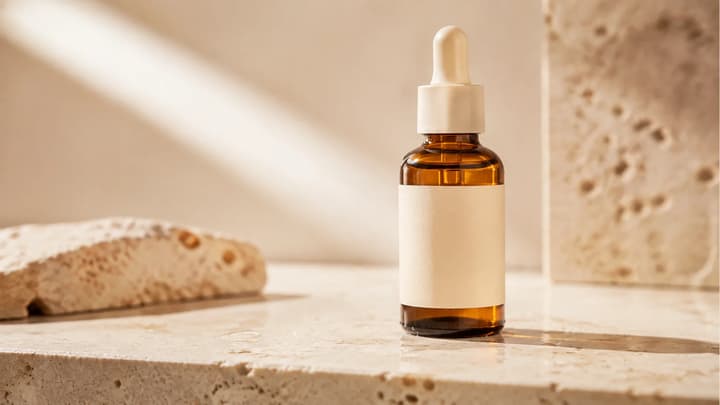
Turn product photos into AI product videos. Direct camera motion and lighting, generate short clips, and review the result before using it in your next campaign.
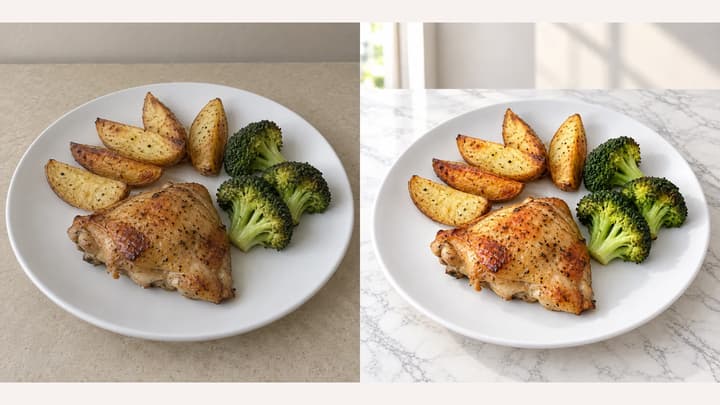
Change food-photo backgrounds and choose an appetite-enhancement template for restaurant menus, delivery listings and food ecommerce. Upload your own background or try a sample, then choose an output ratio.

Upload an image, describe the edit, and create polished visuals for products, social posts, posters, or keyframes.
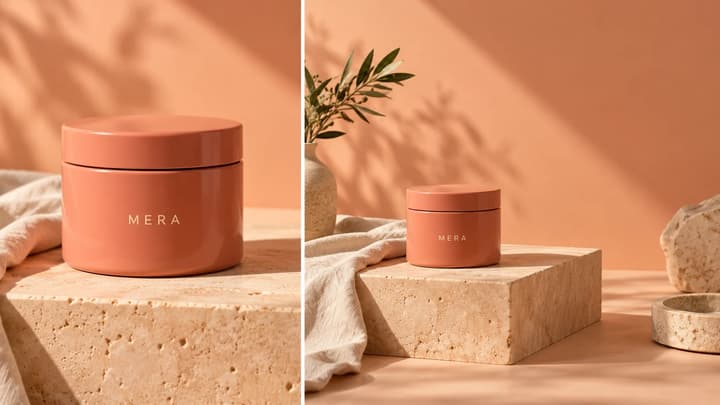
Extend a photo beyond its borders. Choose an output ratio and describe the space you need for ads, social posts or layouts, then review the AI-expanded image.
Review credits and plans before generating.
Turn a product photo into a realistic lifestyle scene. Choose a scene reference or describe a setting, then compare the product details before using the result.