AI Food Photography

Food photo

Background & Table(Optional)

Try sample

Appetite Enhancement(Optional)

Output Ratio
Resolution

AI Food Photography

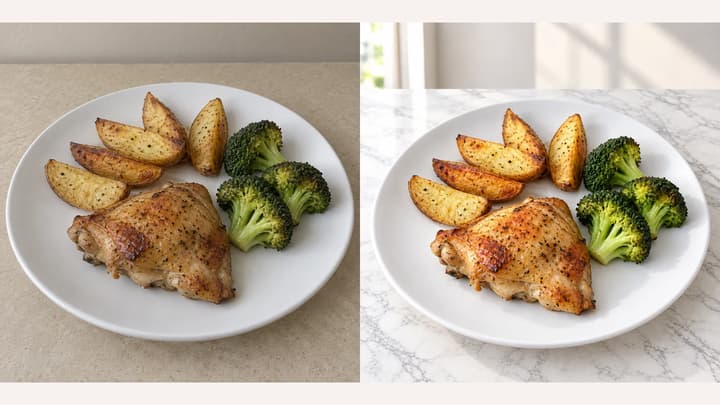
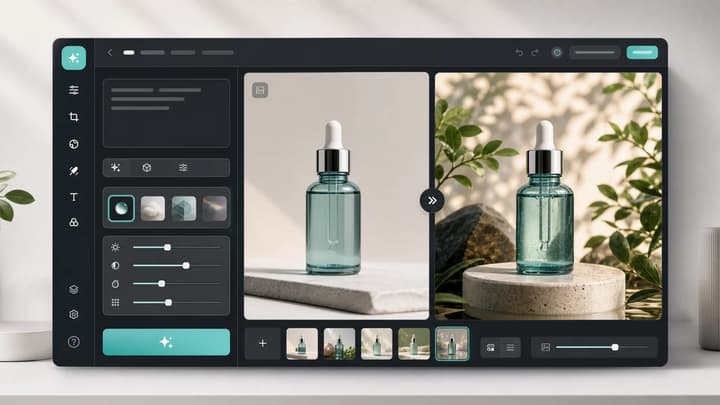
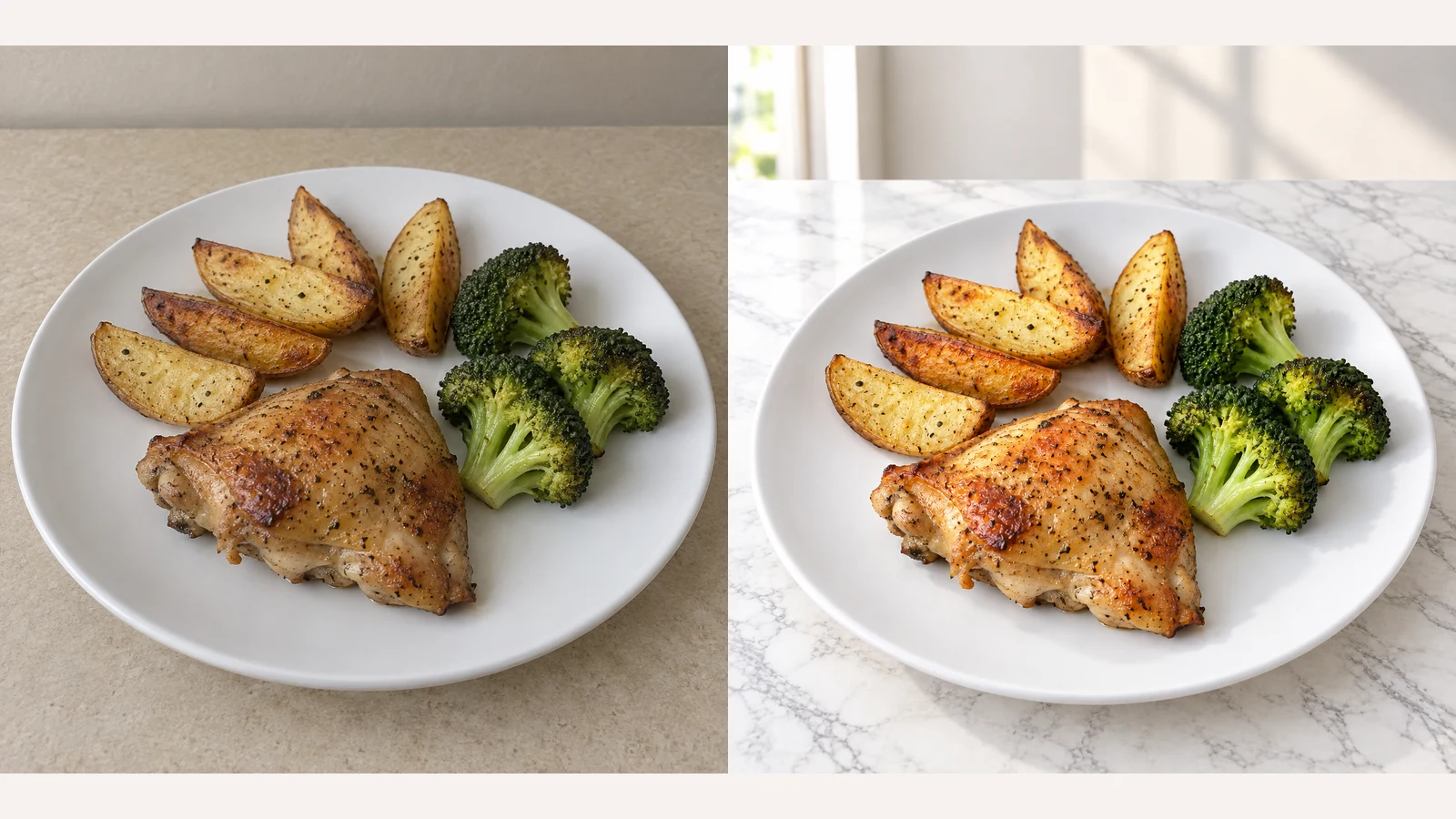
Change food-photo backgrounds and choose an appetite-enhancement template for restaurant menus, delivery listings and food ecommerce. Upload your own background or try a sample, then choose an output ratio.

AI Food Photography

AI Food Photography

Background & Table

Change the background, not the dish

Keep the original setting, choose from twelve empty tabletop and scene references, or upload your own. The reference guides only the environment and table, not the food or original tableware.

Appetite Enhancement

Choose an appetite-enhancement template

Choose Natural Enhance, Steam, Glistening, Texture Boost, Fresh Color or Steam & Shine. No effect is selected by default; click the selected template again to cancel it. Use steam for hot dishes and shine for naturally moist food, without adding ingredients or sauce.

Output Ratio

Keep the whole serving in frame

Choose square, portrait or landscape output with room around the plate. The edit aims to extend the background when space is needed; check the result for clipped food or packaging.

Food photography examples

Explore four editing directions with these AI-created illustrations. Load a source photo and its background, effect and 1:1 / 1K settings to try your own version.

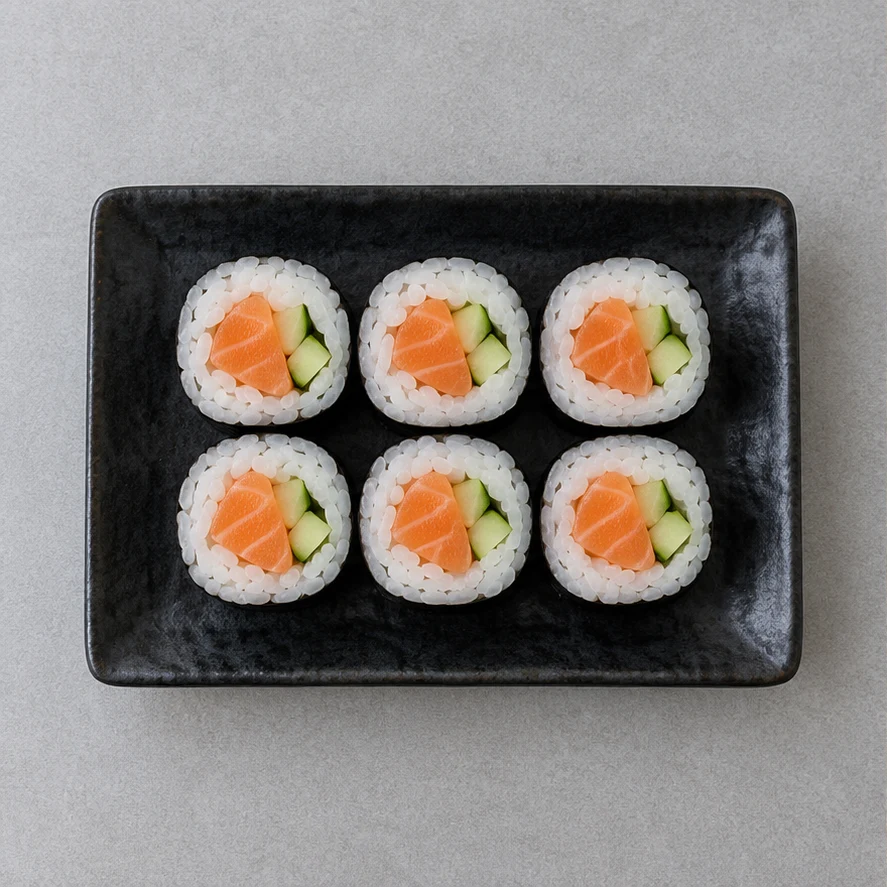
Six salmon sushi rolls on a black rectangular plate over a gray tabletop
Source illustration
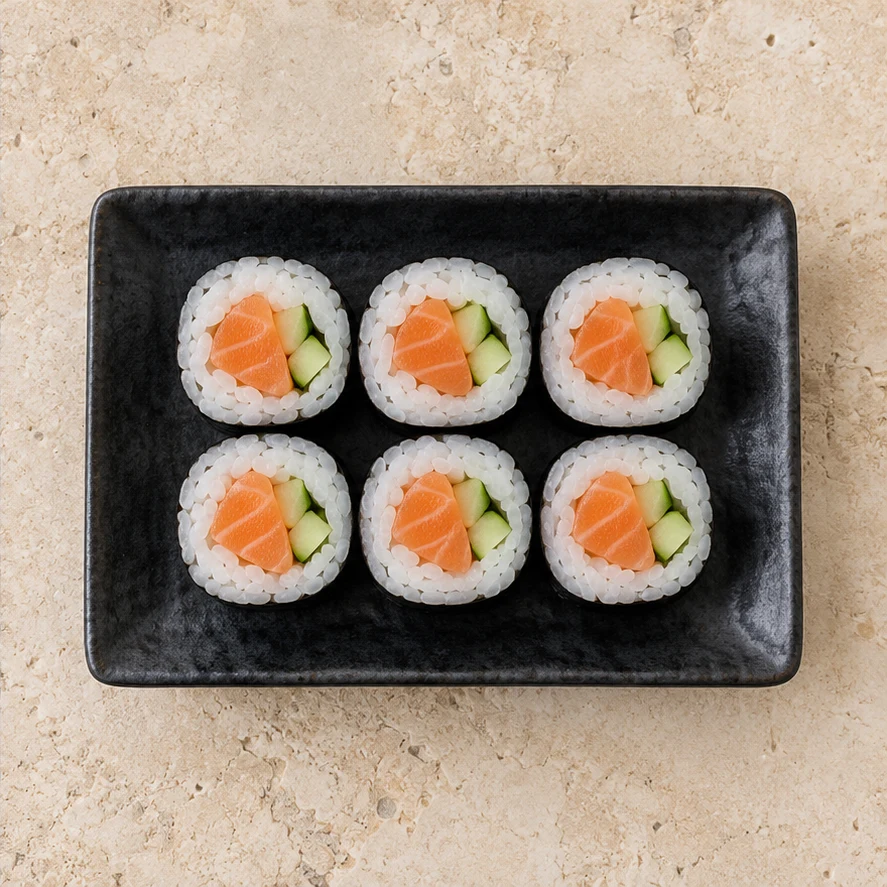
The same six sushi rolls and black plate over pale stone
Edited illustration

Salmon sushi rolls

Try these settings

Mediterranean Stone + Natural Enhance: A pale stone surface and a restrained natural enhancement give the black plate more contrast. Compare all six rolls, their filling and the two-row arrangement with the source.
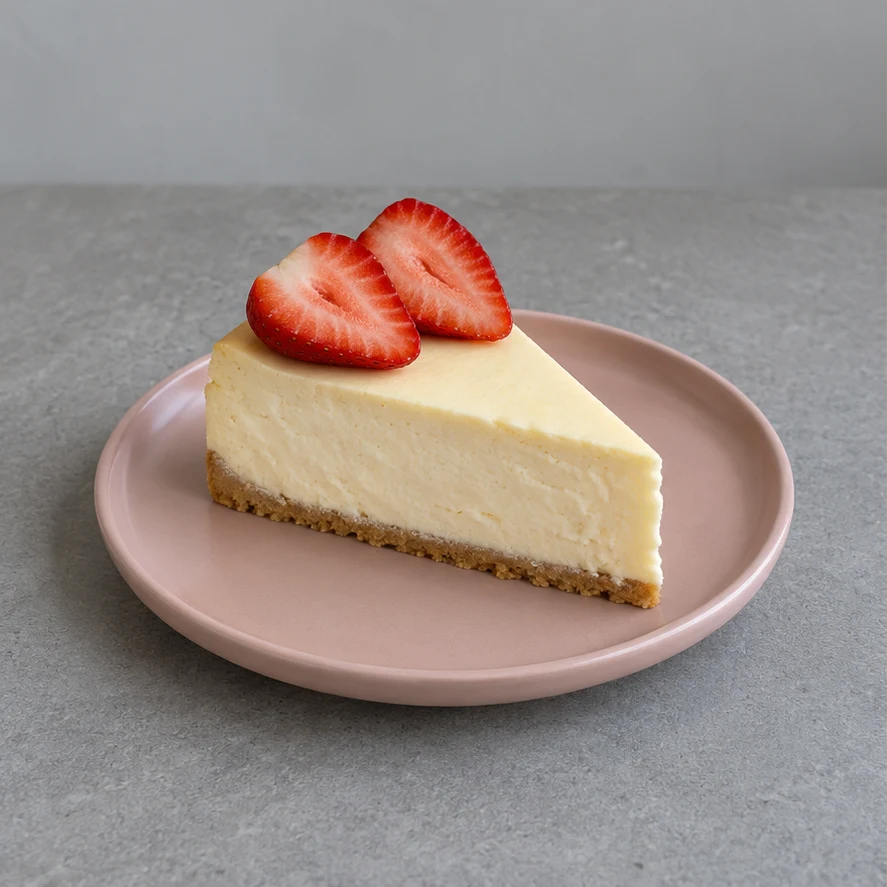
A cheesecake slice with two strawberry halves on a pink plate in a gray setting
Source illustration
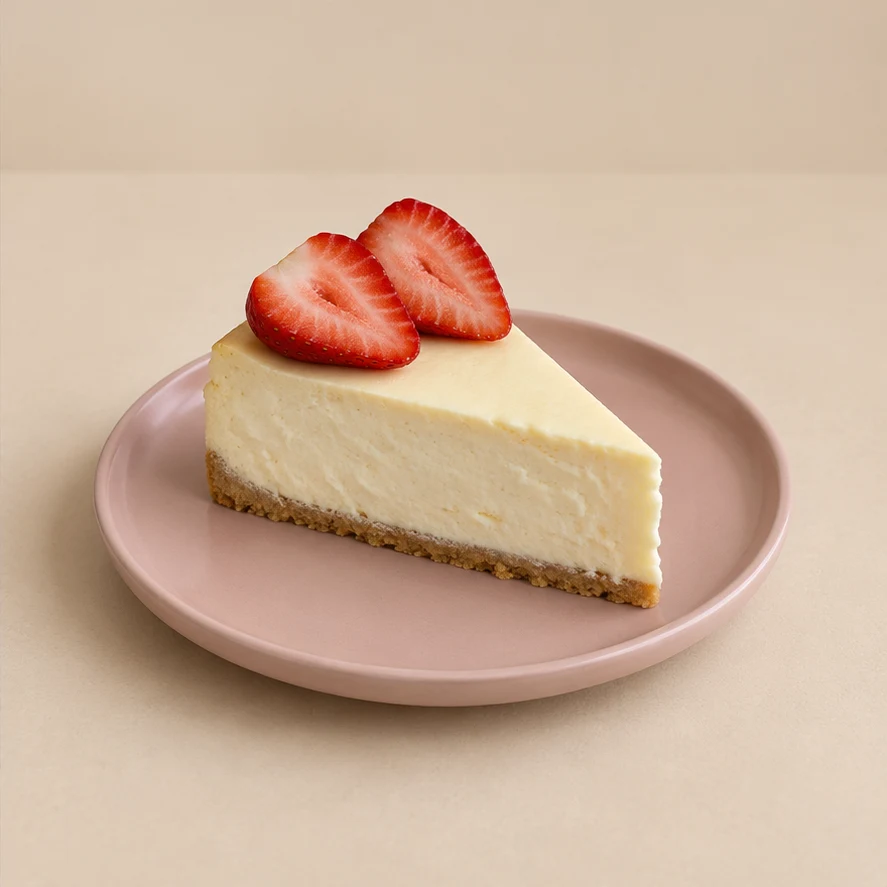
The same cheesecake slice and pink plate in a minimal beige setting
Edited illustration

Strawberry cheesecake

Try these settings

Minimal Beige + Background only: Replace the gray setting with a quiet beige background, leaving enhancement off. Check the cake slice, crumb base, two strawberry halves and pink plate; a background change should not redesign the dessert.

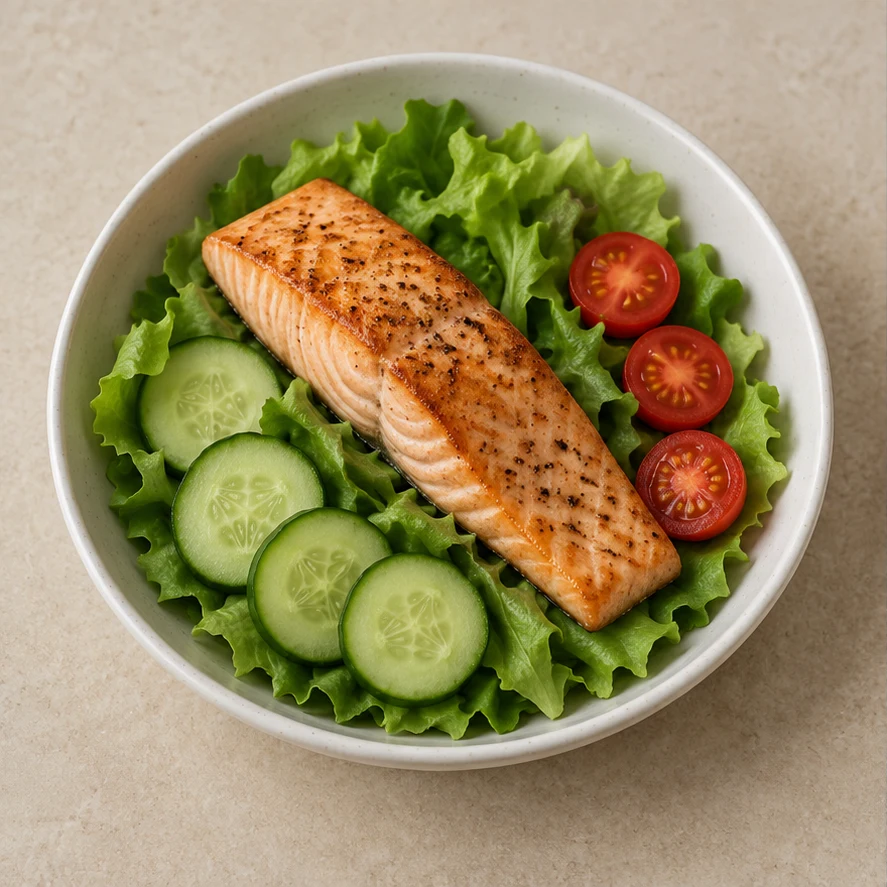
Seared salmon with lettuce, cucumber slices and tomato halves in an off-white bowl on a beige surface
Source illustration
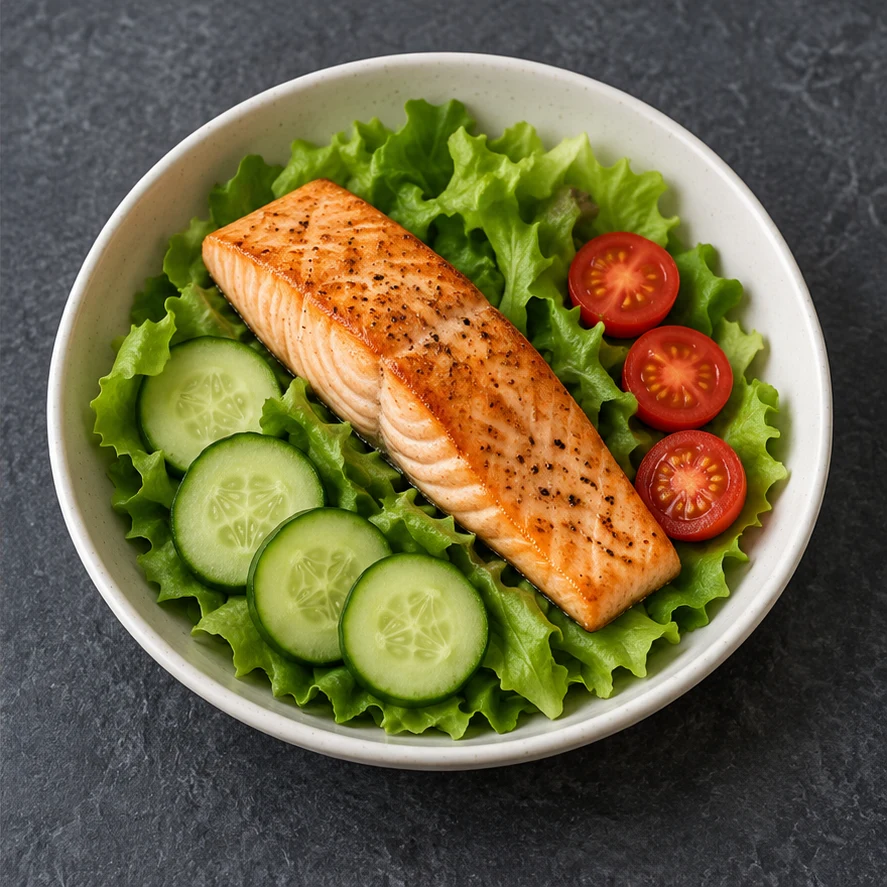
The same salmon salad bowl on dark slate with modestly corrected color
Edited illustration

Salmon salad bowl

Try these settings

Dark Slate + Fresh Color: Try dark slate and a modest color correction. Compare the salmon portion, cucumber slices and tomato halves; clearer color should preserve the actual cooking state and ingredients.

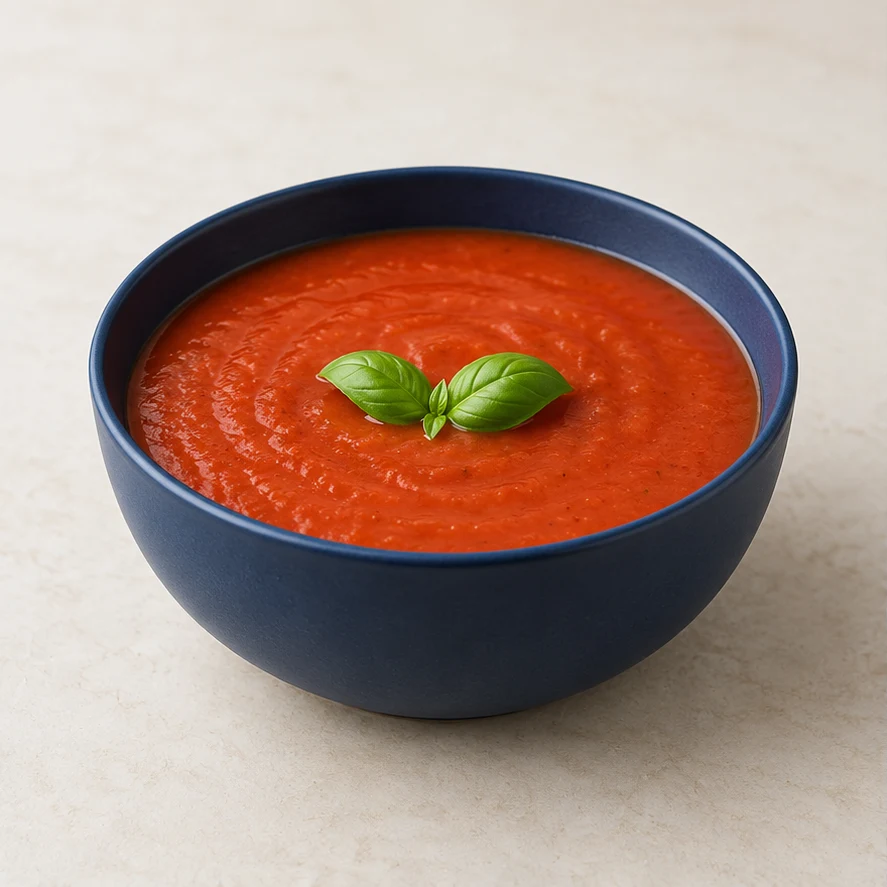
Tomato soup with basil in a navy bowl on a cream surface
Source illustration
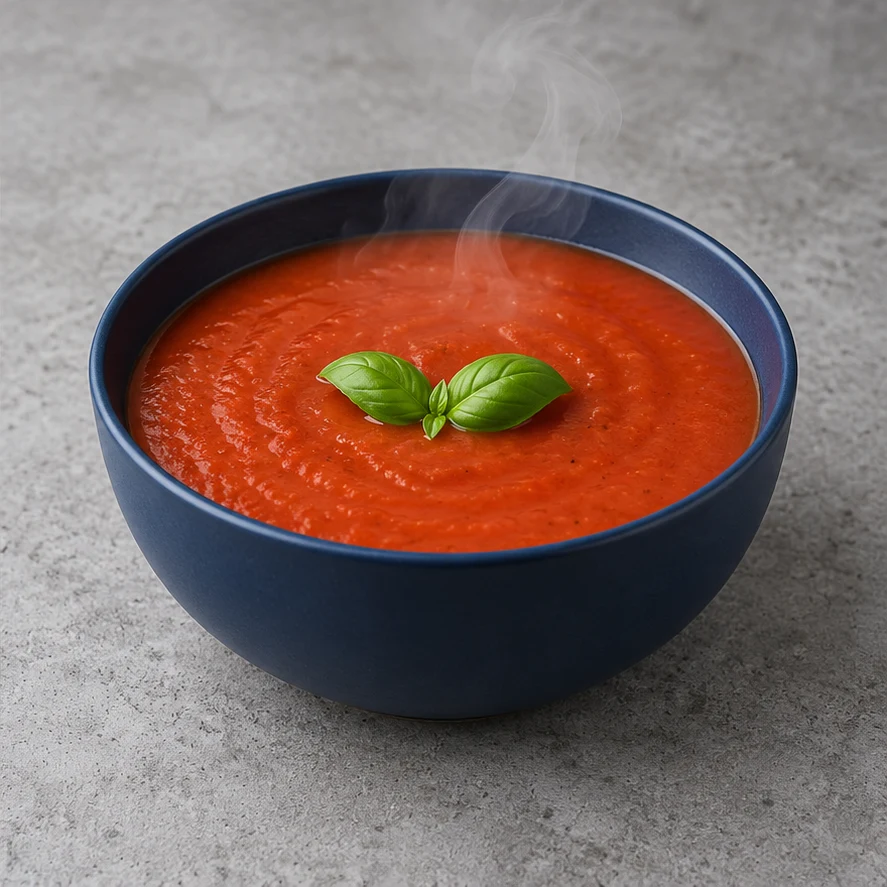
The same tomato soup and navy bowl on concrete with subtle steam
Edited illustration

Industrial Concrete + Steam: Try a concrete setting with a light wisp of steam. Keep the navy bowl, soup level and basil arrangement; the steam should remain translucent and leave the food visible.

How to Edit Food Photos with AI

01

Upload a clear food photo

Use one JPEG, PNG or WebP up to 30 MB. Keep the whole dish or package in frame, with ingredients, portions and labels clearly visible.

02

Style your photo

Choose a background and add an appetite enhancement if needed.

03

Generate and review

Review the displayed credits, then generate your photo. Compare the food, portions, tableware, labels and framing with the original before downloading.

Check the result before publishing

AI edits can alter details. Compare against the original product you actually sell, not just the mood of the image.

Food and portion accuracy

Check ingredients, servings, shapes, cooking color and arrangement. Reject invented garnish, extra sauce, changed quantities or misleading surface effects.

Packaging, tableware and contact shadows

Check all text and logos at full size. Preserve the original plate or package and look for plausible contact shadows. Background references must not introduce another product.

Complete subject and believable effects

Check extreme ratios for clipped dishes or packaging. Steam and shine should remain restrained; appearance does not prove actual temperature or freshness.

AI Food Photography FAQ

What can this tool change?

Replace the background or tabletop and optionally enhance the food’s appearance. Start from an existing food photo; the tool does not create menu text or promotional layouts.

What files can I upload?

Upload one food photo in JPEG, PNG or WebP format, up to 30 MB. An optional background image has the same format and size limits.

Can I use my own background?

Yes. Select a sample or upload one background reference; a new upload replaces the current reference. Removing it leaves the background empty for the next generation. Existing results stay as they are.

Can I replace the background without enhancing the food?

Yes. Leave all appetite effects unselected. If an effect is selected, click it again to cancel it before generating.

Which output settings are available?

Choose from the available square, portrait and landscape ratios, with 1K, 2K or 4K resolution. The default is 4:3 at 1K.

Does selecting a template spend credits?

No. Uploading, selecting templates and changing output settings do not spend credits. A generation uses the credit amount displayed before you click Generate.

How many photos are generated at a time?

Each request creates one photo. To compare versions, keep the same original food photo and change the background or effect. Each new generation uses the displayed credits.

Will it keep my dish and packaging unchanged?

The edit aims to preserve food, portions, tableware, packaging, text and logos, but details may change. Compare the result with the original before using it.

AI Food Photography

Change food-photo backgrounds and choose an appetite-enhancement template for restaurant menus, delivery listings and food ecommerce. Upload your own background or try a sample, then choose an output ratio.