AI Music Video Generator

Model

Music clip

Visual references

Duration
Aspect ratio

AI Music Video Generator

Create a short AI music video from an audio clip and reference images. Choose an audio-compatible model, describe the scene, and preview your video.

AI Music Video Generator

Music video styles to explore

Watch selected public demos for visual inspiration. Load a reference image and our suggested prompt, then upload your own music.

Backstage to spotlight

A continuous camera move follows a singer onto the stage. Demo: ByteDance.

Reference image
Public demo
Suggested direction

Follow the singer from the dressing room toward the stage in one smooth tracking shot. Keep her appearance consistent and let movement follow the energy of the uploaded music.
Use this visual direction

Vintage jazz club

Dance, close-ups and warm stage lighting shape a lively performance. Demo: ByteDance.

Reference image
Public demo
Suggested direction

Create a vintage jazz-club dance scene. Keep the two dancers recognizable, alternate a wide performance shot with a brief footwork detail, and follow the uploaded music's lively phrasing.

Use this visual direction

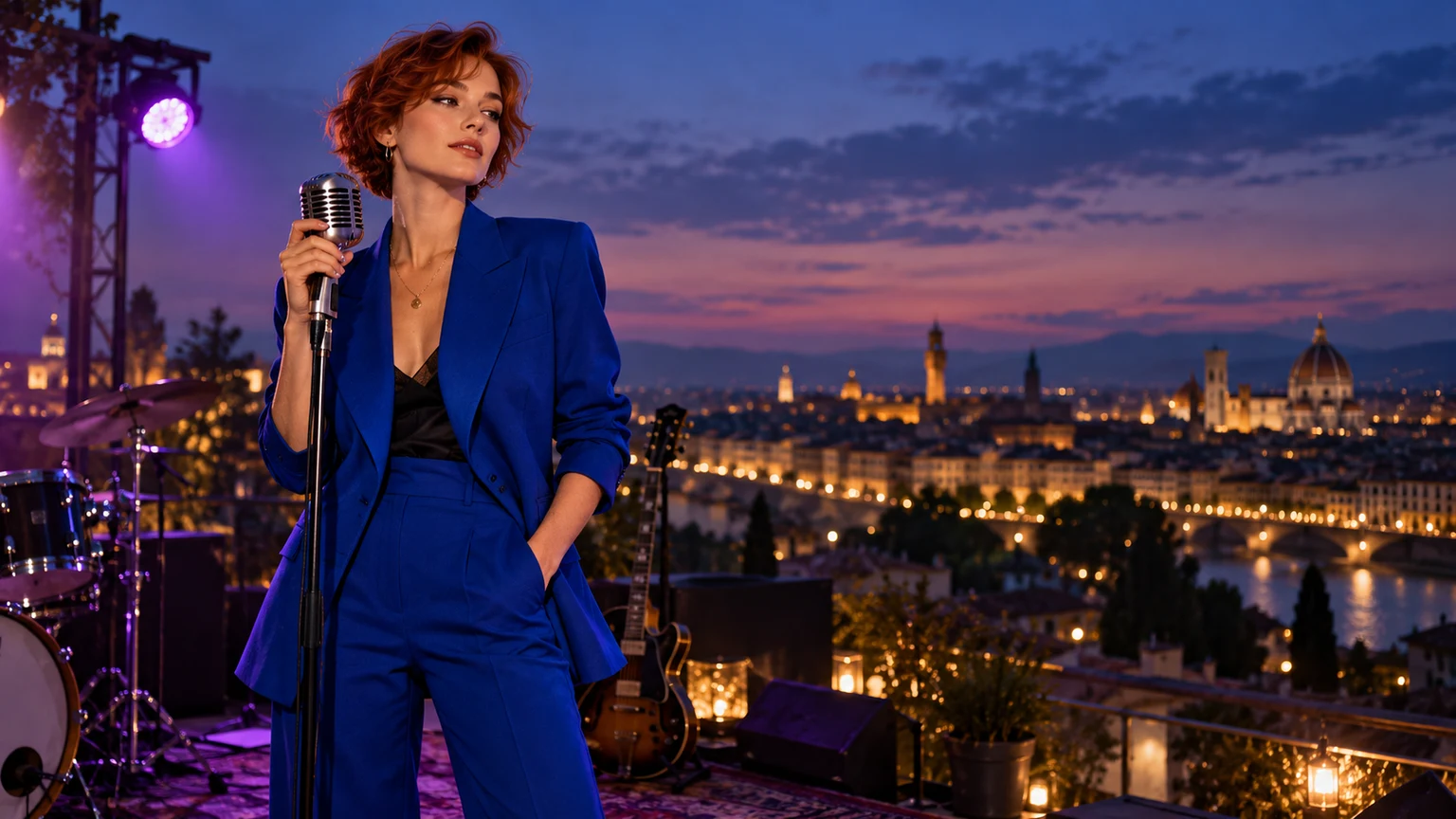
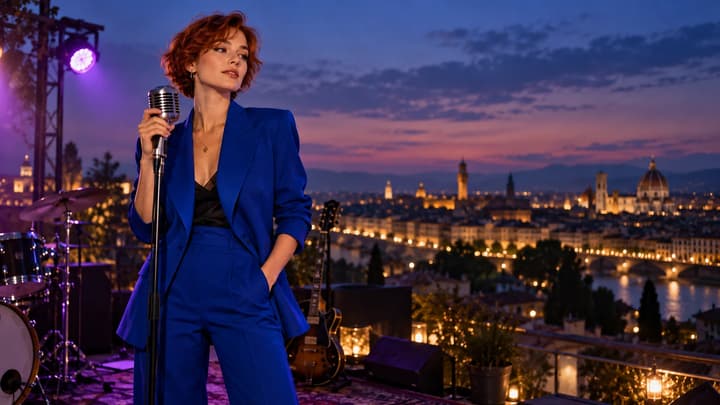
Rooftop performance

A rooftop setting keeps the performer at the center of the frame. Demo: Freebeat.

Reference image
Public demo
Suggested direction

Keep the performer on the rooftop. Use relaxed rhythmic movement and a slow lateral camera move, with natural afternoon light and the mood of the uploaded track.

Use this visual direction

Surreal stage

An imaginary pastel world gives a performance a playful setting. Demo: Freebeat.

Reference image
Public demo
Suggested direction

Keep the performer in this surreal pastel world. Use playful gestures, gentle floating background motion and a slow camera push, guided by the uploaded music.

Use this visual direction

Find a visual direction for your music

These concept illustrations suggest starting points for short music clips. Your image sets the look; your audio and prompt guide the motion.

Acoustic

A quiet lakeside session

Keep an intimate performance focused on the musician, instrument and natural light.

Instrumental

An ambient world

Use a landscape or imagined place when the track needs atmosphere rather than a performer.

Single release

A social teaser

Build a short moment around your track's hook, with a clear subject and room for movement.

Artist identity

A cover-art mood

Start with a portrait or cover artwork and describe a restrained camera move.

How to Make an AI Music Video

01

Upload music and a visual reference

Choose a model, upload one MP3 or WAV clip within its displayed limits, and add up to 8 JPEG, PNG or WebP references. Use music and images you have permission to use.

02

Describe the scene

Name the action, camera movement and mood. Select duration and aspect ratio, then review the credit estimate.

03

Generate and review

Play the result with sound. Check the music, subject and movement. Download a useful take or re-edit the original inputs for another version.

Make the first clip easy to judge

Start with one musical phrase, visual references and a simple camera move. Learn what to upload, how to write a prompt and what to check in the result.

Choose a clear musical phrase

Export a short passage before uploading. A verse transition or hook gives a more specific brief than an entire song.

Give the camera one job

Try a slow push, an orbit or a tracking shot. Too many actions can compete within a short clip.

Listen as well as watch

Check timing, vocals and sound quality alongside the picture. Audio references guide generation; exact preservation of the original recording is not guaranteed.

Frequently asked questions

Which models can I choose?

The selector includes available models that accept uploaded audio references. Models that only generate their own sound are excluded.

Can I upload a full song?

This tool creates one short clip per generation. Upload an MP3 or WAV excerpt, 2–30 seconds and up to 15 MB. Some models accept only 15 seconds; follow the selected model's displayed limits.

Will it keep my song exactly unchanged?

The model uses your audio as a reference. It may alter sound or timing; this tool does not replace the output soundtrack with your original recording.

Does it automatically edit to every beat or add lyrics?

You can describe rhythm and shot changes in the prompt. There is no automatic beat timeline, song segmentation or lyric-caption editor.

How long is the result?

Choose one of the durations shown for your model, currently up to 30 seconds at 720p. Longer music videos need additional clips and an external editing workflow.

Is it free?

Generation uses credits. The form shows the selected model's cost before submission. Watching examples and loading a visual direction do not spend credits.

Give your next musical phrase a scene

Create a short AI music video from an audio clip and reference images. Choose an audio-compatible model, describe the scene, and preview your video.