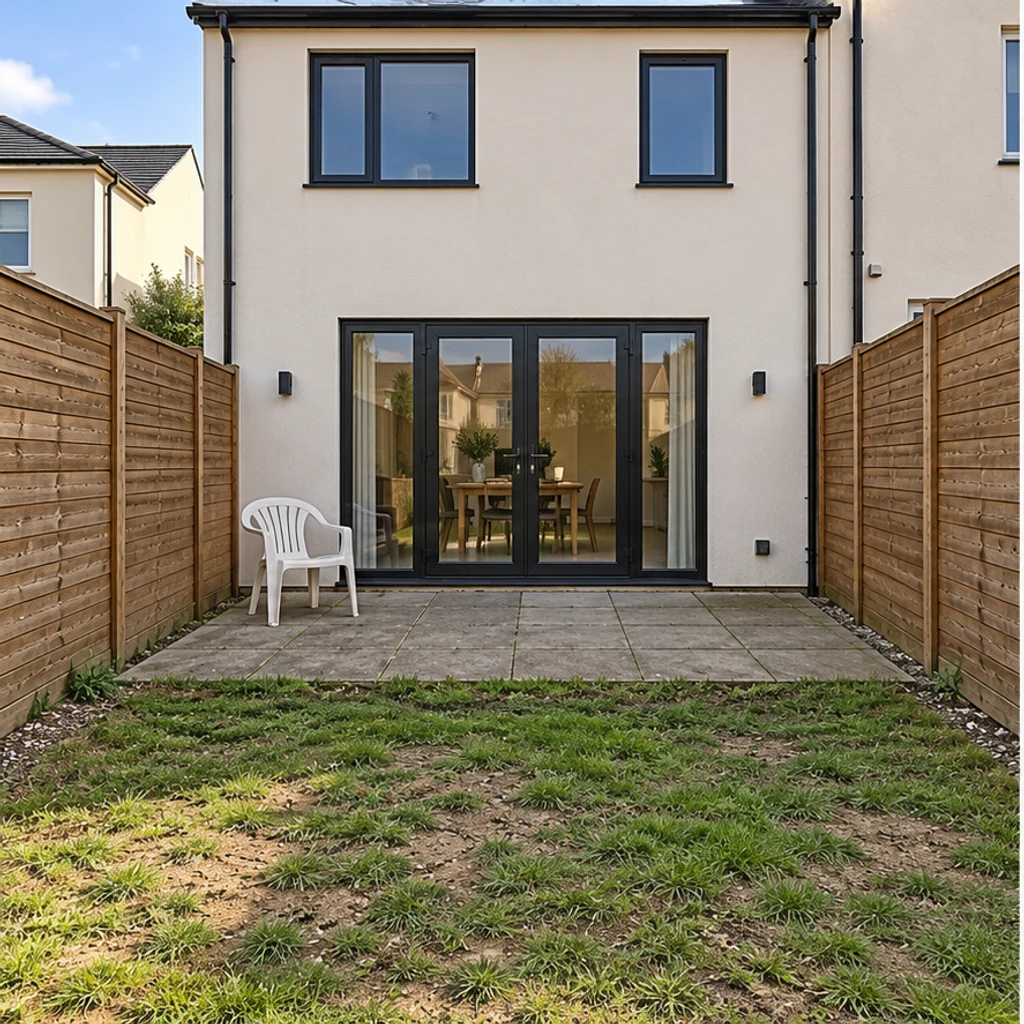
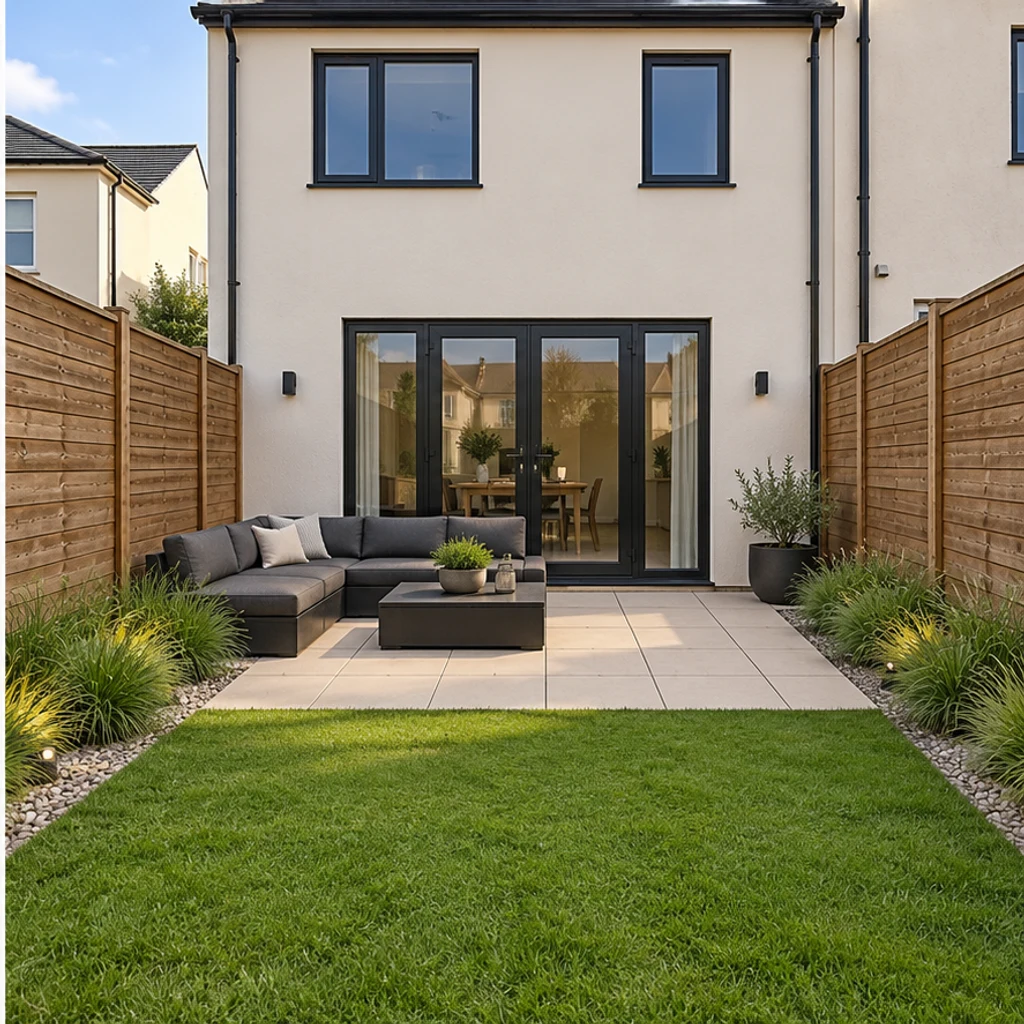
Modern patio in a narrow yard
Load this examplePale geometric paving, a defined lawn strip and charcoal seating suit this compact townhouse yard.
Redesign your backyard from a photo. Compare planting, paving and seating styles while keeping the house, yard boundaries and fixed features in place.
Compare a simple lawn with warm gravel, a compact paved seating area and low flowering borders around the same brick townhouse and pear tree.
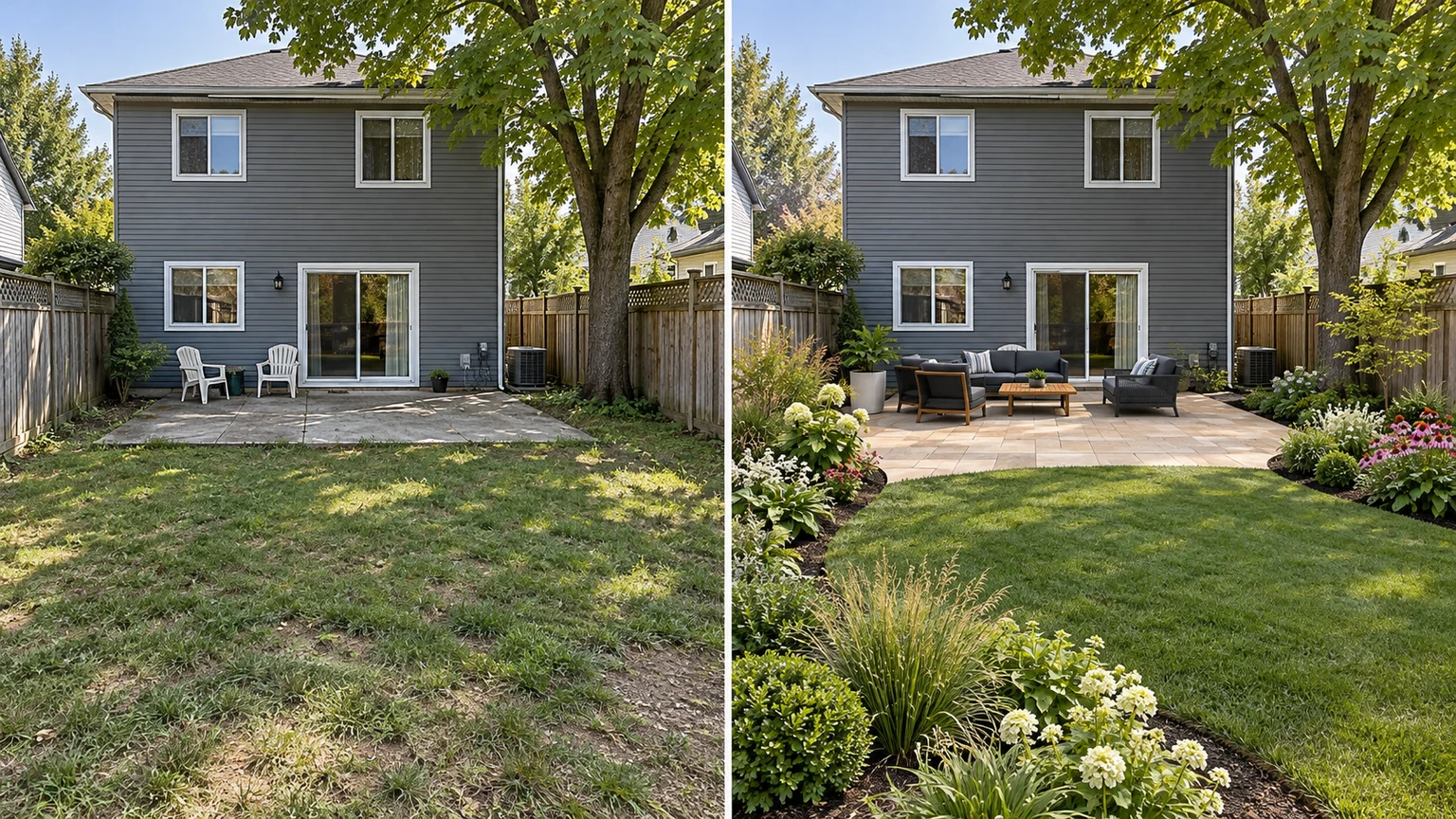
Compare layered low flowers and grasses while retaining the lawn, concrete path, chairs and mature cedar.
Change the ground surface to a warm herringbone pattern while keeping the teal door, pots and bistro furniture unchanged.
Replace loose plastic chairs with a compact wood lounge set on the same deck. Keep the deck structure, house and surrounding trees.
Explore backyard ideas with these AI-generated illustrations. Choose an example to load its original photo and style reference.
Pale geometric paving, a defined lawn strip and charcoal seating suit this compact townhouse yard.
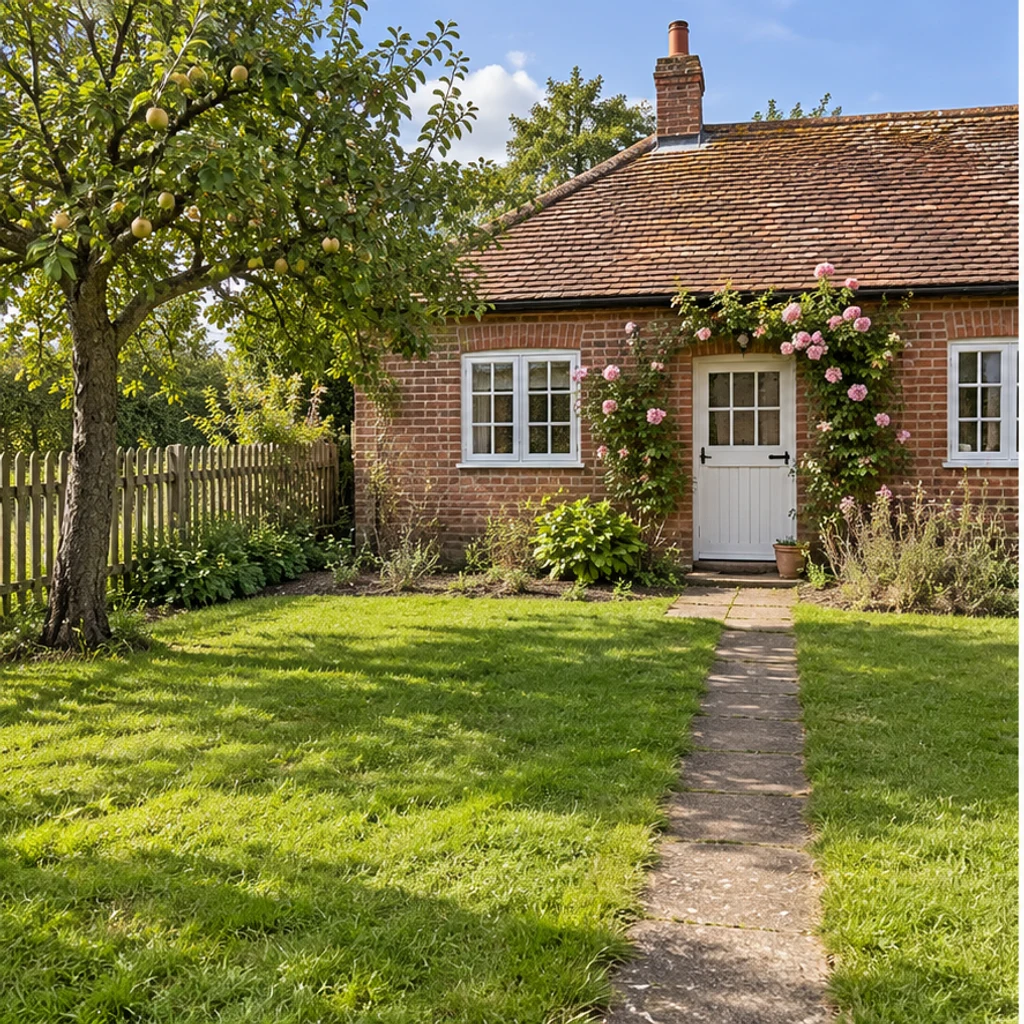
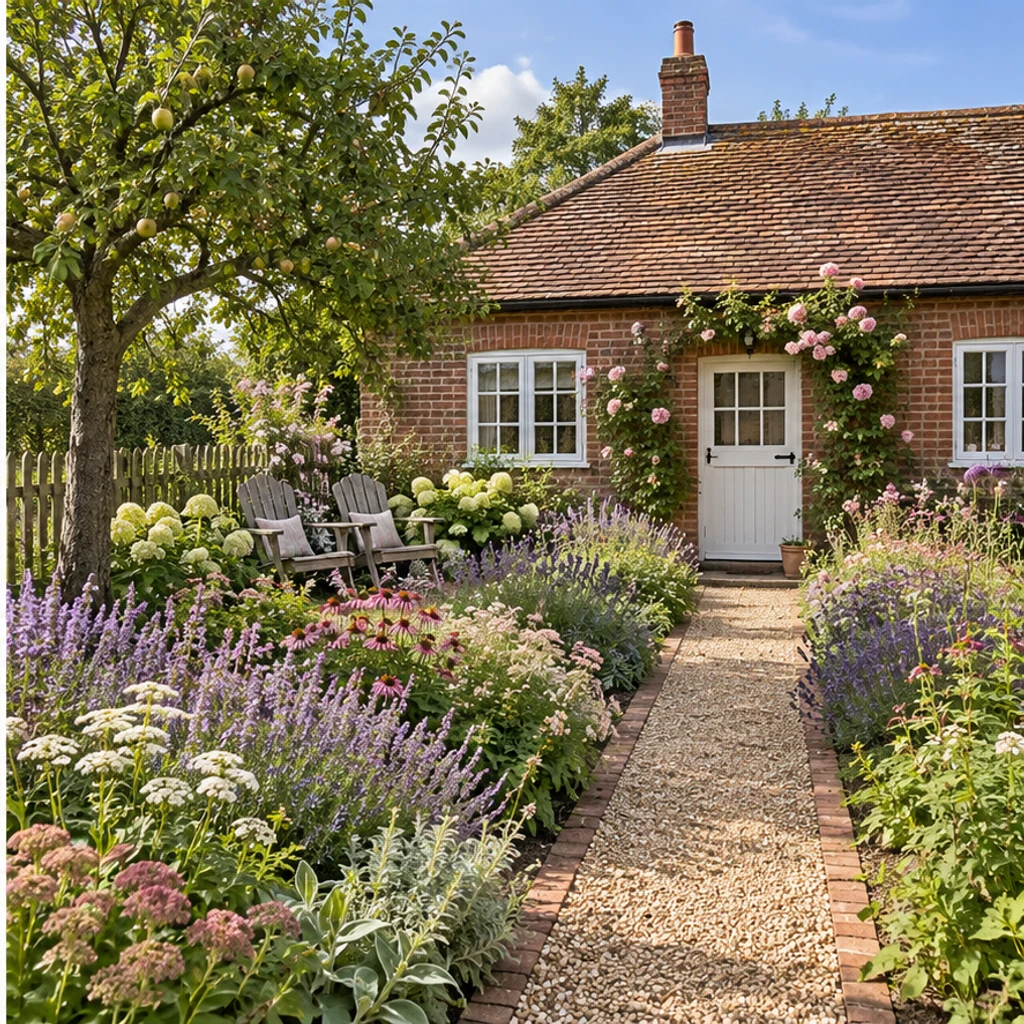
Layered pink and purple borders surround a gravel path while the cottage, fruit tree and fence stay.
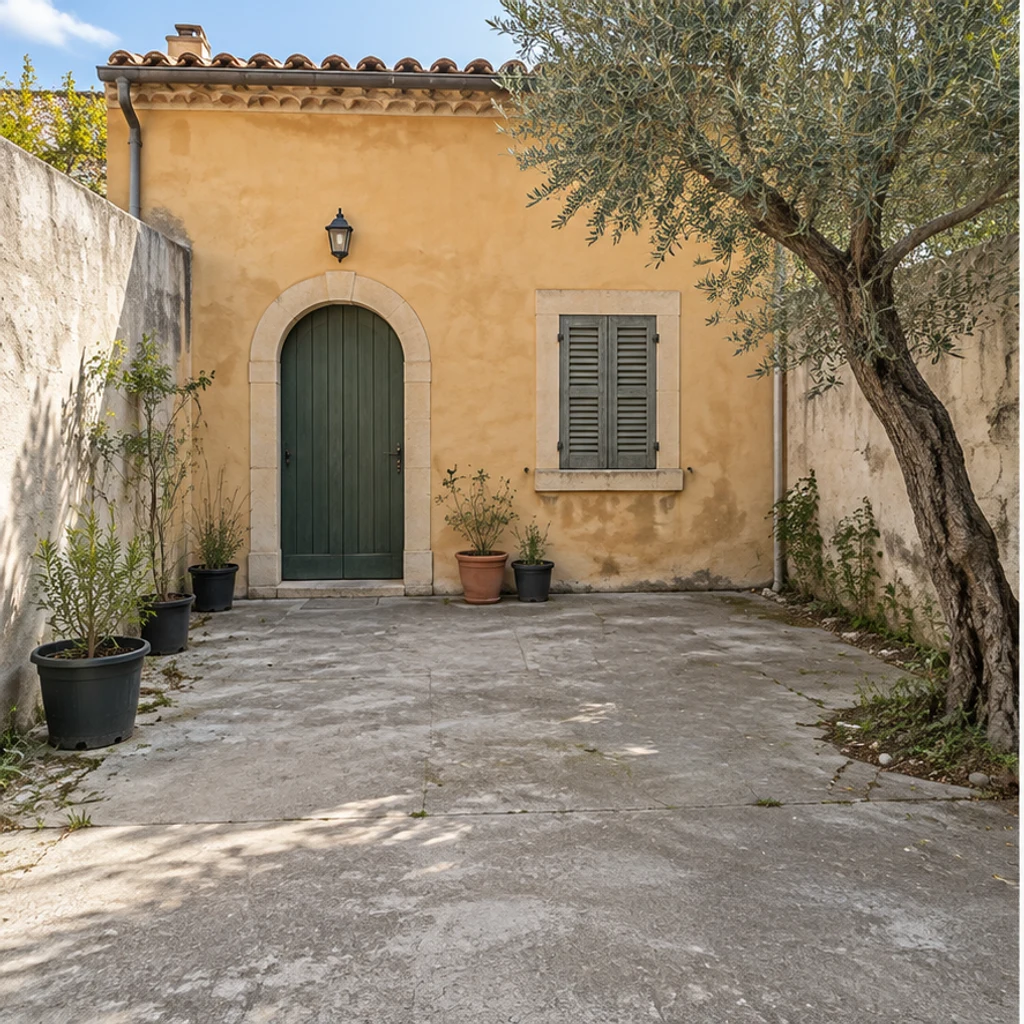
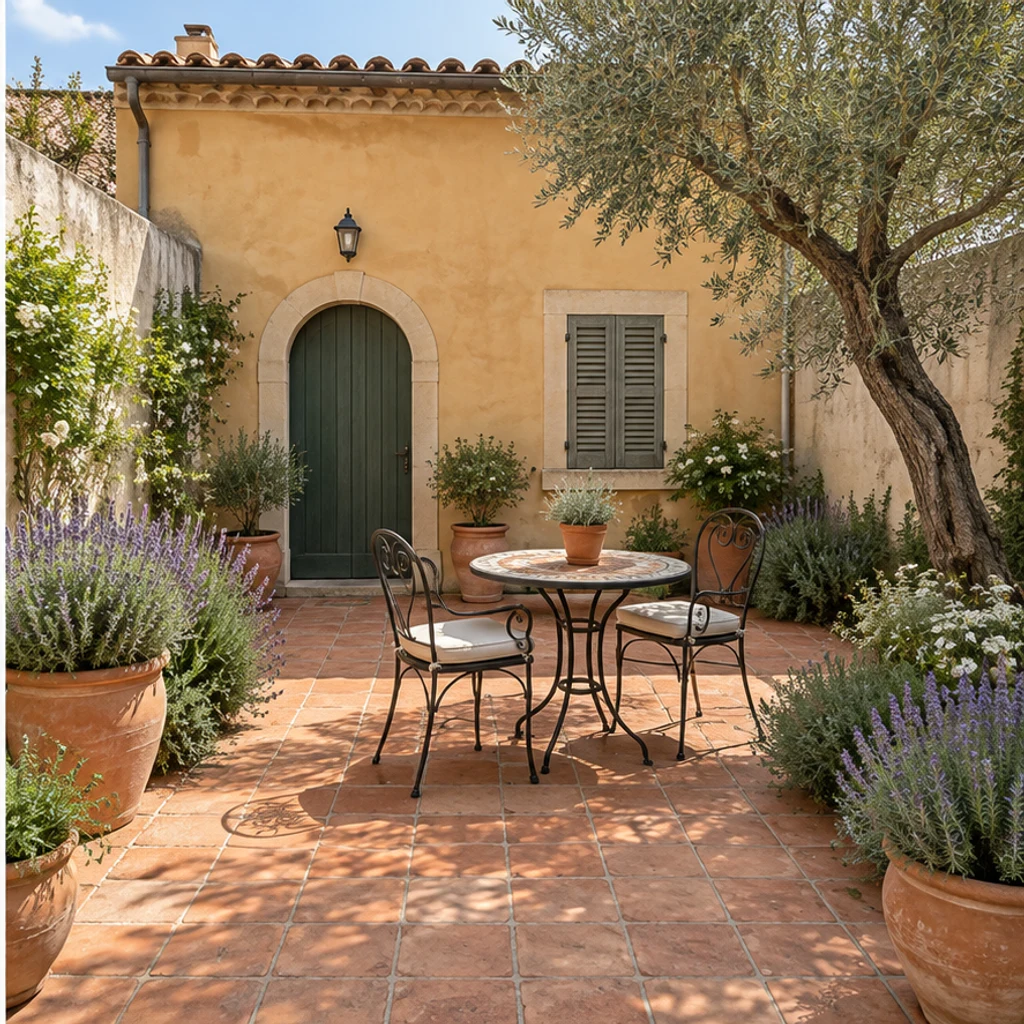
Warm paving, clay pots and a small metal table complement the existing olive tree and ochre walls.
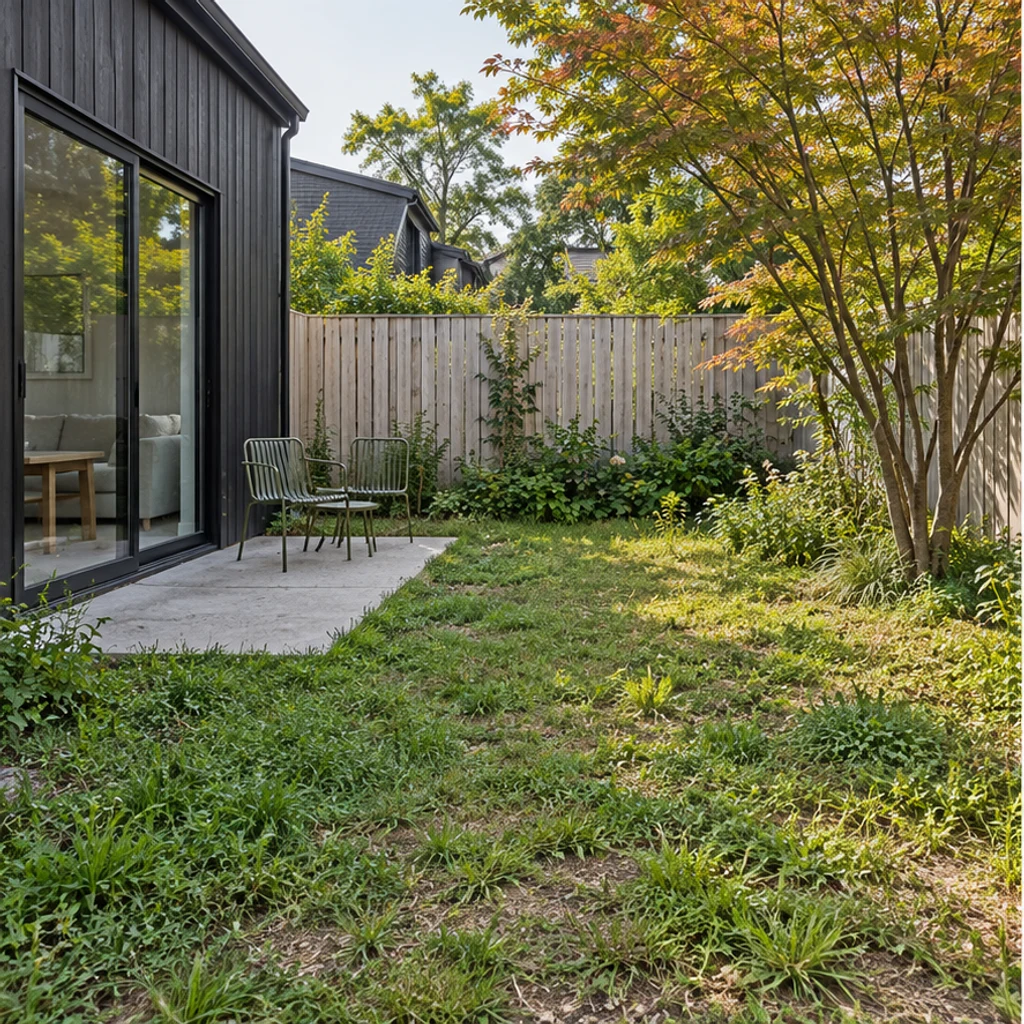
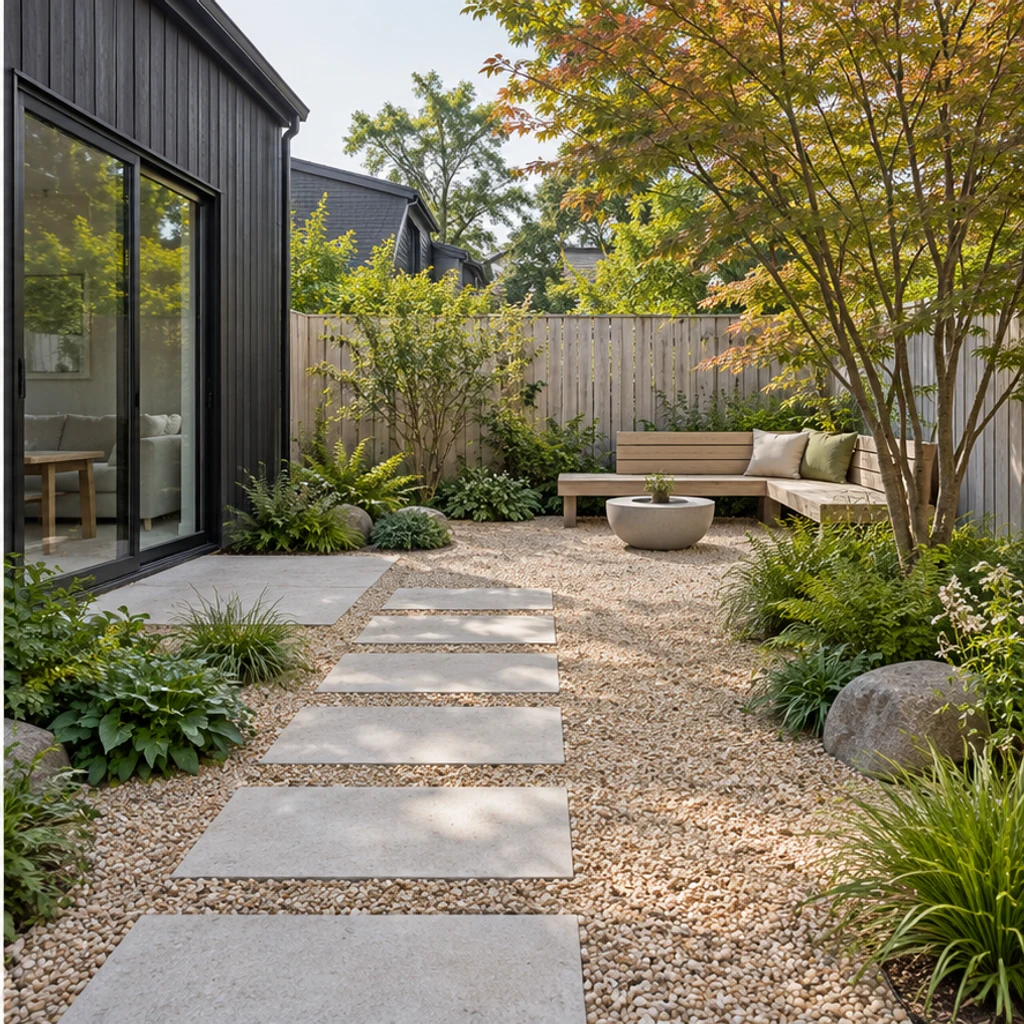
Stepping stones, restrained planting and wood seating coordinate around the existing maple.
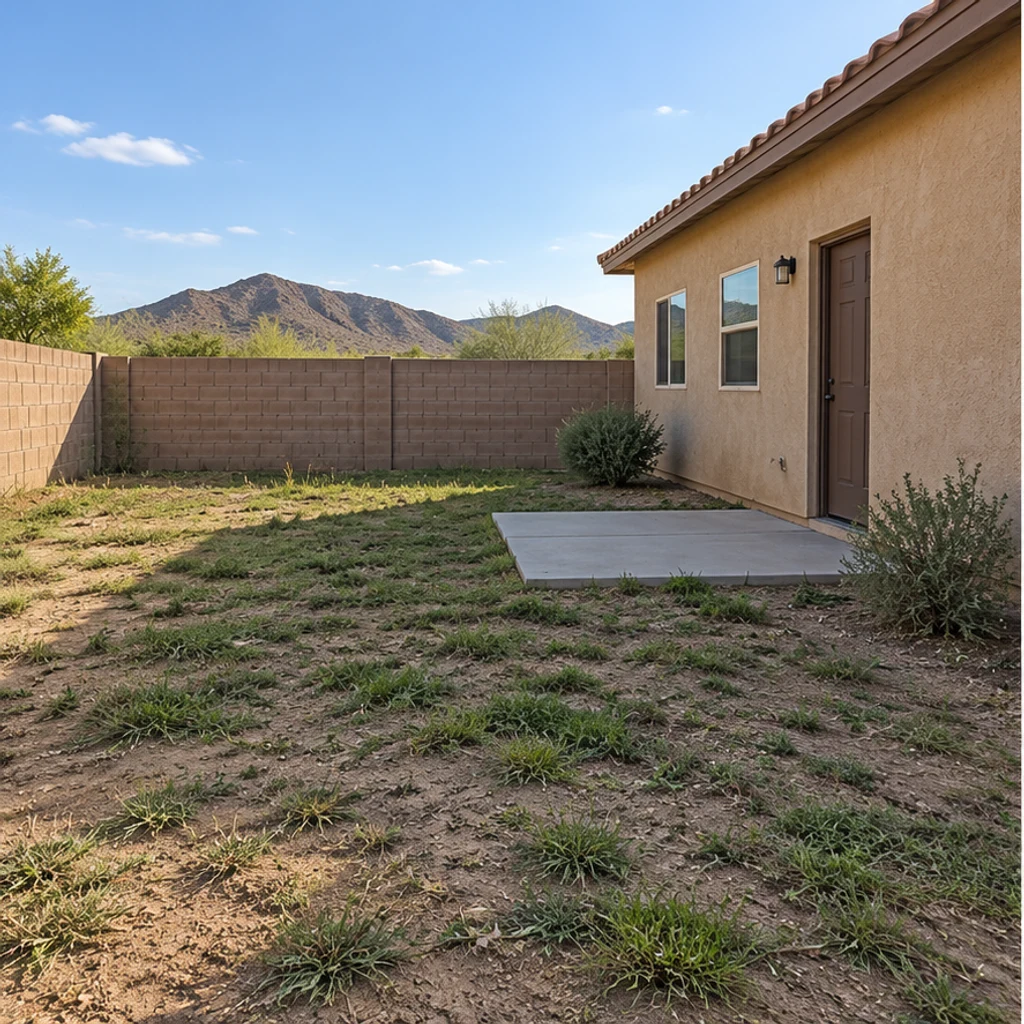
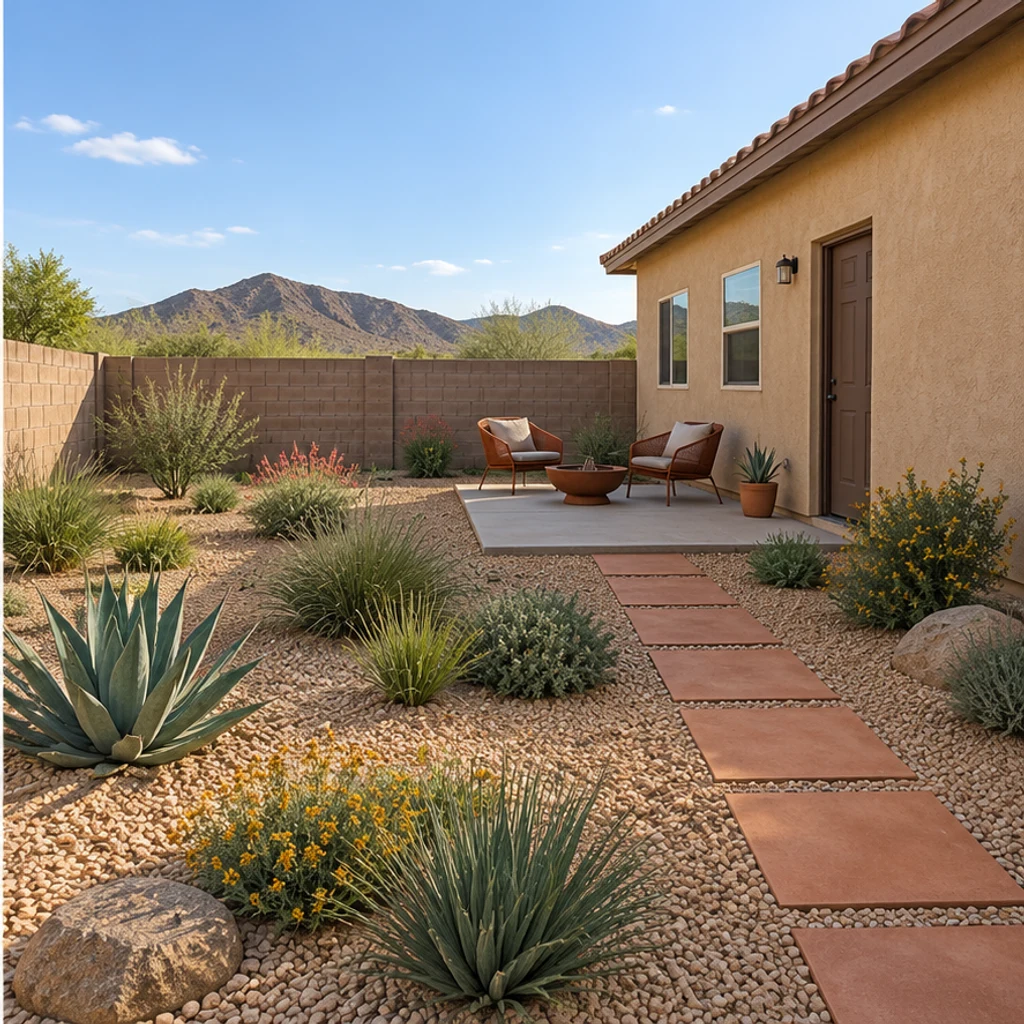
Warm gravel, low sculptural planting and earthy seating replace a struggling lawn beside the same stucco house.
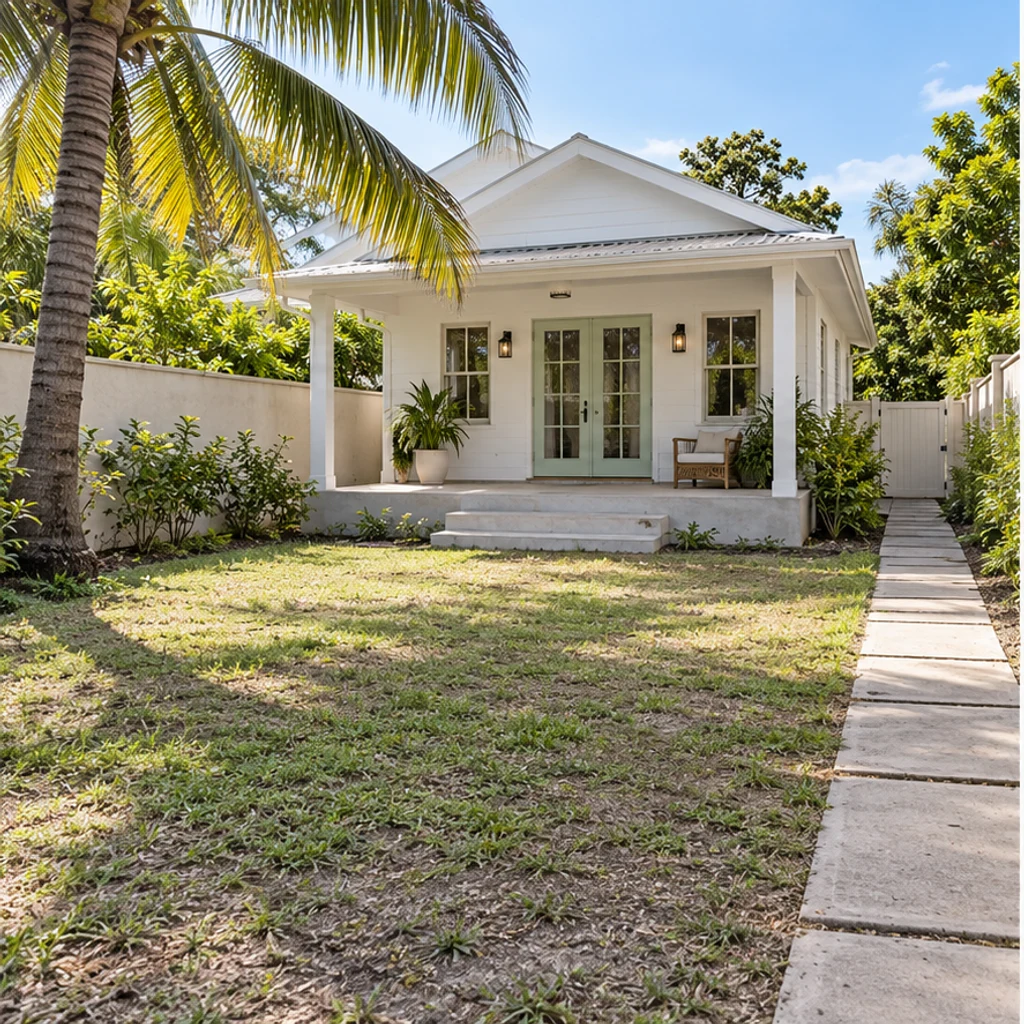
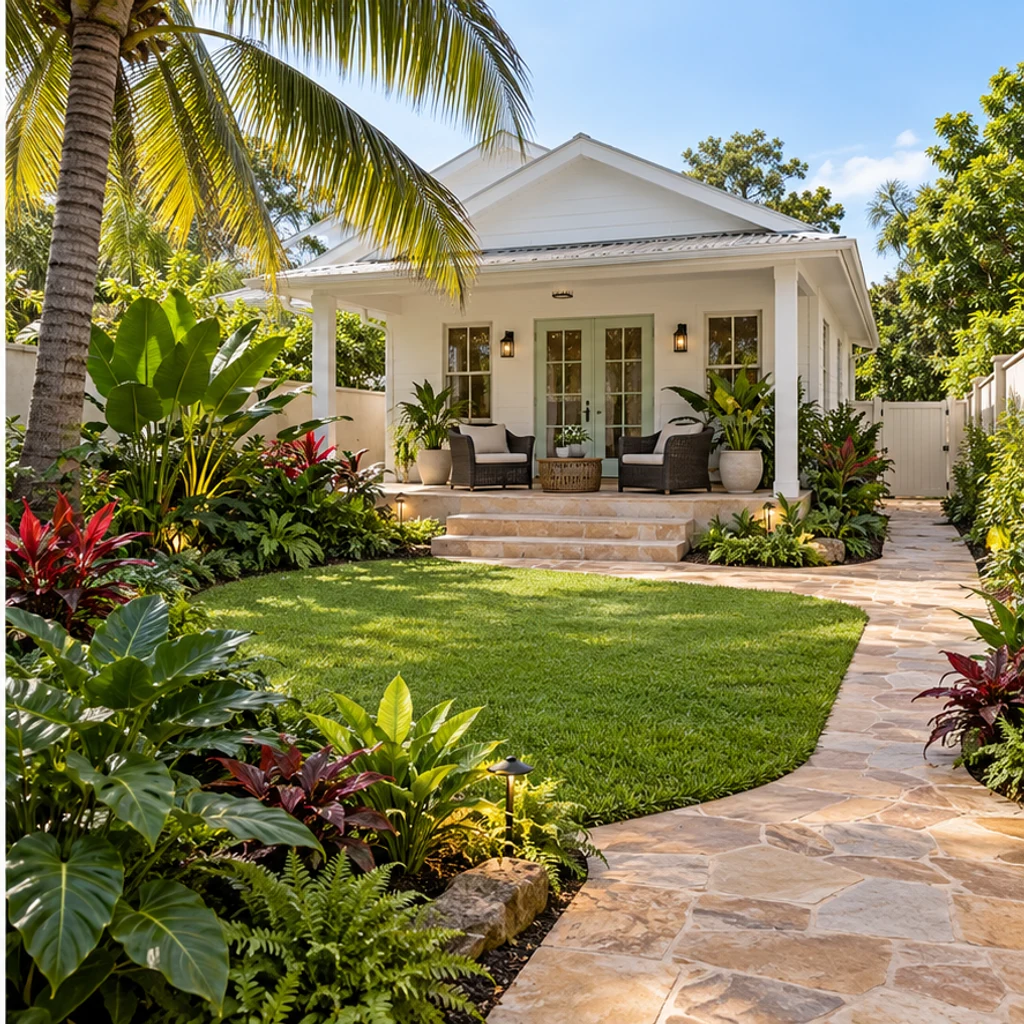
Layered broad-leaf planting and woven chairs frame a clear route to the existing veranda.
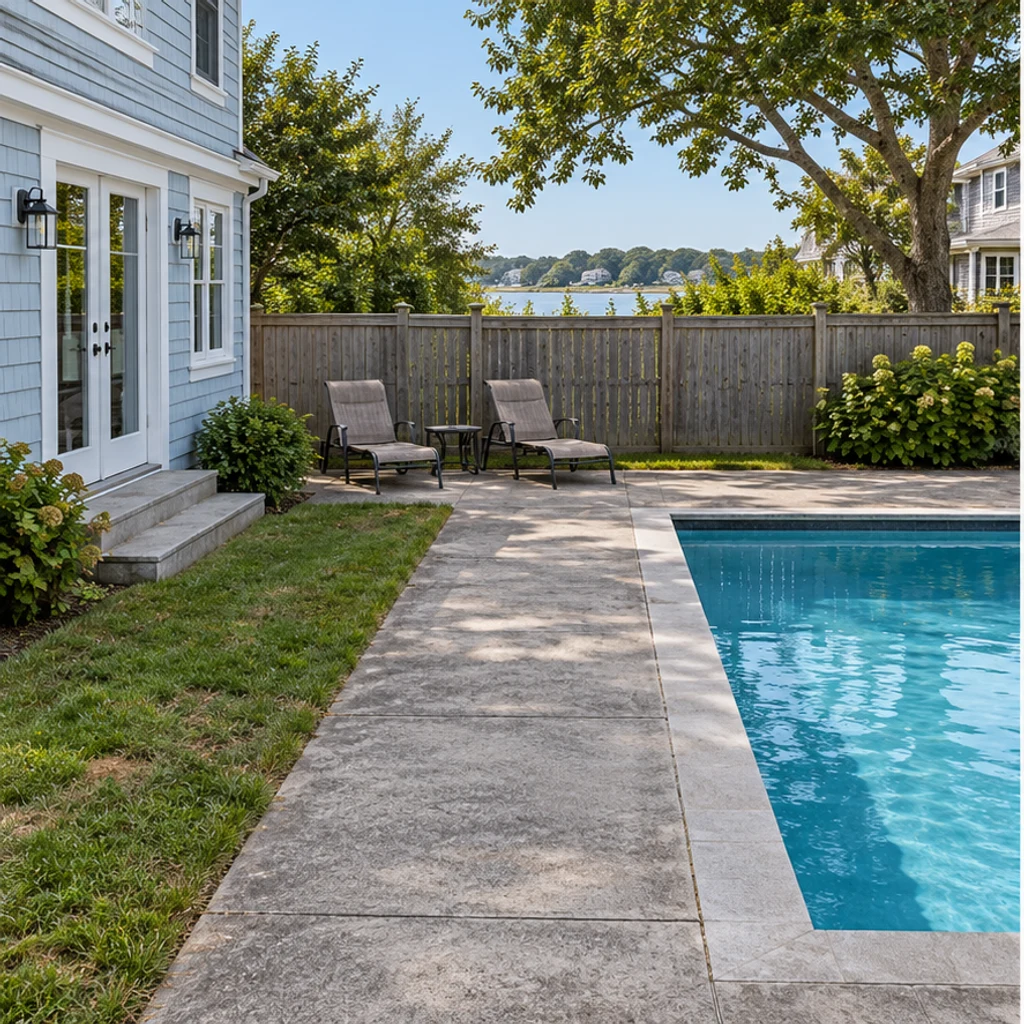
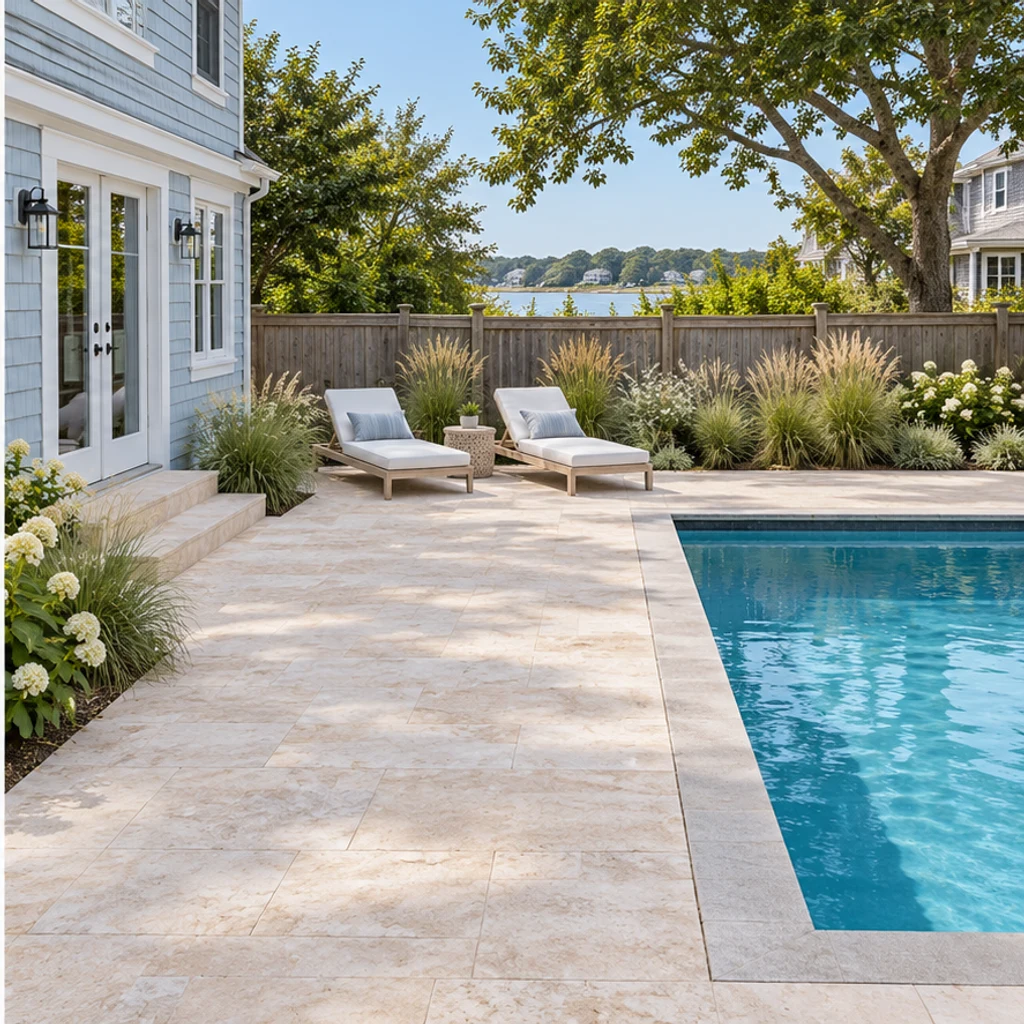
Sandy paving and pale loungers refresh the surroundings while the pool, coping and house stay in place.
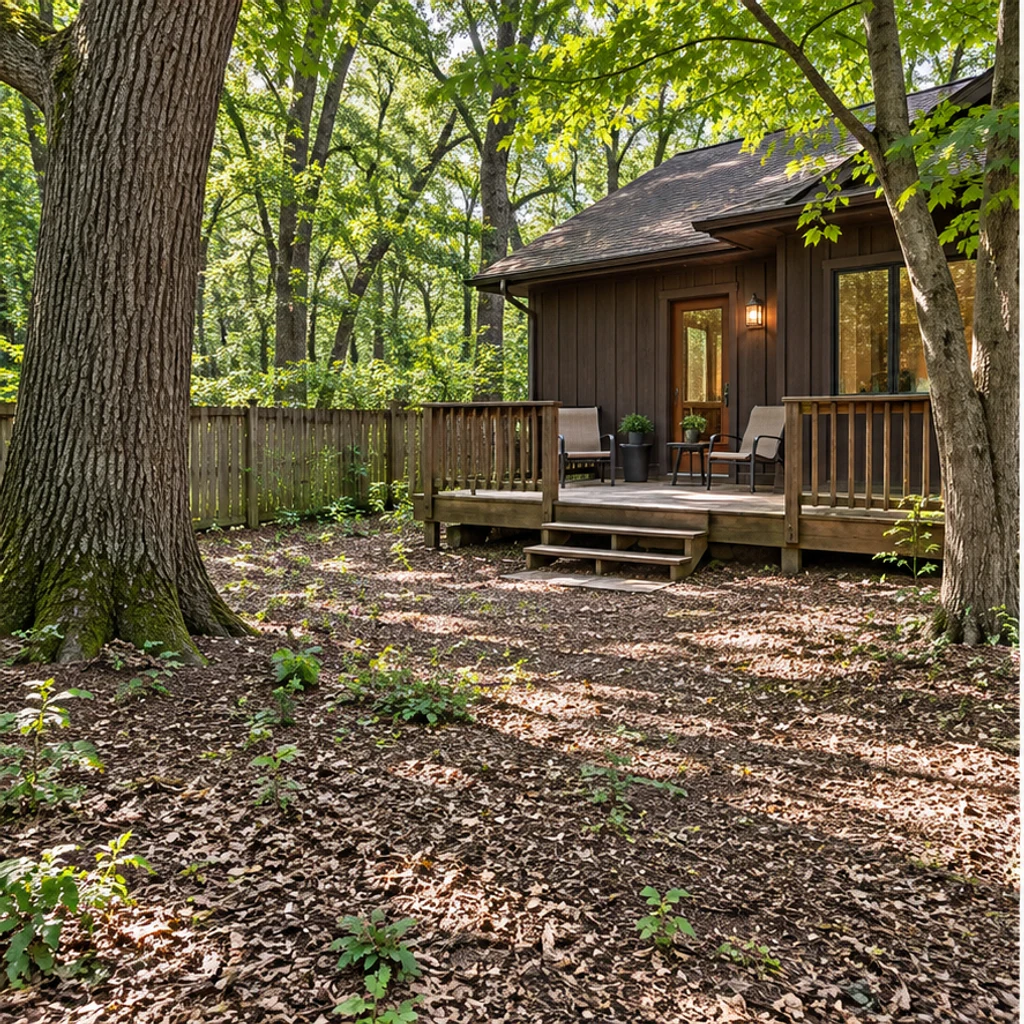
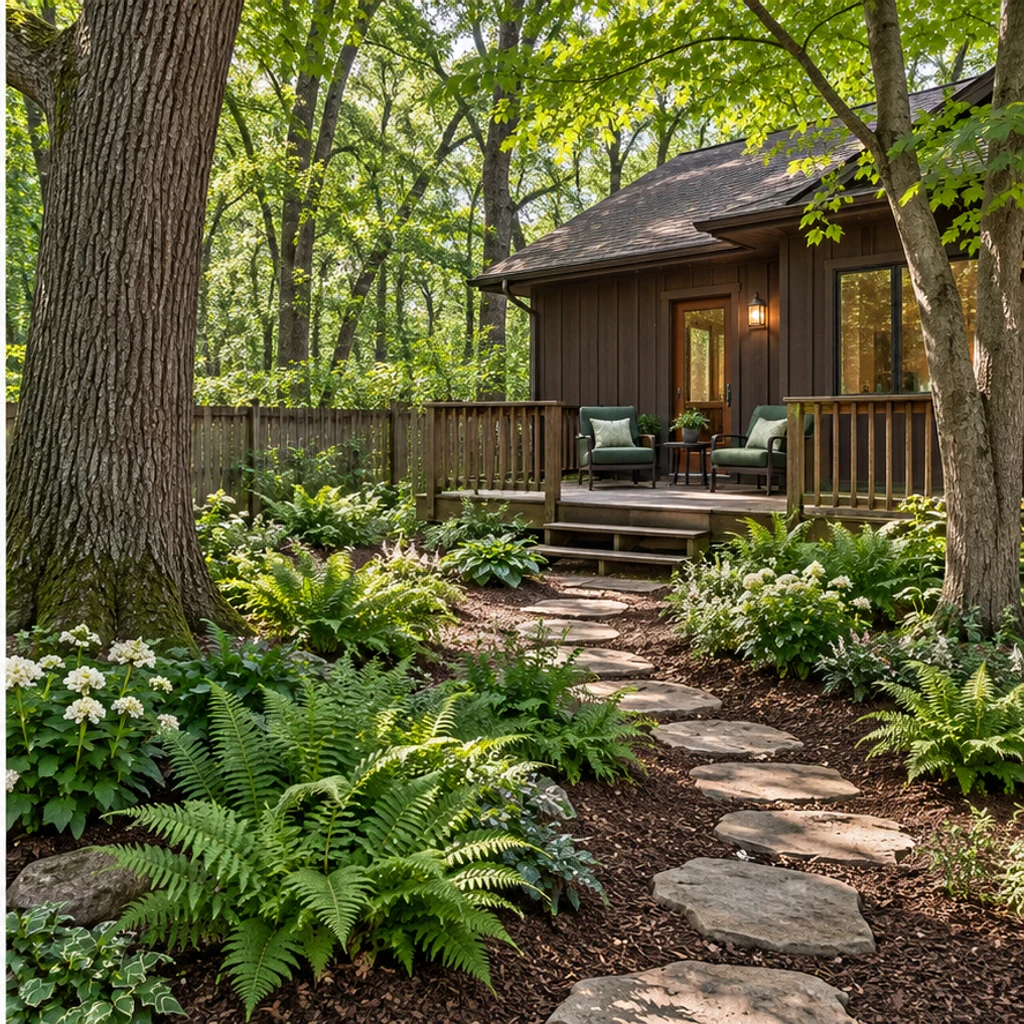
Low shade planting and irregular stepping stones lead to the same cabin deck and mature trees.
Use a level photo showing the house, boundaries and ground. Include gates, trees, steps and fixed structures so the concept has useful context.
Choose one of 8 style images, upload a reference or write Edit instructions. List anything to retain. With only a photo, the tool proposes a contemporary natural garden concept.
Compare the concept with the original. Check house openings, fence lines, trees and access routes before judging planting, paving and furniture. Refine your instructions and keep useful variants in history.
A convincing garden image can still contain changed boundaries or impractical details. Compare fixed features first, then assess the design.
House openings, fence lines, mature trees, pools, steps and fixed decks should remain in place.
Furniture and planting should leave sensible routes to doors, gates and steps.
A whole-yard concept can change lawn areas, low planting, paving and loose furniture. A single-item request should leave everything else alone.
Generated plants and surfaces are visual suggestions, not a verified species list or construction specification.
It can create a visual concept for planting, paving and seating in your existing yard. The tool is instructed to keep the house, boundaries and fixed features; review the result for unintended changes. It is not a measured landscape plan.
No. Templates are optional, initially unselected and removable. Upload a reference, write instructions or use just your yard photo for a contemporary natural concept.
Yes. Your yard photo is image 1 and the selected template or uploaded reference is image 2. The reference guides colors, materials, planting appearance and furniture; it does not supply a different house or yard layout.
Yes. Name the target and the elements to keep in Edit instructions. A specific request takes priority over the general style direction. For example, change only the paving to warm terracotta and keep every plant and chair.
It is designed to preserve existing pools, decks, retaining walls, steps and mature trees. It does not produce CAD, measured layouts, drainage plans, construction approvals or an accurate planting list.
Generation uses LumiYing credits. Review the cost shown on Generate and the current pricing page. Loading an example only fills the inputs and does not generate or spend credits.
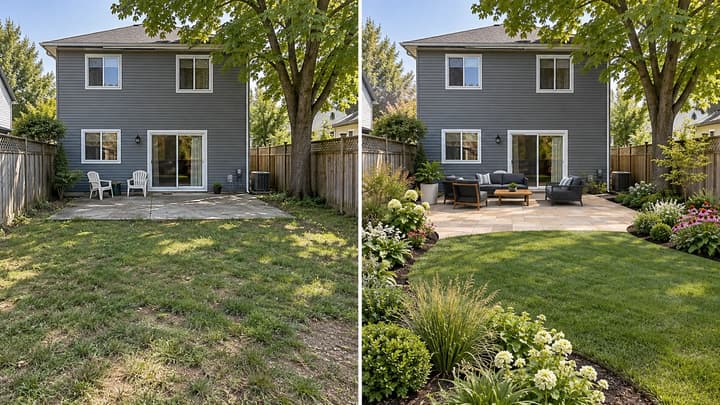
Learn to compare backyard ideas with AI: prepare a photo, define what stays, choose planting and paving directions, and review each concept before planning work.
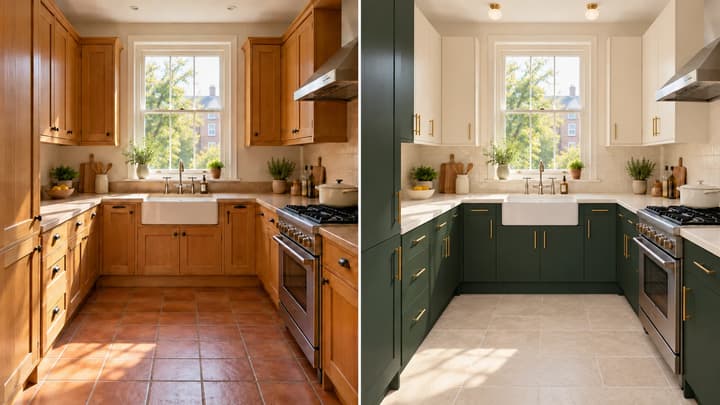
Redesign your kitchen from a photo. Coordinate cabinets, counters, walls, floors and lighting while keeping the room structure and major appliances in place.
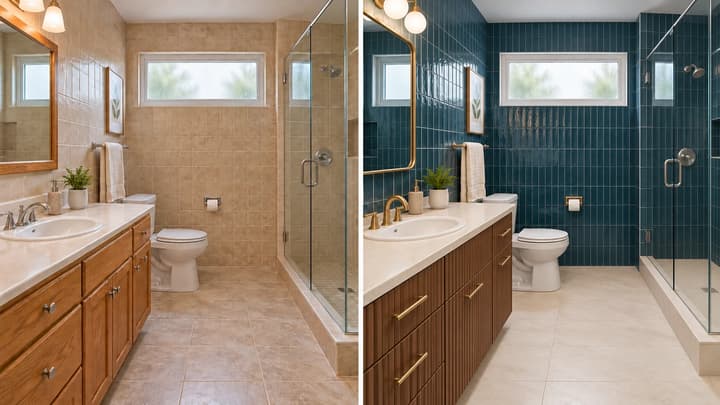
Redesign your bathroom from a photo. Coordinate vanity fronts, tiles, floors, mirrors and lighting while keeping the room structure and main fixtures in place.
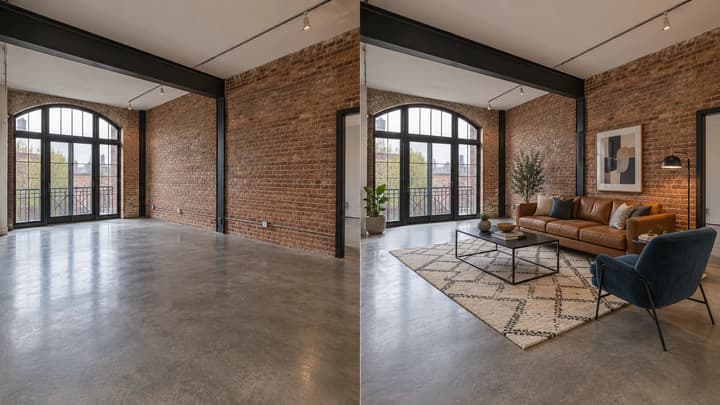
Add furniture to an empty room photo. Choose from 5 room types and 8 furniture styles, then review and download the staged image.
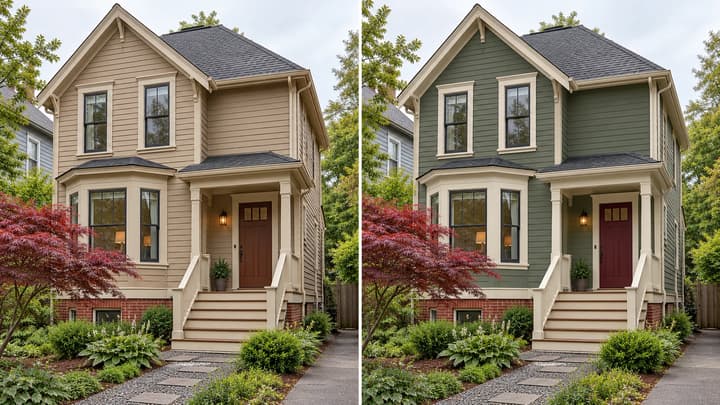
Preview exterior paint colors on your own house photo. Try a palette or describe siding, trim and door colors, then compare the result before choosing real paint samples.

Review credits and plans before generating.
Redesign your backyard from a photo. Compare planting, paving and seating styles while keeping the house, yard boundaries and fixed features in place.