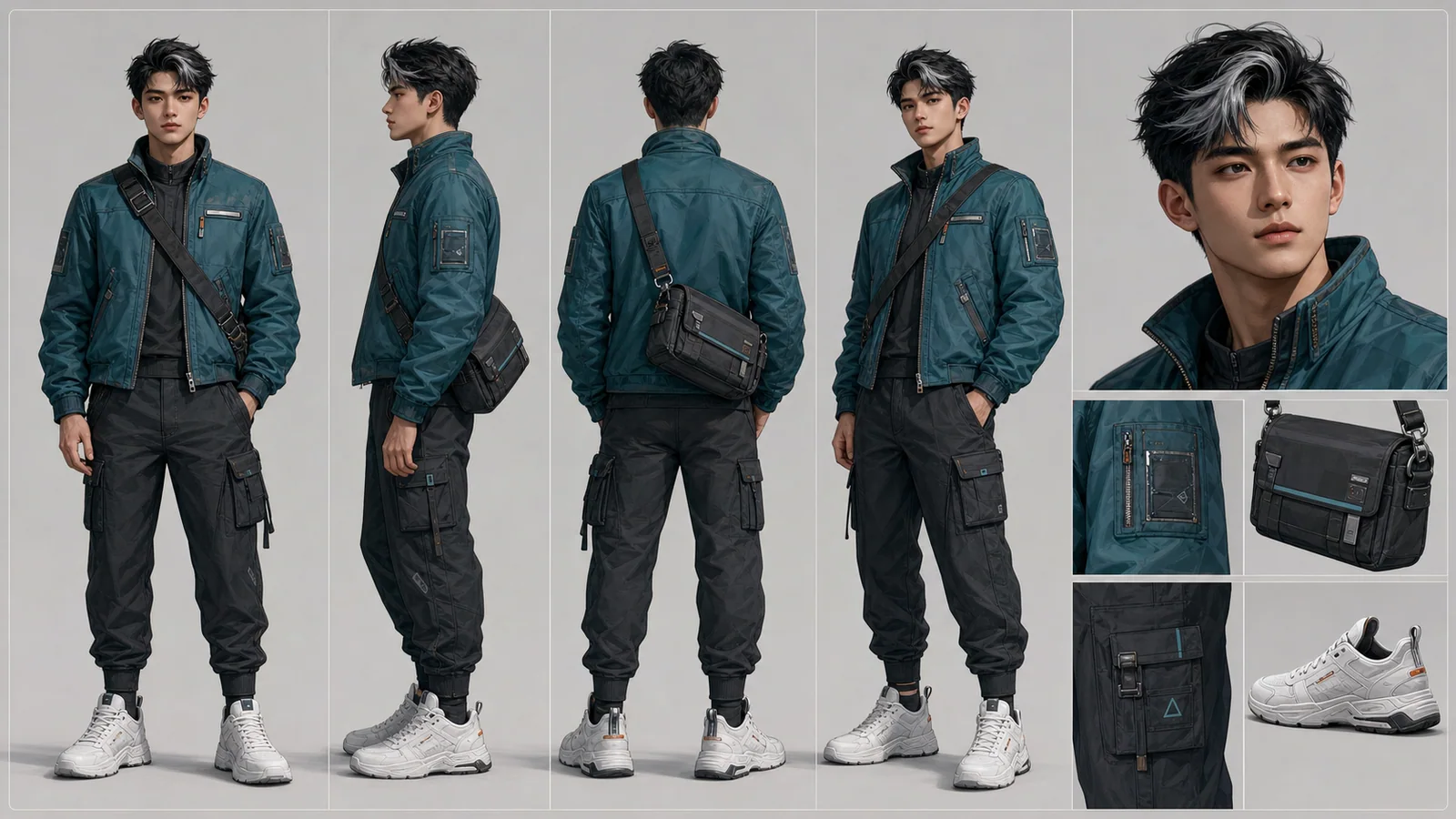
Character Reference Sheet Guide for AI Creators
Create a character reference sheet from a brief or one image, review the views, and reuse the approved design in storyboards and video shots.
LumiYingUpdated
What to include in a character reference sheet
A useful character reference sheet gives artists, AI tools, and video workflows the same visual rules for identity, outfit, proportions, and reusable details.
Plan the character before generating the sheet
A character sheet should answer what the character looks like, what must stay consistent, and which details matter in future scenes.
Define identity first
Name the character role, age range, silhouette, visual style, face details, and personality cues before generating.
Separate views and details
A useful sheet includes full-body views, portrait, outfit details, props, expression notes, and color/material references.
Clarify visual reference, not stats
For AI image and video work, focus on appearance, proportions, outfit, expressions, and reusable visual details.
Generate with consistency rules
After planning the sheet, use the Character Sheet Generator with the details that must not change across views.
How to Generate an AI Character Sheet
Create a character reference sheet from a brief or one image, review the views, and reuse the approved design in storyboards and video shots.
Describe or upload your character
Write a character brief or upload one JPG, PNG or WebP image up to 30 MB. A reference image alone is enough; add a brief to specify the outfit, style or details to preserve.
Choose the sheet settings
Choose an aspect ratio and 1K, 2K or 4K resolution; start with 16:9 and 1K to review the design. The character-sheet format is already applied. Check the displayed credits before generating one sheet image.
Review every view
Compare the face, hair, body proportions, outfit colors and props across panels. Back views and hidden details are inferred. Revise the brief and regenerate, or open the result in the image editor to work on that image.
Reuse the approved sheet
Download the sheet and upload it to the Storyboard tool with a scene brief. For image-to-video, first prepare a single scene frame; for Reference to Video, use the sheet as an identity reference and describe one shot at a time.
Reuse the courier design across three shots
The existing courier case shows a separate character sheet, storyboard and three video shots. Use the same review process for your own character.
Character reference sheet prompts
Explore these character sheet examples, then load the matching brief at 16:9 and 1K. Click an image for a larger view. Loading replaces the current inputs without generating; results will vary.
Sci-Fi Engineer
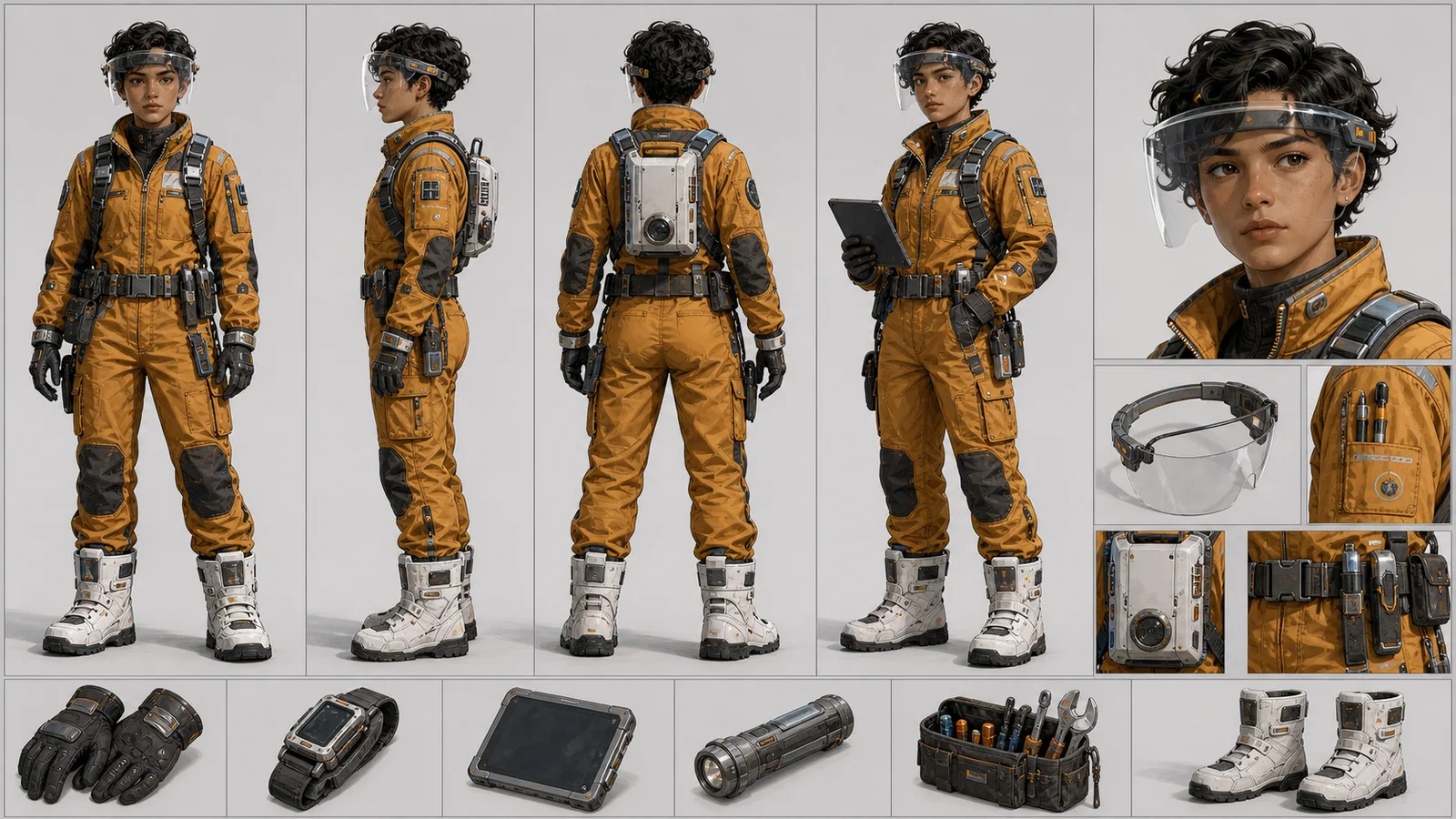
A lunar base systems engineer for a sci-fi animation, amber work jumpsuit, transparent utility visor, compact tool harness, white insulated boots, short curly hair, focused expression.
Compare the visor shape and tool placement across views.
Try this promptFantasy RPG Hero
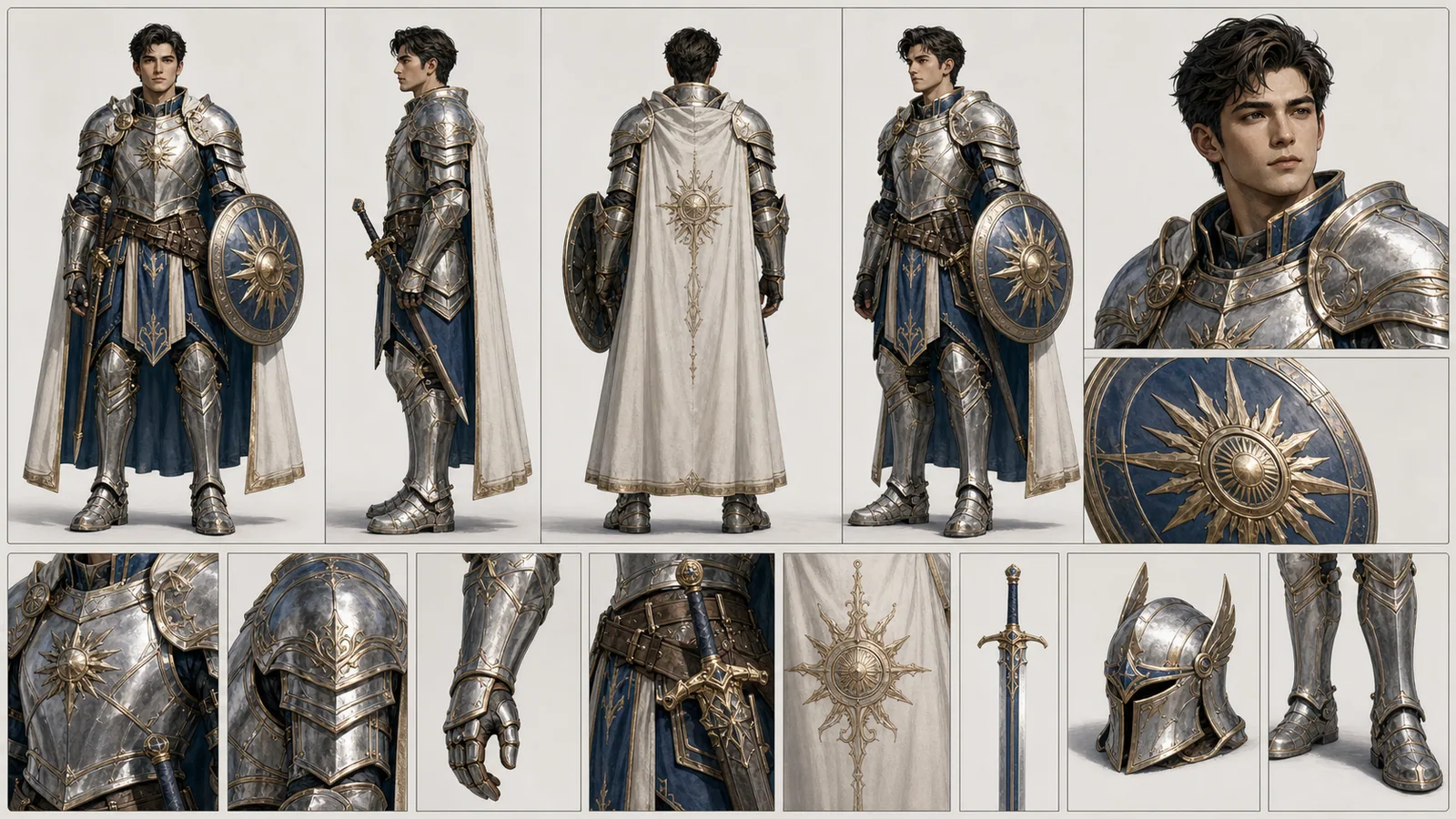
A fantasy RPG paladin hero, silver armor with blue enamel trim, white cape, sun-shaped shield, calm noble expression, full-body views plus portrait and armor detail studies.
Check armor edges, shield motifs and cape attachment points.
Try this promptChef Mascot
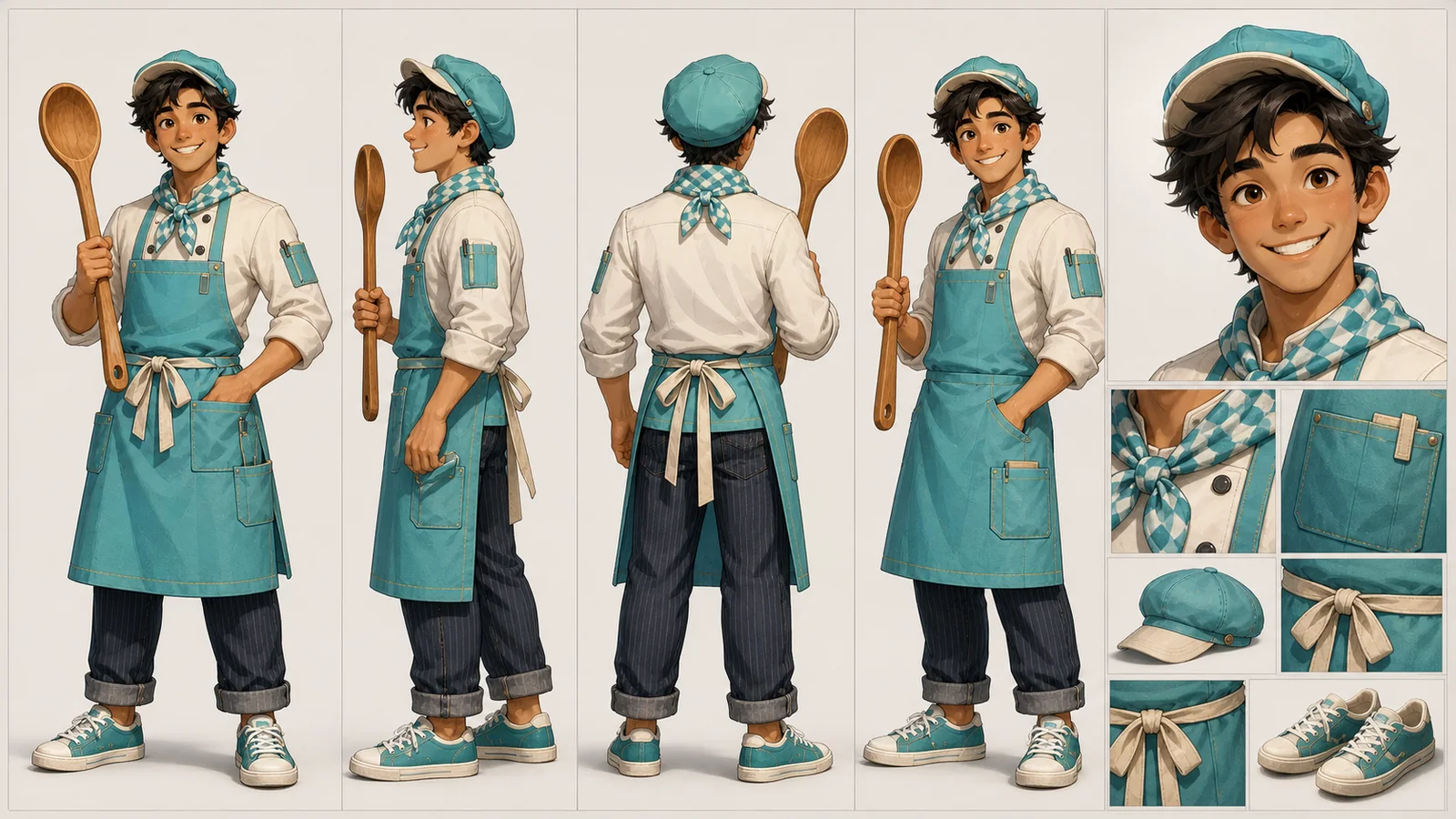
A cheerful food-truck chef mascot character, young human chef with turquoise apron, oversized wooden spoon, checkered neckerchief, round cap, warm smile, casual sneakers.
Check the apron ties, neckerchief pattern and spoon shape.
Try this promptFashion Character Sheet
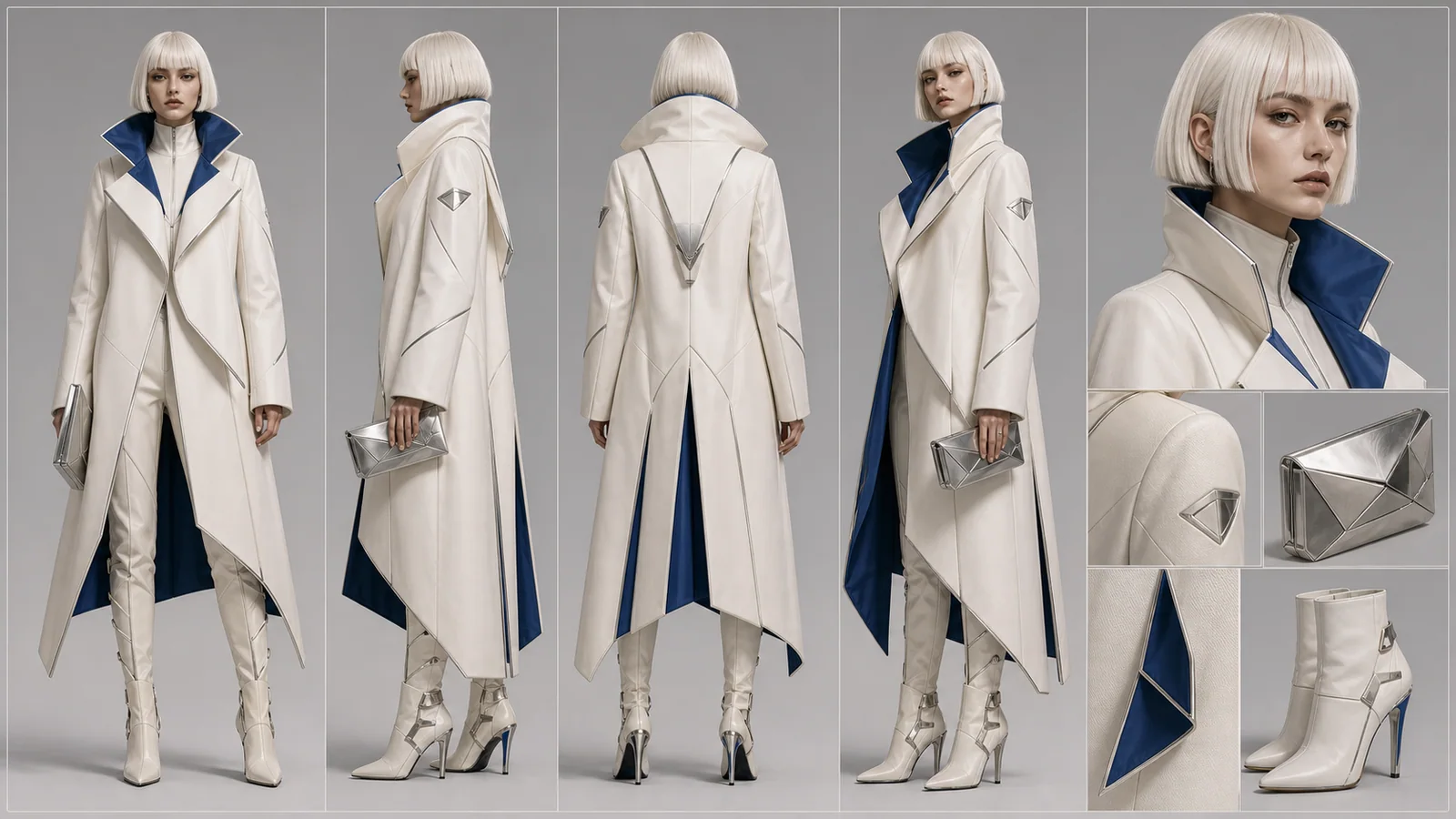
A fashion collection character for a futuristic runway, tall model with platinum bob haircut, sculptural ivory coat, cobalt inner lining, architectural boots, silver clutch accessory.
Compare the coat seams, lining color and boot shape.
Try this promptFix the sheet before reusing it
A clear reference helps guide later generations; it does not guarantee identical characters in every result.
Create the sheet after planning it
Move from reference planning into AI generation and broader image workflows.
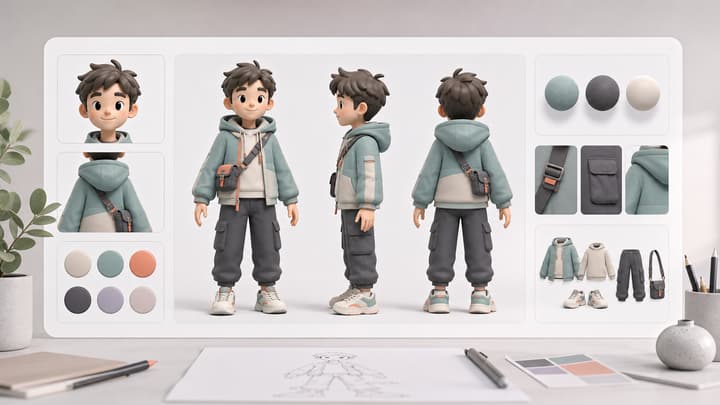
AI Character Sheet Generator
Create a structured visual character reference sheet from a prompt or uploaded image.
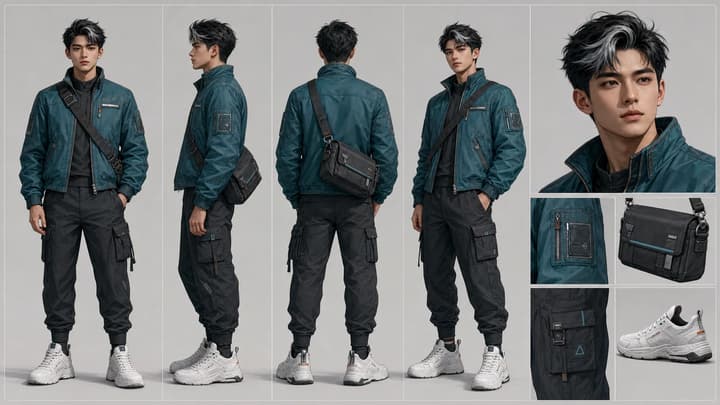
AI Video Character Consistency
Keep an AI character recognizable across shots. Prepare references, plan motion, compare clips and fix face, outfit or accessory drift with this workflow.
GPT Image 2 Tutorial
Learn reference-image prompting and image iteration inside LumiYing.
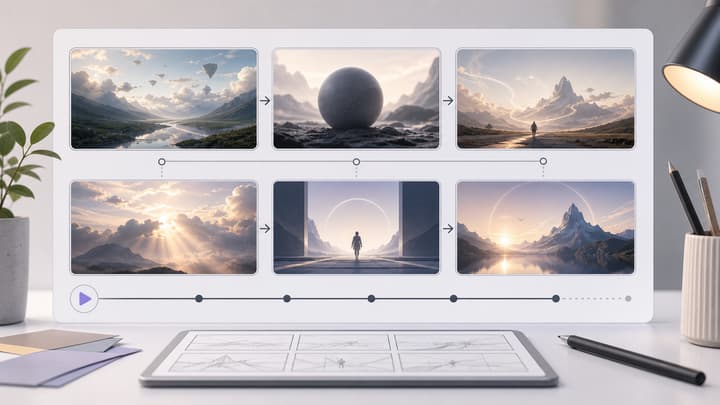
AI Storyboard Generator
Use consistent characters when planning storyboards and video scenes.

AI Scene Generator
Build stable environments where your character can appear later.
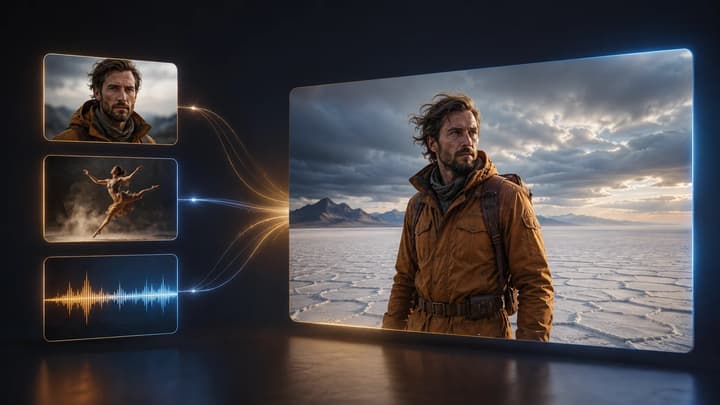
Reference to Video
See the courier case and use a character sheet as an identity reference for individual video shots.
Character Reference Sheet FAQ
What is a character reference sheet?
A character reference sheet is a visual guide that keeps a character consistent across drawings, images, storyboards, videos, and production assets.
What should a character reference sheet include?
Include full-body views, portrait details, outfit notes, color/material references, props, expressions, and any features that must stay consistent.
Is this the same as a DnD character sheet?
No. This page covers visual character reference sheets, not tabletop RPG stat sheets. It can help visualize a DnD-style character, but it does not create rules or stats.
Can AI generate a character reference sheet?
Write a character brief or upload one JPG, PNG or WebP image up to 30 MB. A reference image alone is enough; add a brief to specify the outfit, style or details to preserve.
Do I receive separate views or one image?
Each generation produces one composite character sheet. The views are panels within that image, not separate files. Download and crop a panel yourself if you need an individual view.
Can I turn the sheet directly into a finished video?
The video action passes the entire sheet to the video generator; it does not crop a panel or assemble a film. Prepare a single scene image for image-to-video, or add the sheet as an identity reference in Reference to Video and generate shots separately.
Create a consistent character sheet
Start from a brief or one reference image, then review the sheet before reusing it.