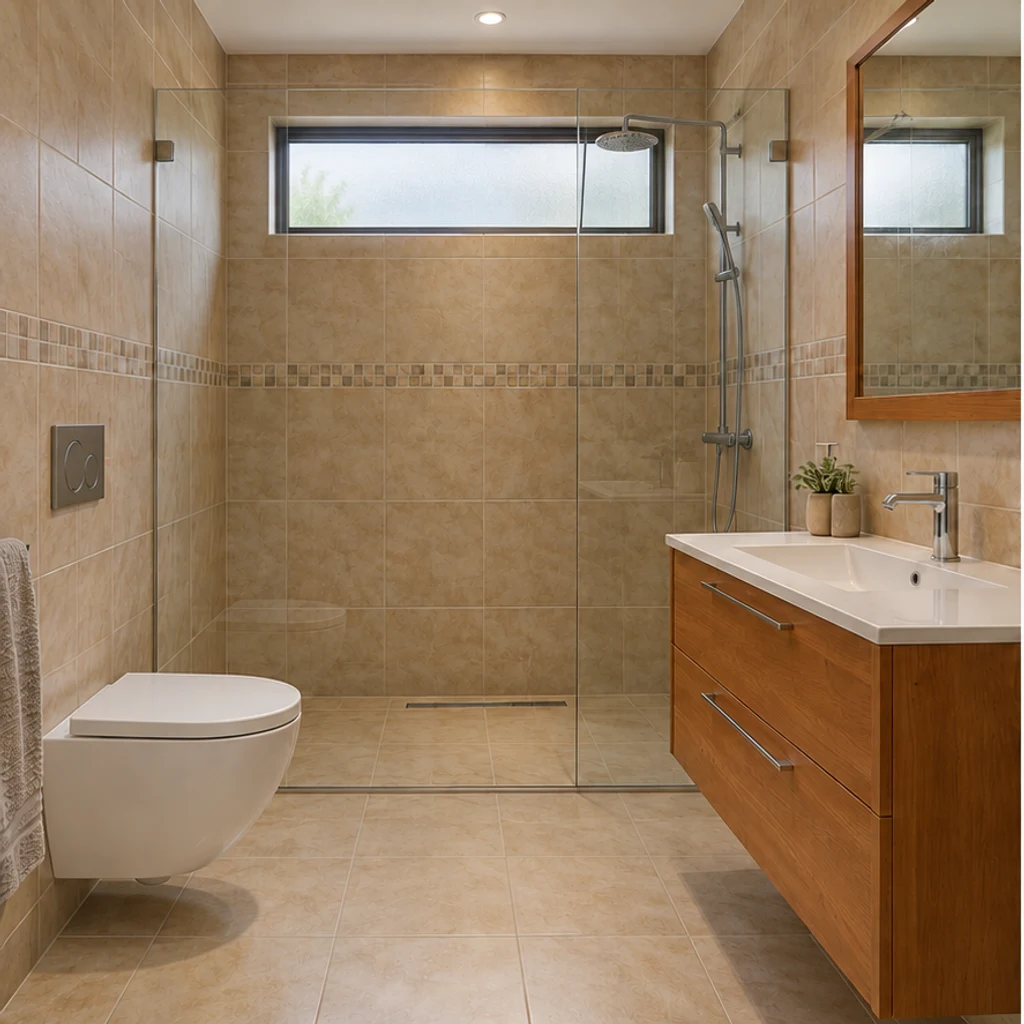

Modern gray and charcoal
Load this exampleGray tiles, fluted charcoal fronts and a rounded black mirror restyle the same bathroom with a pale gray floor.
Redesign your bathroom from a photo. Coordinate vanity fronts, tiles, floors, mirrors and lighting while keeping the room structure and main fixtures in place.
Try pale oak instead of red cherry while retaining the plum walls, countertop, basin and original cabinet divisions.
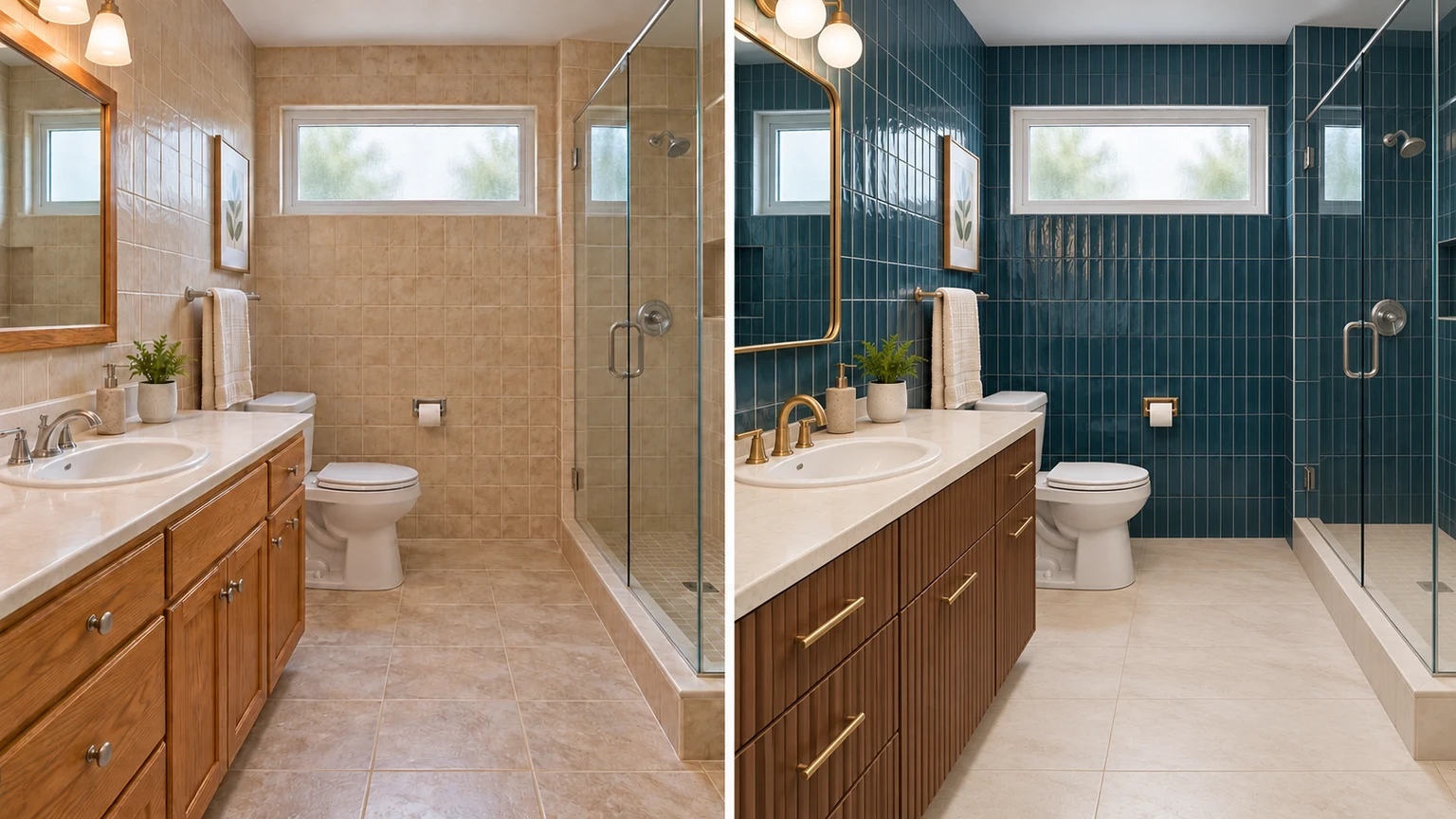
Compare beige and petrol-blue wall tiles beside the same white tub. Check the window, glass screen and floor before judging the color.
Burgundy cabinet fronts, an ivory countertop, an arched brass mirror and pleated lights create a stronger style change while preserving the green floor and fixture positions.
Compare a light tile and wood palette in a windowless bathroom. The room, shower and plumbing stay the same size and position.
Explore bathroom finish ideas with these AI-generated illustrations. Choose an example to load its original photo and style settings.
Gray tiles, fluted charcoal fronts and a rounded black mirror restyle the same bathroom with a pale gray floor.
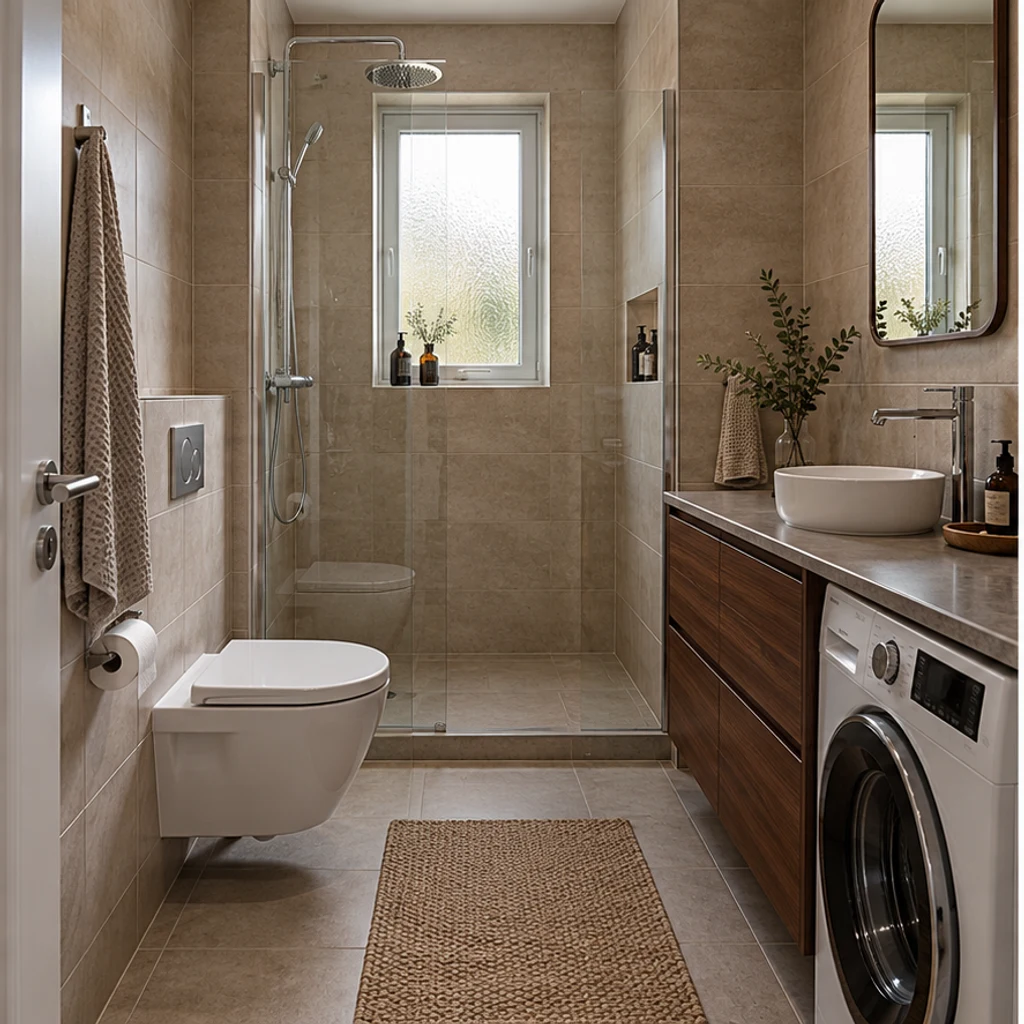
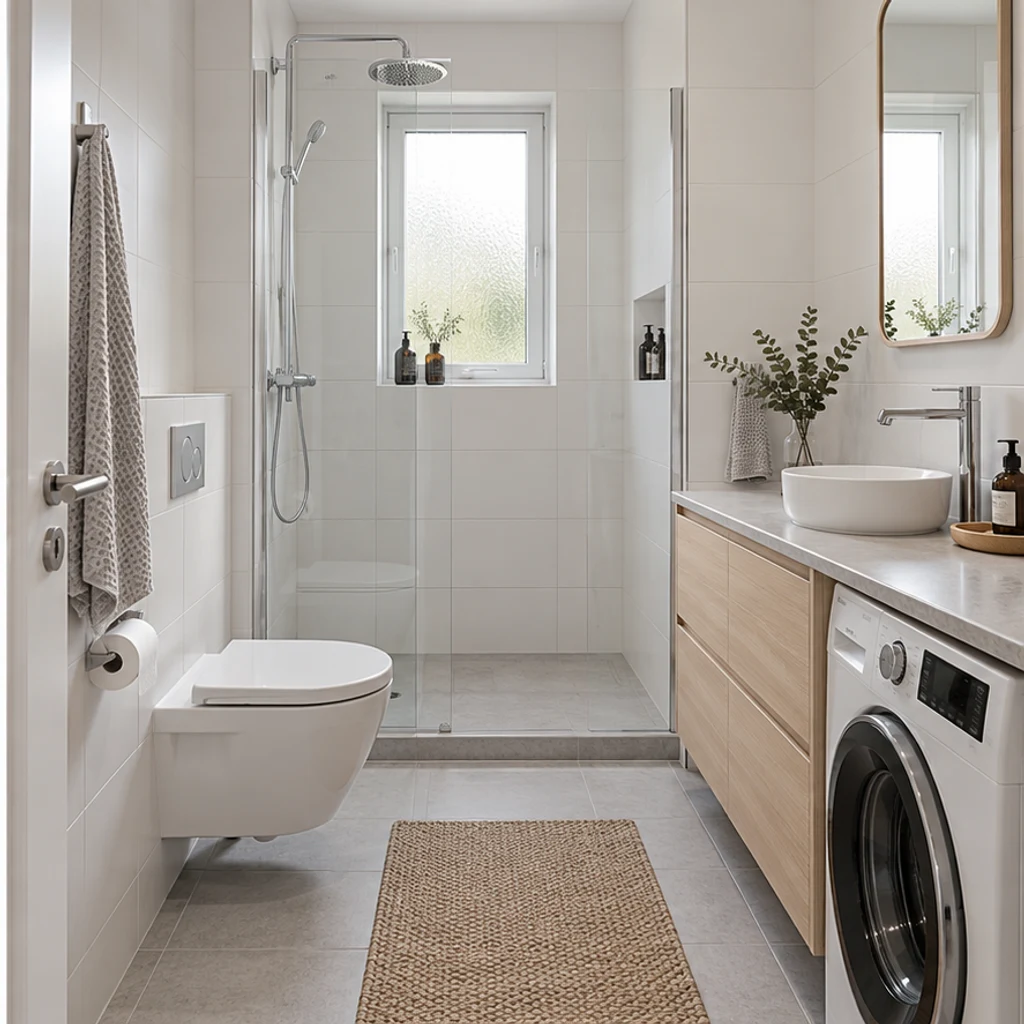
White tiles and pale ash fronts brighten this narrow bathroom around its existing washing machine.
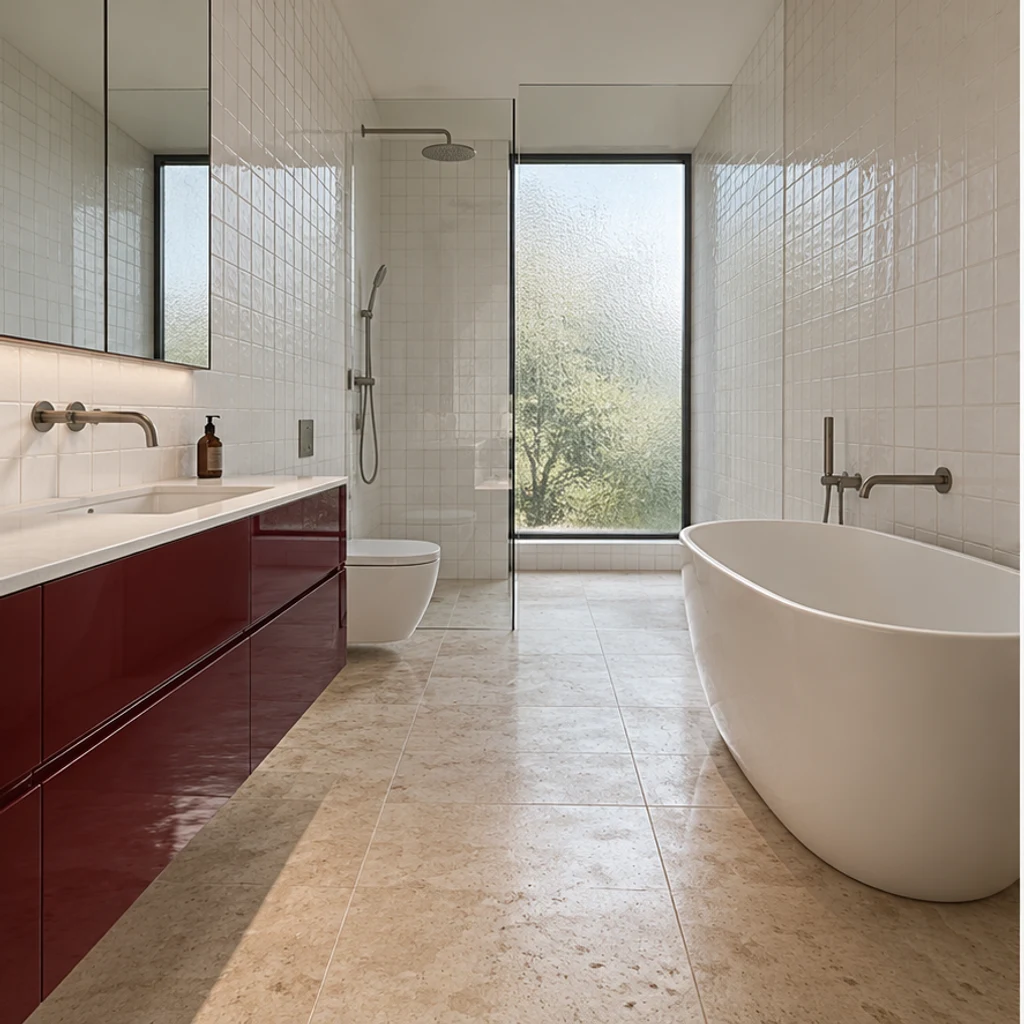
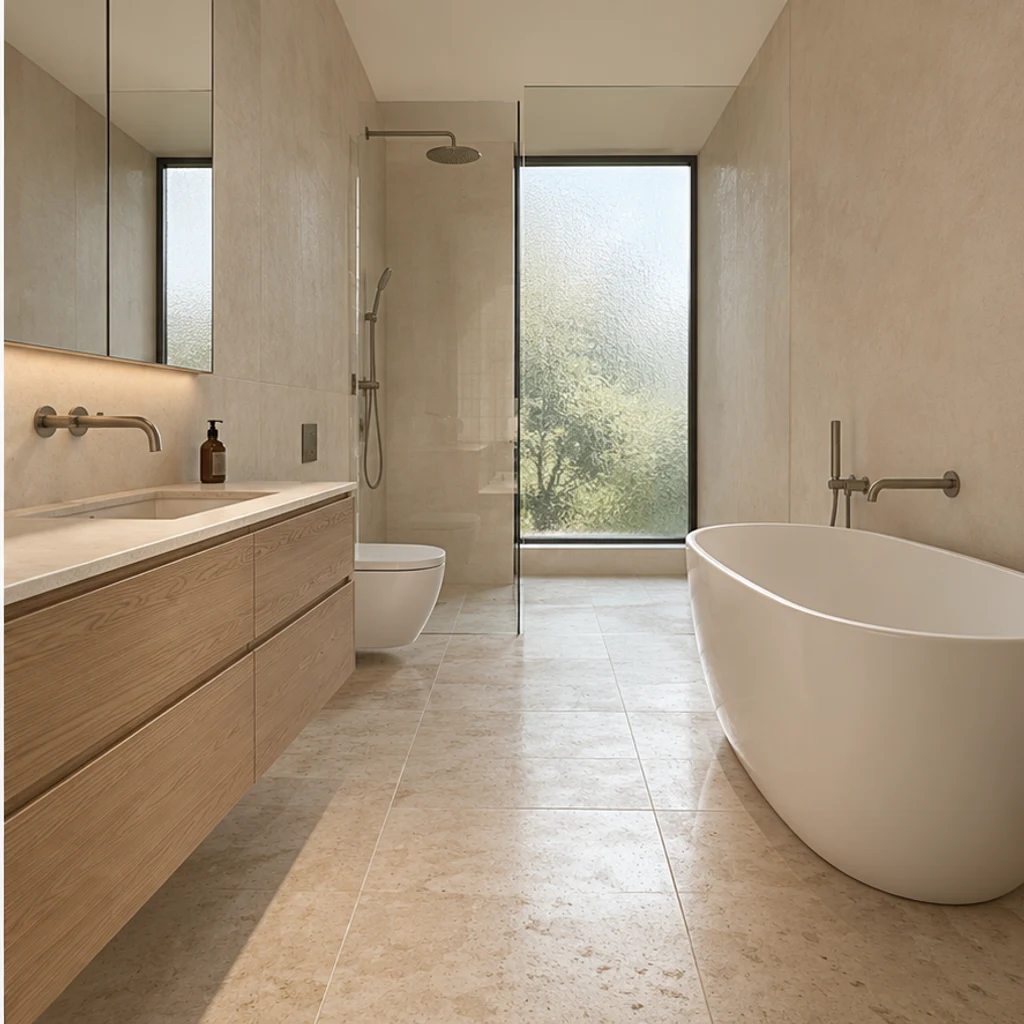
Quiet oak and sand finishes work around the original freestanding bath and tall frosted window.
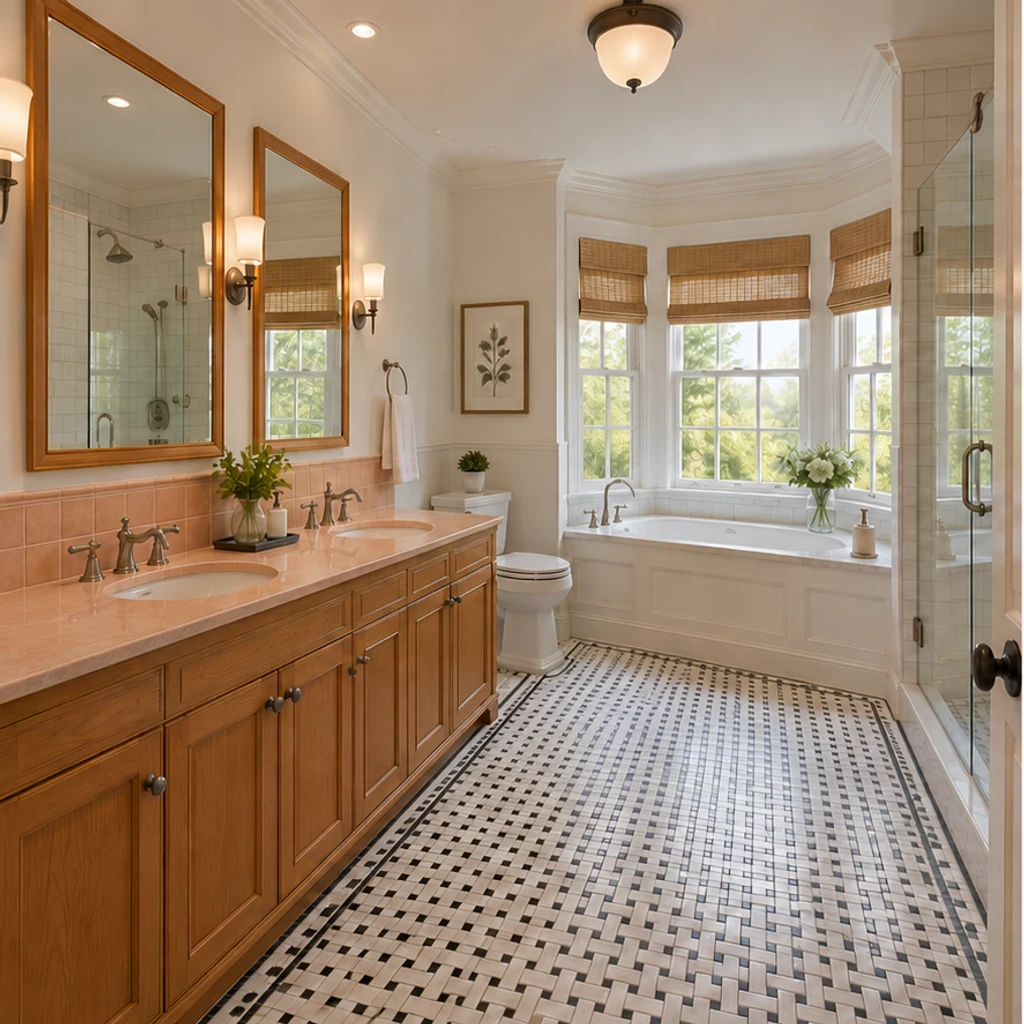
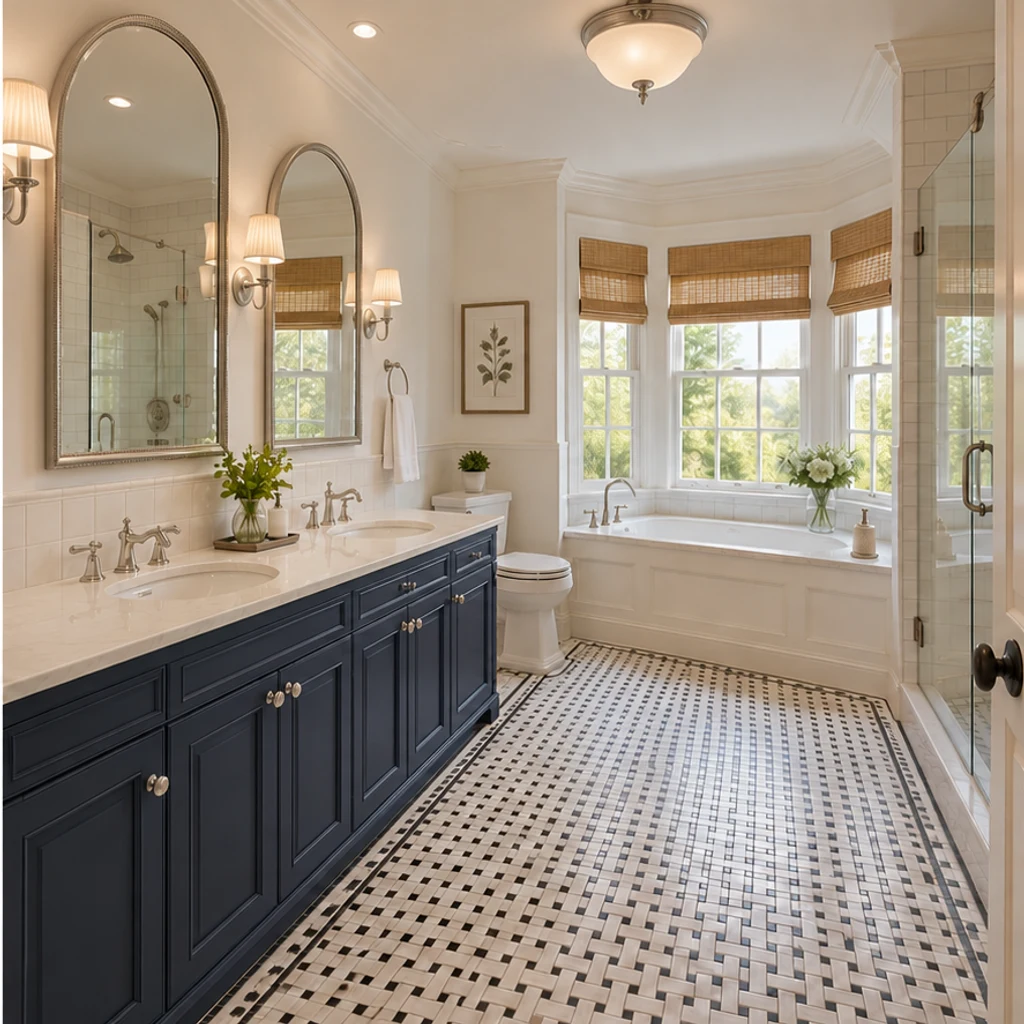
Paneled navy fronts, arched nickel mirrors and pleated ivory shades complement the unchanged mosaic floor.
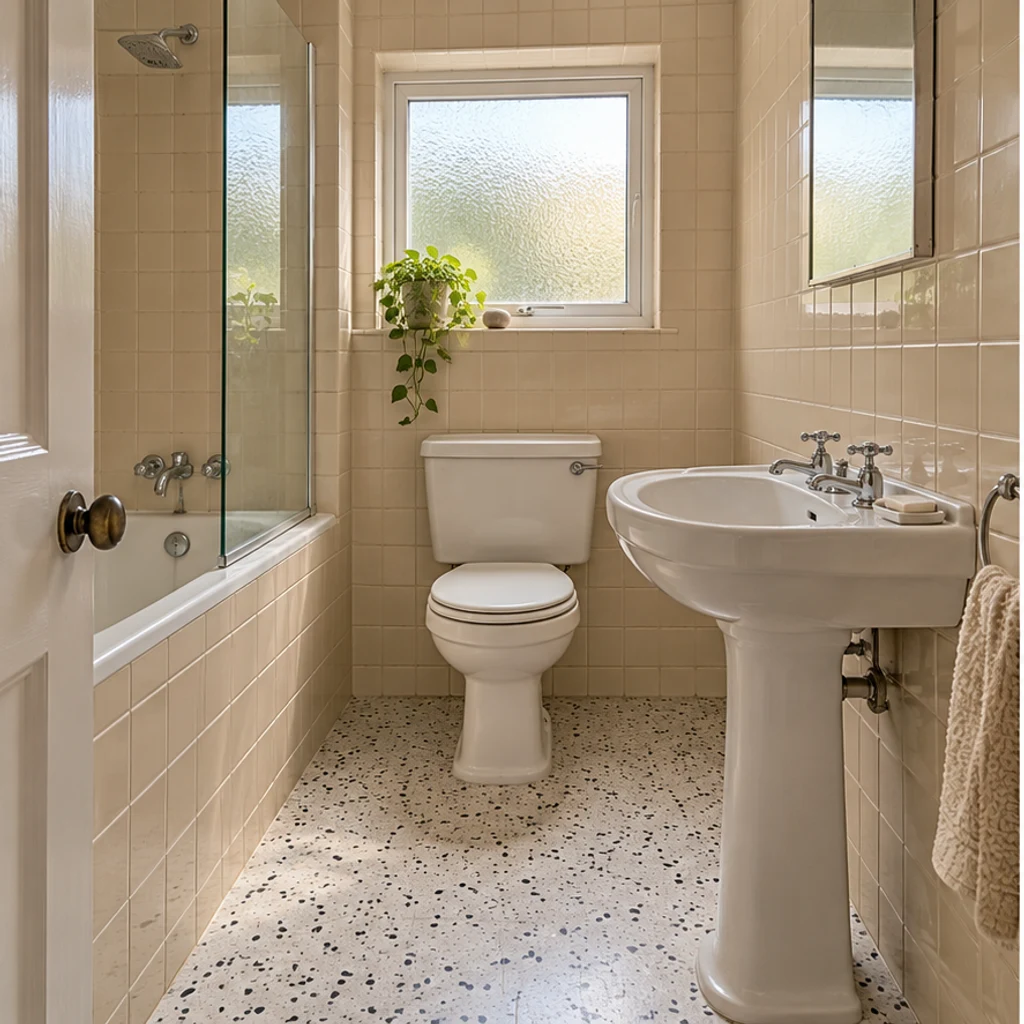
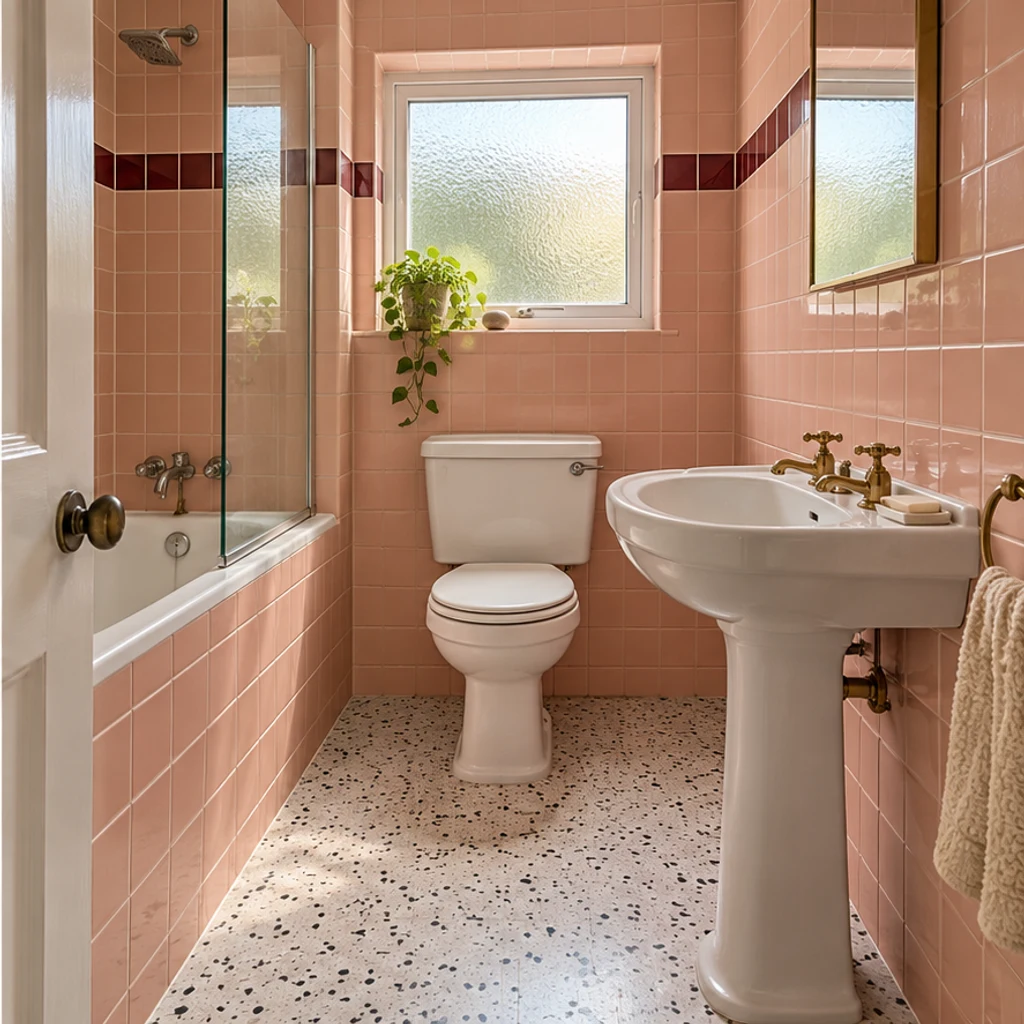
A blush tile palette and warm metal finish change the mood of a small pedestal-sink powder room.
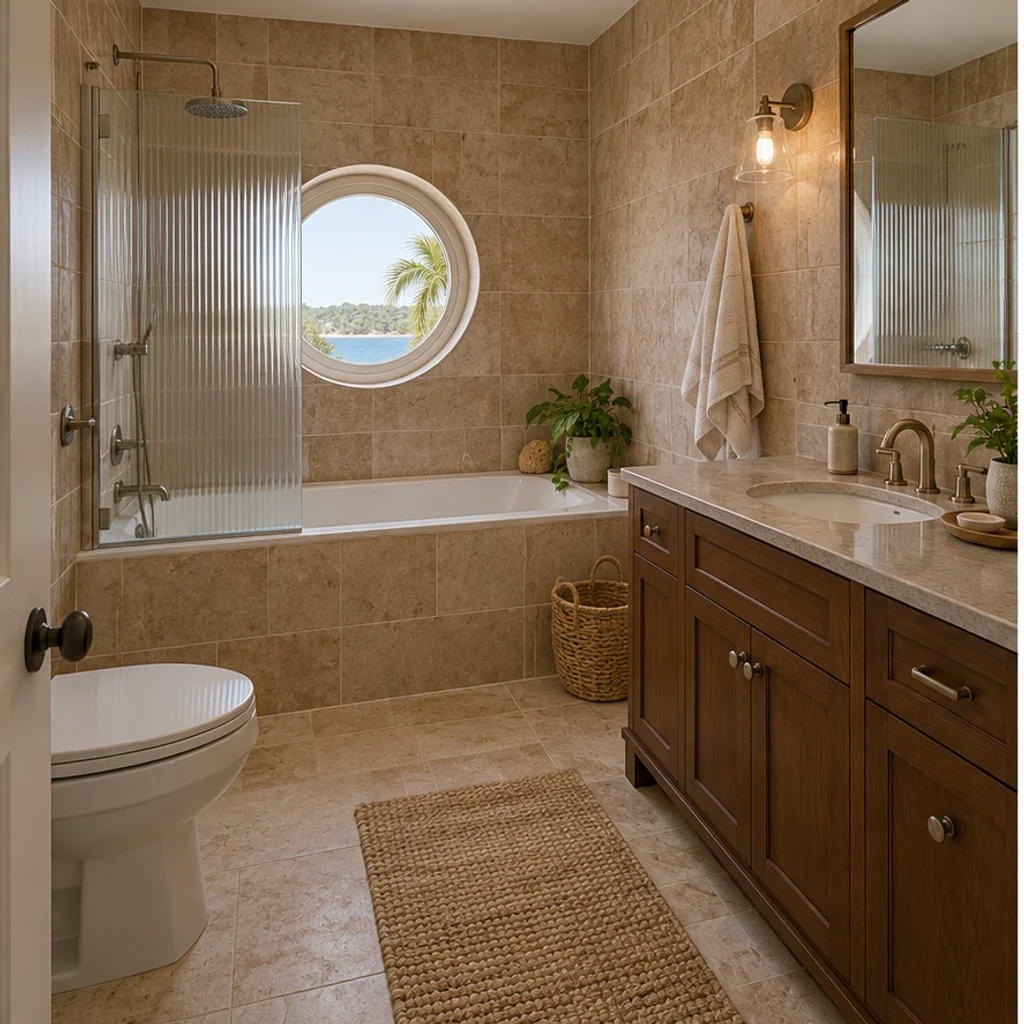
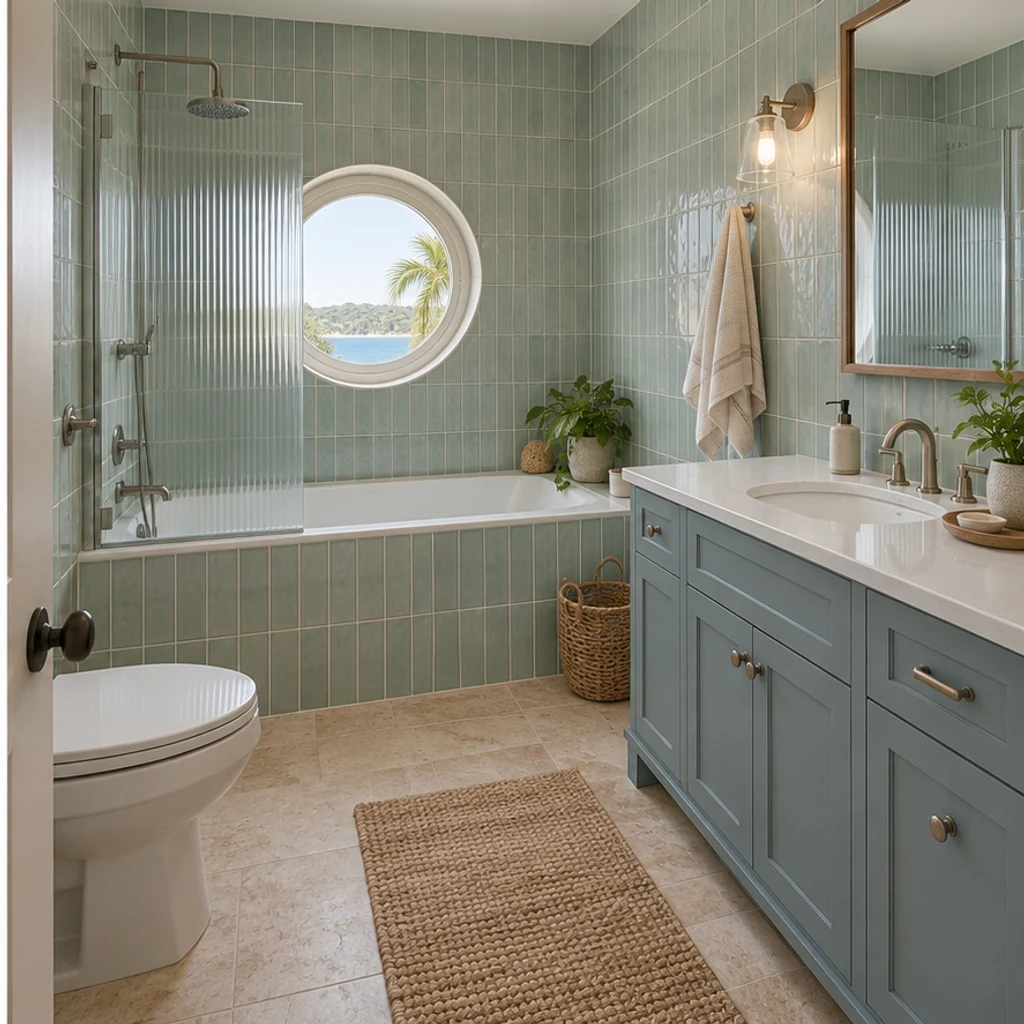
Dusty-blue fronts and pale green tile sit around the existing porthole window and inset tub.
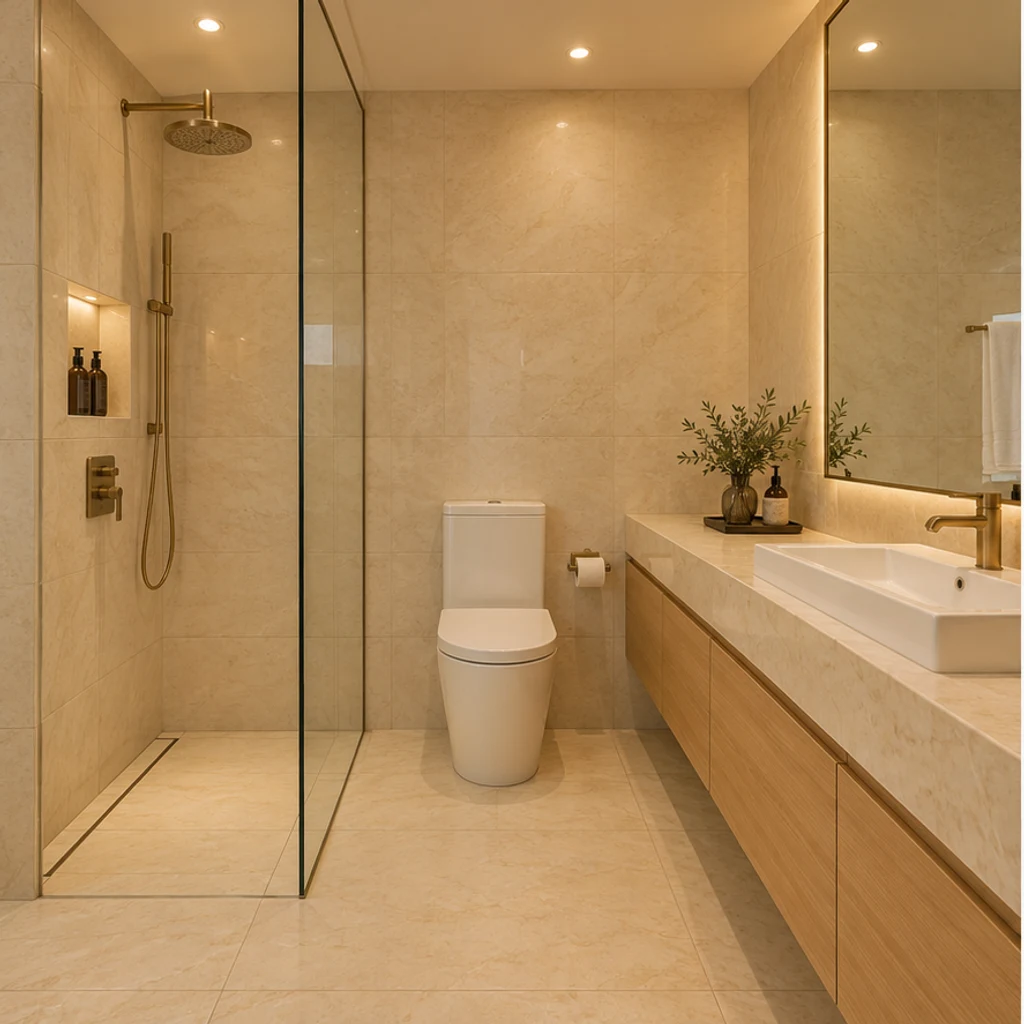

Charcoal stone-look surfaces and walnut fronts add depth to a windowless hotel bathroom.
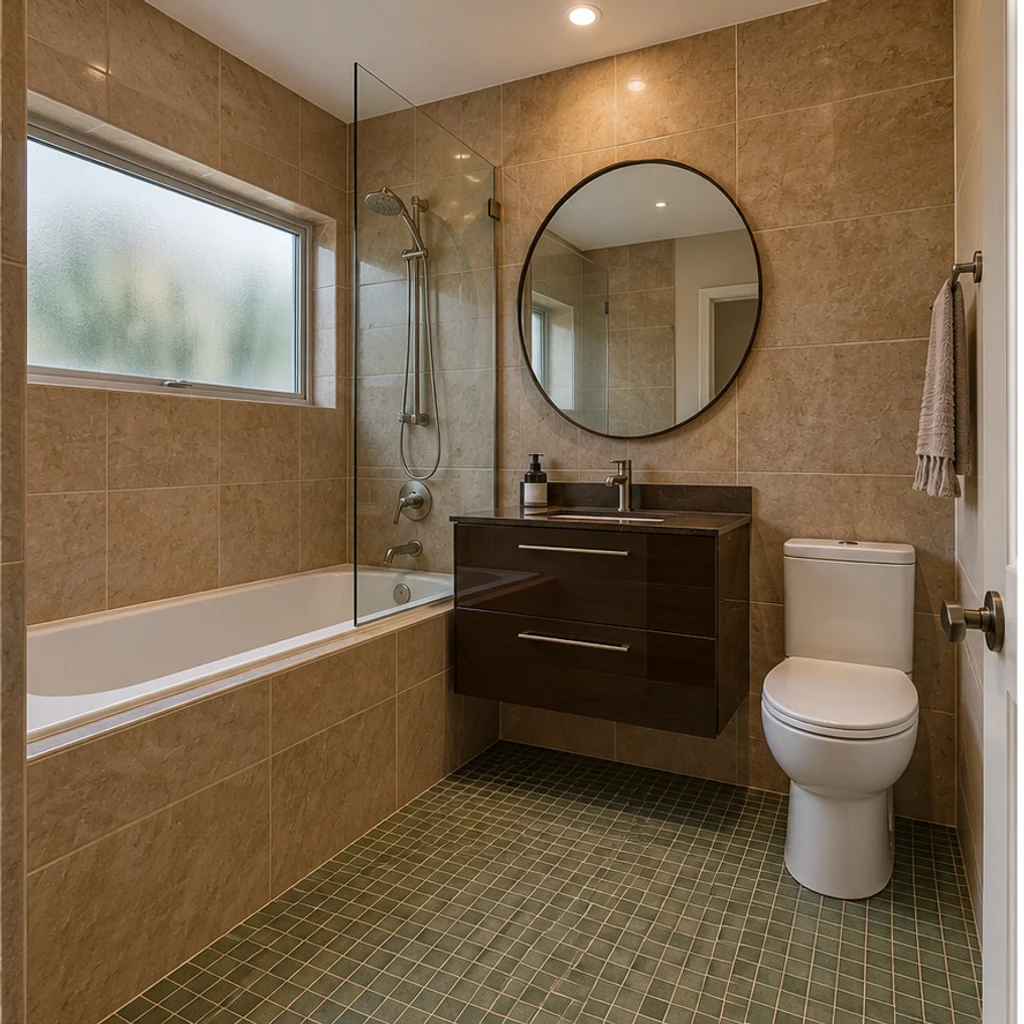
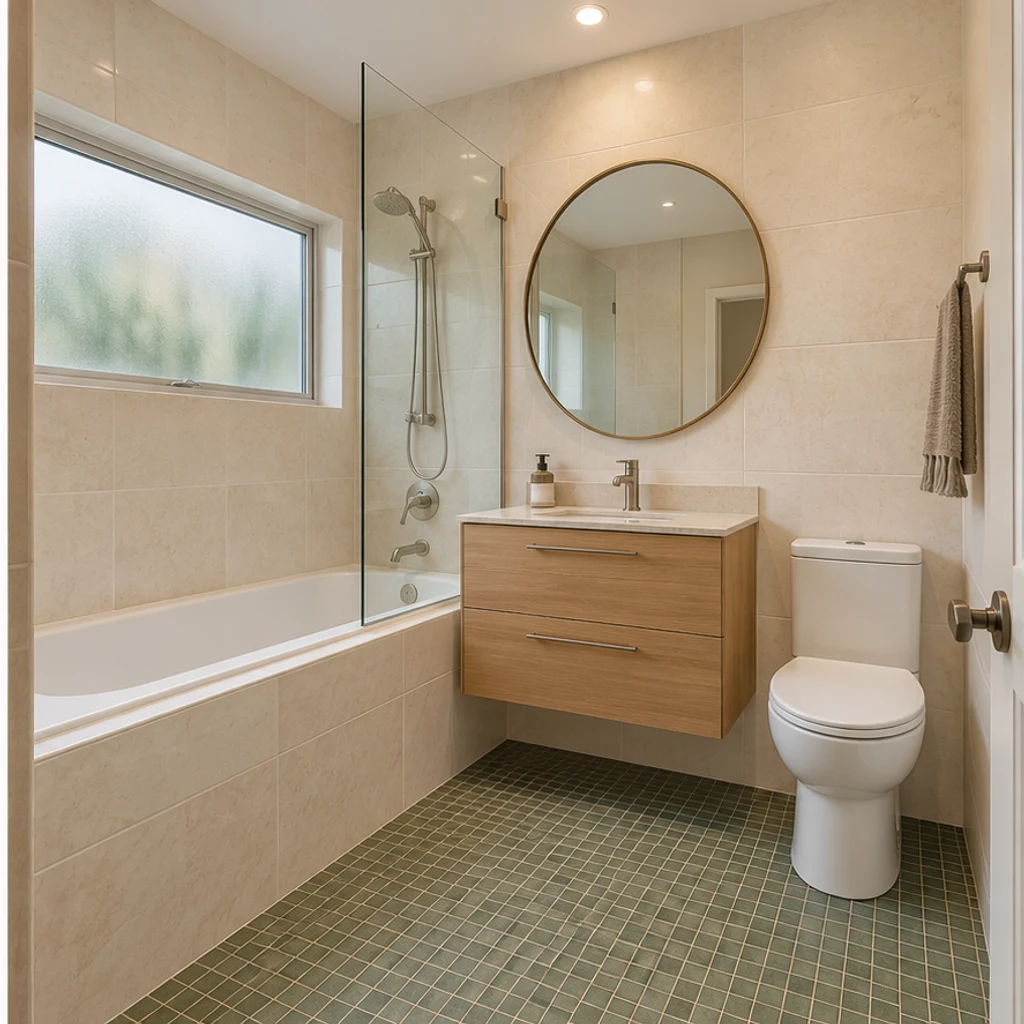
Warm ivory and pale oak coordinate with the green floor of this garden-level bathroom.
Choose a clear, level photo showing the surfaces to change and nearby fixtures. Keep the toilet, basin, tub or shower visible; avoid heavy filters and extreme wide-angle distortion.
Choose one of 8 style images, upload a reference or write Edit instructions. A style guides the whole room, including wall and floor finishes. Name anything to keep, or request just one change.
Generate a concept and compare it with the original. Check fixture positions, mirror reflections and tile edges. Refine the instructions and keep useful variants in your generation history.
Start with the layout and reflections, then compare colors. A convincing concept still needs physical samples and an installation plan.
Check the toilet, basin, bathtub, shower glass, doors and windows against the original.
Mirror shapes and light-fixture styles may change, but reflections should still show the same room, with no invented basins or missing shower edges.
Whole-room styling can change wall and floor finishes. If you ask to change only one item, check that everything else stays unchanged.
A generated texture does not identify a tile SKU, grout width, exact paint or waterproofing system.
Explore a complete, coordinated style change across cabinet fronts, counters, wall and floor finishes, mirrors, lighting and hardware. Keep the room structure and major equipment positions; mirrors and lights stay at their existing locations. Instructions to keep an item or change only one part take priority.
No. Use a template, upload a reference or write instructions. With only your room photo, the tool proposes a coordinated contemporary warm-neutral redesign. Templates are optional and removable.
Yes. The selected style image is sent as image 2 alongside your room photo. Uploading your own reference replaces the template. It guides materials, cabinet-door profiles, mirrors, lights and hardware; the original photo supplies the structure and major equipment positions.
Yes. Specify the surface in Edit instructions and name what must stay fixed. For example: change only the tiled walls to muted teal; keep the vanity, floor, tub, toilet and lighting unchanged.
This is a visual style preview with the room structure and main equipment positions retained. Existing decorative fittings may change style in place. It does not provide measured plans, CAD, installation specifications or construction approval. Check the result for unintended layout changes.
Generation uses LumiYing credits. Check the cost on Generate and the current pricing page. Loading an example only fills the inputs and does not generate or spend credits.
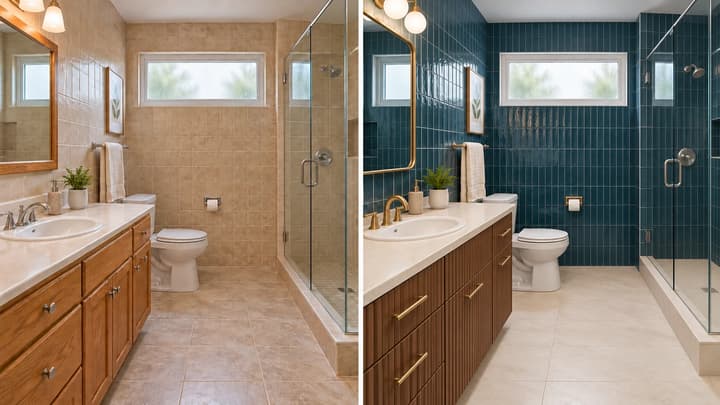
Learn to restyle a bathroom photo: coordinate tiles, vanity fronts, mirrors and lighting, preserve fixture positions, and review each design concept.
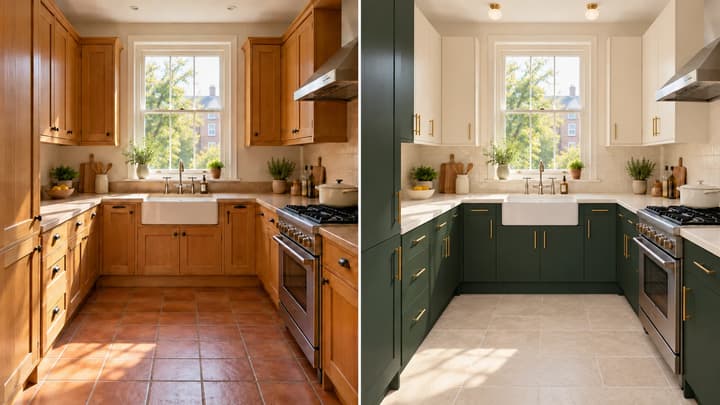
Redesign your kitchen from a photo. Coordinate cabinets, counters, walls, floors and lighting while keeping the room structure and major appliances in place.
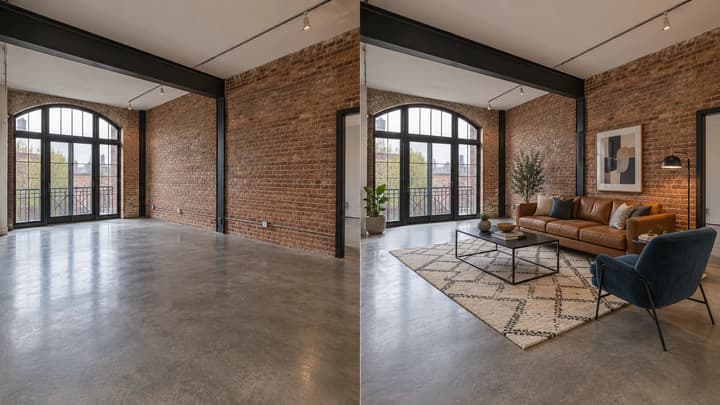
Add furniture to an empty room photo. Choose from 5 room types and 8 furniture styles, then review and download the staged image.

Upload an image, describe the edit, and create polished visuals for products, social posts, posters, or keyframes.
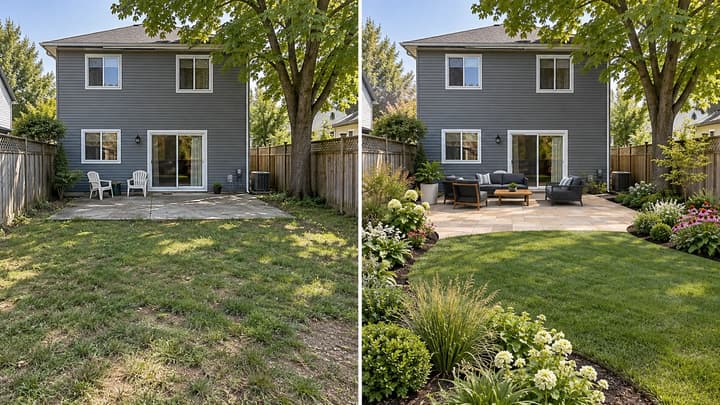
Redesign your backyard from a photo. Compare planting, paving and seating styles while keeping the house, yard boundaries and fixed features in place.

Review credits and plans before generating.
Redesign your bathroom from a photo. Coordinate vanity fronts, tiles, floors, mirrors and lighting while keeping the room structure and main fixtures in place.