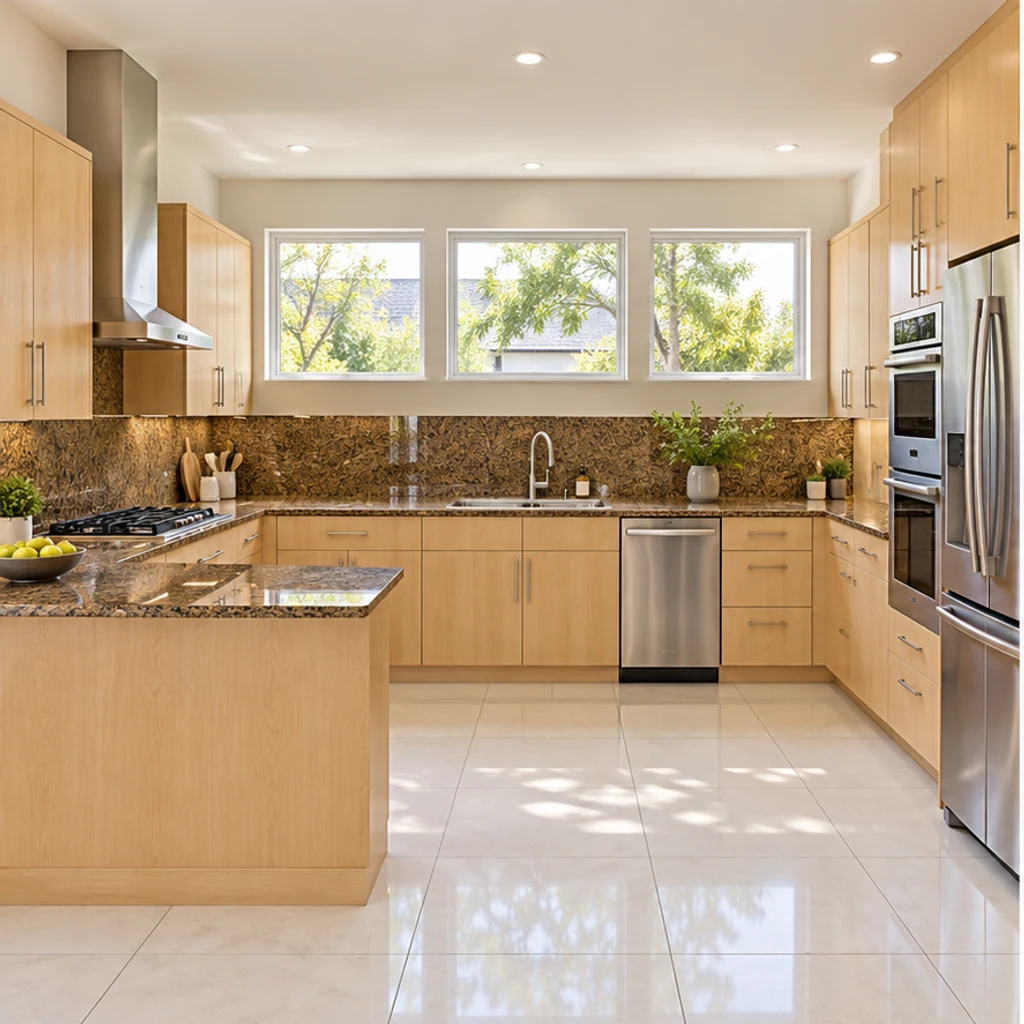
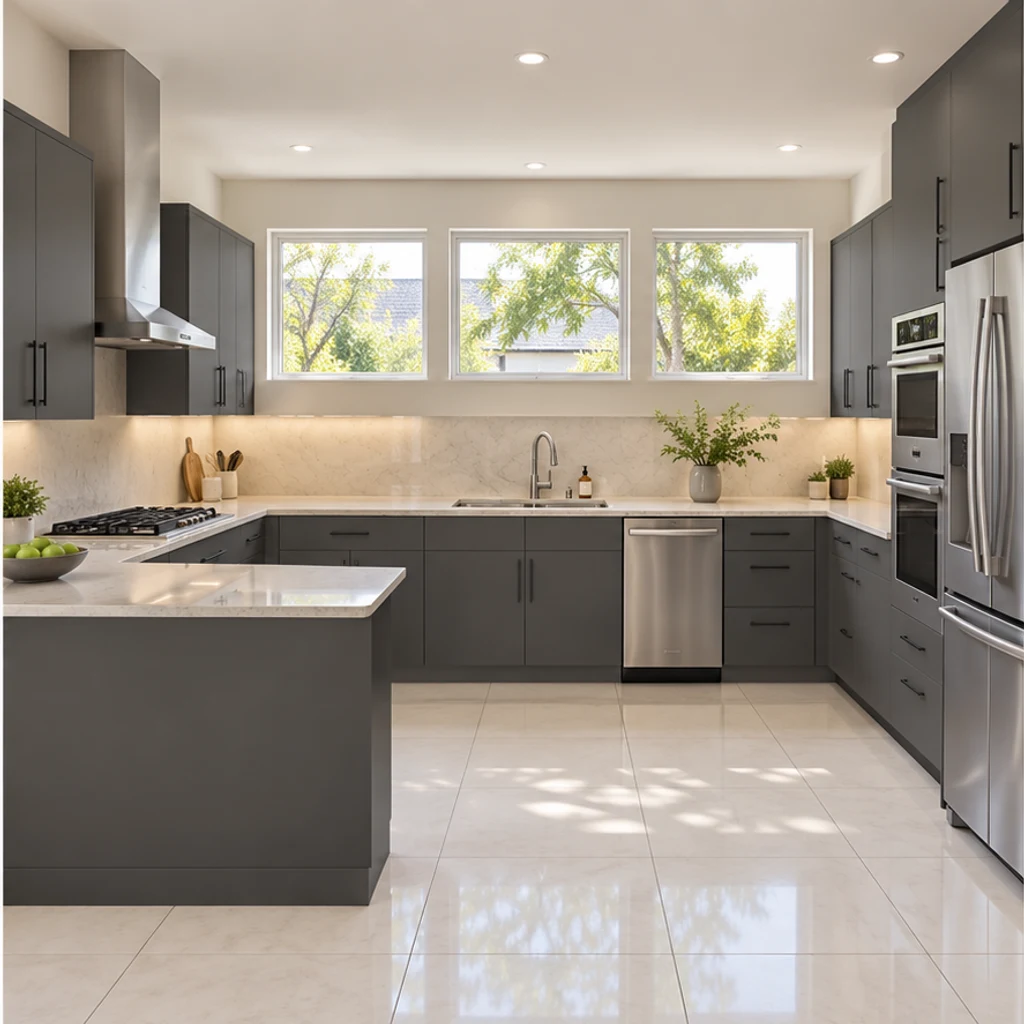
Modern graphite with pale counters
Load this exampleSlab fronts and a quiet backsplash give this peninsula kitchen a modern direction.
Redesign your kitchen from a photo. Coordinate cabinets, counters, walls, floors and lighting while keeping the room structure and major appliances in place.
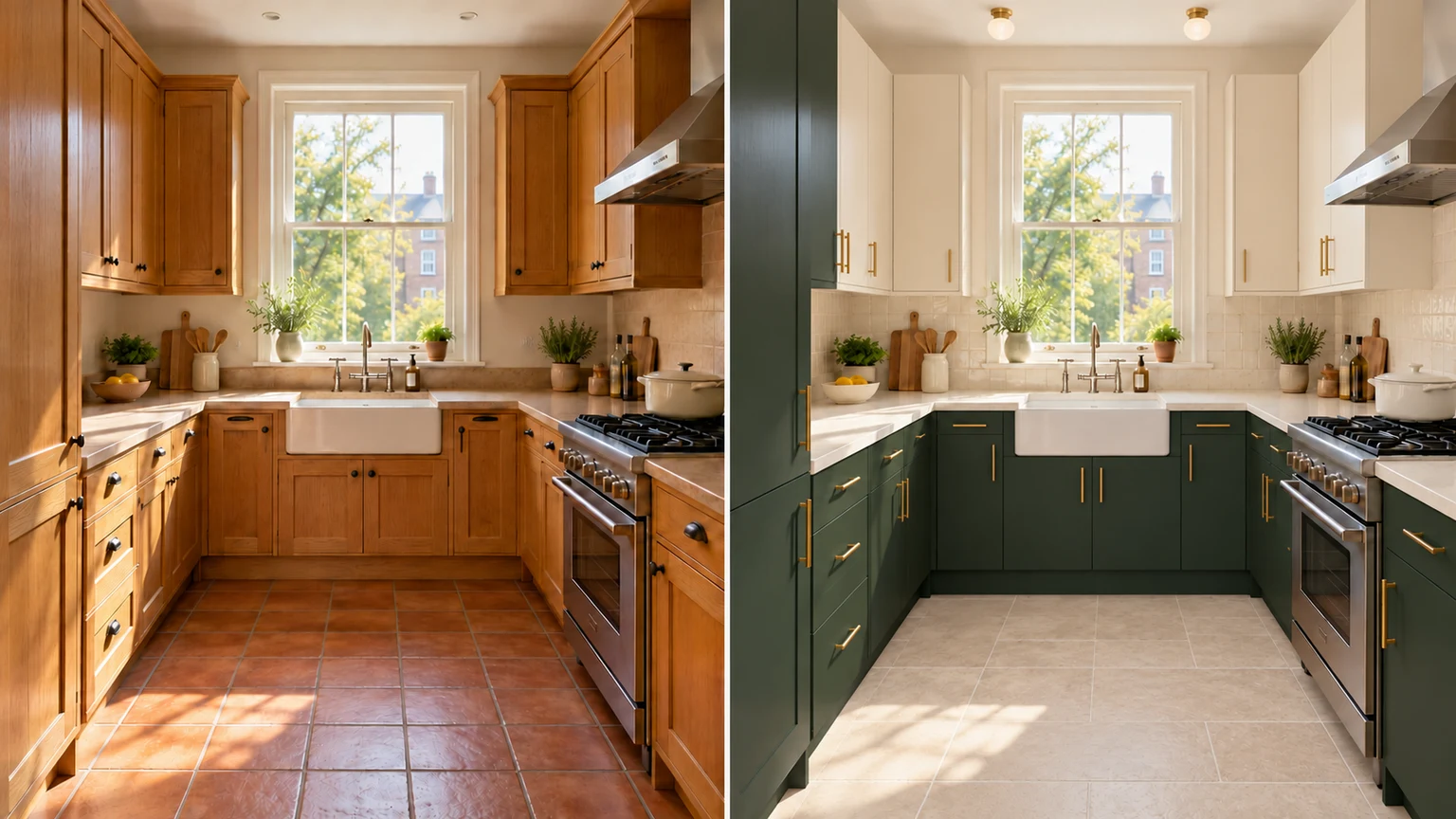
Compare cherry-red framed fronts with pale oak flat doors while retaining the counters, floor and cabinet arrangement.
Deep graphite soapstone becomes bright ivory stone while the navy cabinets, olive walls, sink and appliances stay unchanged.
Explore green tile behind an unchanged walnut counter. Review the edges around outlets, cabinets and the window.
Try a coherent light palette in a compact kitchenette. Keep the original cabinet count, appliances and room footprint.
Explore kitchen finish ideas with these AI-generated illustrations. Choose an example to load its original photo and style reference.
Slab fronts and a quiet backsplash give this peninsula kitchen a modern direction.
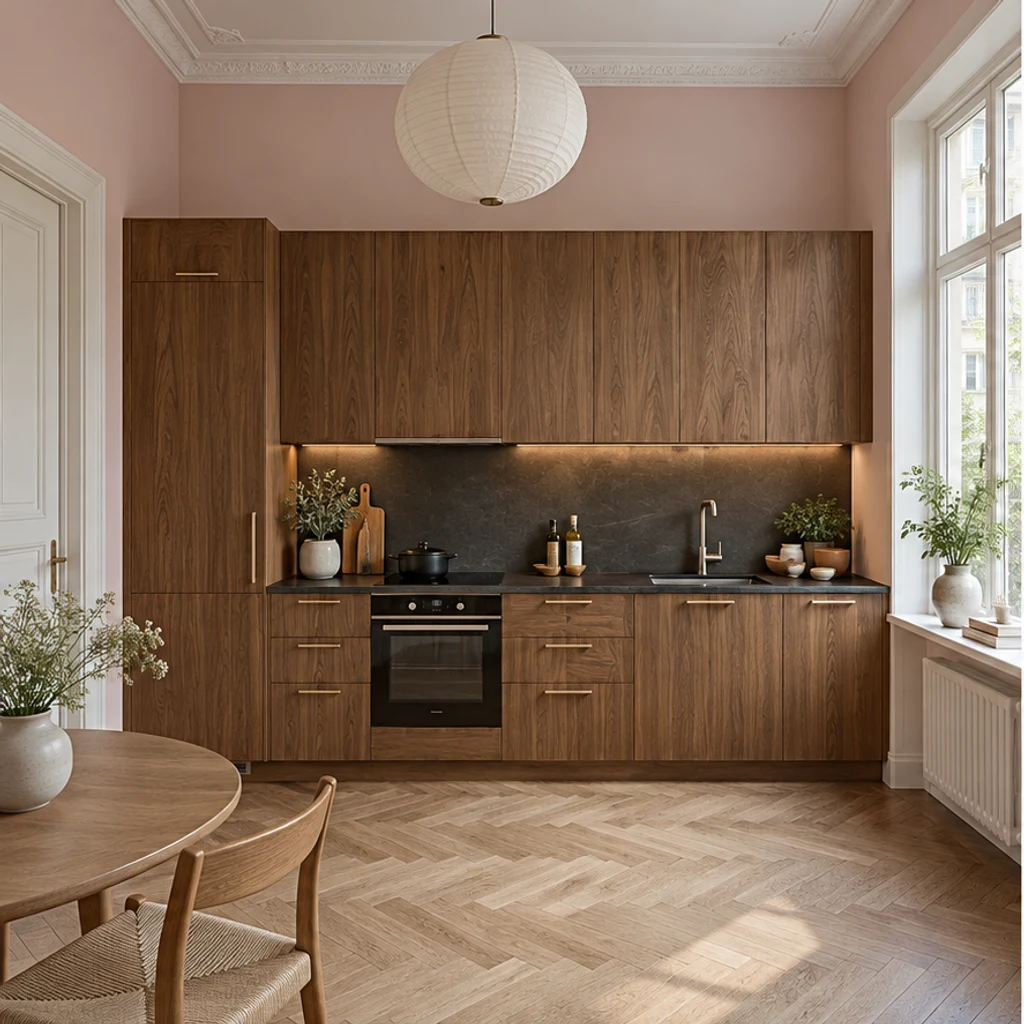
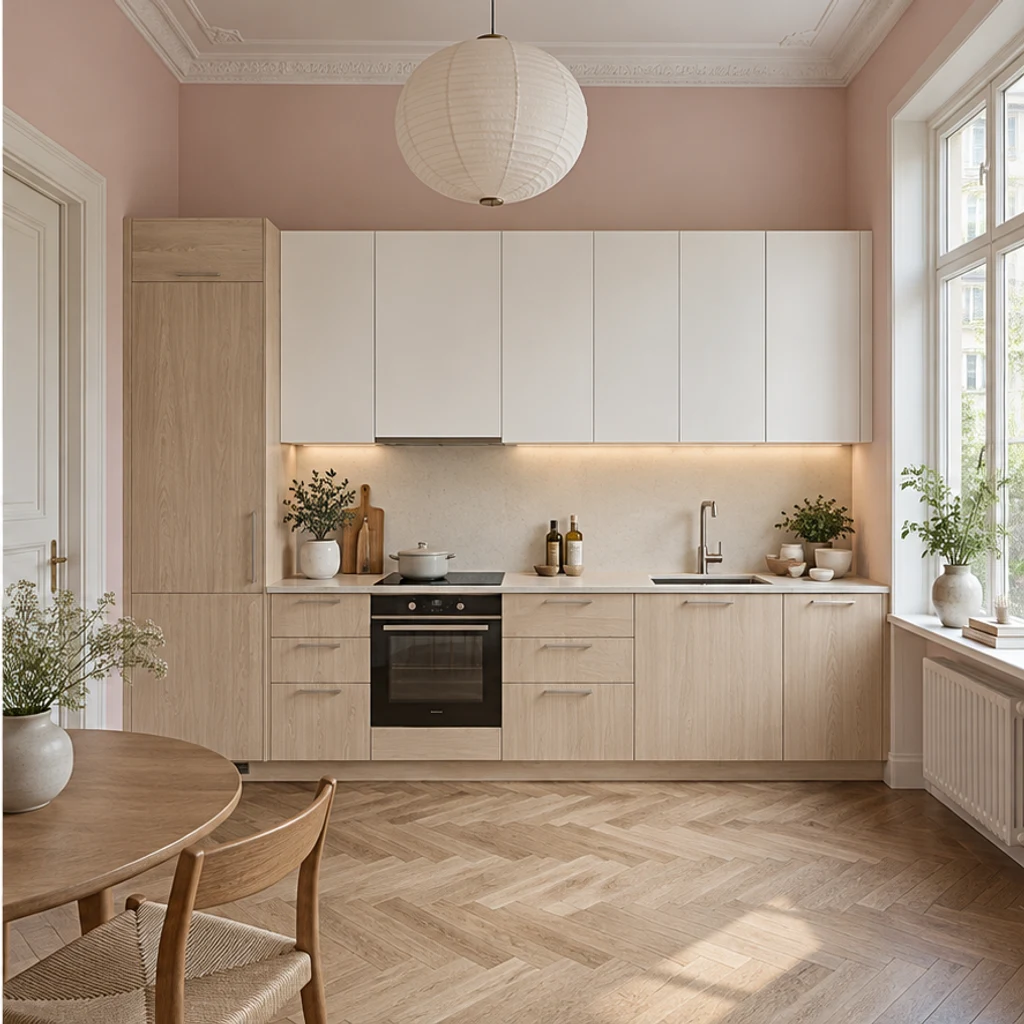
Light wood and white fronts soften this tall one-wall kitchen while the pink walls stay.
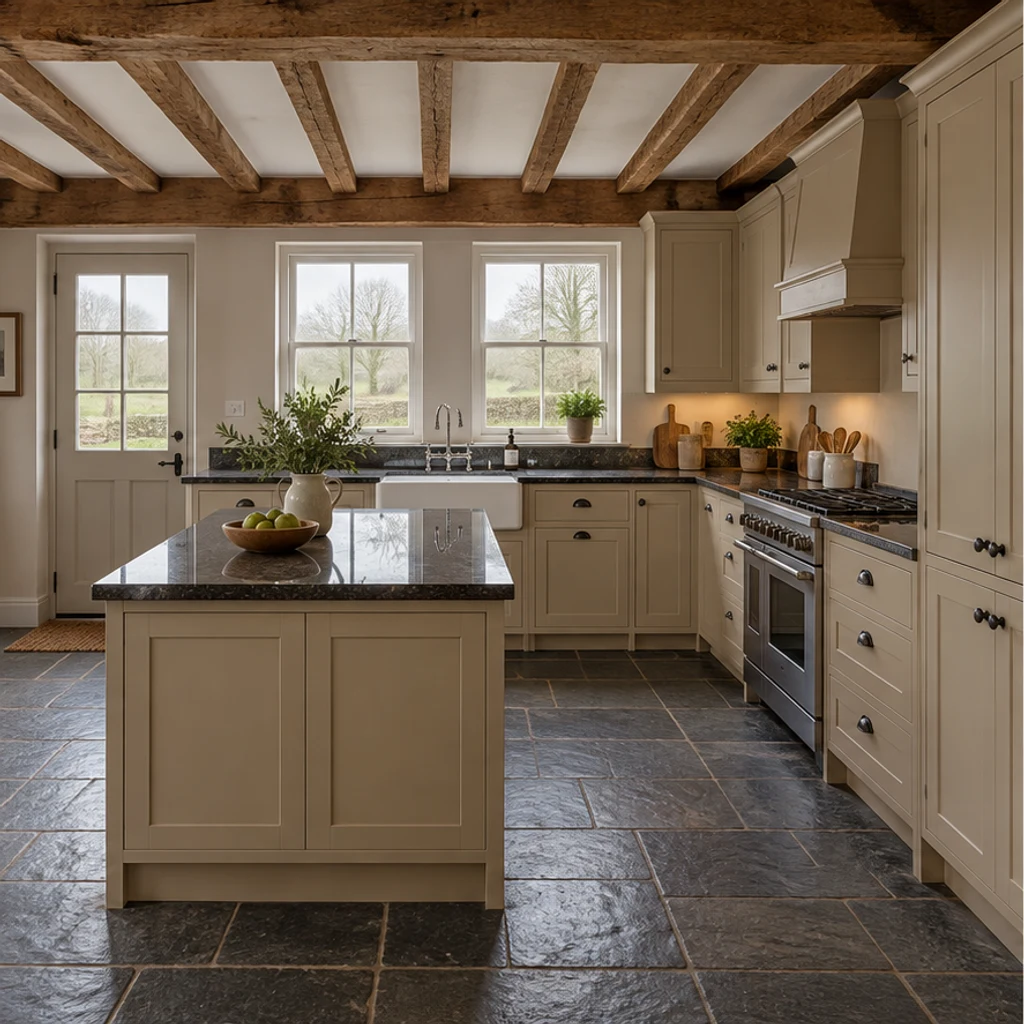
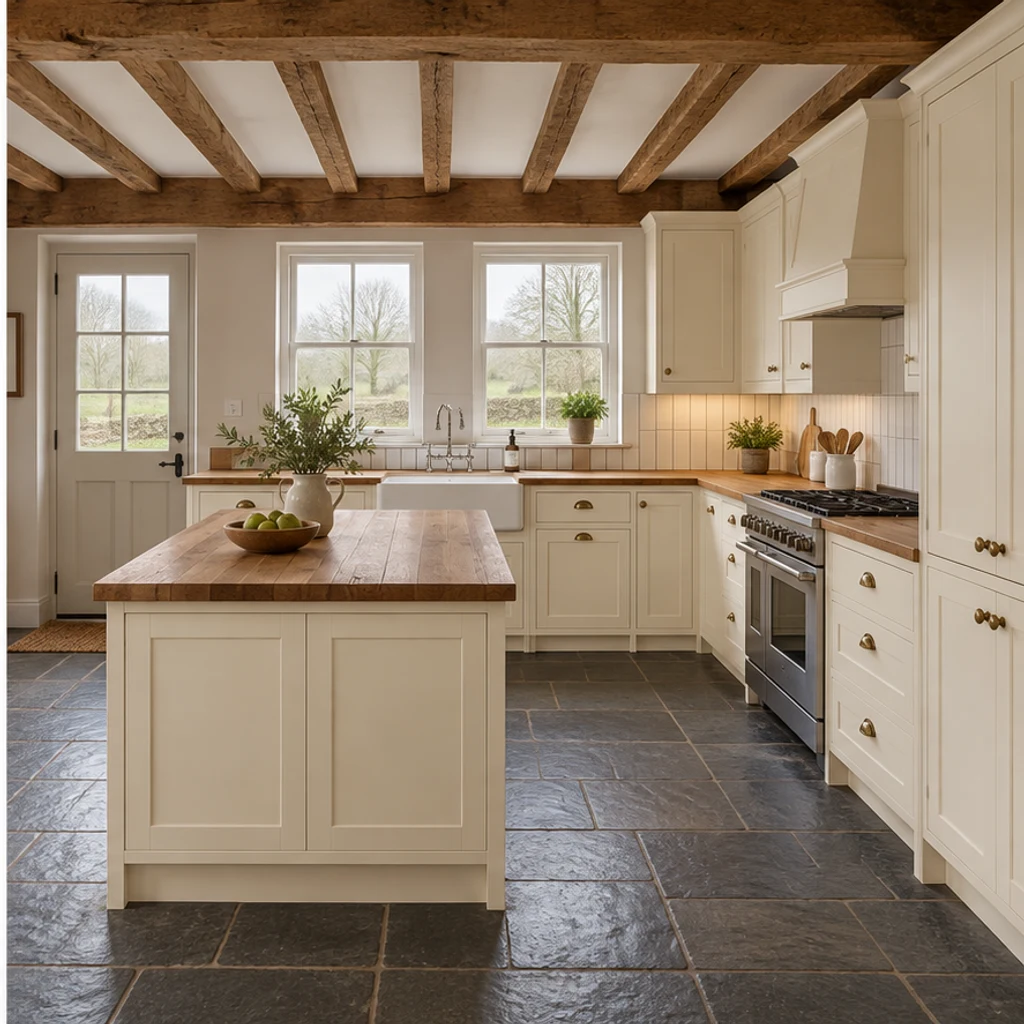
Cream cabinetry and a wood-counter direction work with this rural kitchen's existing beams.
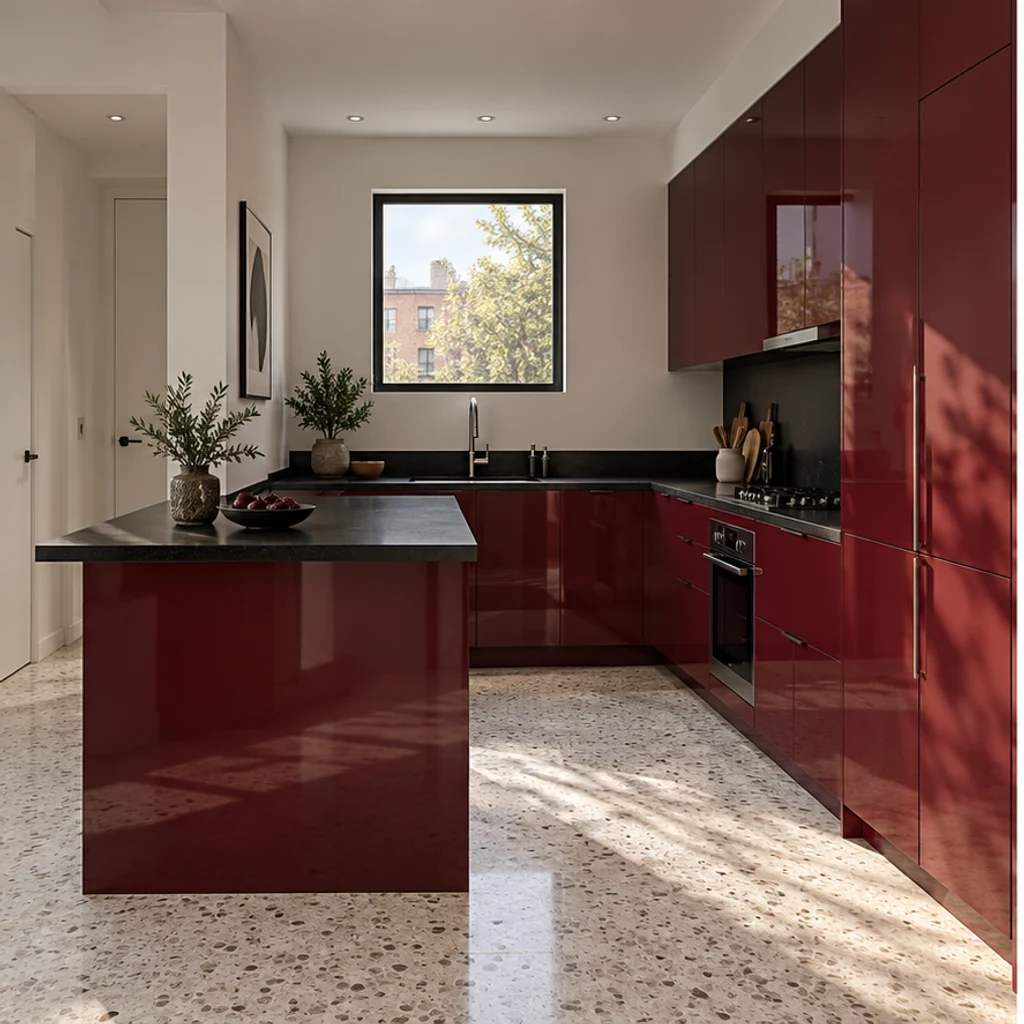
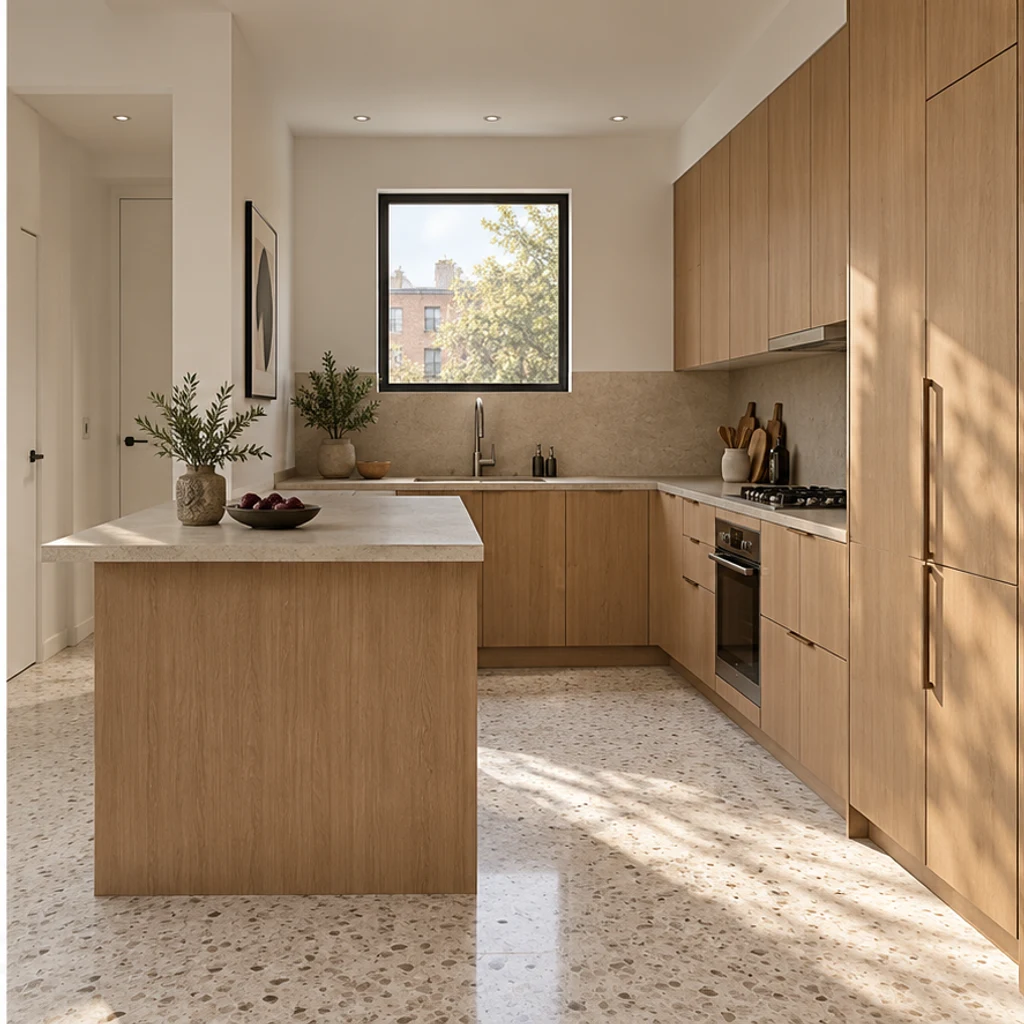
Low-contrast oak and sand finishes bring a restrained palette to a compact peninsula.
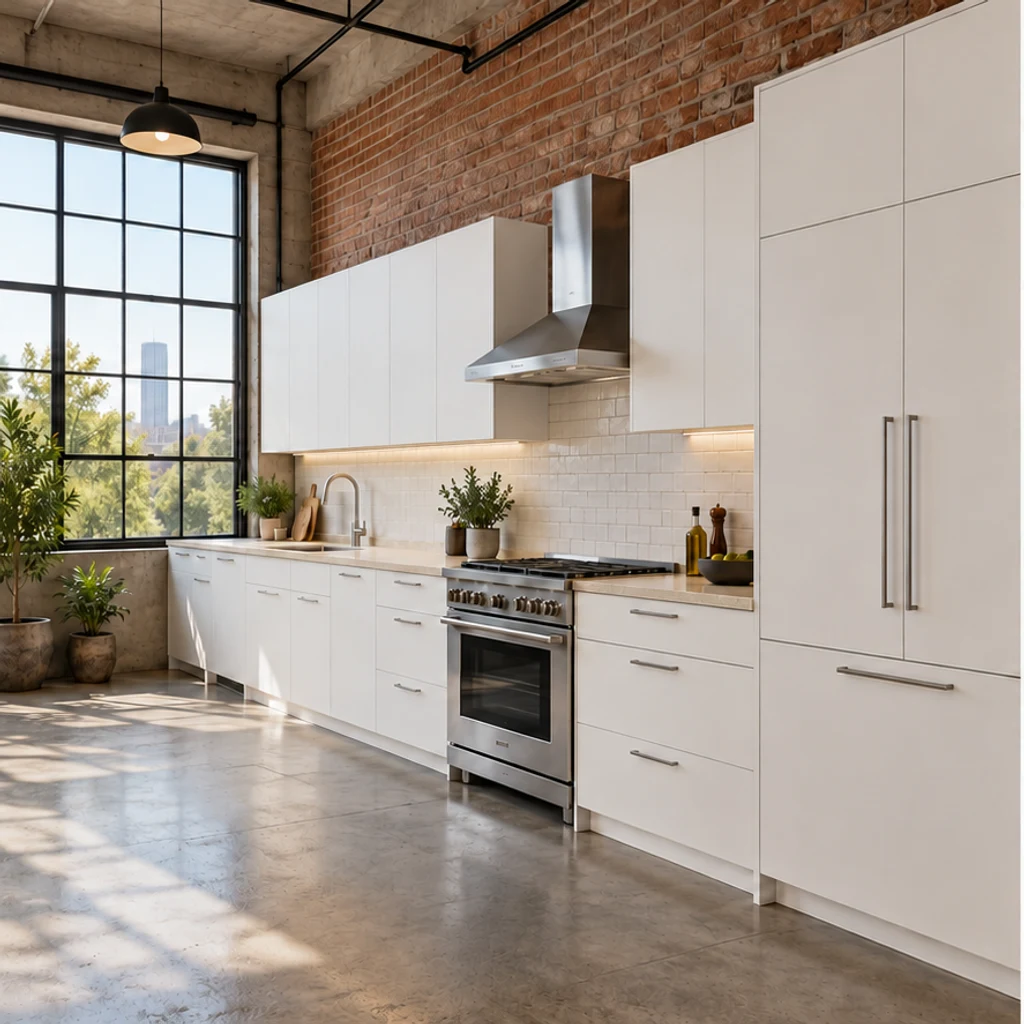
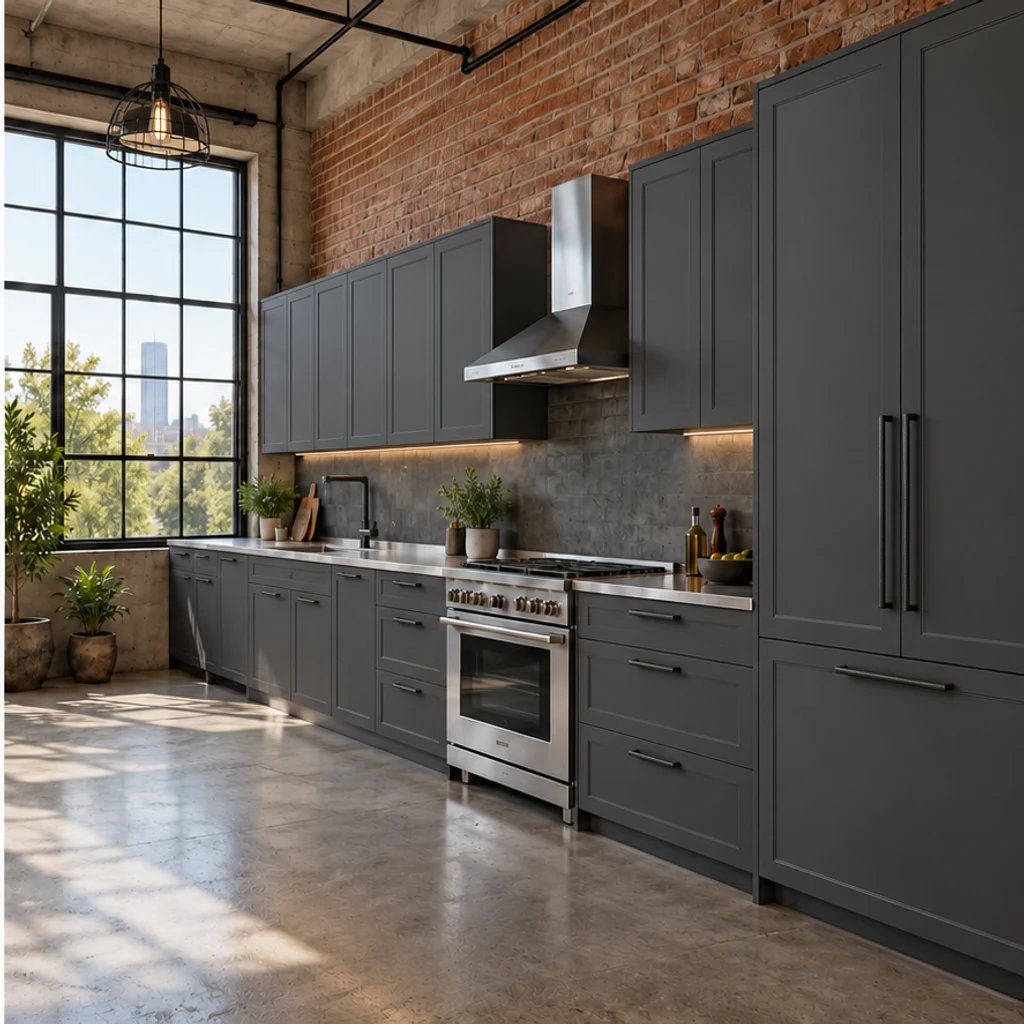
Charcoal profiled doors, dark handles and a cage pendant coordinate with the same brickwork and concrete floor.
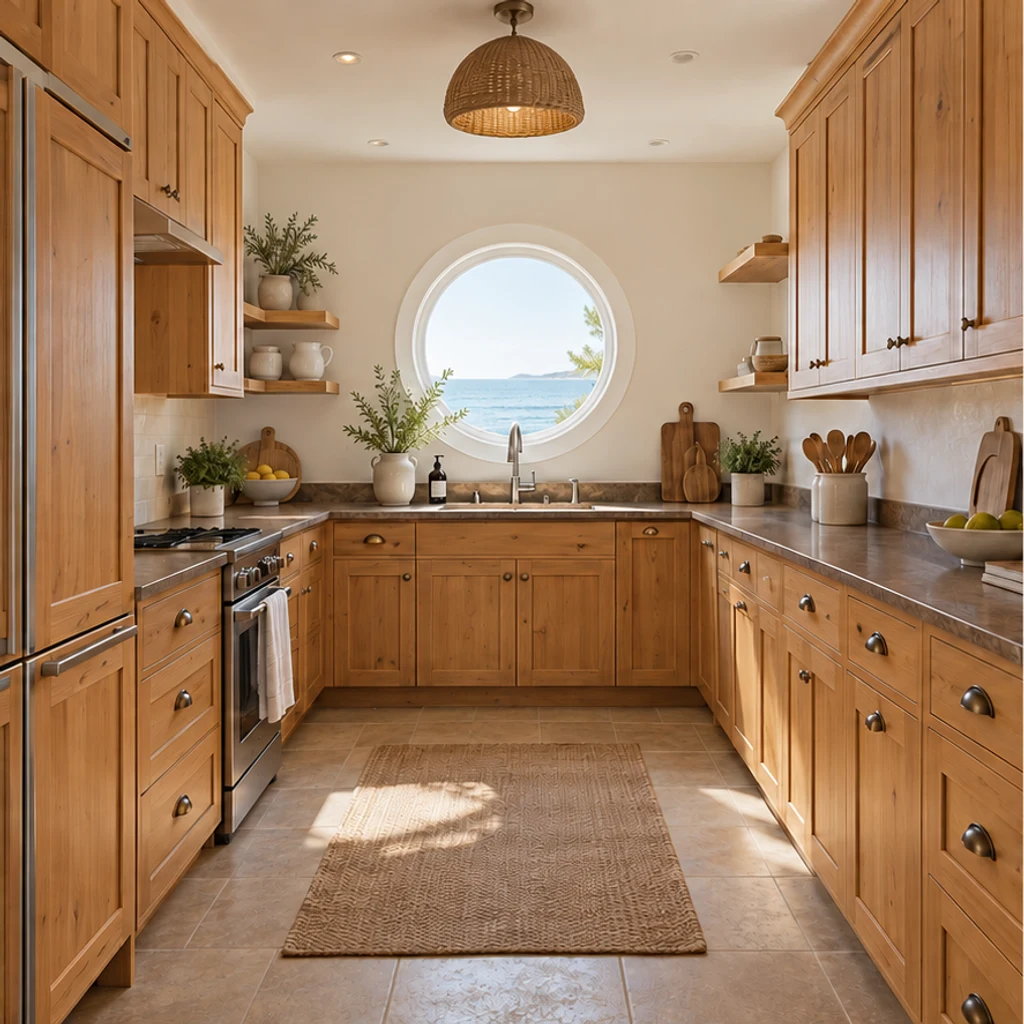
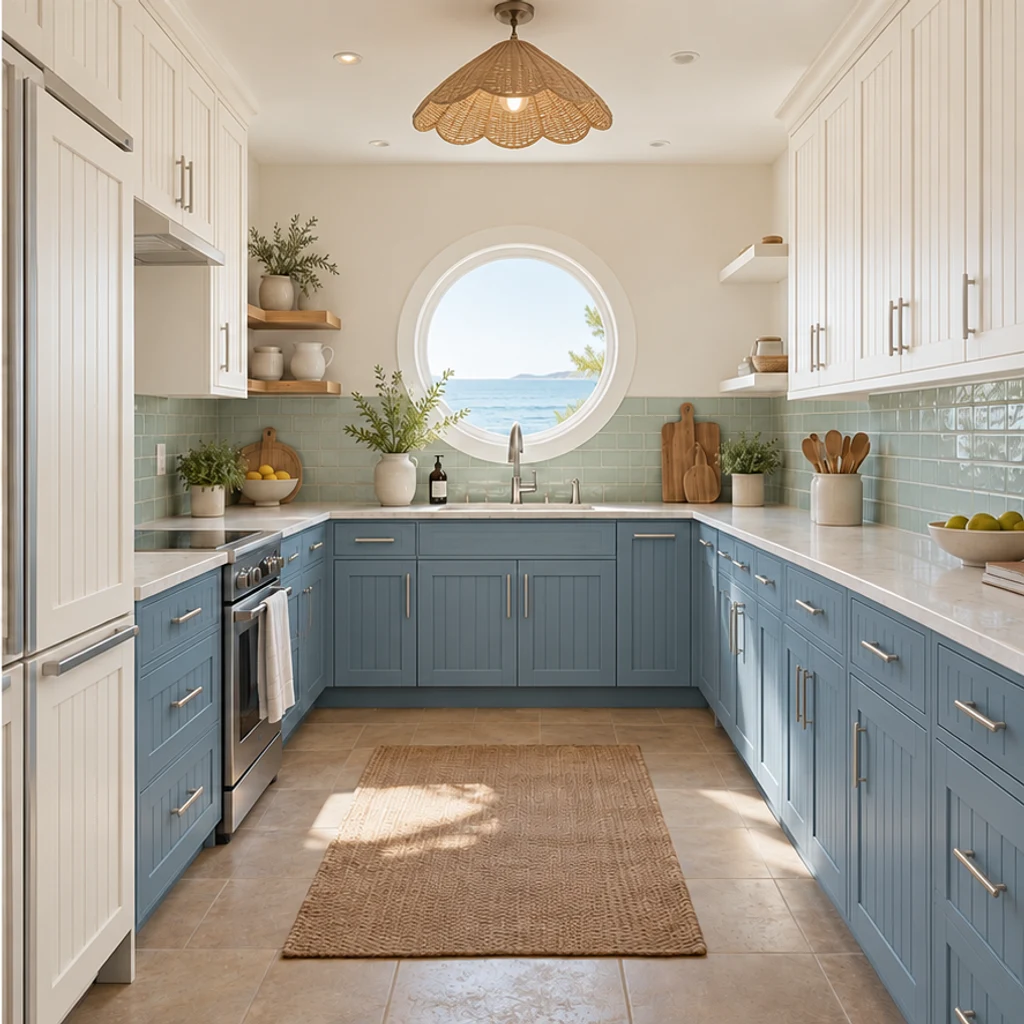
Blue and white beadboard fronts, nickel handles and a scalloped woven pendant surround the same round window.
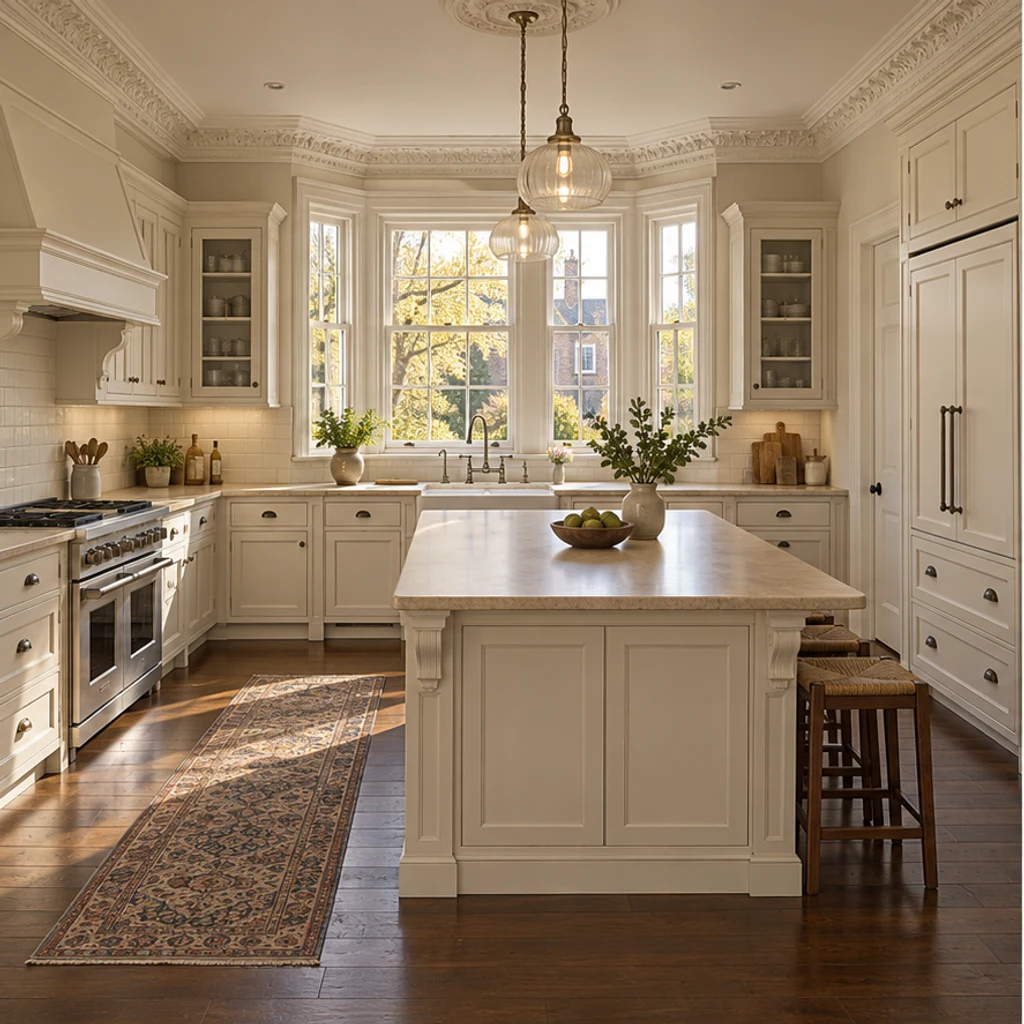
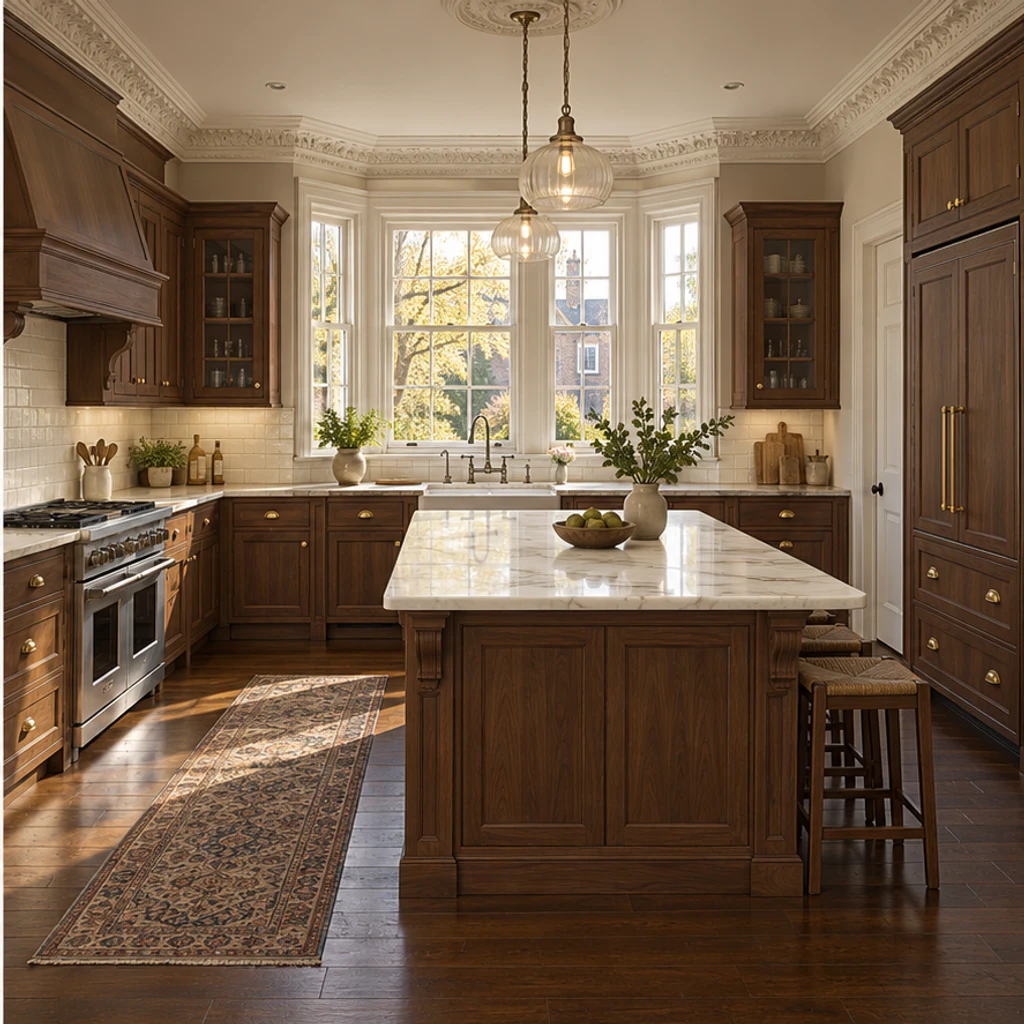
Warm walnut and subtle stone bring a classic finish direction to an island kitchen.
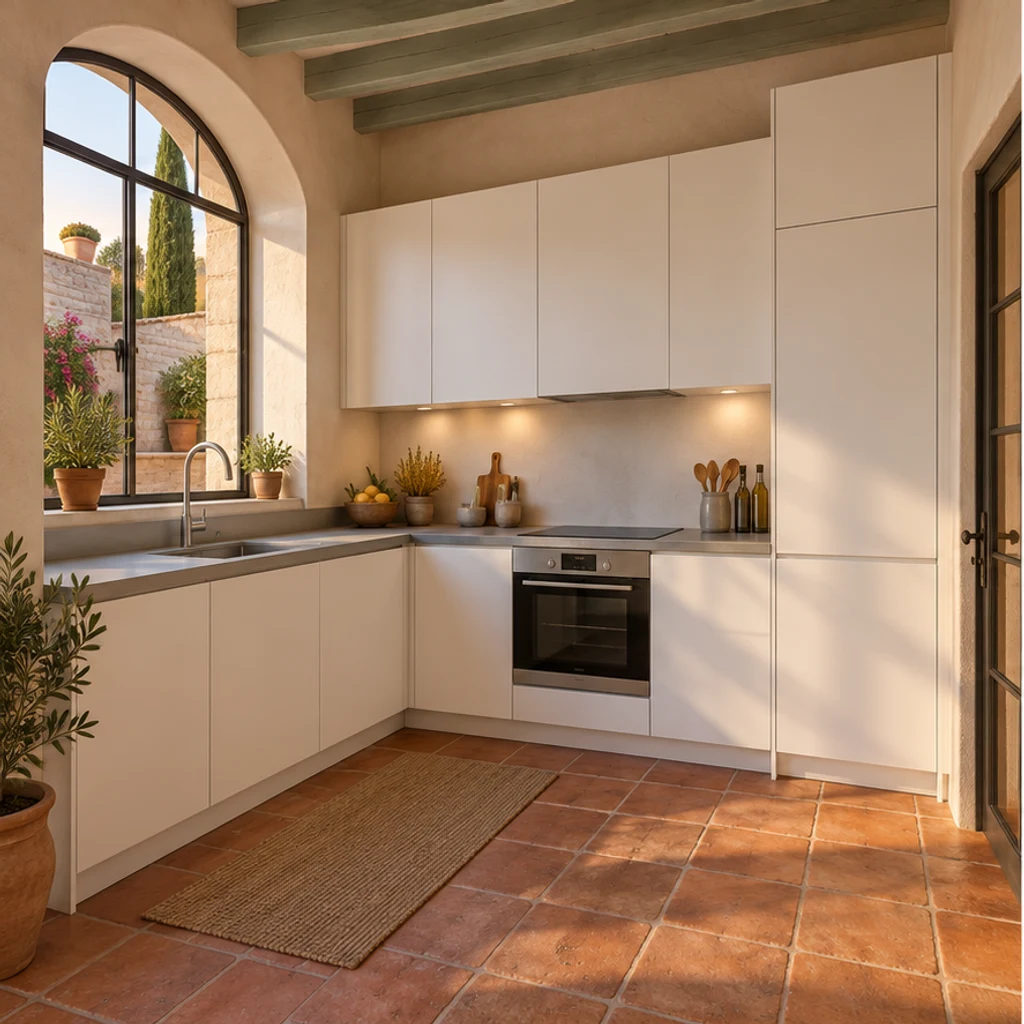
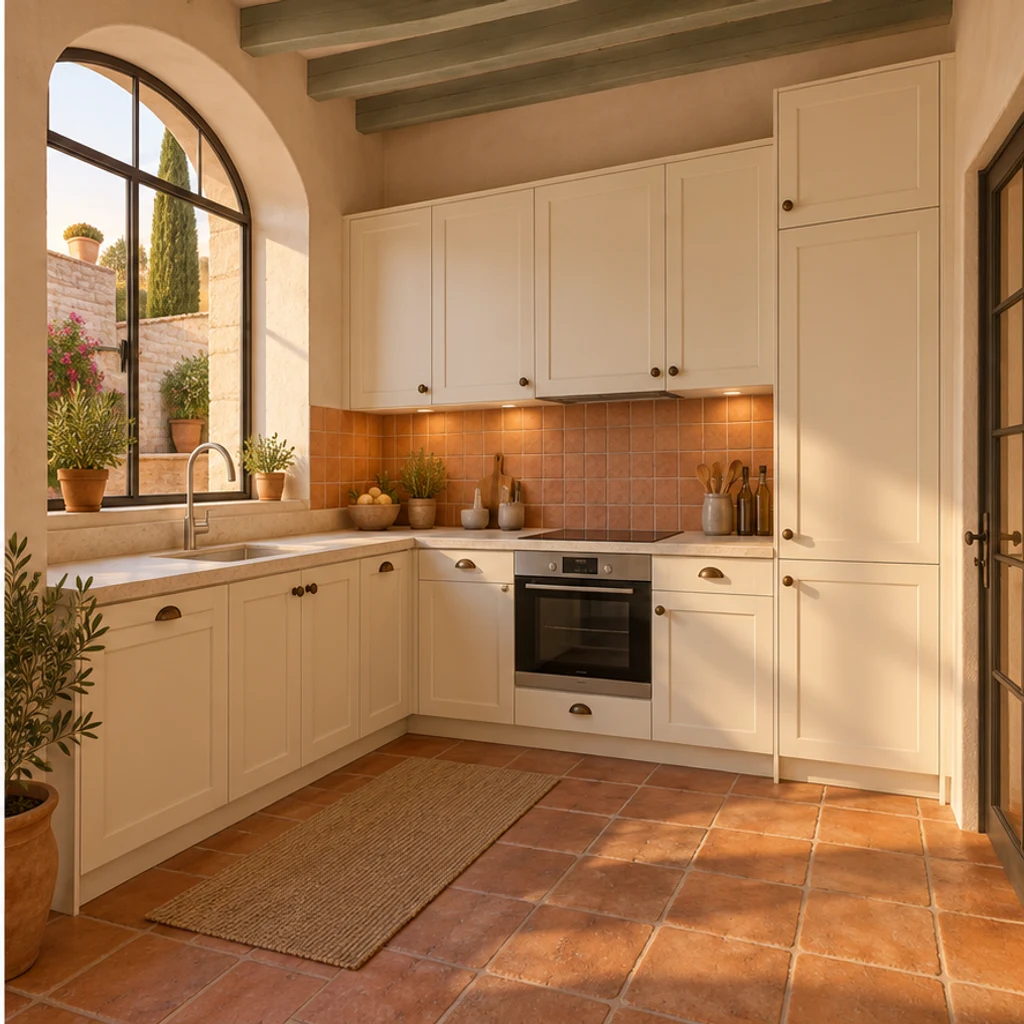
Earthy backsplash colors complement the existing arched window and terracotta floor.
Choose a clear, level photo showing the surfaces you want to change. Include windows, cabinets, counters and appliances; avoid heavy filters and extreme wide-angle distortion.
Choose one of 8 style images, upload a reference or write Edit instructions. A style guides the whole room, including wall and floor finishes. Name anything to keep, or request just one change.
Generate a concept, compare it with the original, and check cabinet divisions, sink location and window edges. Refine your instructions and keep useful variants in your generation history.
A convincing image is a starting point for comparison. Review the room structure first, then decide which finish combinations deserve a physical sample.
Check that windows, sink, appliances and cabinet divisions are still in their original positions.
Whole-room styling can change wall and floor finishes. If you ask to change only one item, check that everything else stays unchanged.
Screen colors and generated grain do not identify an exact paint, stone slab or tile product.
A photo cannot establish dimensions, clearances, wiring, plumbing or structural feasibility.
Explore a complete, coordinated style change across cabinet fronts, counters, wall and floor finishes, mirrors, lighting and hardware. Keep the room structure and major equipment positions; mirrors and lights stay at their existing locations. Instructions to keep an item or change only one part take priority.
No. Use a template, upload a reference or write instructions. With only your room photo, the tool proposes a coordinated contemporary warm-neutral redesign. Templates are optional and removable.
Yes. The selected style image is sent as image 2 alongside your room photo. Uploading your own reference replaces the template. It guides materials, cabinet-door profiles, mirrors, lights and hardware; the original photo supplies the structure and major equipment positions.
Yes. Name the target surface in Edit instructions and say what to retain. For example: change only the cabinet fronts to muted olive; keep the countertop, backsplash, floor and appliances unchanged.
This is a visual style preview with the room structure and main equipment positions retained. Existing decorative fittings may change style in place. It does not provide measured plans, CAD, installation specifications or construction approval. Check the result for unintended layout changes.
LumiYing uses credits for generation. Check the cost shown on Generate and the current pricing page. Loading an example only fills the inputs; it does not generate an image or spend credits.
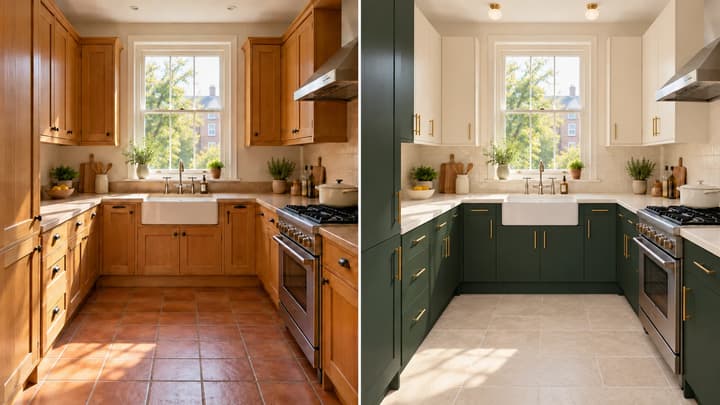
Learn to restyle a kitchen photo: coordinate cabinets, walls, flooring and lighting, preserve the layout, and compare concepts before choosing materials.
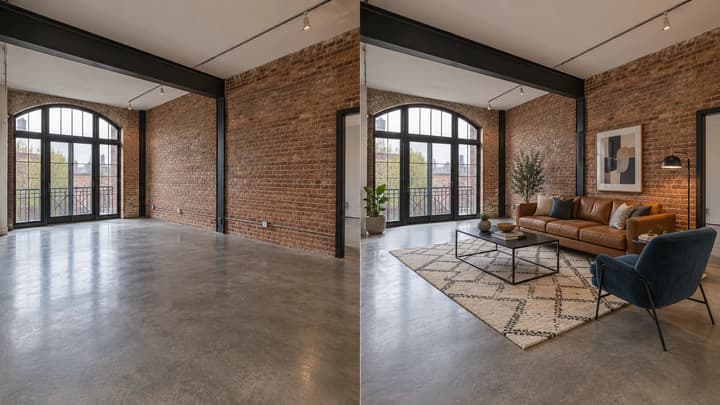
Add furniture to an empty room photo. Choose from 5 room types and 8 furniture styles, then review and download the staged image.

Change the direction and mood of light in a photo while keeping the subject, composition, text, and product details under review.

Upload an image, describe the edit, and create polished visuals for products, social posts, posters, or keyframes.
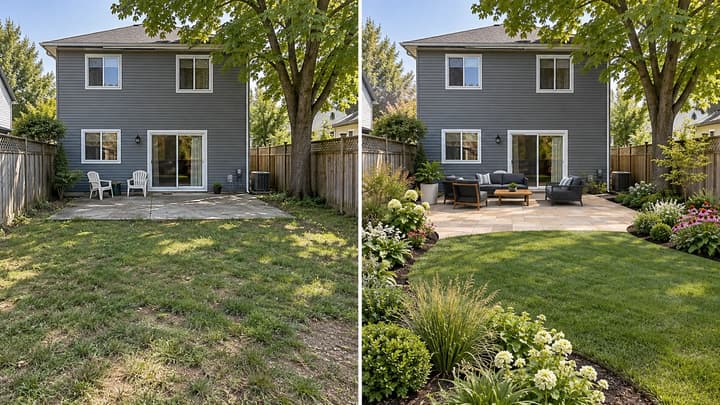
Redesign your backyard from a photo. Compare planting, paving and seating styles while keeping the house, yard boundaries and fixed features in place.
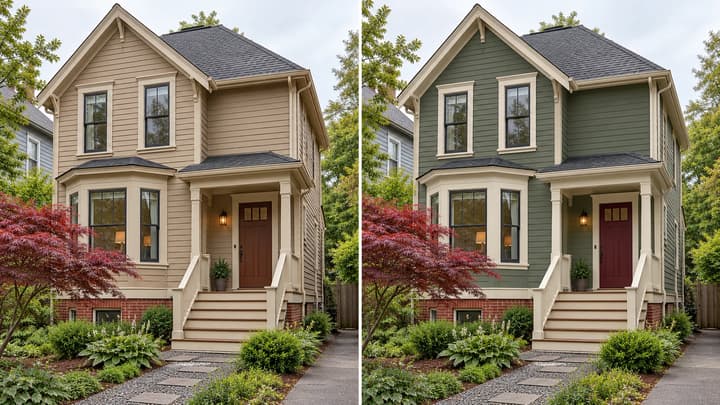
Preview exterior paint colors on your own house photo. Try a palette or describe siding, trim and door colors, then compare the result before choosing real paint samples.

Review credits and plans before generating.
Redesign your kitchen from a photo. Coordinate cabinets, counters, walls, floors and lighting while keeping the room structure and major appliances in place.