Storyboard to Video AI

Model

Storyboard images

Duration
Aspect ratio

Storyboard to Video AI

Turn a storyboard into a short video. Upload a panel grid or up to eight shot images, describe the motion, and generate one clip with AI.

Storyboard to Video AI

From storyboard to video

Explore these storyboard-to-video examples. Load a board and a suggested motion prompt to try your own version. Results depend on your model and settings.

Mars exploration

A cinematic sequence moves from a rocket launch to a discovery on Mars.

Original storyboard
Example video
Motion prompt to try

Follow the storyboard from the rocket launch to the astronaut landing on Mars and discovering glowing crystals. Preserve the astronaut and spacesuit. Use cinematic camera moves and clear cuts between full-frame shots.

Load this storyboard

Island adventure

A 3D character travels from a bright shoreline into a mysterious cave.

Original storyboard
Example video
Motion prompt to try

Follow the character from the shore into the cave and out into the landscape. Preserve the character and 3D animation style. Use a wide establishing shot, a tracking shot and a final reveal; keep transitions clear.

Load this storyboard

Animated fishing story

Wide coastal views and close-ups turn a fishing board into an animated story.

Original storyboard
Example video
Motion prompt to try

Follow the fishing storyboard: establish the coast, show the fisherman struggling with the rod, then reveal the giant fish. Preserve the character and hand-drawn animation style. Use clear full-frame cuts and natural water movement.

Load this storyboard

Retro sci-fi action

A comic-style board becomes a sequence of action, close-ups and flying saucers.

Original storyboard
Example video
Motion prompt to try

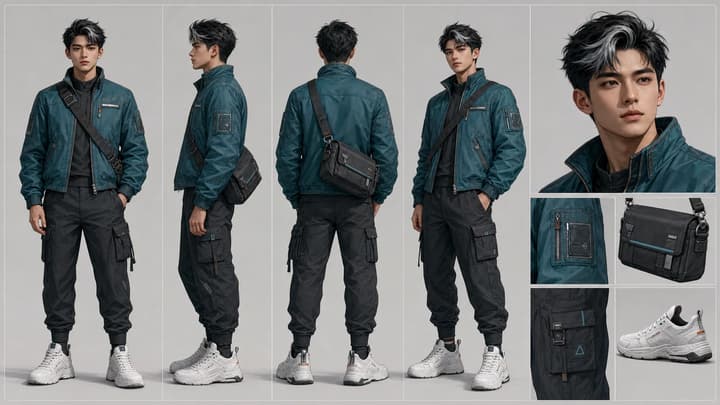
Use only the story panels, ignoring character-sheet poses and written labels. Follow the heroine beside the patrol car as a flying saucer approaches and the action unfolds. Preserve the retro sci-fi style, with dynamic tracking shots and clear cuts.

Load this storyboard

Give your shot plan movement

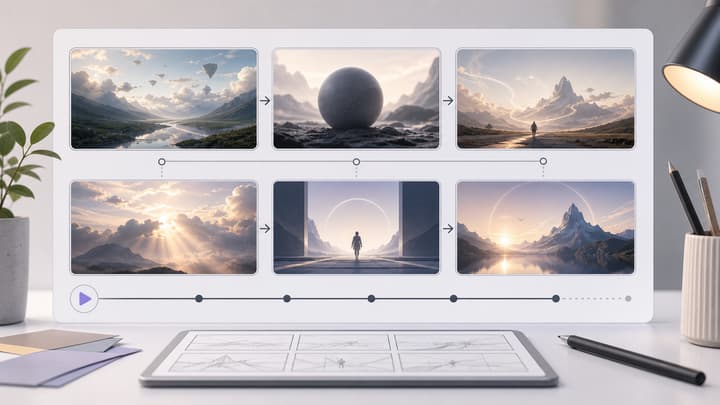
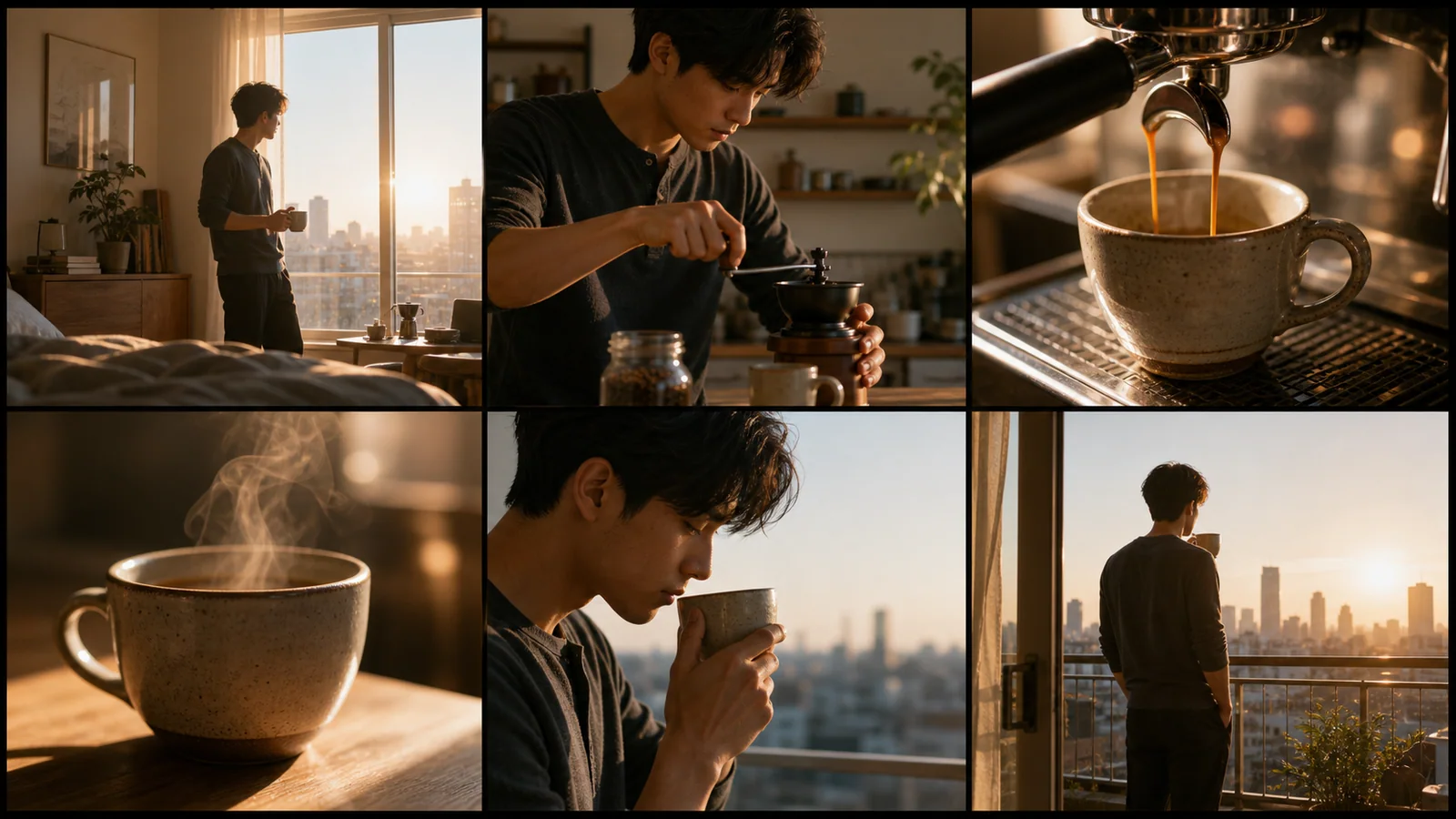
These storyboard illustrations show possible inputs. Use them to plan the action, camera and cuts for a short clip.

Commercials

Bring a product moment to life

Start with a coffee ad board and describe the pour, steam and final camera move.

Narrative

Direct a short action sequence

Use a few clear beats from an action board. Specify which panels matter most.

Product demos

Move from detail to reveal

Describe a close-up, a simple product action and a wider closing shot.

Creative workflow

Test a visual idea

Use a board to explore pacing and composition before making a longer edit.

How to Turn a Storyboard Into a Video

01

Upload a clear storyboard

Choose a video model at the top. Use one readable panel grid or up to eight separate shot images. Images are read in upload order; panels within a grid are read left to right, top to bottom unless you specify otherwise. Stay within the image count and file size shown for your selected model.

02

Describe motion and choose settings

Name the action, camera movement and the panels to include. Select duration and aspect ratio, then check the credit estimate.

03

Generate and review

Watch the full clip. Check shot order, subject details and movement; revise the prompt or use fewer panels if the result feels rushed. Download a useful version or continue with video editing.

Review the sequence before spending more credits

Prepare a readable shot plan, describe what moves, and review one short clip before committing to a longer edit.

Choose the essential beats

For a short test, focus on two or three panels and explicitly name them. Asking for every action from a dense board can produce rushed cuts.

Describe movement, not just appearance

The image already supplies the subject and setting. Add what the subject does, where the camera goes and which moment should finish the clip.

Check continuity and retry deliberately

Look for changes to faces, clothing, product shape and screen direction. Keep useful references and change one instruction at a time.

Frequently asked questions

Does this make a video or another storyboard?

It generates one video clip from your storyboard references. The separate AI Storyboard Generator creates the panel image.

Can I upload several images?

Upload JPEG, PNG or WebP images in story order. The tool accepts up to eight images; the selected model may allow fewer or require smaller files. Check the limits shown in the uploader.

Can I set exact timing for every panel?

You can describe timing and cuts, but the model interprets them. This tool does not provide a shot timeline, automatic panel cropping or separately rendered clips.

How long is the video?

The form shows the durations supported by your selected model, up to 30 seconds at 720p. Switching models updates the available durations and credit estimate. Use fewer story beats for a shorter clip.

Is storyboard to video free?

Generation uses credits. Check your balance and the displayed cost before generating; example loading does not spend credits.

Will every character and panel stay identical?

Reference images guide appearance and composition, but details and shot order can change. Review the result and simplify or revise your instructions when necessary.

Prepare your next short clip

Bring a clear storyboard and describe how its scenes should move.