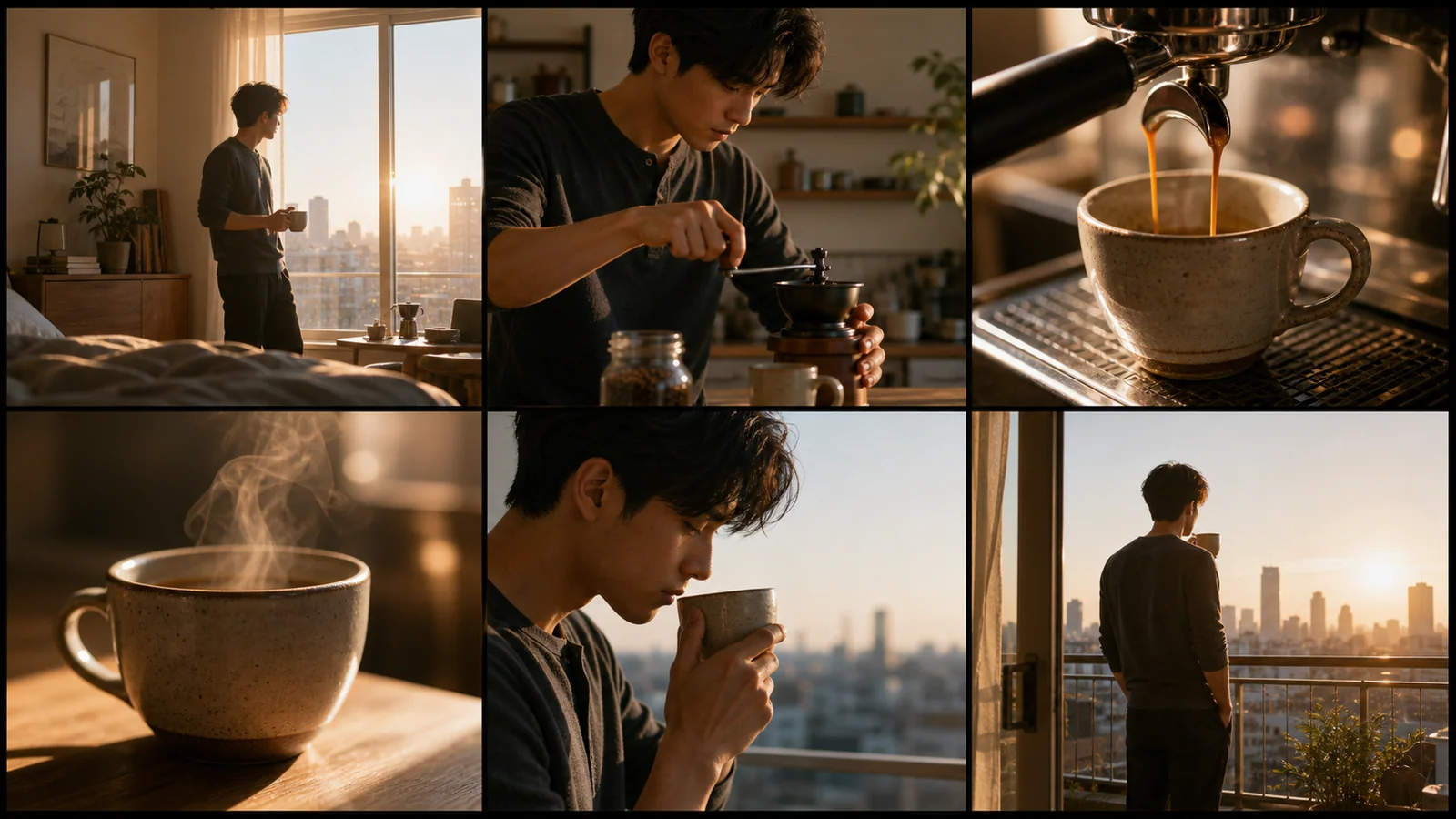
How to Turn a Storyboard Into a Video
Prepare a readable shot plan, describe what moves, and review one short clip before committing to a longer edit.
LumiYingUpdated
Review the sequence before spending more credits
Prepare a readable shot plan, describe what moves, and review one short clip before committing to a longer edit.
Choose the essential beats
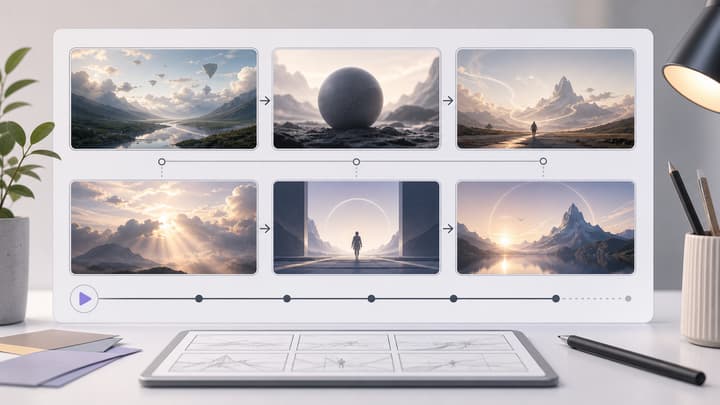
For a short test, focus on two or three panels and explicitly name them. Asking for every action from a dense board can produce rushed cuts.
Describe movement, not just appearance
The image already supplies the subject and setting. Add what the subject does, where the camera goes and which moment should finish the clip.
Check continuity and retry deliberately
Look for changes to faces, clothing, product shape and screen direction. Keep useful references and change one instruction at a time.
How to Turn a Storyboard Into a Video
Upload JPEG, PNG or WebP images in story order. The tool accepts up to eight images; the selected model may allow fewer or require smaller files. Check the limits shown in the uploader.
Upload a clear storyboard
Choose a video model at the top. Use one readable panel grid or up to eight separate shot images. Images are read in upload order; panels within a grid are read left to right, top to bottom unless you specify otherwise. Stay within the image count and file size shown for your selected model.
Describe motion and choose settings
Name the action, camera movement and the panels to include. Select duration and aspect ratio, then check the credit estimate.
Generate and review
Watch the full clip. Check shot order, subject details and movement; revise the prompt or use fewer panels if the result feels rushed. Download a useful version or continue with video editing.
Storyboard inputs to try
Copy a motion prompt and use it with the matching storyboard example in the tool. Adjust the selected panels to suit your clip.
Mobile App Launch
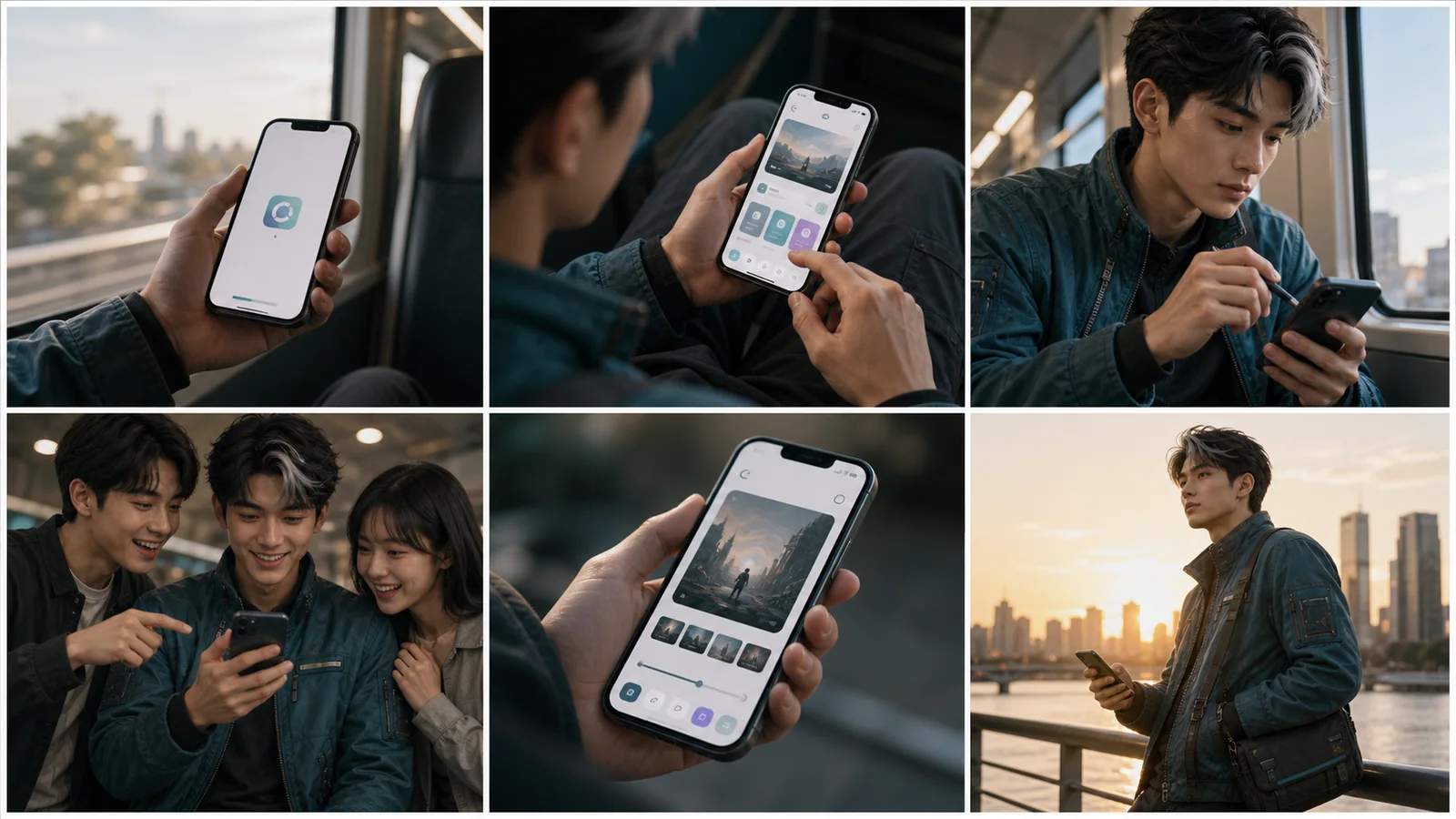
Use only the first three panels. A train passenger lifts the phone, taps the app, then looks up. Gentle handheld movement, clean cuts, no readable interface text.
Plan a social ad with product shots, lifestyle context, and reaction moments.
Skincare Commercial

Use the dropper, application and final product panels. A serum drop falls, the person gently applies it, then the camera settles on the bottle. Soft light, no captions.
Create premium beauty frames with product close-ups and usage shots.
Travel Vlog Intro
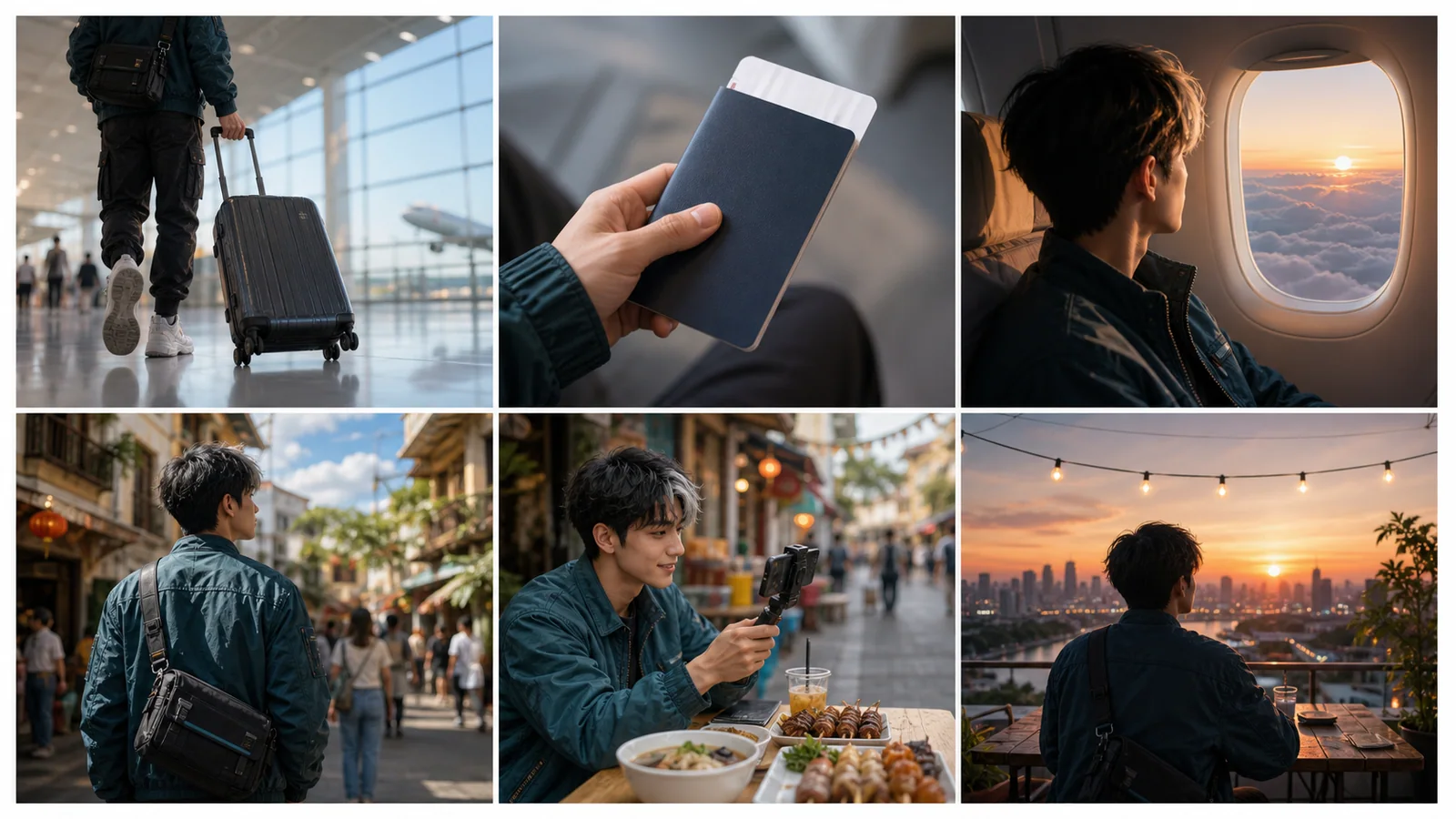
Use the suitcase, plane window and rooftop panels. Track the rolling bag, cut to drifting clouds, then slowly pull back from the sunset. Keep each shot full-frame.
Plan creator shots, transit details, food moments, and sunset payoff.
Related tools and guides
Bring a clear storyboard and describe how its scenes should move.

Storyboard to Video AI
Turn a storyboard into a short video. Upload a panel grid or up to eight shot images, describe the motion, and generate one clip with AI.
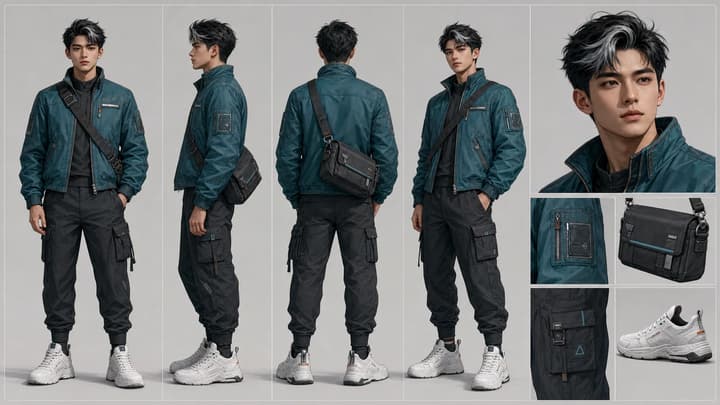
AI Video Character Consistency
Keep an AI character recognizable across shots. Prepare references, plan motion, compare clips and fix face, outfit or accessory drift with this workflow.
AI Storyboard Generator
Use an AI storyboard generator, storyboard AI generator, and storyboard maker workflow to create cinematic storyboard sheets for ads, product demos, short films, social content, and video planning. LumiYing turns a simple brief into a clean grid of visual shots.
AI Video Extender
Keep a good shot going. Upload a video, describe the next action, and use the AI video extender to generate a continuation from your source footage.
Frequently asked questions
Does this make a video or another storyboard?
It generates one video clip from your storyboard references. The separate AI Storyboard Generator creates the panel image.
Can I upload several images?
Upload JPEG, PNG or WebP images in story order. The tool accepts up to eight images; the selected model may allow fewer or require smaller files. Check the limits shown in the uploader.
Can I set exact timing for every panel?
You can describe timing and cuts, but the model interprets them. This tool does not provide a shot timeline, automatic panel cropping or separately rendered clips.
How long is the video?
The form shows the durations supported by your selected model, up to 30 seconds at 720p. Switching models updates the available durations and credit estimate. Use fewer story beats for a shorter clip.
Is storyboard to video free?
Generation uses credits. Check your balance and the displayed cost before generating; example loading does not spend credits.
Will every character and panel stay identical?
Reference images guide appearance and composition, but details and shot order can change. Review the result and simplify or revise your instructions when necessary.
Prepare your next short clip
Bring a clear storyboard and describe how its scenes should move.