AI Creation Resources
A growing home for LumiYing creator knowledge. Use it to understand new models, compare options, plan projects, and turn rough ideas into better AI videos and images.
Featured Resources
Find background, comparisons, references, and tools that help you decide what to use before you start creating.
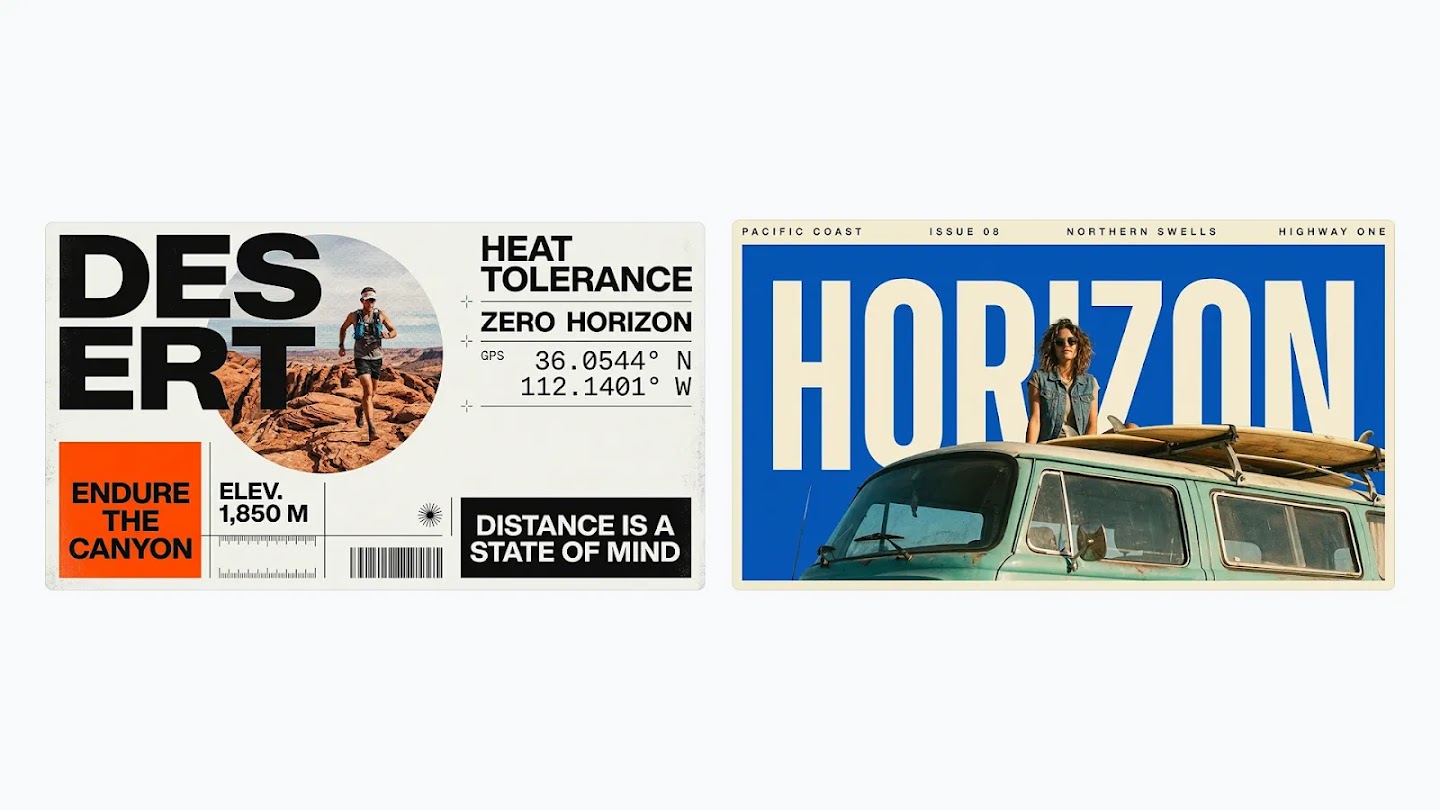
Nano Banana 2.1 Guide
Learn to generate and edit images with Nano Banana 2.1: write prompts, use reference images, choose resolution and refine results with practical examples.
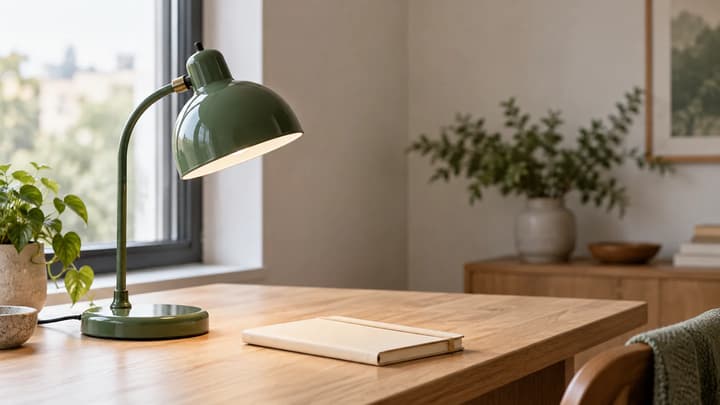
GPT Image 2.5 Tutorial
Follow this GPT Image 2.5 tutorial to create a skincare poster, edit its background and make a vertical version, with copyable prompts and fixes.
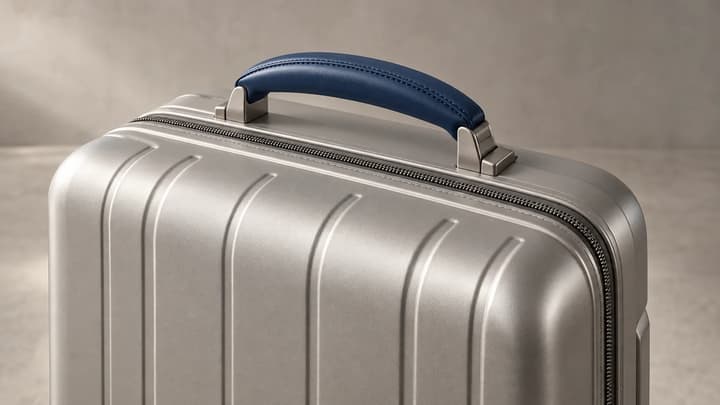
GPT Image 2 vs GPT Image 2.5
Compare GPT Image 2 and GPT Image 2.5: reference editing, Flare and Sunburst modes, five quality levels and LumiYing credit prices.
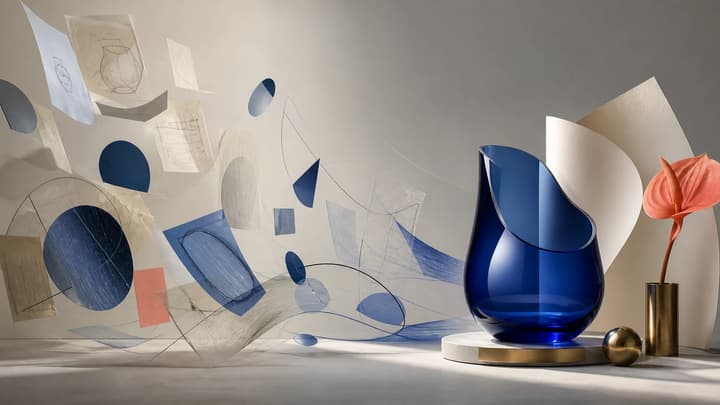
How to Write AI Image Prompts
Use a seven-part visual brief, five-step workflow, and 10 explained examples to write more controllable AI image prompts.
Seedance 2.5 Tutorial
Plan 30-second timelines, map up to 50 references, and write more controllable Seedance 2.5 prompts.
Seedance 2.0 vs Seedance 2.5
Compare available Seedance 2.0 and 2.5 models with side-by-side videos, identical prompts, feature differences, and practical model-selection guidance.
How to Turn an Image Into a Video With AI
A practical workflow for choosing a source image, writing motion prompts, and refining image-to-video AI results.
How to Turn Text Into Video With AI
A practical prompt formula, four-step workflow, and worked examples for creating AI video from text.
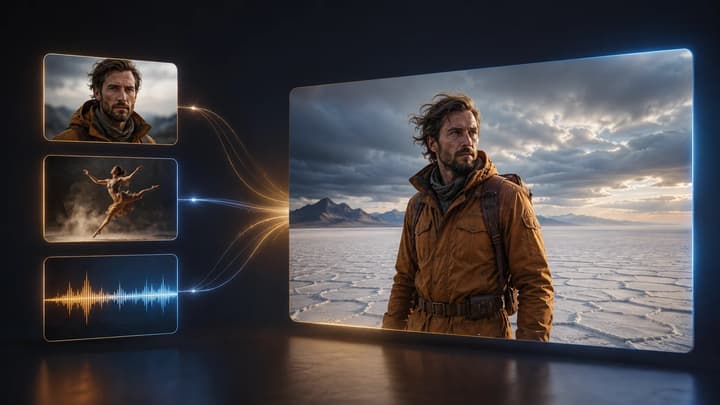
How to Use Reference to Video AI
A practical guide to multimodal references, @ asset roles, conflict avoidance, prompting, and one-variable iteration.
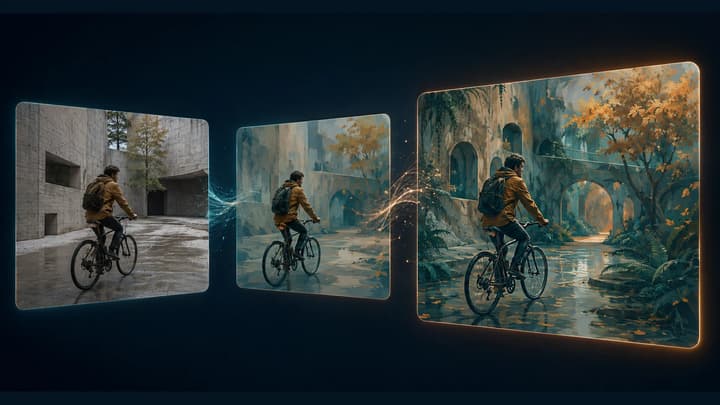
How to Use Video to Video AI
Learn how to restyle a video with AI: prepare source clips, write preserve-and-change prompts, review motion, and troubleshoot flicker or visual drift.
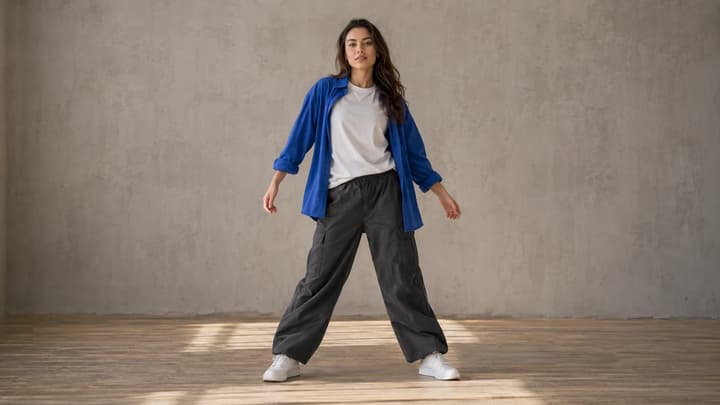
How to Make a Photo Dance with AI
Choose a model, upload a person or character photo, then select a dance sample or upload a motion reference video. The tool handles the instructions for you.
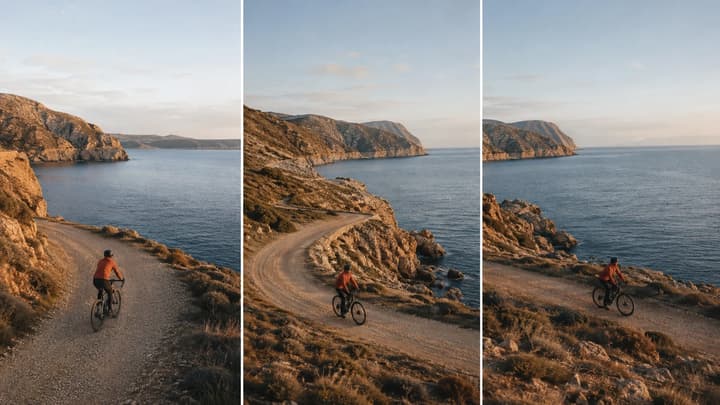
How to Extend a Video with AI
Learn how to extend videos with AI: prepare a source clip, write a continuation prompt, choose settings, and review the result with practical examples.
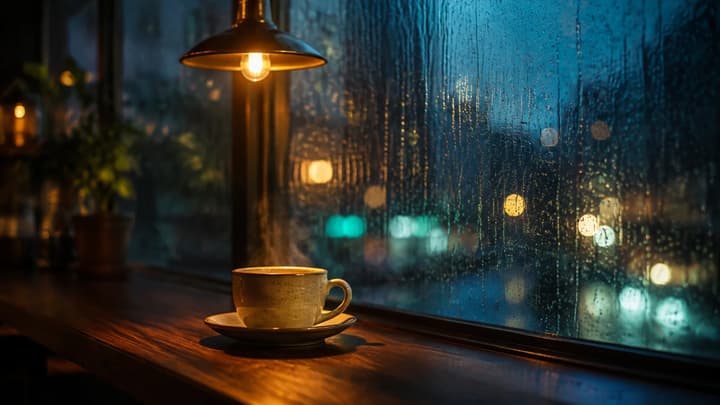
How to Make AI Videos with Audio
Learn how to make AI videos with audio: choose sound settings, write scene and dialogue prompts, and fix silent clips or distracting background sound.
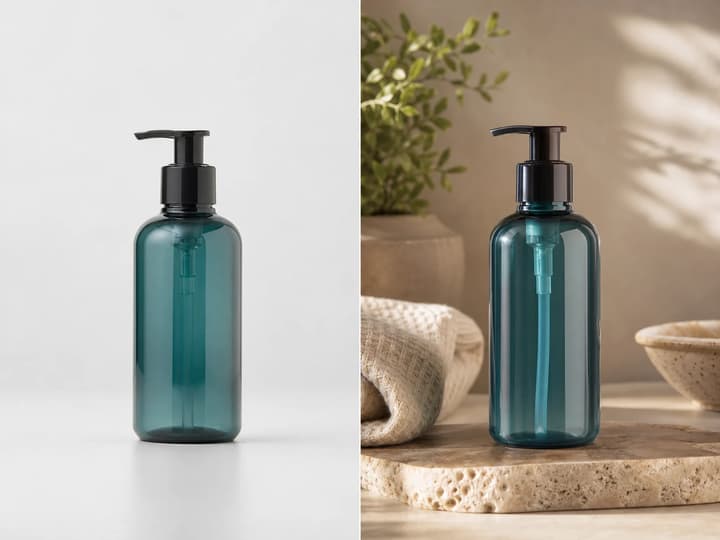
How to Edit Images With AI Prompts
Use prompt patterns for background edits, product photos, style transfer, and video keyframes.
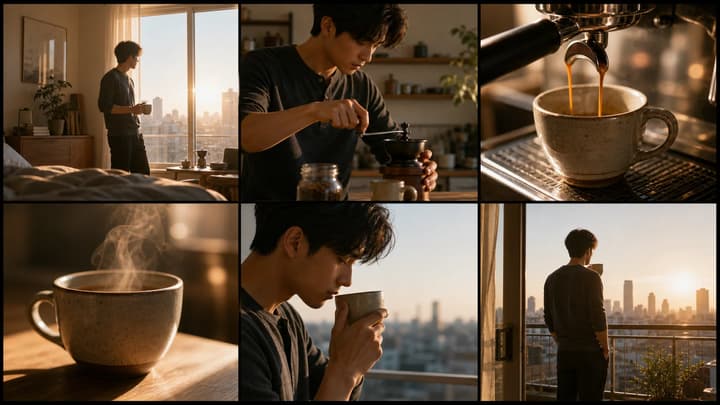
AI Storyboard Generator From Script
Turn scripts, ad concepts, and scene beats into storyboard prompts before generating video clips.
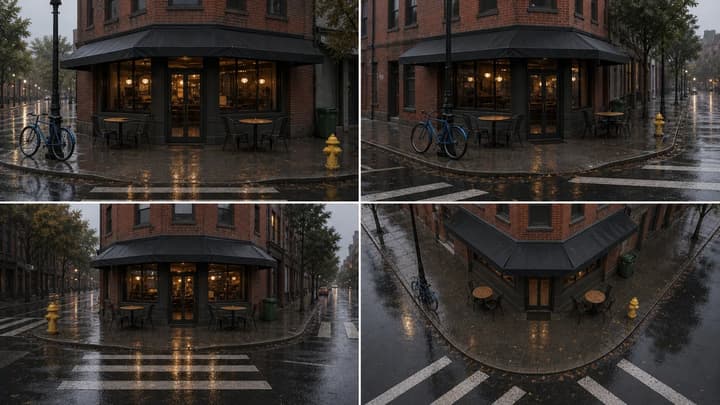
AI Scene Generator Examples
Use example prompts for product scenes, e-commerce templates, multi-angle references, and video planning.
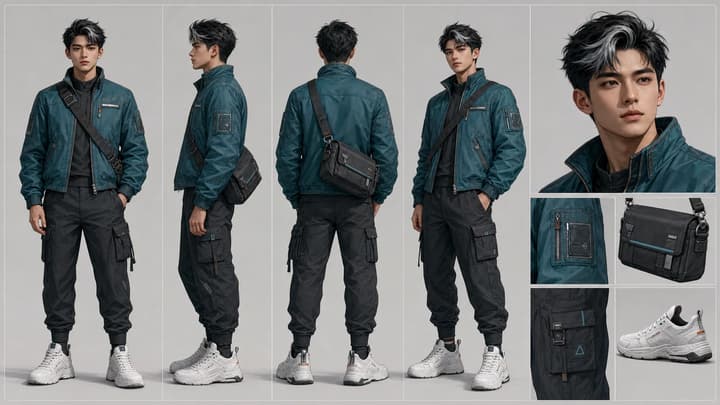
Character Reference Sheet Guide
Plan character identity, views, outfit details, and props before creating a consistent AI character sheet.
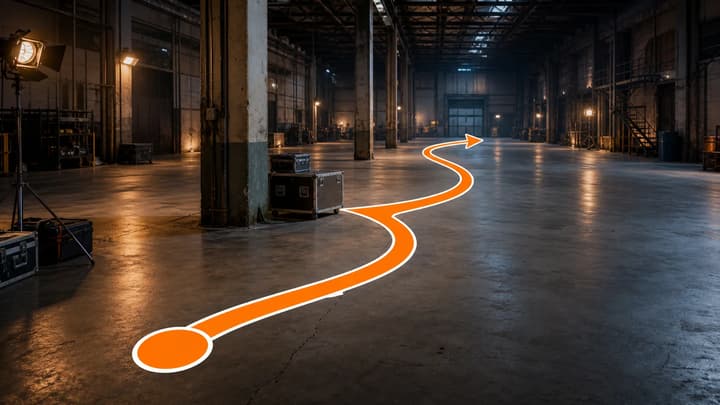
What Is a Motion Path?
Learn how motion paths support actor blocking, camera routes, object movement, game navigation, and previs.
Claude Fable 5 for AI Video Creators
Use Claude Fable 5 to plan scripts, shot lists, prompts, and QA notes before generating videos with LumiYing models.
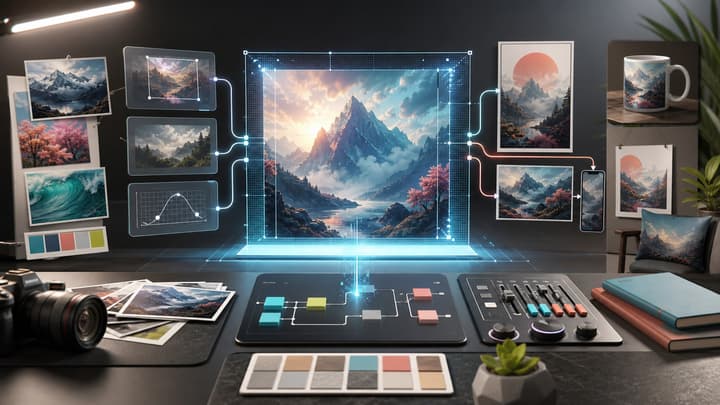
GPT Image 2 Tutorial
Learn a practical GPT Image 2 workflow for prompts, reference-image edits, quality settings, aspect ratios, and iteration inside LumiYing.
What is Seedance 2.0
Seedance 2.0 is available on LumiYing. Select the model, review your inputs and the credit estimate, then generate when ready.
Seedance 2.0 Tutorial
A practical workflow for creating consistent AI videos with Seedance 2.0: prompts, references, settings, iteration tips, and common mistakes.
Seedance 2.0 API Guide
API reference notes for teams planning automated video generation workflows with Seedance 2.0, including inputs, capabilities, and implementation details.
Seedance 2.0 Pricing
Seedance 2.0 pricing on LumiYing: all output resolutions, credit rates, reference-video totals, pack conversion and official API pricing units.
Seedance 2.0 vs Seedance 2.0 Fast
Compare Seedance 2.0 and Fast on LumiYing: resolutions, reference limits, credit costs and when a second generation is worth it.
Seedance 2.0 vs Seedance 2.0 Mini
Standard Seedance 2.0 offers 480p, 720p, 1080p and 4K on LumiYing. Fast and Mini offer 480p and 720p on LumiYing at lower credit rates than standard at the same resolution and reference mode.
Seedance 2.0 vs Sora 2
OpenAI shut down Sora 2 and the Videos API on September 24, 2026. This is a historical model comparison; check any third-party service separately before relying on access.
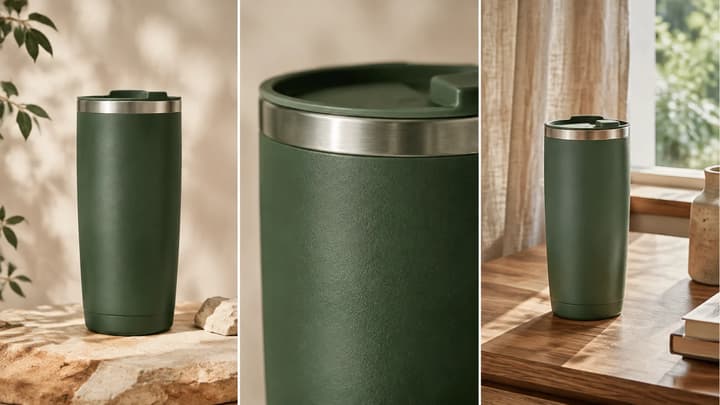
How to Make Product Videos with AI
Plan product shots, compare a controlled motion test, adapt reusable prompts, and verify geometry, motion and delivered media before publishing.
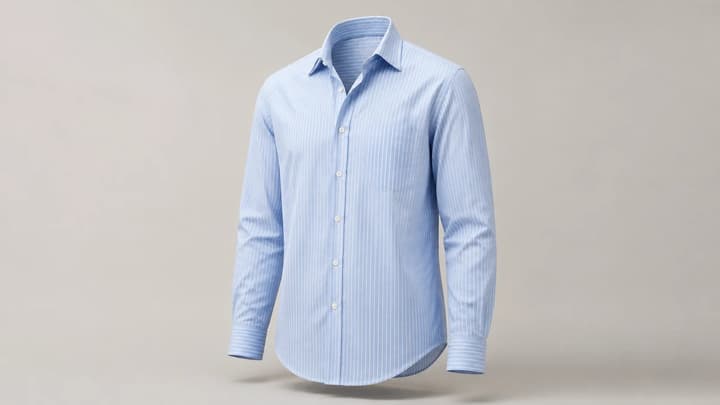
How to Create Ghost Mannequin Photos with AI
Learn how to create ghost mannequin photos with AI using a flat lay, hanger or dress form image. Compare three examples, copy prompts and check garment details.
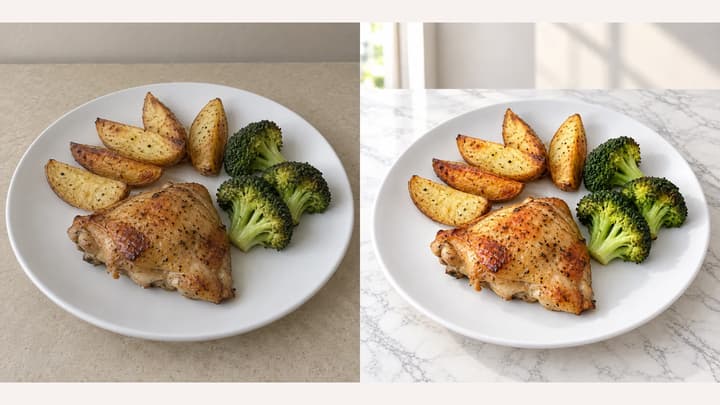
How to Edit Food Photos with AI
Start with a clear photo of the dish you serve, decide whether it needs a simple correction or a new setting, then compare the edit with the original. This guide explains source preparation, background and effect choices, framing, and repairs.
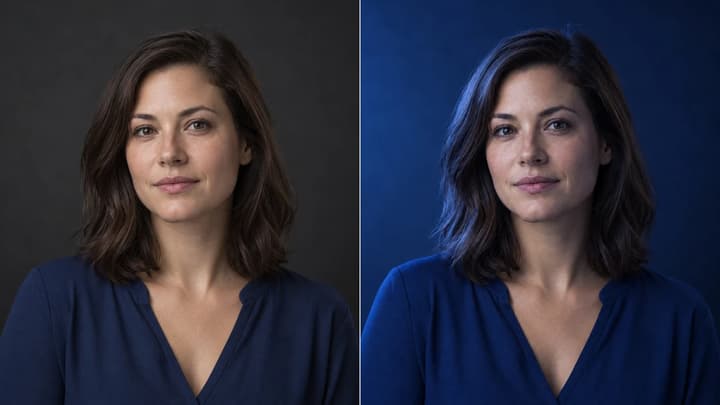
How to Relight a Photo with AI
Learn how to relight a photo with AI: choose a light direction and lighting template, compare examples, and check shadows, highlights, and subject details.
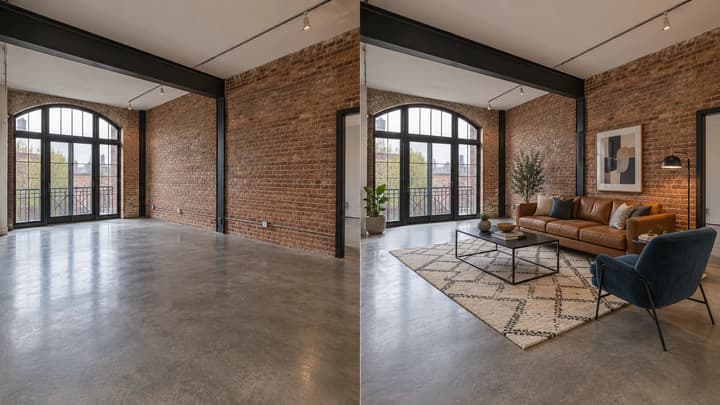
What Is Virtual Staging? Examples and a Practical Guide
Learn what virtual staging changes, how it differs from physical staging, and how to prepare and review furnished room photos.
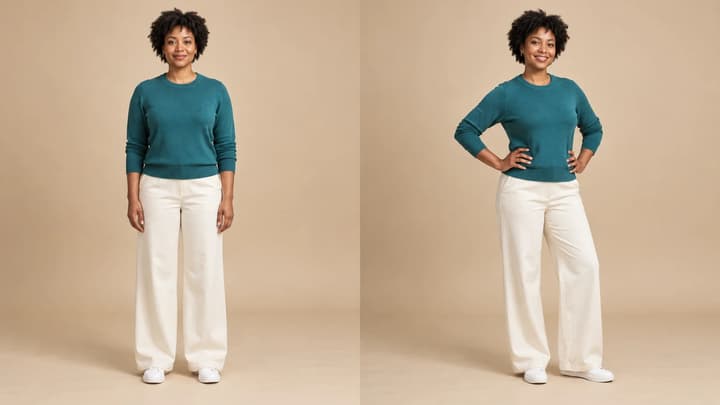
How to Change Pose in a Photo with AI
Prepare your source photo, choose a pose template or reference, and check hands, proportions, clothing and identity before downloading.
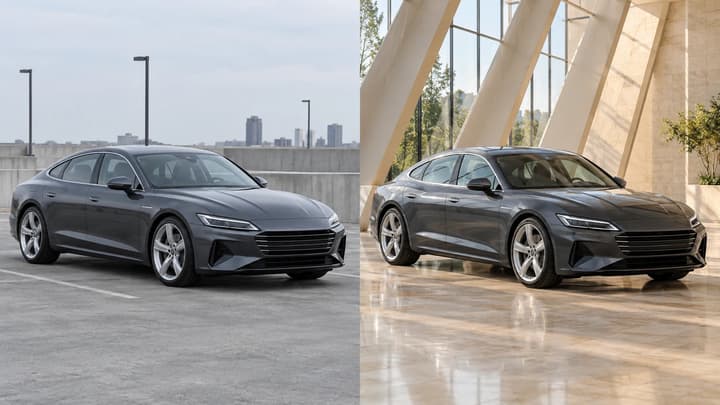
How to Edit Car Photos with AI
Edit car photos with AI. Choose a background template or reference, refine lighting, then review your car’s details and download.
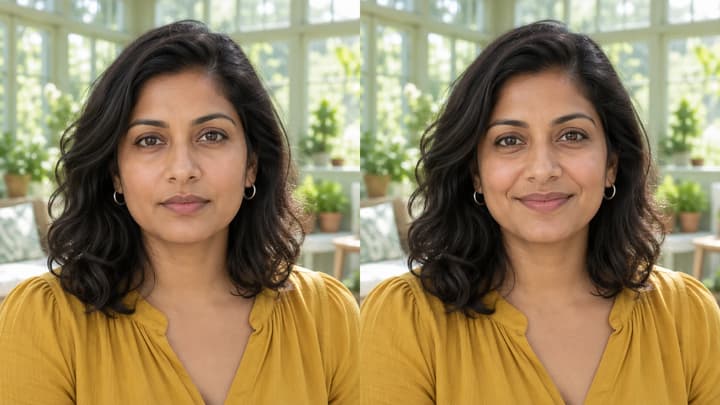
How to Add a Smile to a Photo with AI
Add a smile to a photo with AI: prepare a clear portrait, choose a closed-mouth or toothy smile, write a short note and check the result against your original.
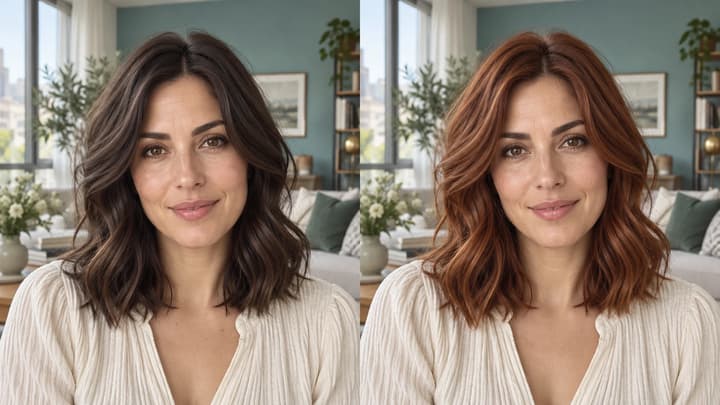
How to Change Hair Color in a Photo with AI
Learn how to change hair color in a photo with a template, reference image or text prompt, then review the hairline, texture and face.
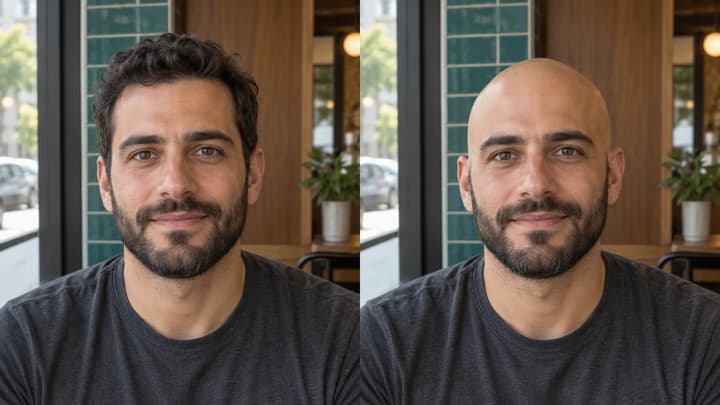
What Would I Look Like Bald? Try a Photo Preview
Wondering what you would look like bald? Learn how to choose a photo, use an AI bald filter and review head shape, beard, glasses and background.
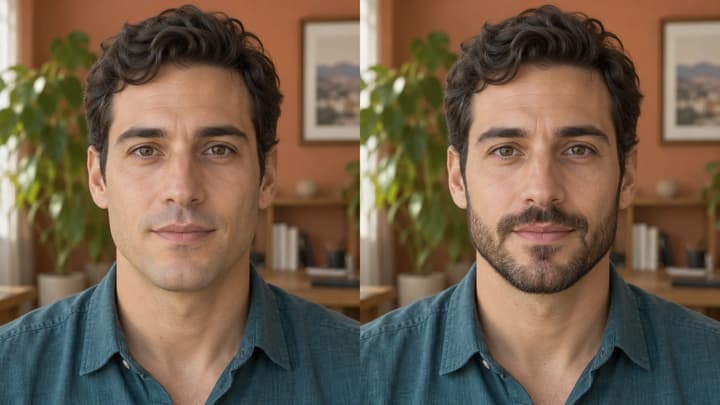
What Would I Look Like With a Beard?
See what you might look like with a beard. Choose a clear photo, compare stubble and beard styles, then review your AI preview before keeping it.
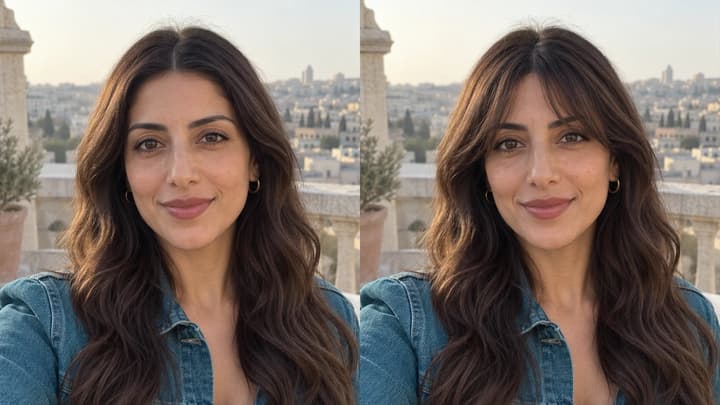
What Would I Look Like With Bangs?
See what you would look like with bangs before a haircut. Prepare a clear photo, compare fringe shapes and check your AI preview against the original.
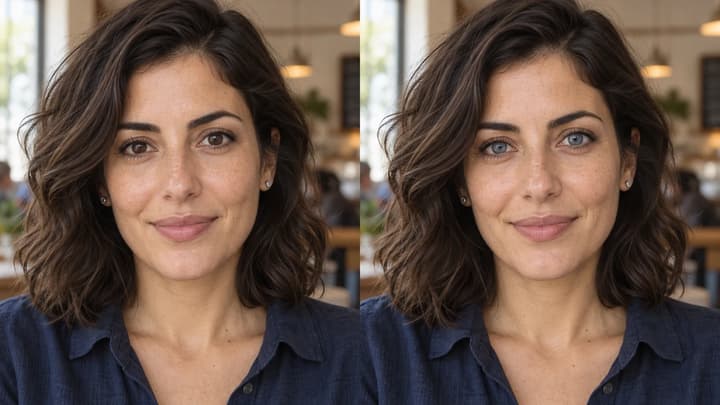
How to Change Eye Color in a Photo with AI
To change eye color in a photo, start with a clear portrait, choose an iris color and compare the result with the original. Check the pupils, gaze, catchlights and eye whites as well as the shade. This guide explains the inputs, useful instructions and details to review.
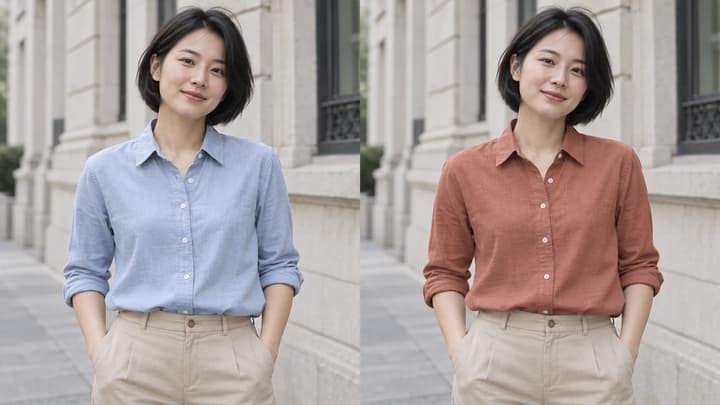
How to Change Clothes Color in a Photo with AI
To change clothes color in a photo, start with a clear garment, specify the clothing and choose a color direction. This guide explains templates, references and written instructions, with examples and checks for fabric, folds, prints and the rest of the photo.
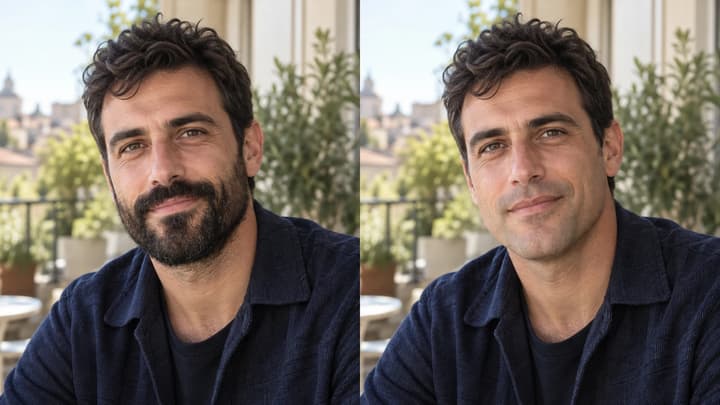
What Would I Look Like Without a Beard?
See what you might look like without a beard. Choose a clear photo, use a no-beard filter and review the chin, lips and skin before keeping your preview.
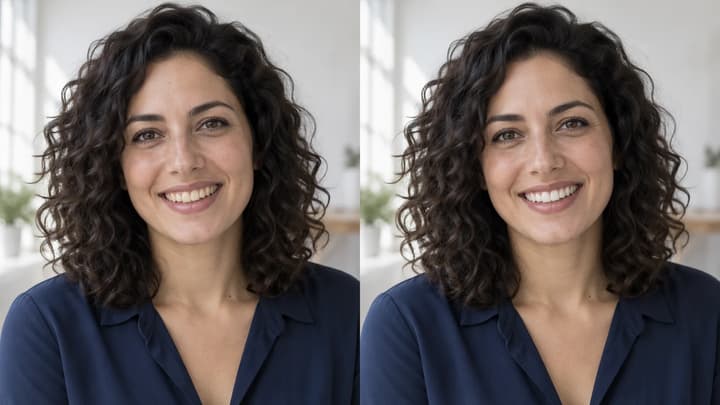
How to Whiten Teeth in Photos with AI
Learn how to whiten teeth in photos without changing the smile. Choose a clear portrait, adjust tooth color and review edges, texture and lighting.
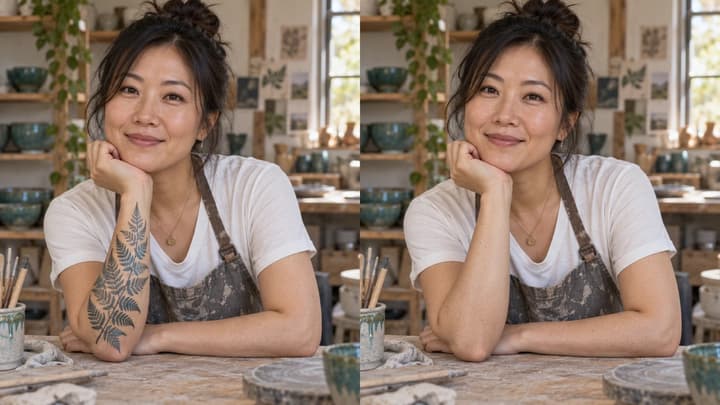
How to Remove Tattoos from Photos with AI
Learn how to remove a tattoo from a photo, specify one area and check skin texture, body contours and the tattoos you want to keep.
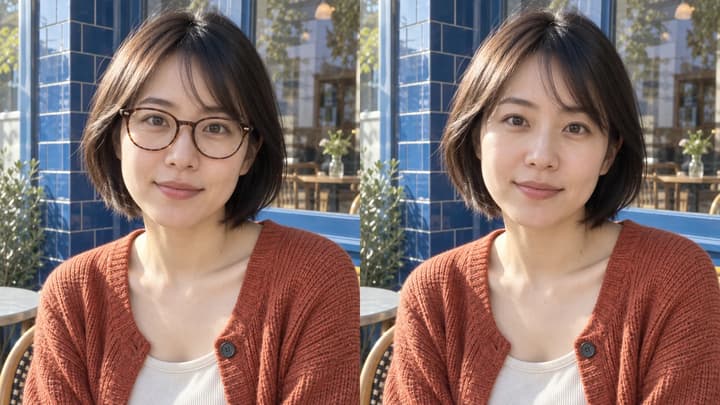
How to Remove Glasses from a Photo with AI
Learn how to remove glasses from a photo, choose a clear source and compare the eyes, eyebrows, nose bridge and hairline after editing.
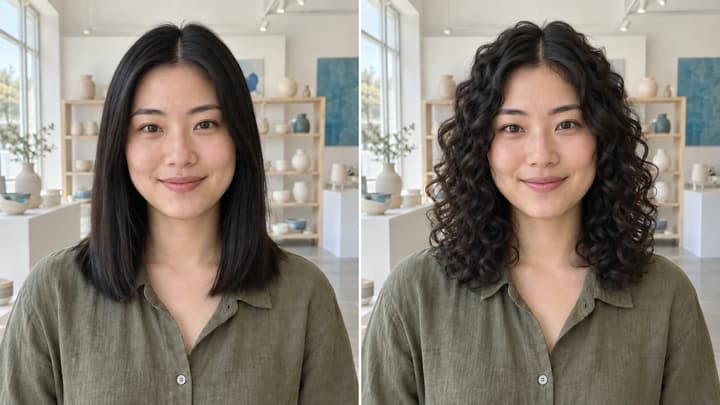
What Would I Look Like with Curly Hair?
See what you would look like with curly hair. Prepare a clear photo, compare curl patterns and check roots, length, volume and your original face.
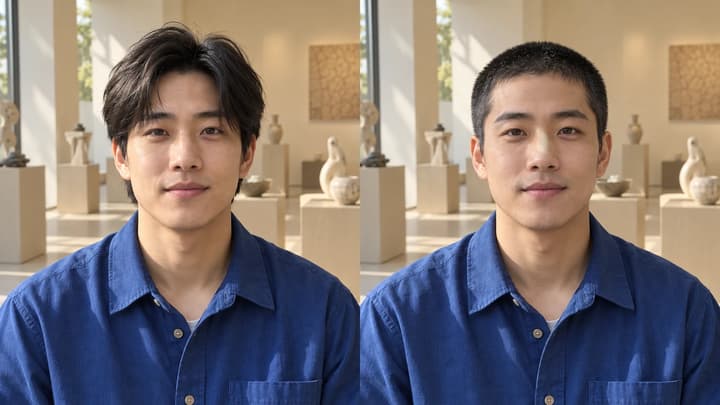
What Would I Look Like with a Buzz Cut?
See what you would look like with a buzz cut. Choose a clear portrait, compare short hair texture and check your hairline, original color and face.
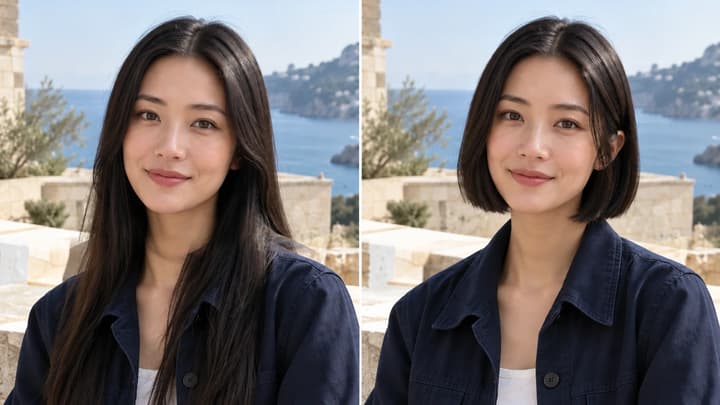
What Would I Look Like with Short Hair?
See what you would look like with short hair. Compare bobs and pixie cuts on the same photo, keeping your original color, face and lighting.
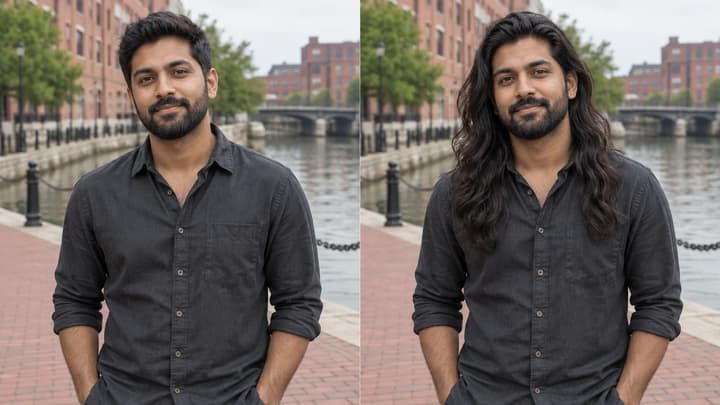
What Would I Look Like with Long Hair?
See yourself with long hair in a photo. Choose a length, compare straight hair or curls, and check the hairline, shoulders and ends.
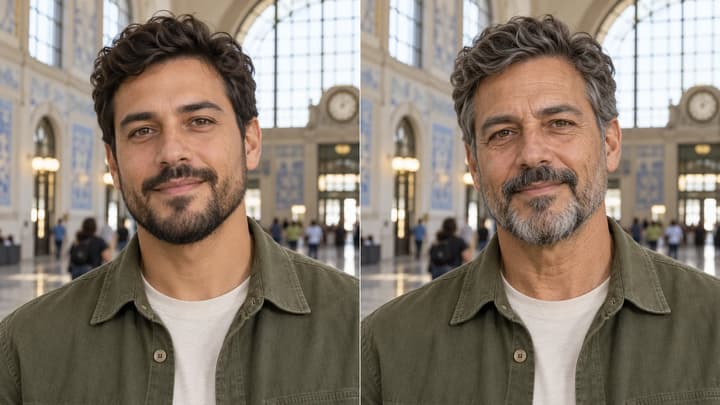
What Will I Look Like in the Future?
Explore how you might look older in a photo. Prepare a clear portrait, compare 10- or 20-year directions, and check identity, expression and skin detail.
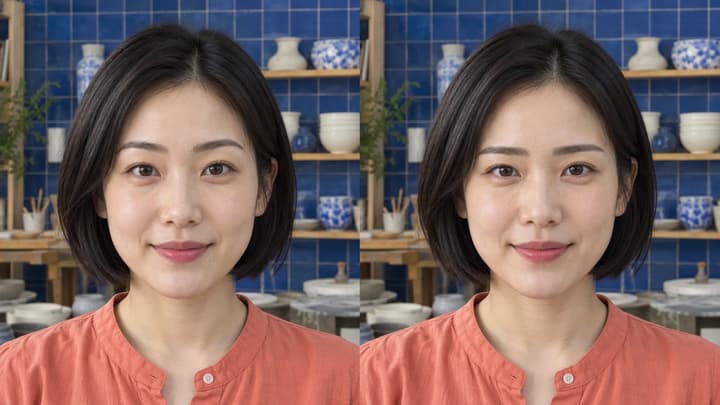
What Eyebrows Suit Me? Compare Shapes in Your Photo
Compare eyebrow shapes on the same photo. Explore straight, arched, fuller or slimmer brows and check the eyes, color and expression before choosing a look.
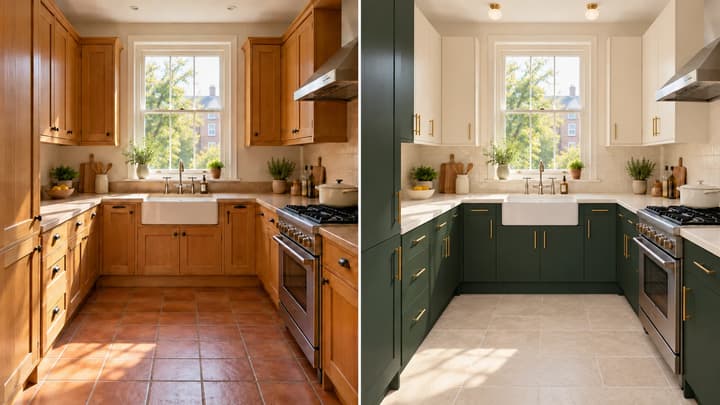
How to Design a Kitchen with AI from Your Photo
Learn to restyle a kitchen photo: coordinate cabinets, walls, flooring and lighting, preserve the layout, and compare concepts before choosing materials.
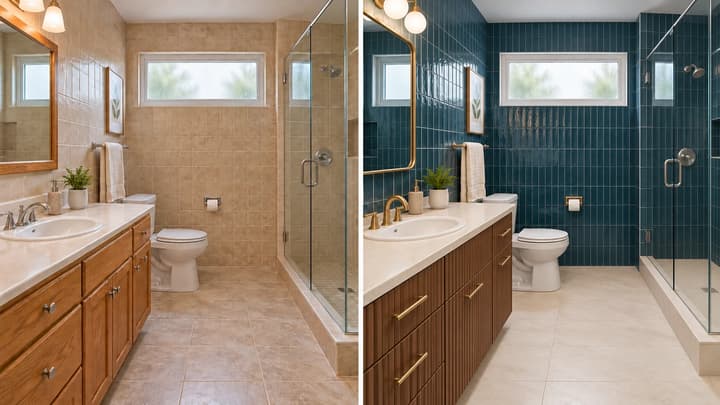
How to Design a Bathroom with AI from Your Photo
Learn to restyle a bathroom photo: coordinate tiles, vanity fronts, mirrors and lighting, preserve fixture positions, and review each design concept.
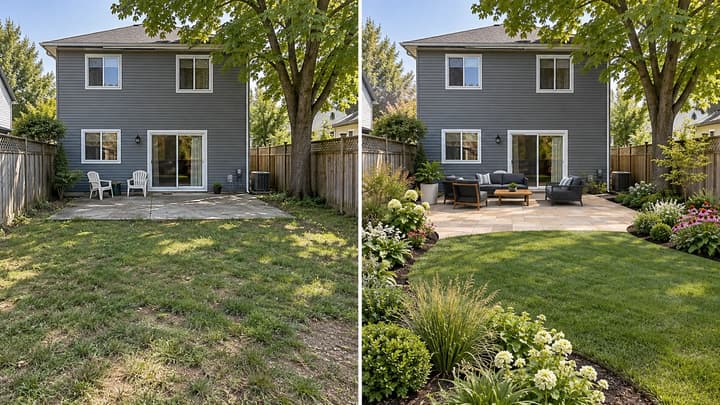
How to Design a Backyard with AI from Your Photo
Learn to compare backyard ideas with AI: prepare a photo, define what stays, choose planting and paving directions, and review each concept before planning work.
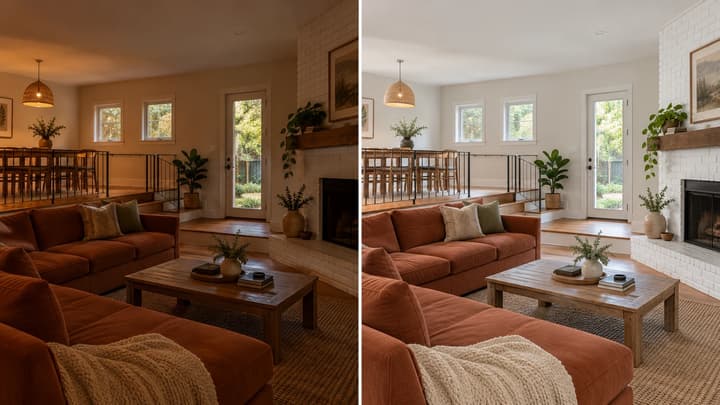
How to Edit Real Estate Photos with AI
Prepare a property photo, request natural exposure or color edits, and compare architectural details before using the result in a listing.
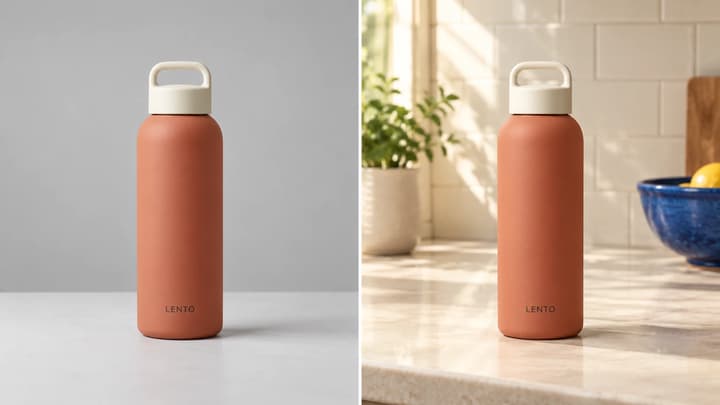
What Is Lifestyle Product Photography? Examples and AI Guide
Learn how lifestyle product photography differs from white-background shots, prepare a source photo and create AI scene ideas with a product-detail checklist.
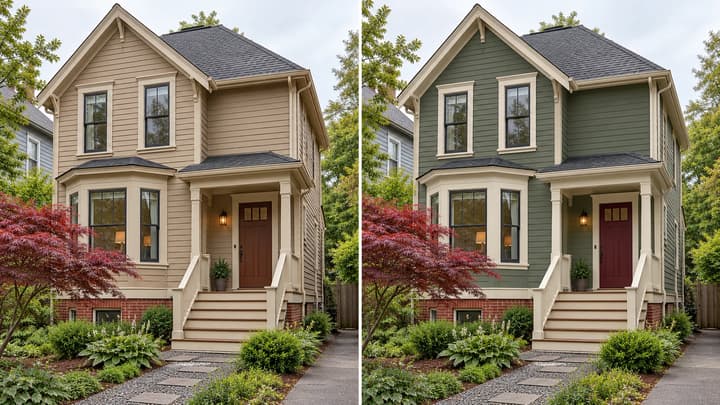
How to Visualize Exterior House Colors from a Photo
Compare exterior paint colors on one house photo: choose body, trim and door directions, preserve the roof and masonry, and check the result before testing real samples.

How to Extend an Image with AI Without Losing the Subject
Choose an output ratio, request useful space and inspect an AI-expanded photo for changed subjects, invented details and broken background transitions.
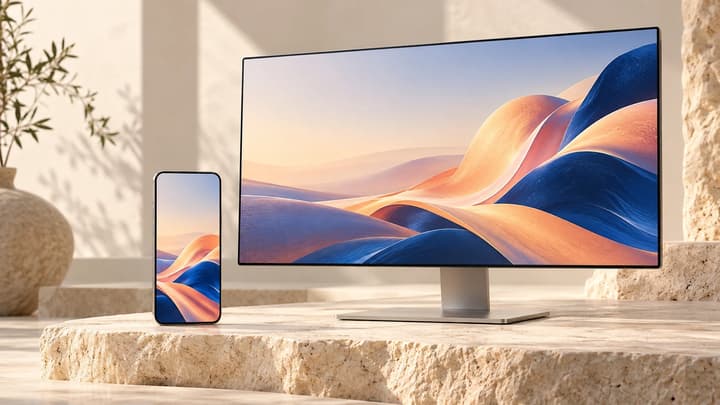
How to Make AI Wallpapers That Work on Your Screen
Choose phone or desktop dimensions, write prompts for useful negative space, and check cropping, contrast and pixels before setting an AI wallpaper.
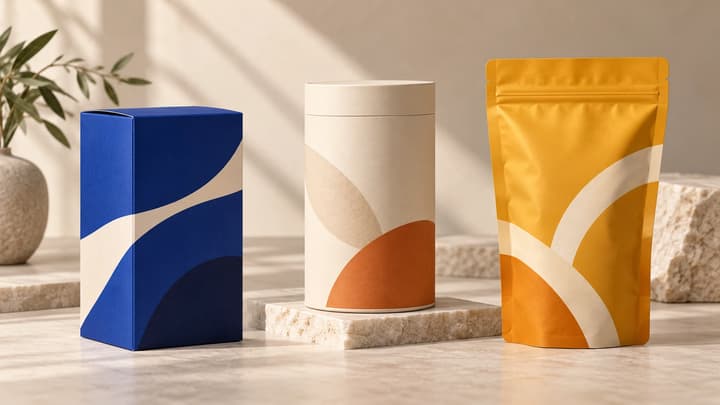
How to Create AI Packaging Concepts for a Brand Review
Redesign packaging from an existing photo: choose the source, describe surface changes and compare the result before handing off production artwork.
How to Turn a Storyboard Into a Video
Prepare a readable shot plan, describe what moves, and review one short clip before committing to a longer edit.
AI Video Character Consistency: A Practical Workflow
Keep an AI character recognizable across shots. Prepare references, plan motion, compare clips and fix face, outfit or accessory drift with this workflow.
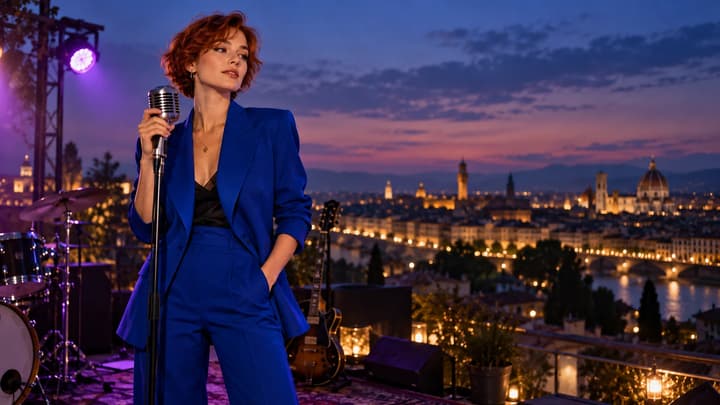
How to Make an AI Music Video
Learn how to make an AI music video: prepare audio and images, write a shot prompt, choose settings, review clips and assemble a longer edit. Includes video examples.
Ready to Create with LumiYing?
Use what you learned here to start a new generation in LumiYing.
Try for Free