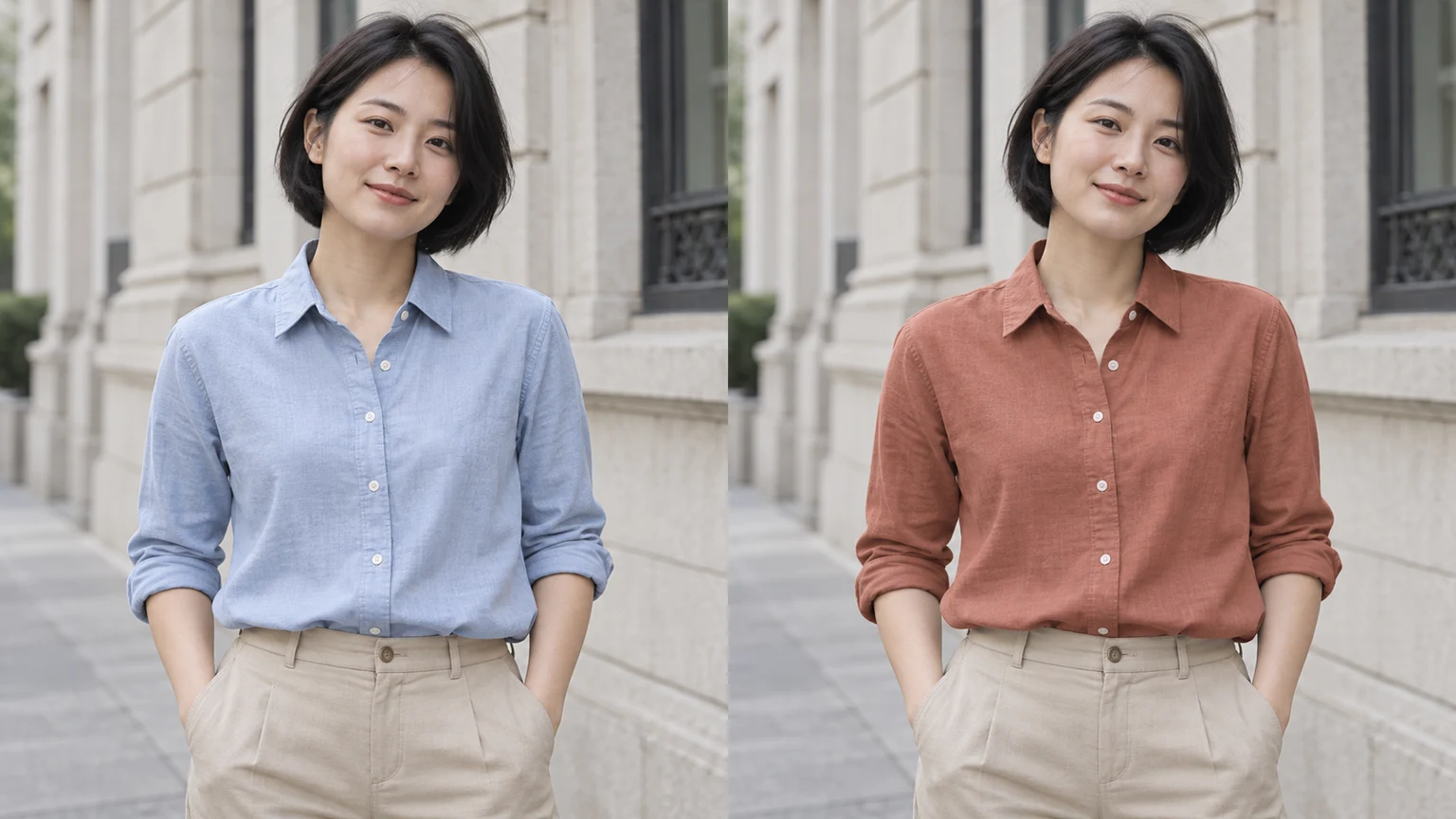

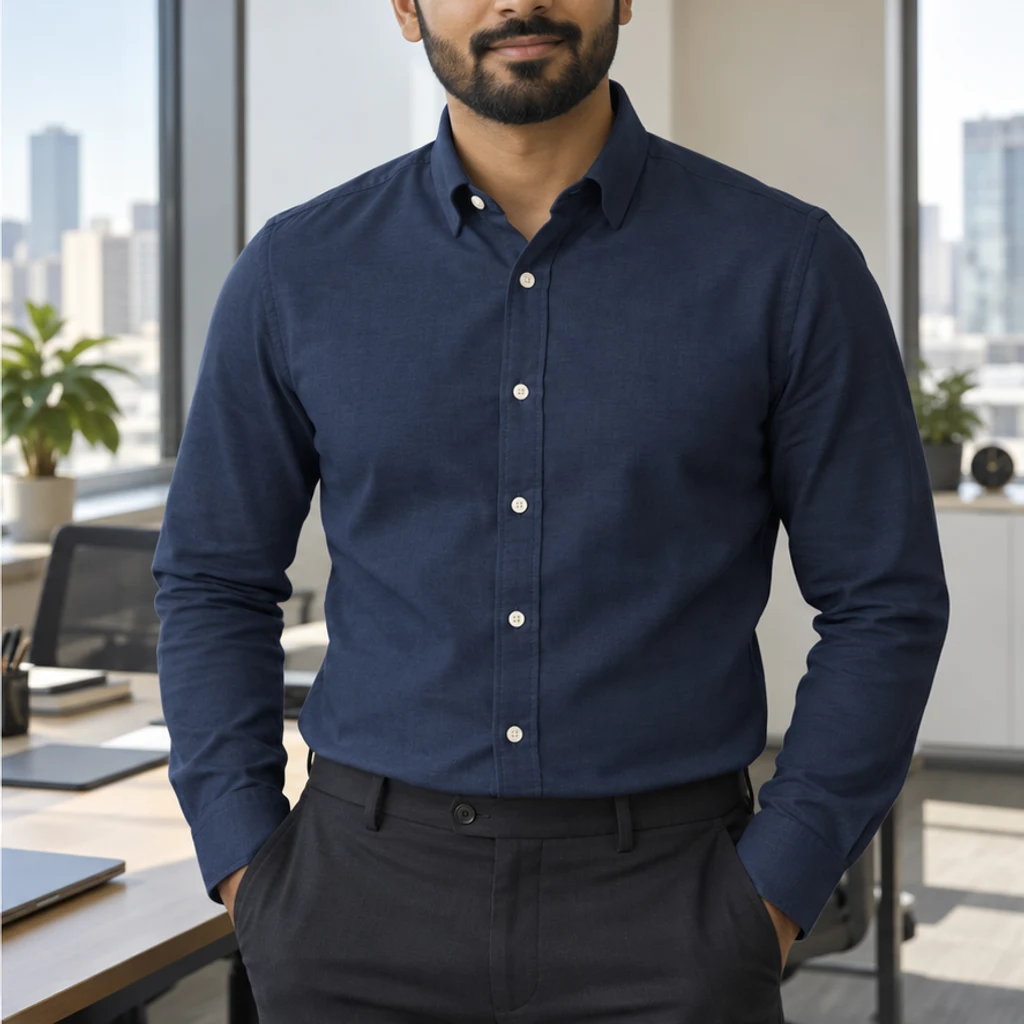
Navy · cotton office shirt
Try this colorPale gray cotton becomes navy while the collar, buttons and trousers stay consistent.
To change clothes color in a photo, start with a clear garment, specify the clothing and choose a color direction. This guide explains templates, references and written instructions, with examples and checks for fabric, folds, prints and the rest of the photo.
LumiYingUpdated
To change clothes color in a photo, start with a clear garment, specify the clothing and choose a color direction. This guide explains templates, references and written instructions, with examples and checks for fabric, folds, prints and the rest of the photo.
Use a photo with the garment fully visible and its texture in focus. On-person, flat-lay and mannequin photos are suitable inputs. JPEG, PNG and WebP are supported, up to 30 MB.
Choose one of eight color cards, upload a color reference or write Edit instructions. Templates and uploads are alternatives; cards start unselected and can be removed. A Photo and at least one active color input are required. Name the garment if several are visible; otherwise the edit targets the most prominent one.
Review the displayed credits and generate one image. Loading an example only fills the form. Compare the fabric and non-target details, then Re-edit the original inputs or download the result.
Inspect the garment and the rest of the photo at full size. Keep a result you like, or refine the color from the original. A generated colorway should be checked against the real product before it is used to describe an item for sale.
Keep the original photo fixed and describe which garment should change. Templates and uploaded references provide alternative color sources.
Explore clothing color ideas with these AI-generated illustrations. Choose an example to load its photo and color settings.
Pale gray cotton becomes navy while the collar, buttons and trousers stay consistent.
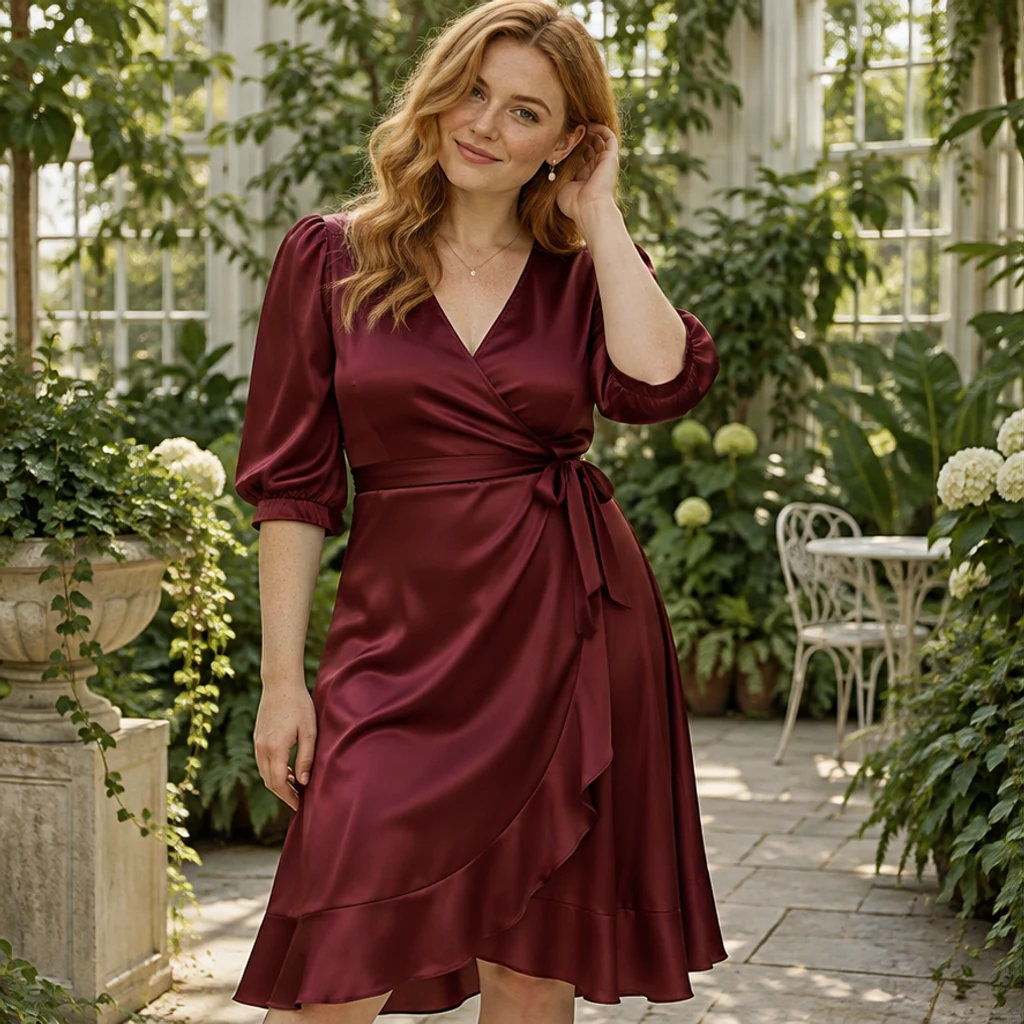
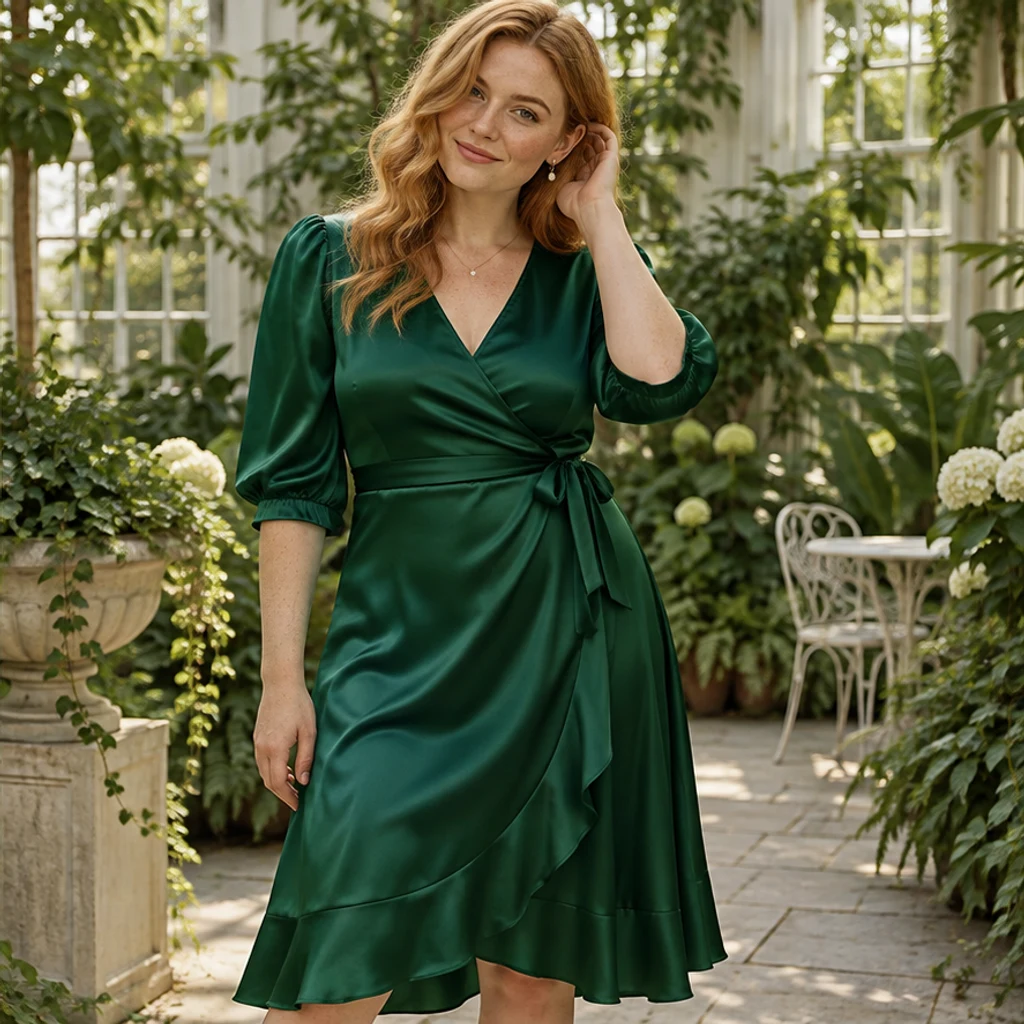
Burgundy satin takes an emerald direction under the same conservatory light.

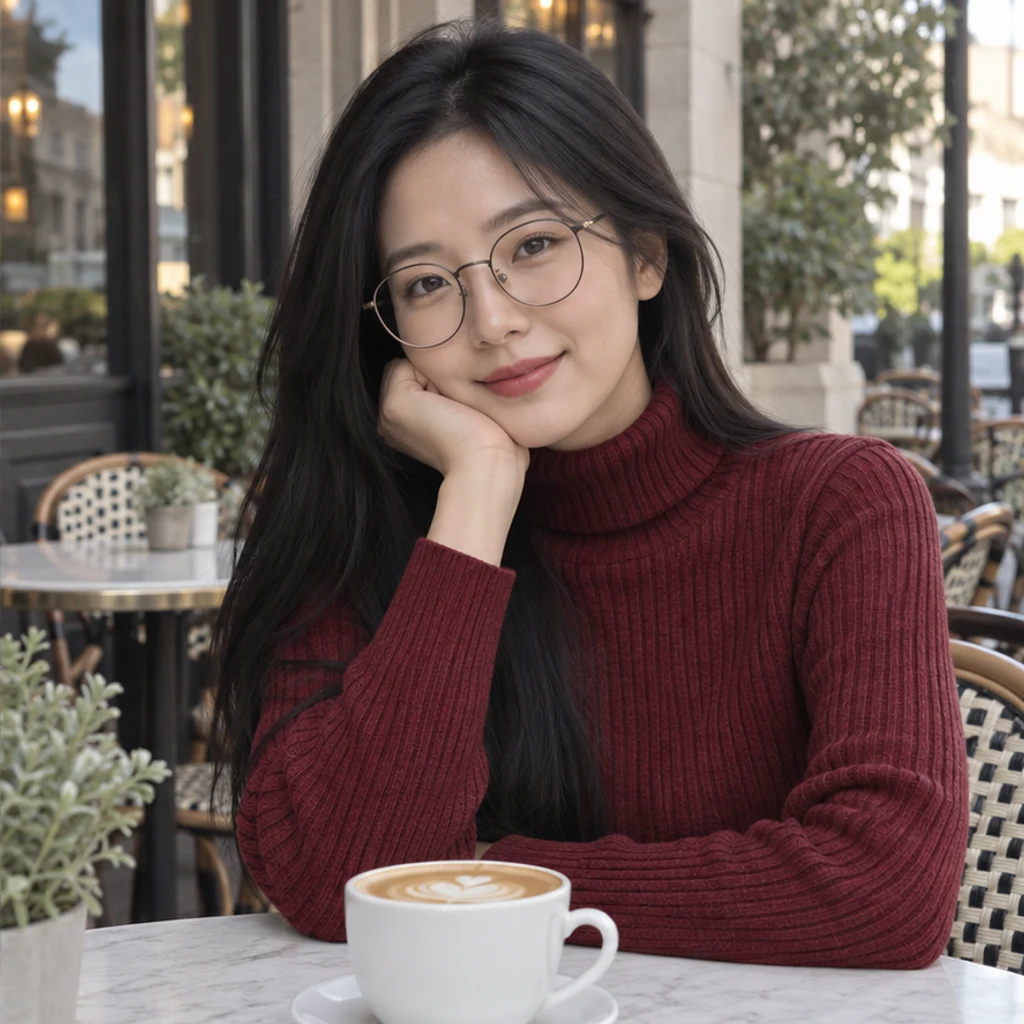
A charcoal turtleneck changes to burgundy with the rib texture still visible.
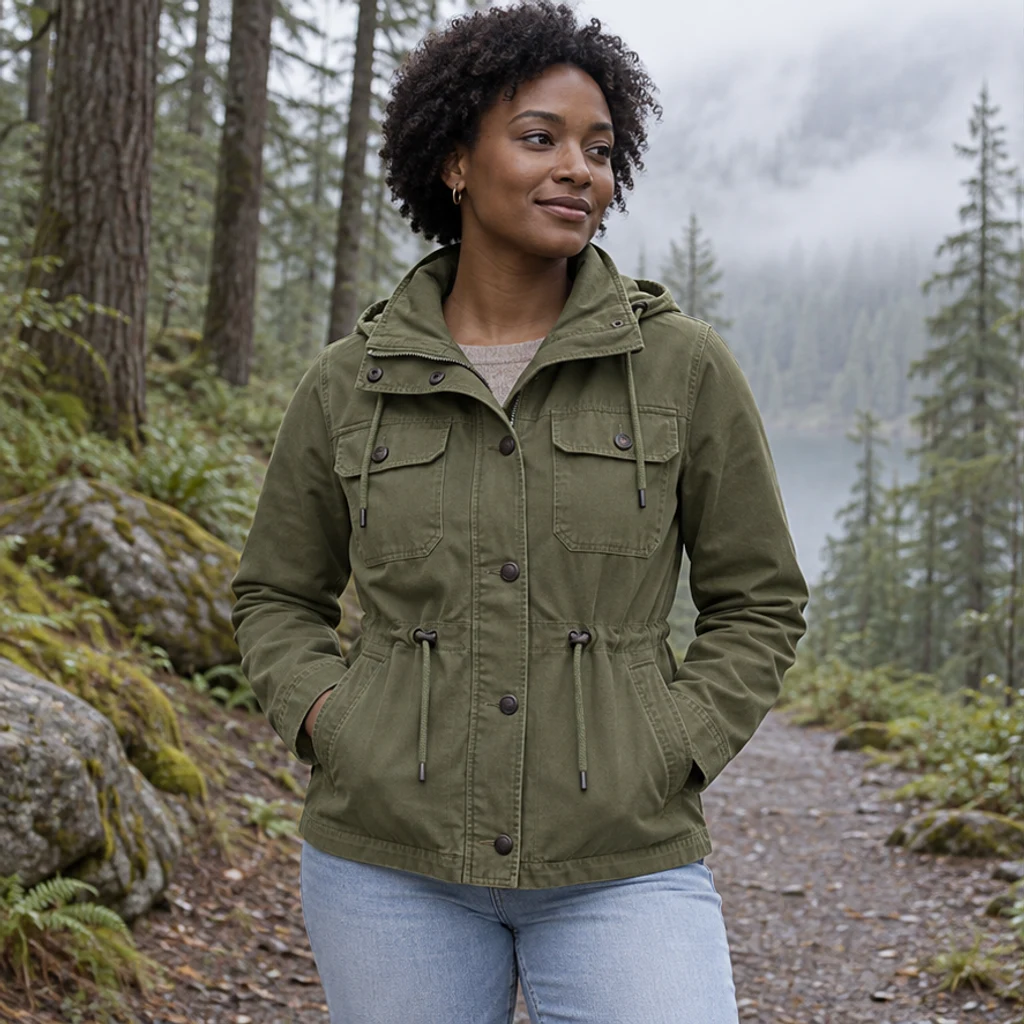
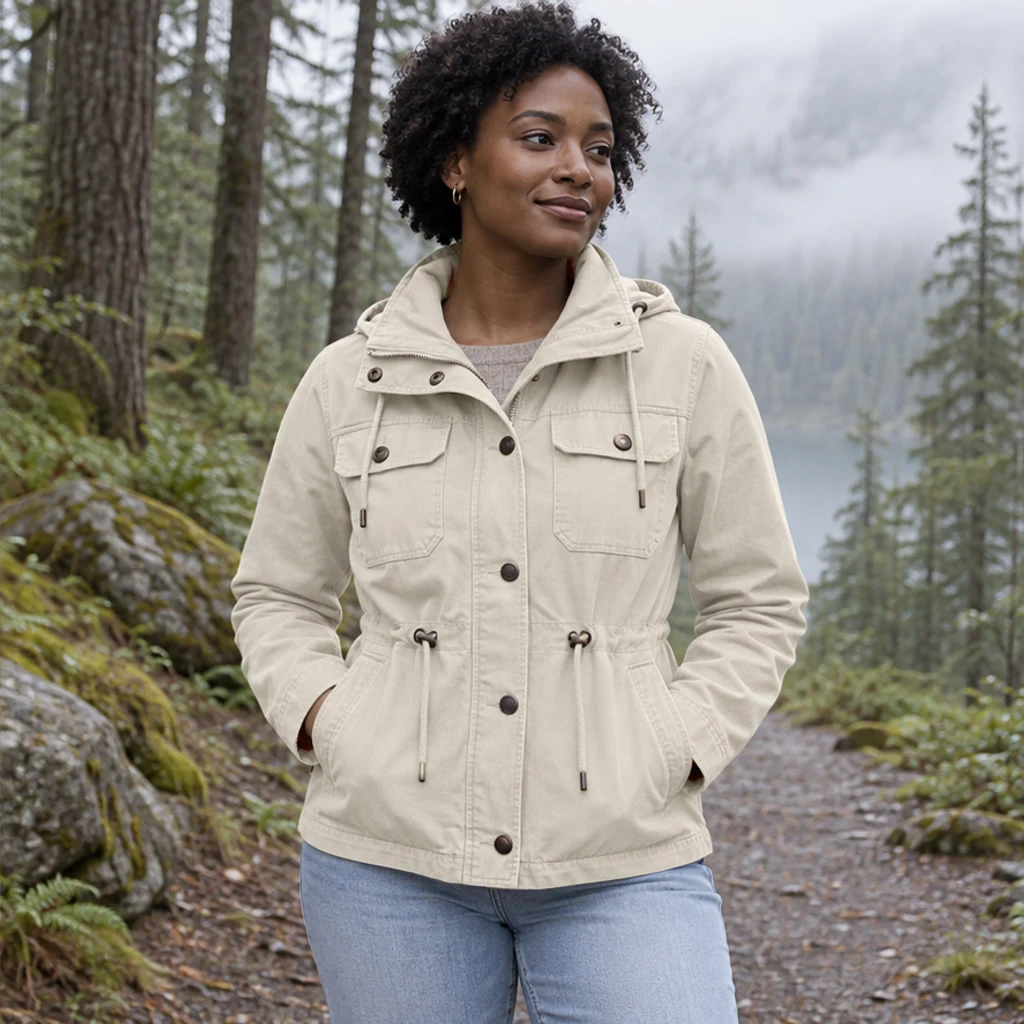
Olive canvas becomes cream while the dark fasteners and jeans keep their colors.
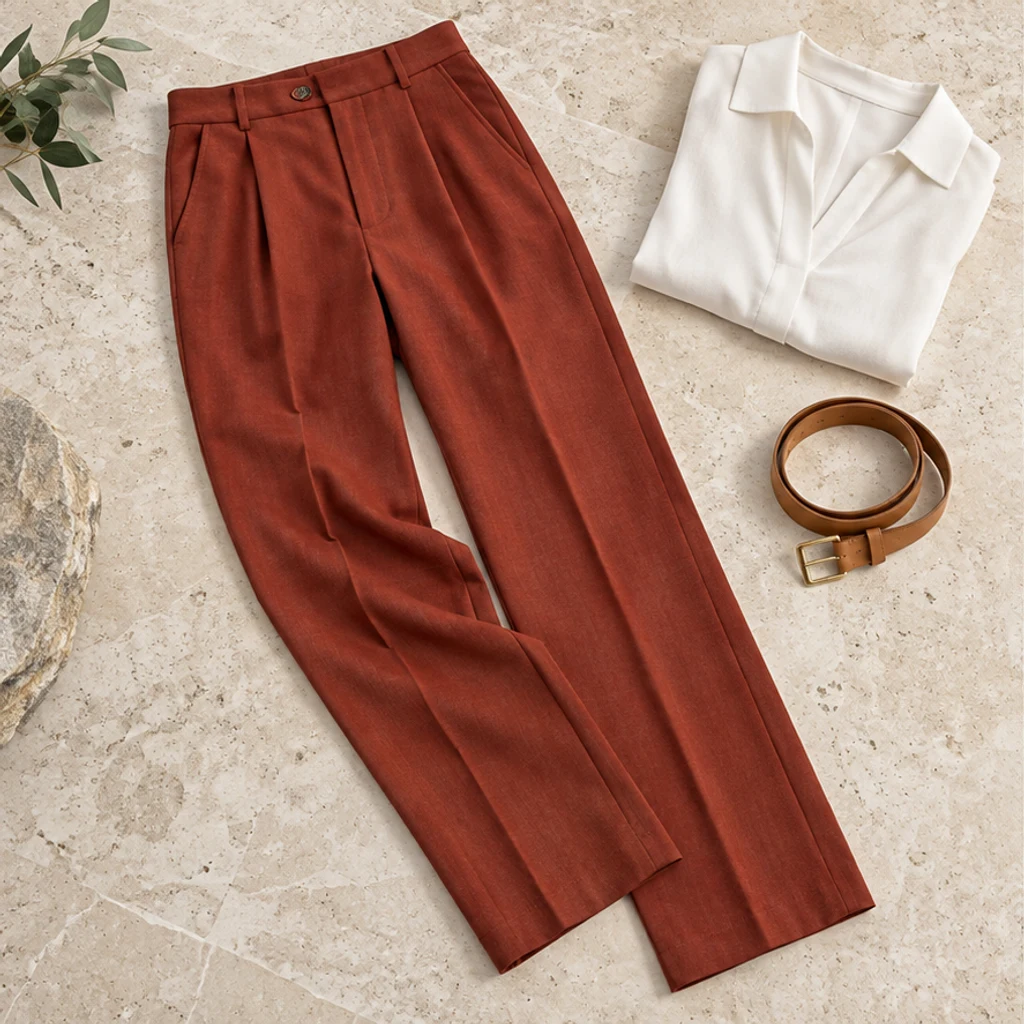
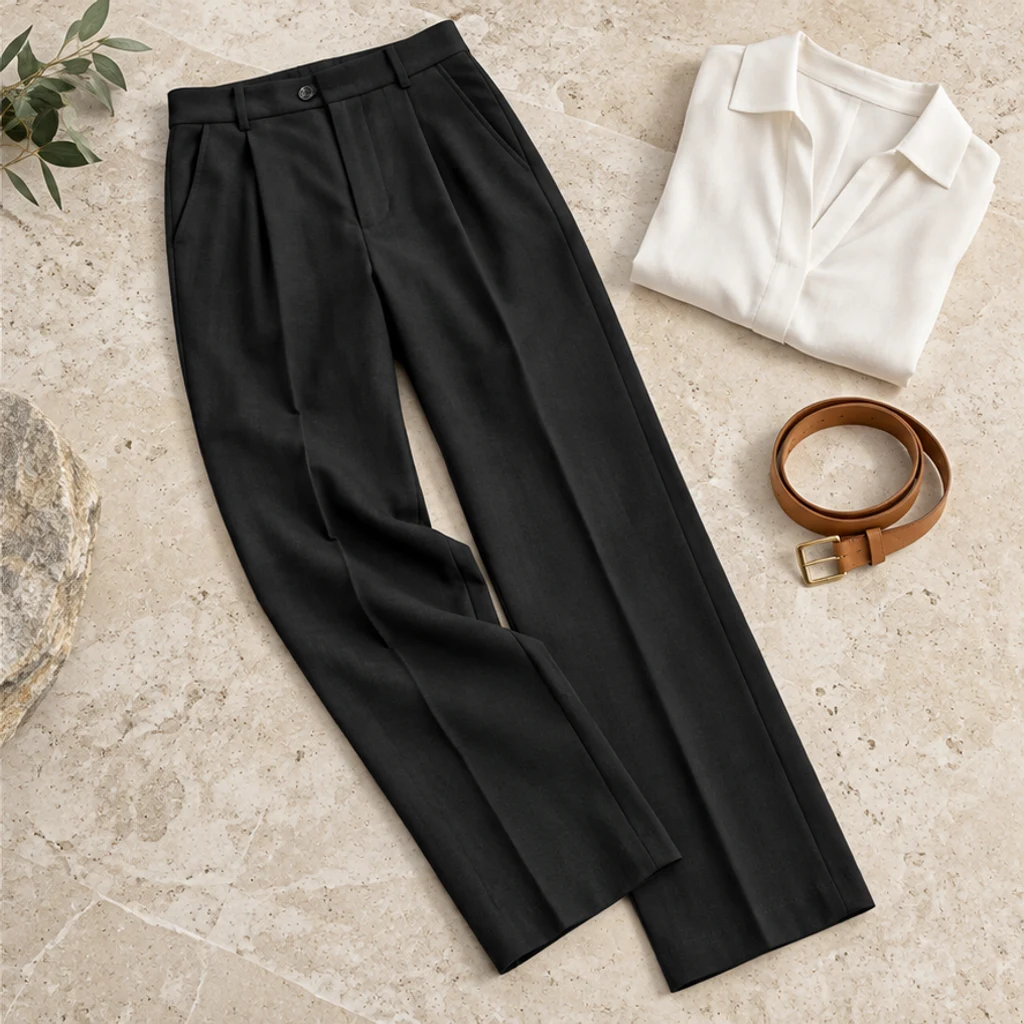
Rust-colored trousers become black in a product flat lay, with the blouse and belt unchanged.
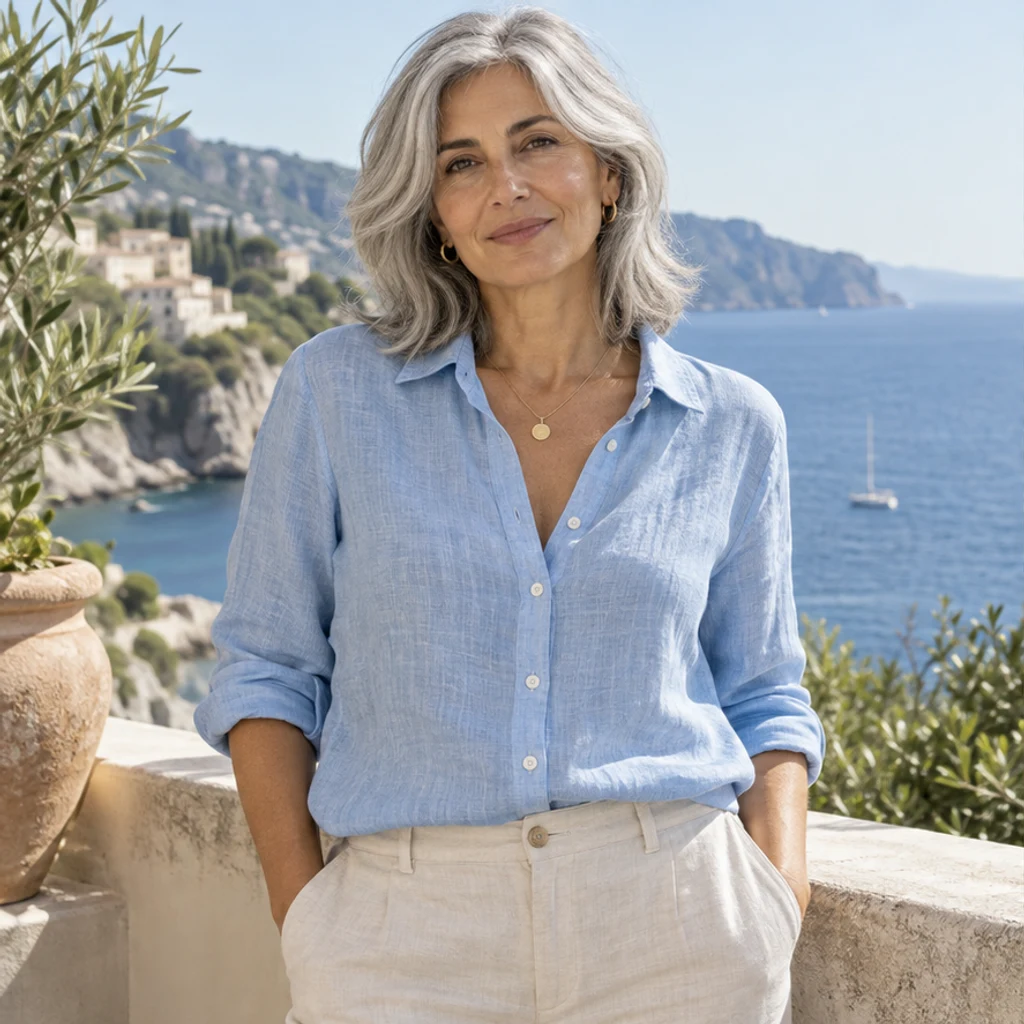
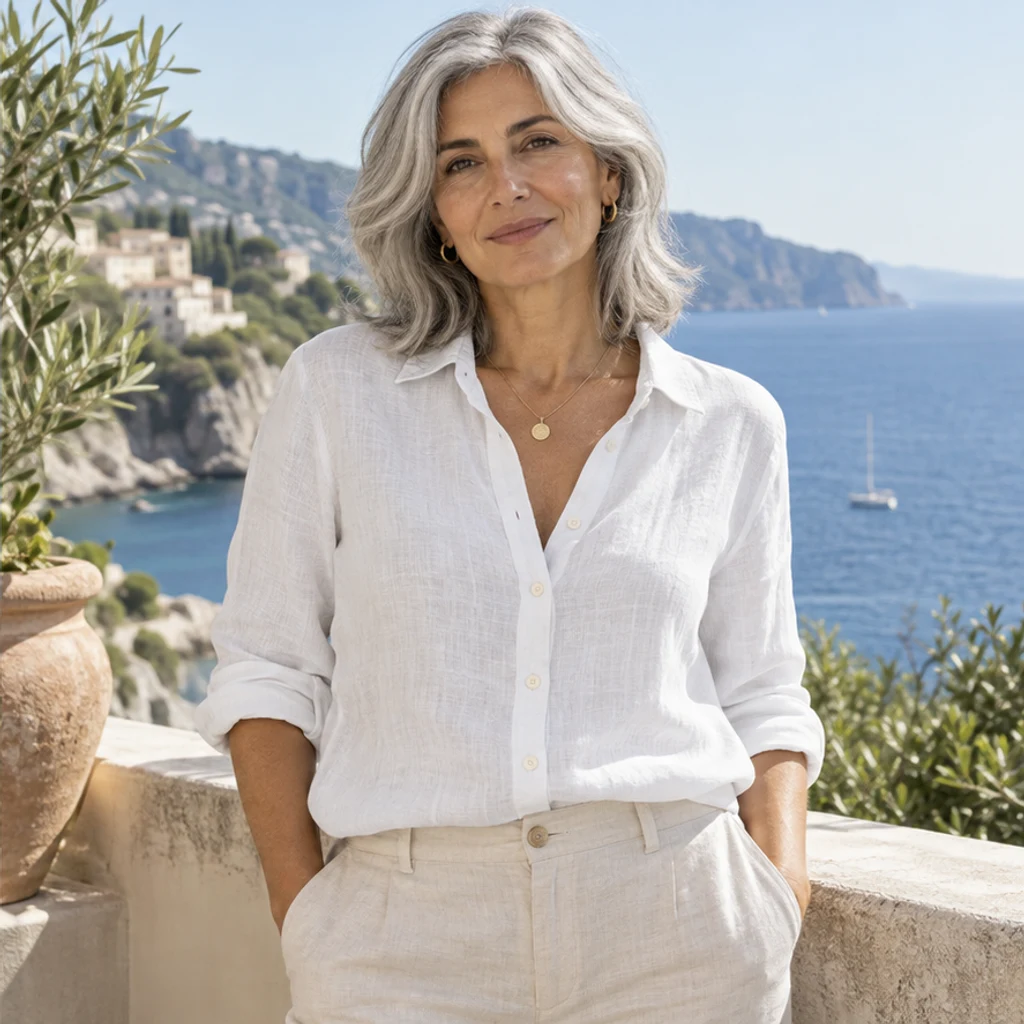
A blue linen blouse changes to white while its weave and opacity remain the comparison points.
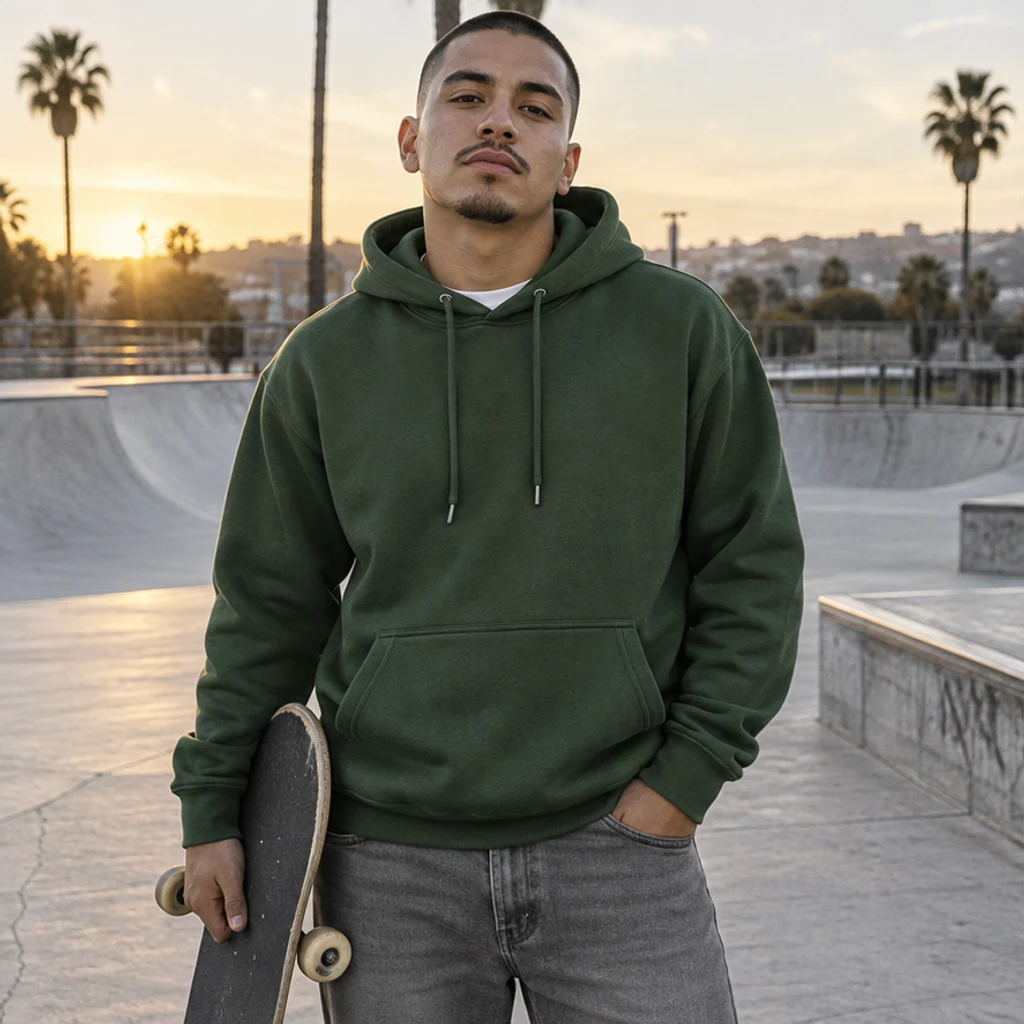
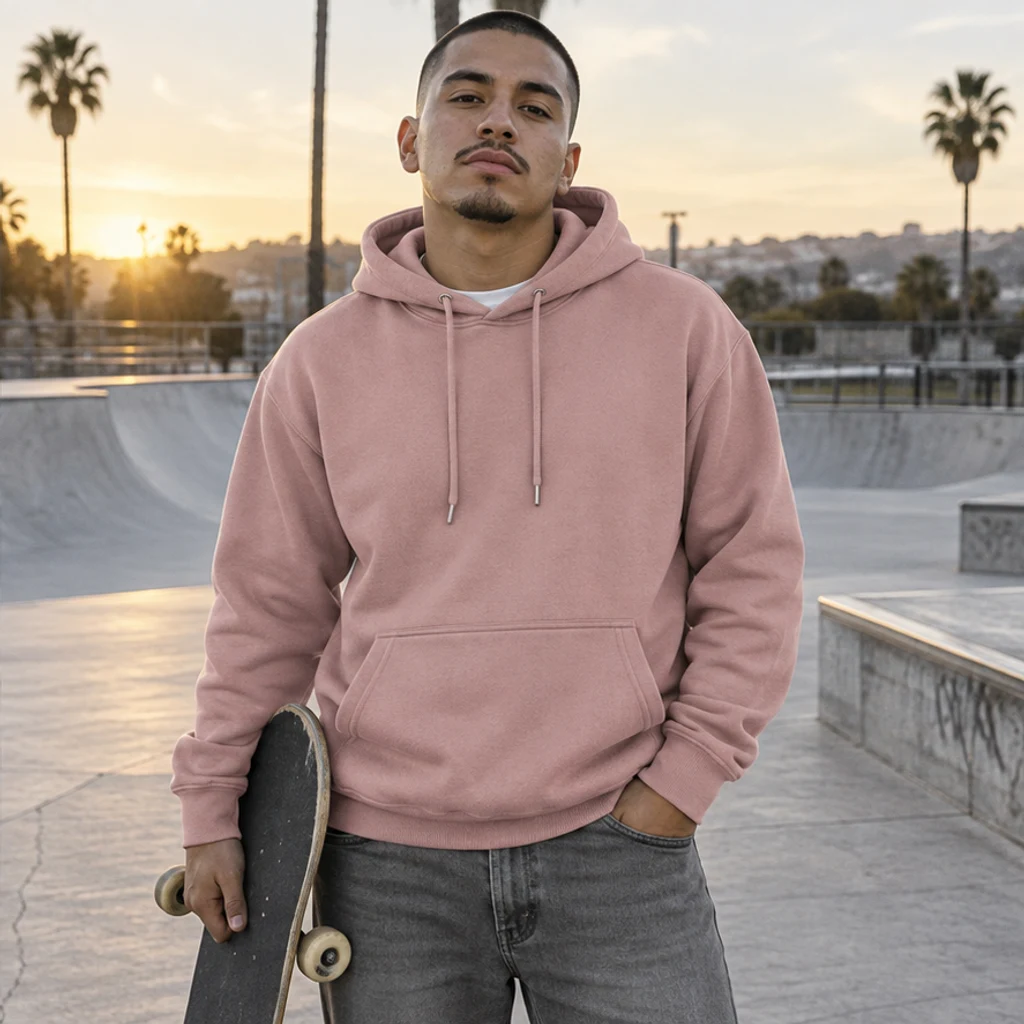
A forest-green hoodie takes a muted pink direction at a skatepark.
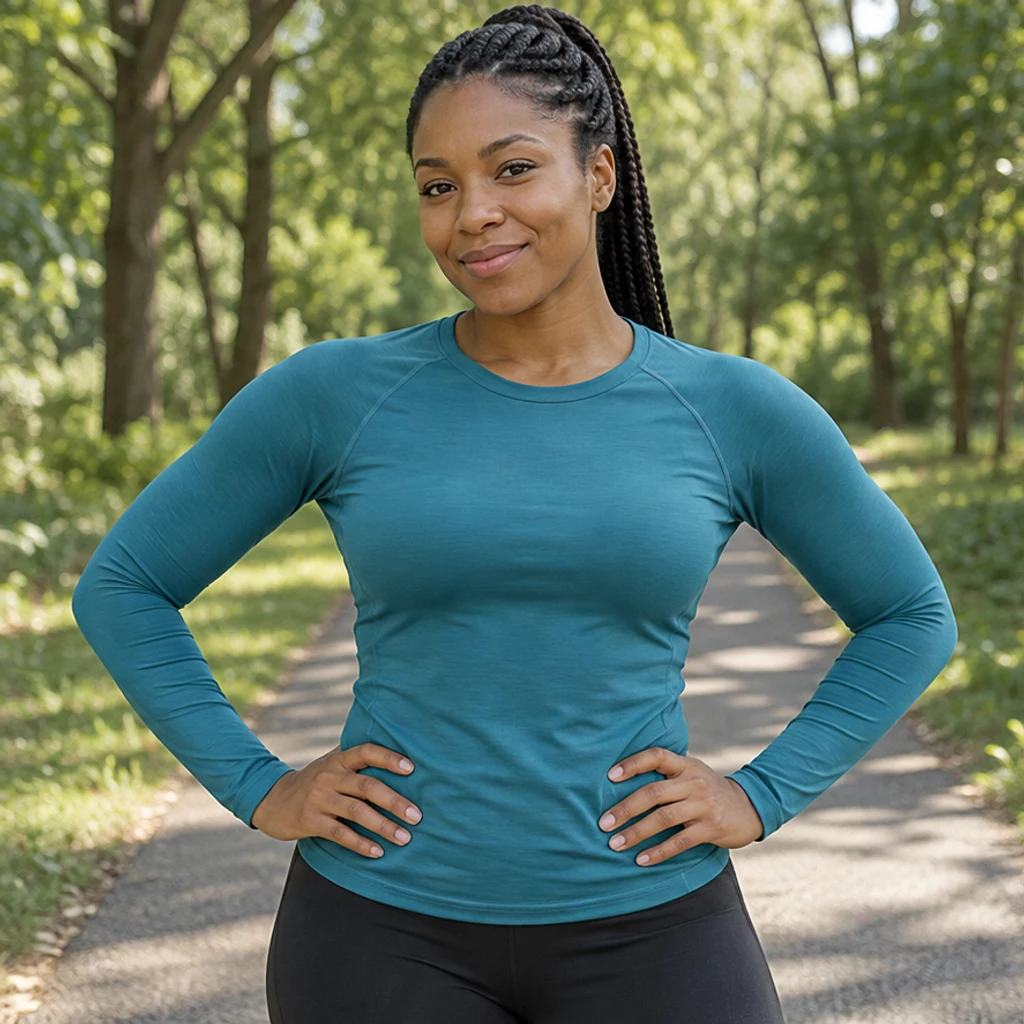
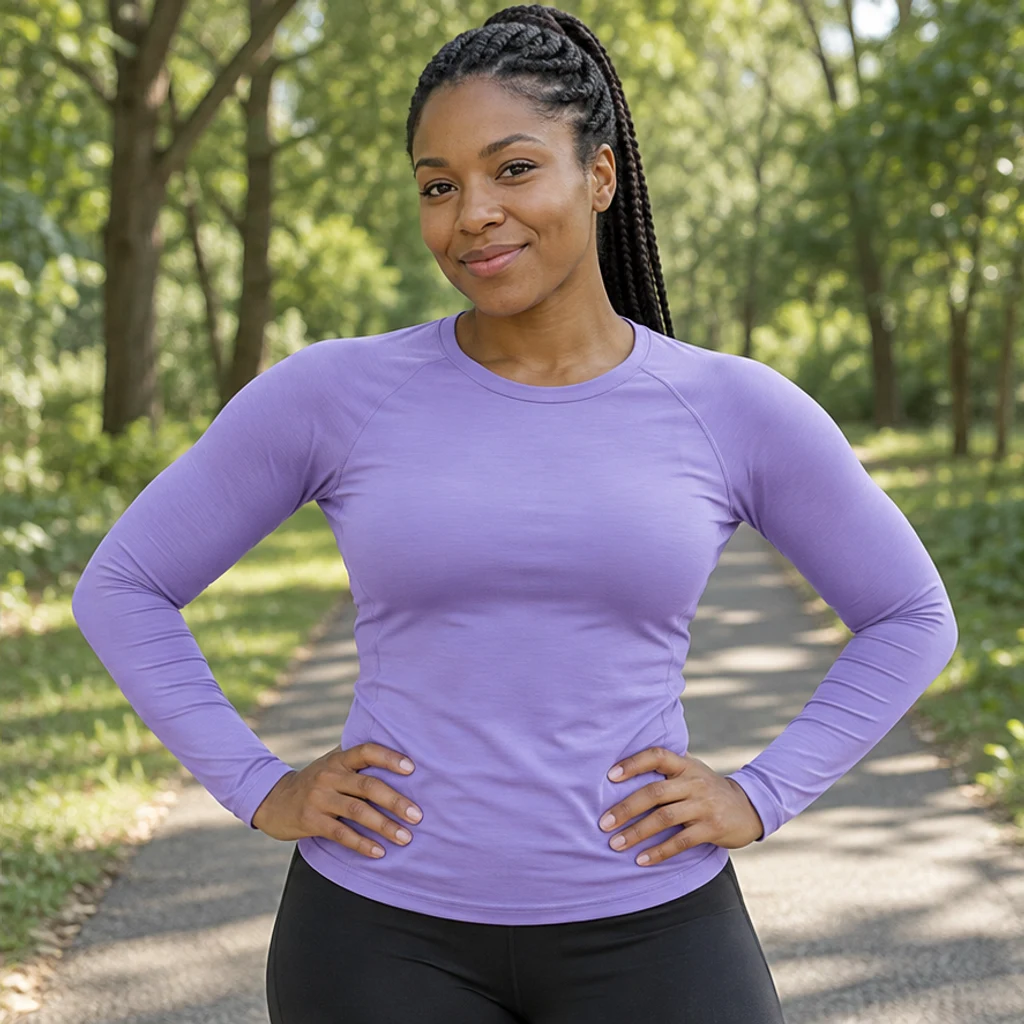
Teal sportswear becomes lavender while the black leggings and park stay consistent.
Compare the result with the original at full size. Check the garment details before deciding whether you like the new shade.
No. Upload a color reference or describe the target in Edit instructions. The Photo and at least one active template, reference or nonblank instruction are required.
No. Choose one source. Its image supplies a color direction; the original photo supplies the garment, material, person and scene. Written color refinements take priority.
Yes. Name the garment in Edit instructions, such as ‘Only recolor the shirt; keep the trousers unchanged.’ Without a specified garment, the edit targets the most prominent one.
The edit is instructed to preserve garment structure, texture, prints and trims. Generative editing can still alter details, so compare the original and result before using it.
You can provide a swatch or describe a color, including a color code in Edit instructions. The result is a visual direction, not a guarantee of exact HEX, Pantone or manufactured fabric color. Verify it against the real item before commercial use.
Generation requires an account and the credits shown before Generate. Selecting a template or loading an example spends no credits. See pricing for current plans.
Keep the original photo fixed and describe which garment should change. Templates and uploaded references provide alternative color sources.
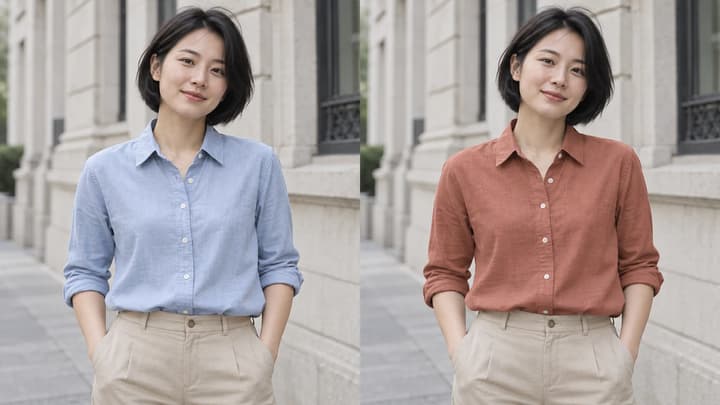
Change clothes color in a photo with AI. Choose a color template, upload a reference or describe a shade for your shirt, dress or other garment.
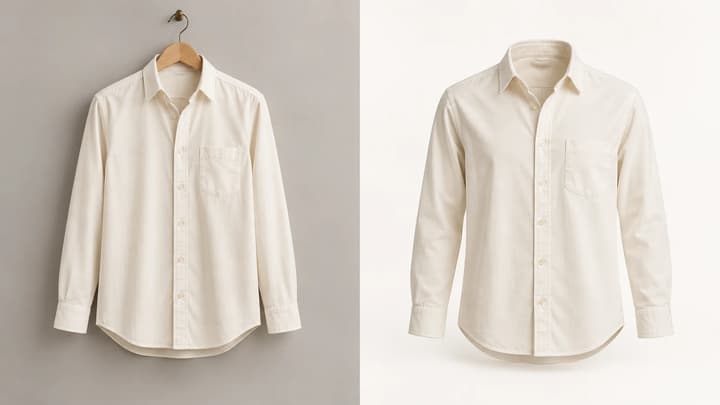
Turn a clothing photo into a ghost mannequin product image. Upload one garment photo, choose the format and resolution, and optionally adjust the background or viewing angle.
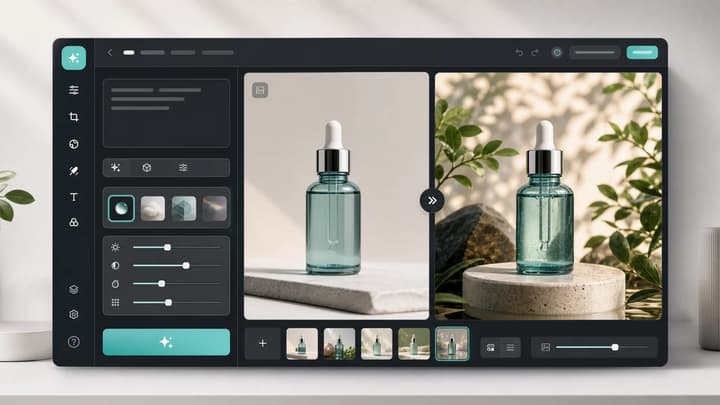
Upload an image, describe the edit, and create polished visuals for products, social posts, posters, or keyframes.
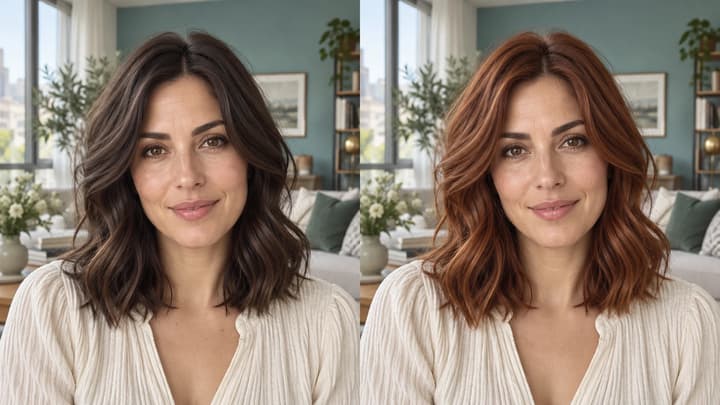
Change hair color in a photo with AI. Use a color template, upload a reference or describe your color in words, then compare and download the result.
Review credits and plans before generating.
Change clothes color in a photo with AI. Choose a color template, upload a reference or describe a shade for your shirt, dress or other garment.