AI Wallpaper Generator

Reference image(Optional)

Aspect ratio
Resolution

AI Wallpaper Generator

Describe your wallpaper, optionally add one reference image, and choose a screen ratio and resolution. Ask for quiet space around the clock or icons, then check the crop on your device.

AI Wallpaper Generator

What can you make with an AI wallpaper generator?

Lock screen

Give the clock some breathing room

Place the subject lower in a portrait composition and request a quiet upper area. The model interprets your description; check the result with your own clock and widgets.

Desktop

Keep the icon area calm

Choose a wide ratio and tell the model which side holds your shortcuts. Lower detail and softer contrast can make a background easier to use.

Palette and style

Describe a look that feels like yours

Combine a small color palette with a medium such as watercolor, paper cut or photography. Style is written into the description, so you can refine it with the subject.

Optional reference

Reimagine a photo as wallpaper

Add a photo or artwork you have permission to use and describe the intended change. A reference guides the result but can be redrawn; compare important features before keeping it.

Eight wallpaper ideas and prompts

Explore these AI-generated illustrations. Load an example to fill its description, ratio and resolution; this does not start a generation or spend credits.

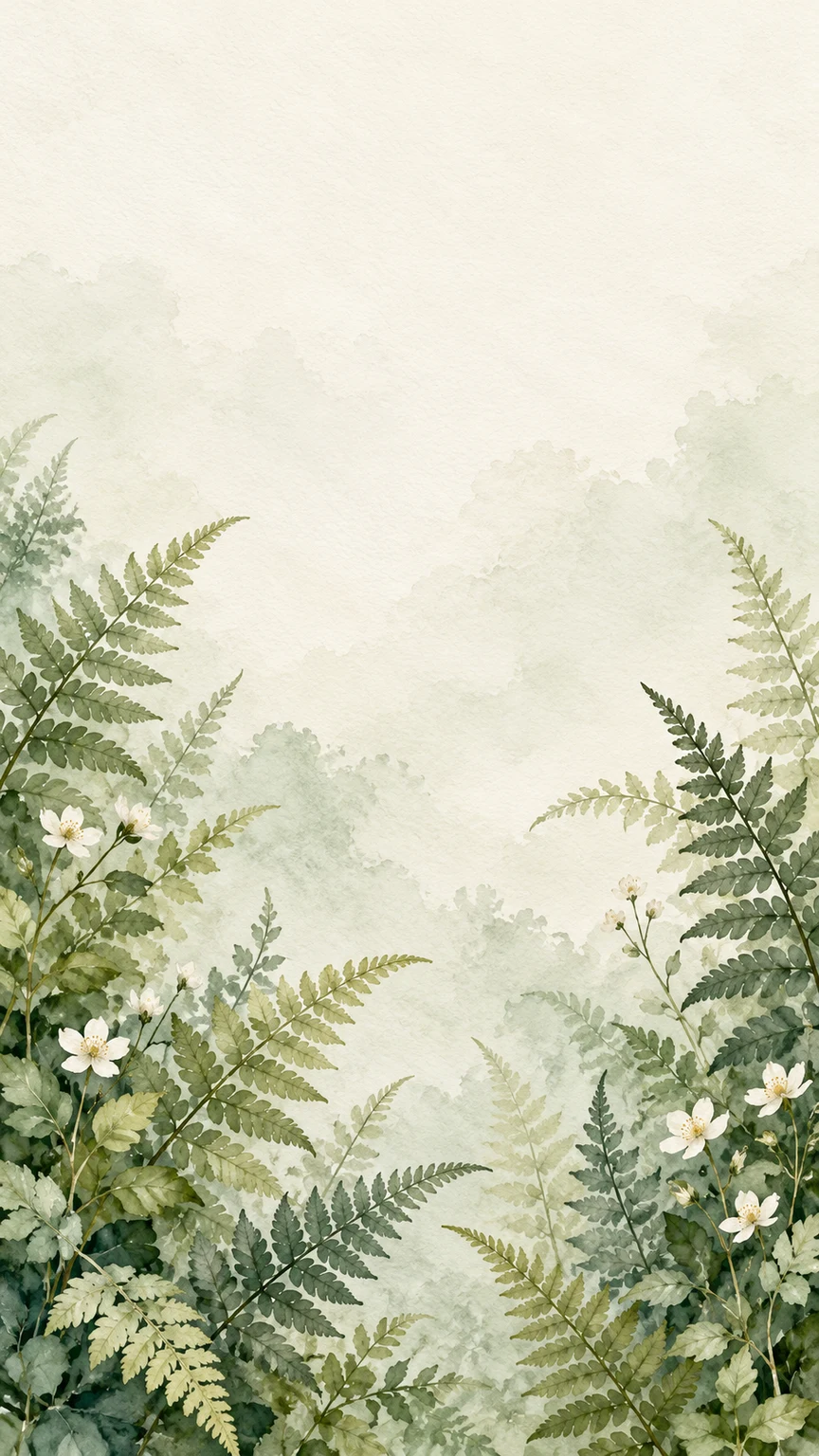
Sage watercolor ferns and white flowers beneath a pale empty upper area

Airy watercolor botanicals

A quiet upper area for a portrait lock screen.

Description

Watercolor ferns and tiny white flowers at the bottom corners, sage green and cream paper texture. Keep the upper third pale and calm. No text or device frame.

Load this example
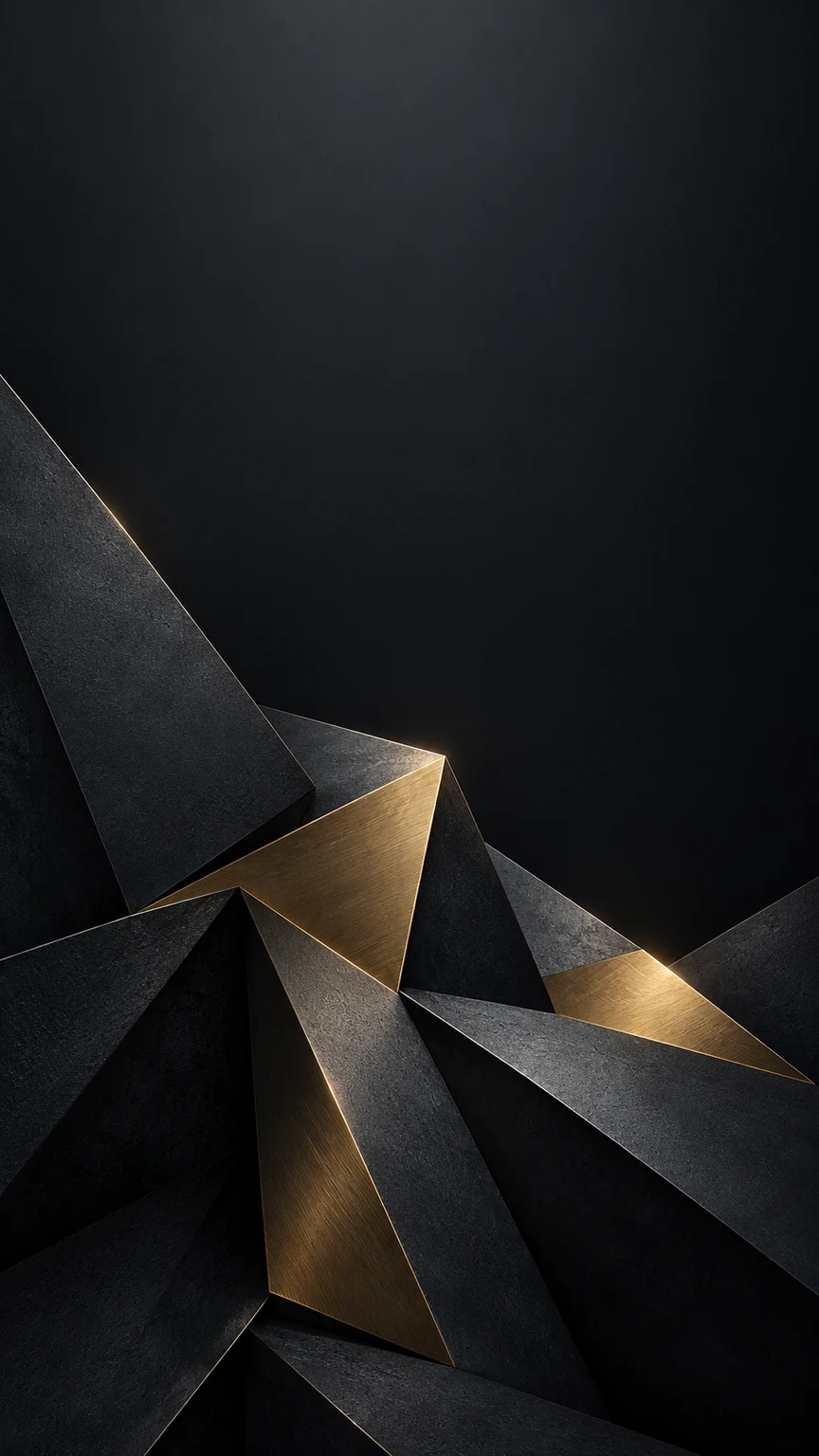
Dark graphite planes and brass accents concentrated near the bottom

Dark geometric shapes

Low contrast above a cluster of angular forms.

Description

Graphite and brushed brass geometric forms in the lower third, deep charcoal upper background, subtle edge light. Keep the upper center quiet. No text or icons.

Load this example
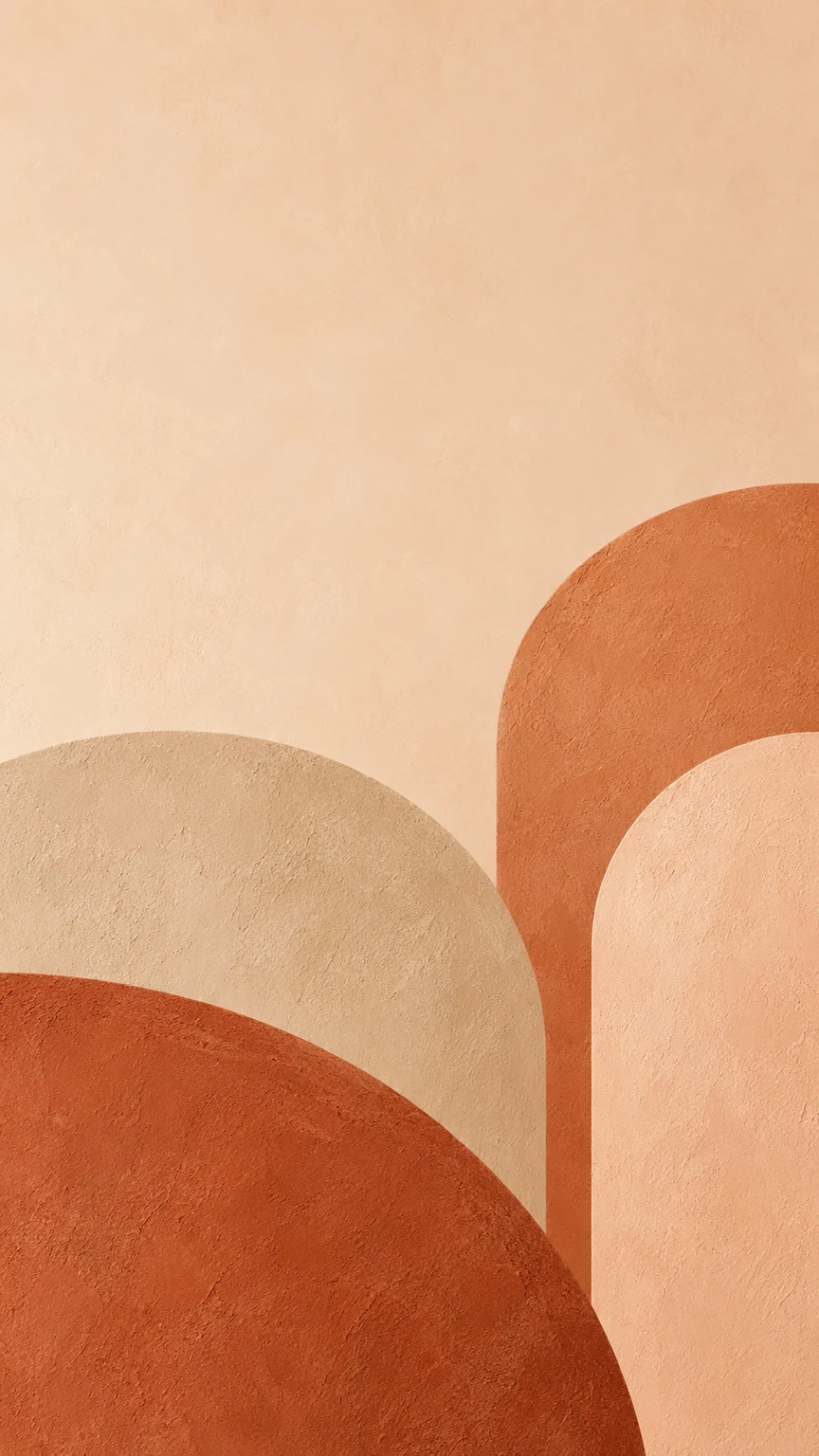
Rounded terracotta and sand arches below a pale peach upper area

Terracotta arches

Warm abstract color without a busy sky.

Description

Minimal terracotta, sand and peach arches near the bottom and lower right, fine plaster texture, quiet pale upper third. No text or device frame.

Load this example
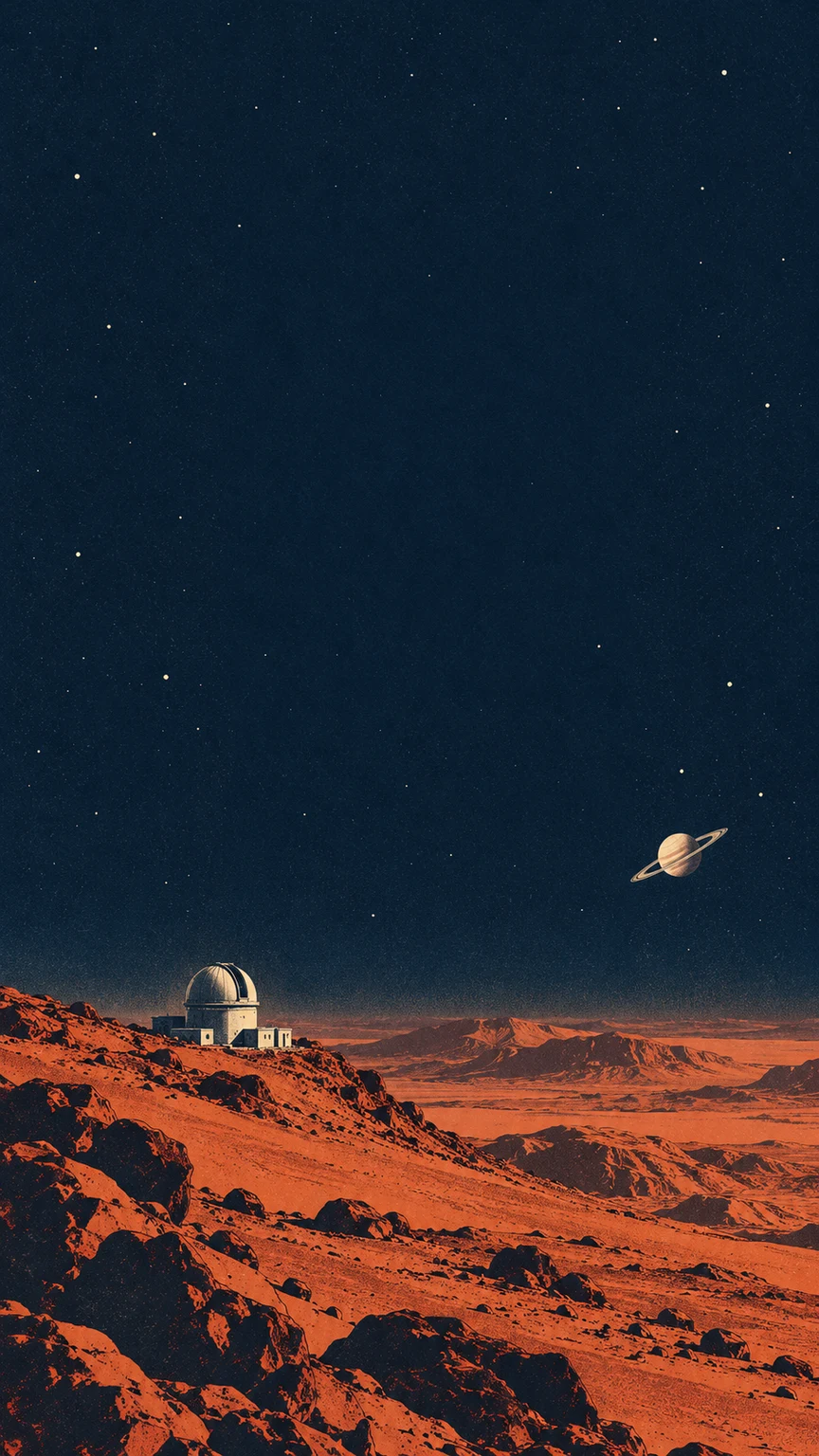
Retro orange planetary landscape and observatory below a dark indigo sky

Retro space print

Keep the small observatory below the clock.

Description

Retro space print with a rust-red planet horizon and tiny observatory low in frame, deep indigo upper sky with sparse stars. Keep the upper center calm. No text.

Load this example
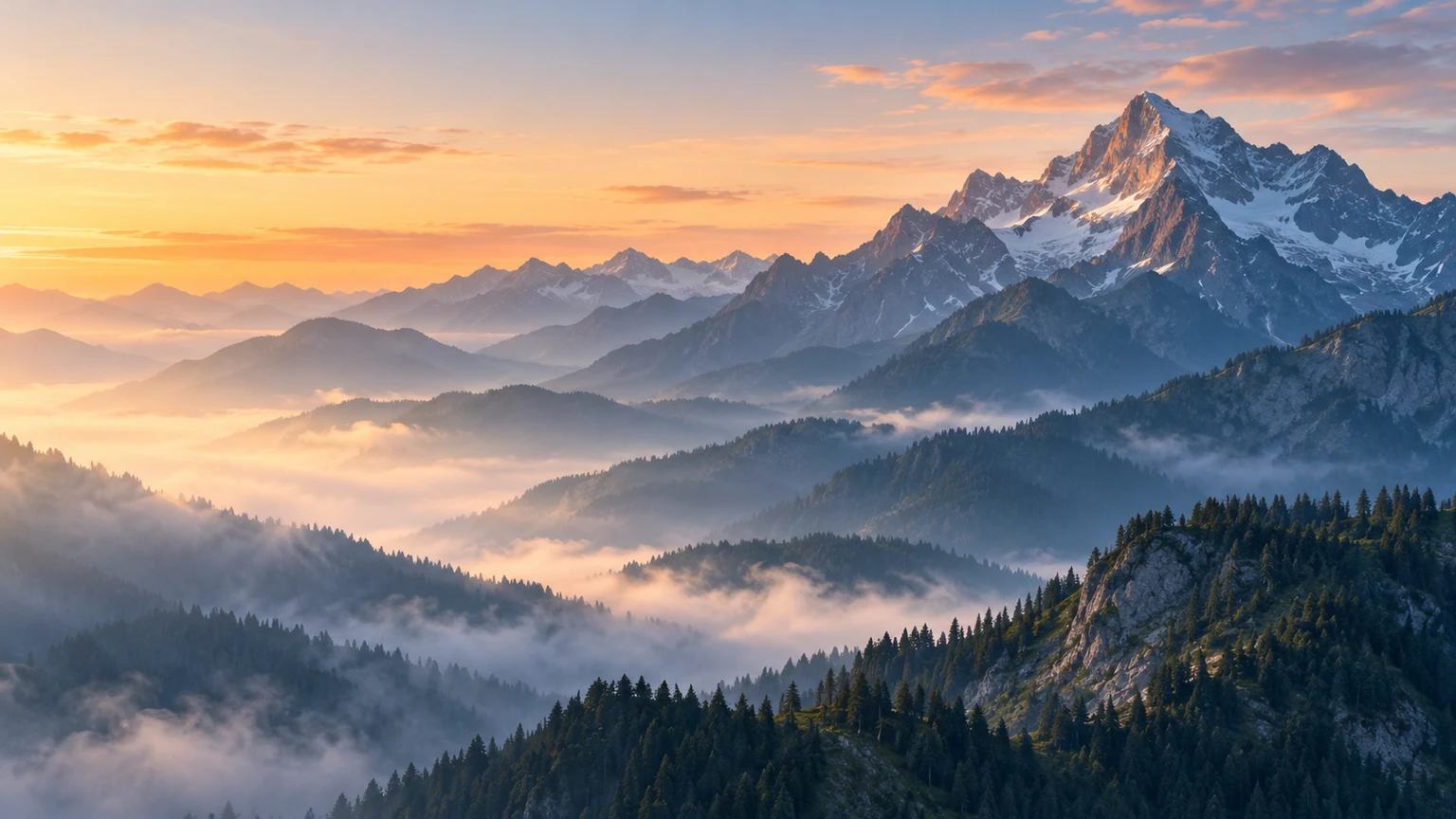
Blue-gray mountain ridges with a high peak on the right and dawn mist on the left

Misty mountain desktop

Wide scenery with a quieter left side.

Description

Blue-gray mountain ridges at dawn, tallest peak toward the right, soft warm horizon and calm mist on the left for desktop icons. No lettering or interface.

Load this example
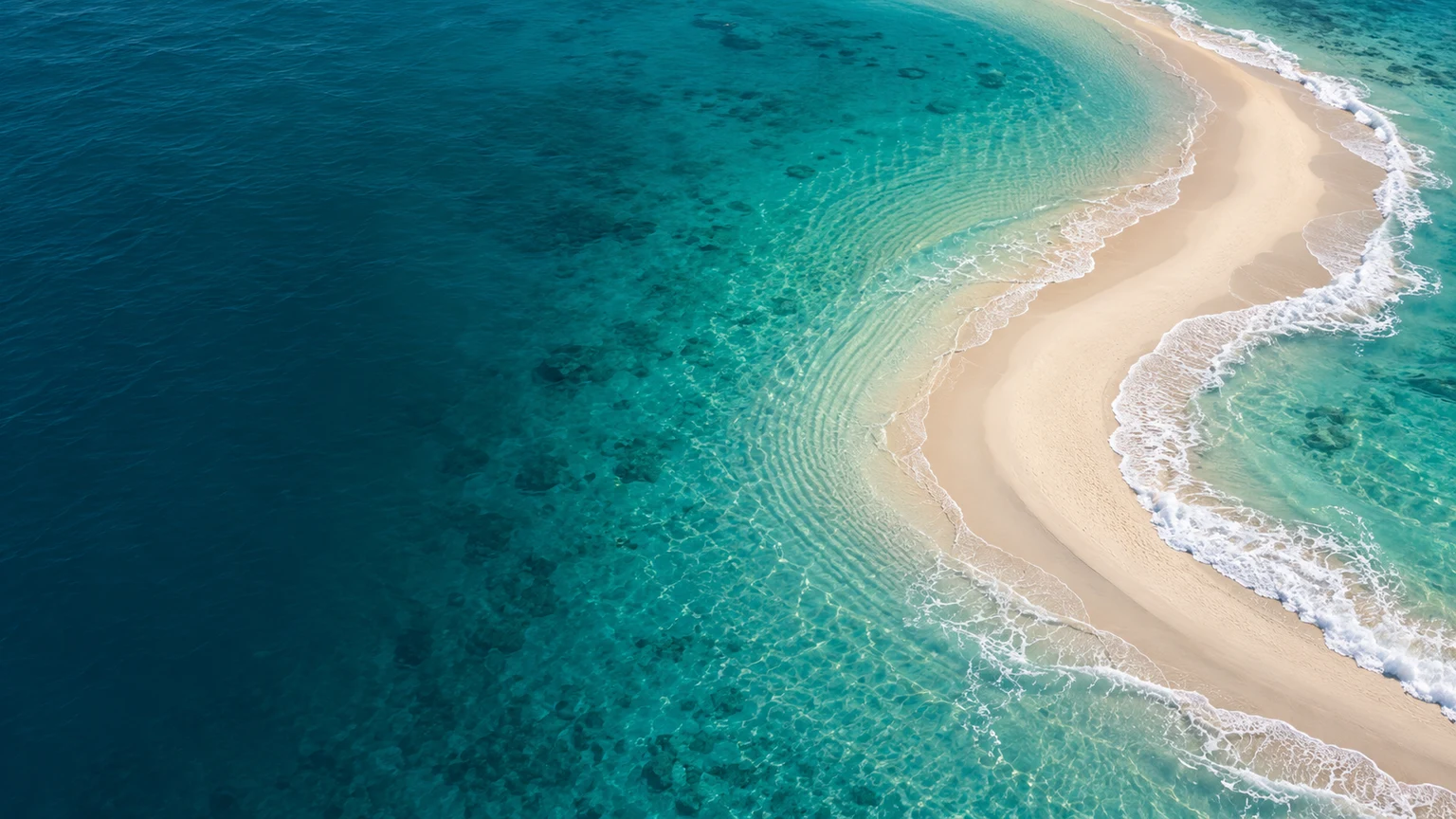
Turquoise water with a curved sandy coastline on the right

Minimal coastline

Calm water beside a curved sandbar.

Description

Aerial turquoise coastline, a curved sandbar to the right, soft surf and calm dark teal water on the left. No boats, people, words or icons.

Load this example
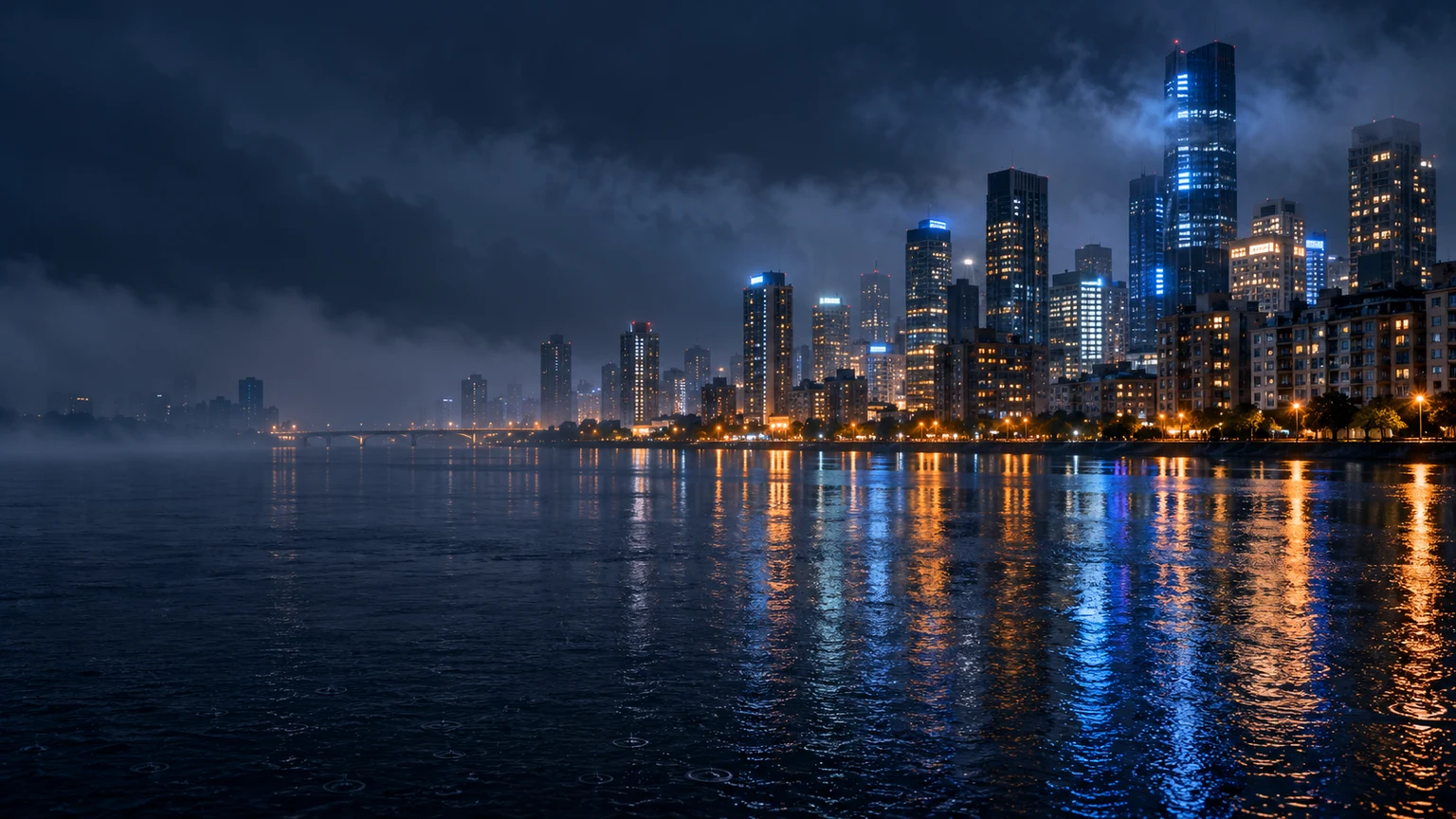
Night skyline and warm windows reflected in a blue river, with quieter water on the left

City lights across the river

Move the brightest details away from shortcuts.

Description

Rainy night skyline mainly on the right, cobalt river reflections and warm distant windows. Keep the left third dark and quiet. No legible signs or icons.

Load this example
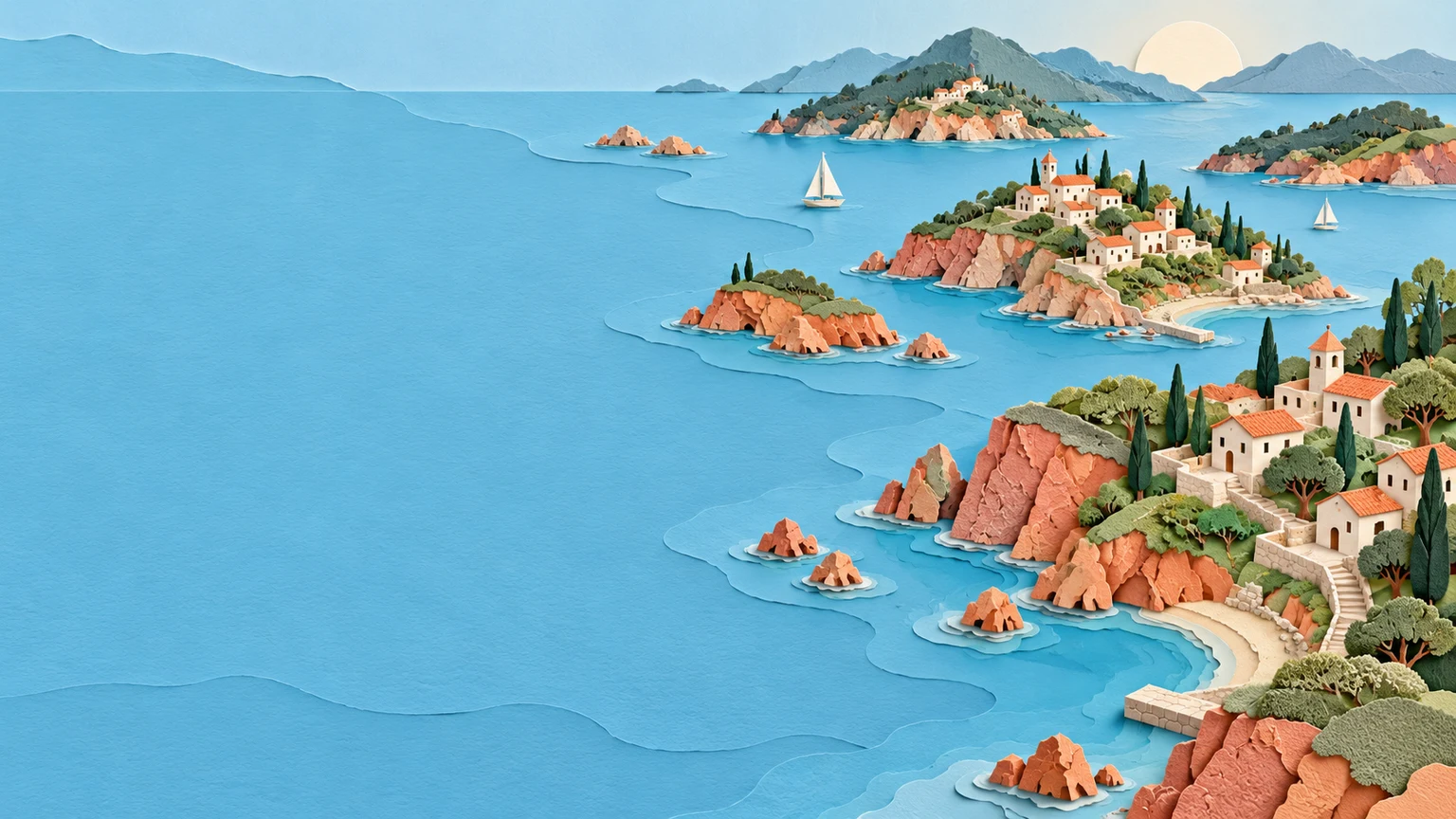
Layered paper islands with tiny houses and trees beside broad pale blue water

Paper-cut islands

A playful wide background with room to breathe.

Description

Layered paper-cut coral and sage islands with tiny cream houses on the right, broad pale blue water on the left, soft dimensional shadows. No text or icons.

Load this example

How to create an AI wallpaper

1

Describe the screen background

Write a subject, style and two or three colors. Add one reference image only if it helps explain the result you want.

2

Choose ratio and resolution

Start with 9:16 for a phone or 16:9 for a desktop. Select 1K, 2K or 4K and review the current credit cost before generating.

3

Generate, review and refine

Generate one image, download it and preview your device crop. Re-edit restores the description, reference and settings so you can try a clearer composition.

Compose for the screen you use

A good-looking image still needs space for the things your device puts on top.

Start from words

A reference is optional. Describe an original landscape, abstract pattern or illustration without uploading a photo.

Choose the output deliberately

Ratio controls the shape; resolution controls the requested pixel size. Neither guarantees detailed artwork or an exact fit on every screen.

Keep control of the next attempt

Load examples without generating. Re-edit an earlier task to change its original inputs, or send the finished image to the image editor.

AI wallpaper questions

Do I need to upload a photo?

No. A description is required; one reference image is optional. Describe the subject, style, colors and where you want quiet space.

Can I generate 4K wallpapers?

You can select 4K. The configured sizes include 3840×2160 for 16:9 and 2160×3840 for 9:16; other ratios have different dimensions. Check the downloaded file and do not equate pixel count with detail quality.

Will it fit every phone or monitor?

No. Screen ratios, zoom and cropping vary. Choose the closest ratio, keep important details away from edges and preview the wallpaper in your device settings.

Can I reserve exact space for the clock?

Describe a calm upper area or a quiet side for icons. Placement is interpreted by the model, not locked to exact coordinates. Check the clock, widgets and icon labels on the device.

Is this AI wallpaper generator free?

Generation uses credits. The Generate button shows the current cost for the selected resolution. Loading examples and editing inputs do not spend credits.

Can it create live wallpaper or install it for me?

This tool produces one static image. Download it and set it as your background yourself. It does not create animated wallpaper or automatically change device settings.

Will a reference photo stay unchanged?

No. The model may redraw faces, objects and composition. Explain what matters and compare those details with the original before using the result.

Make room for your next wallpaper

Start with a subject, a palette and a place for the clock or icons.