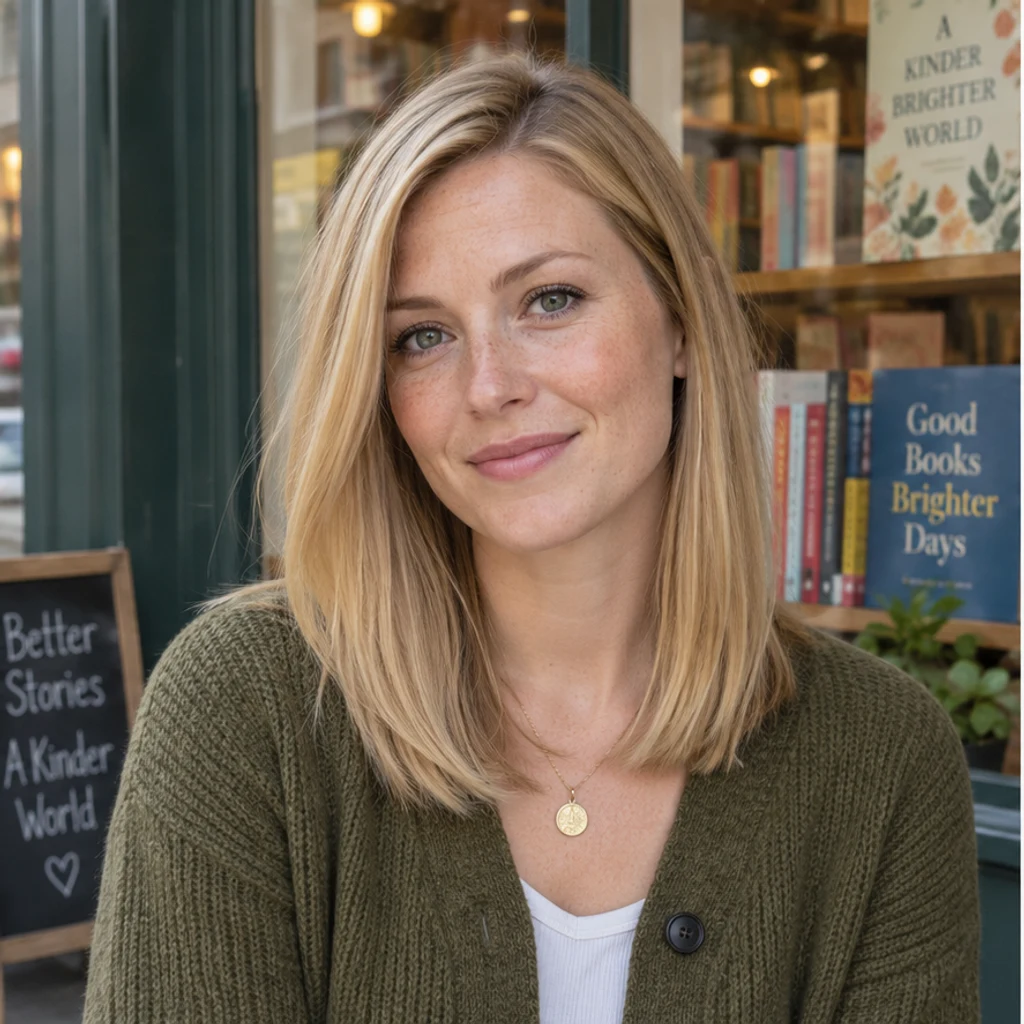
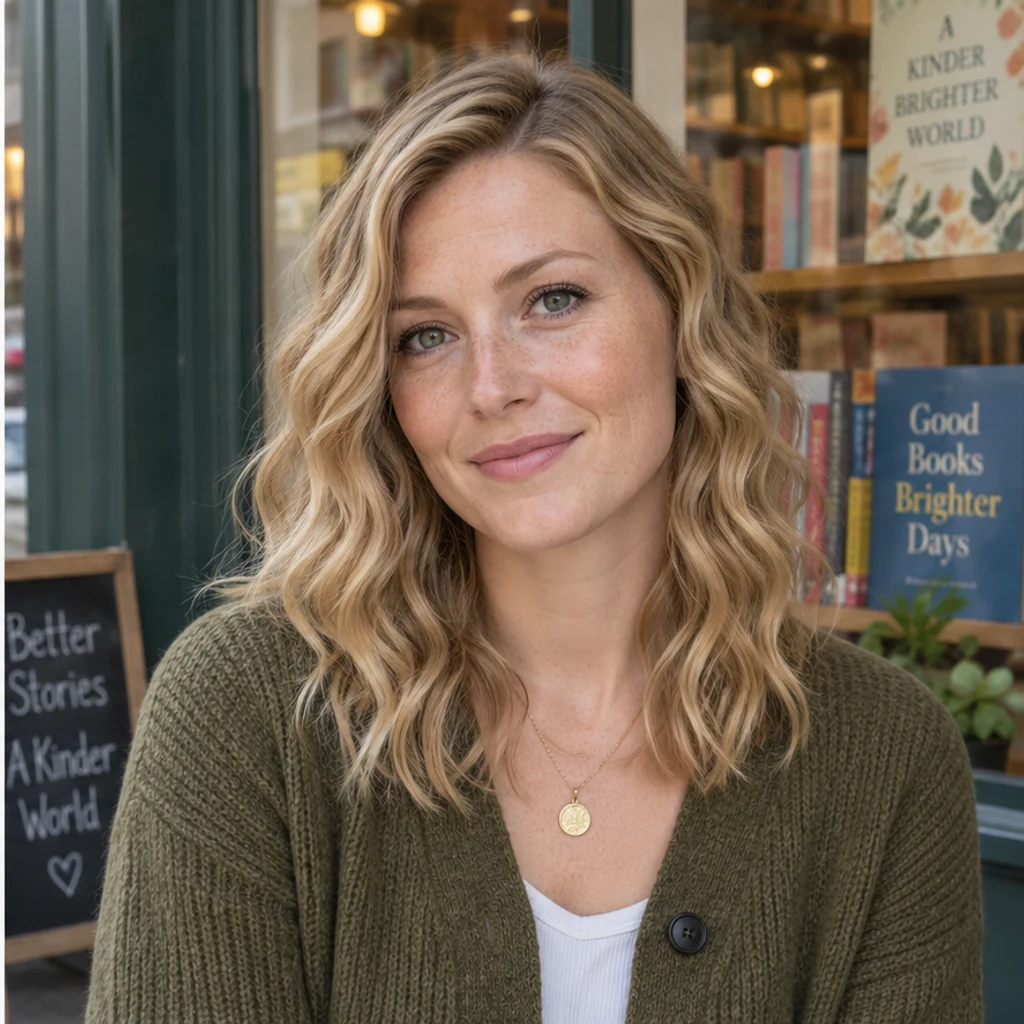
Soft waves · bookshop
Try this styleGentle S-waves begin near the blonde roots.
Try curls from root to tip in your photo. Choose a curl template, upload a reference or write instructions while keeping your original hair color.
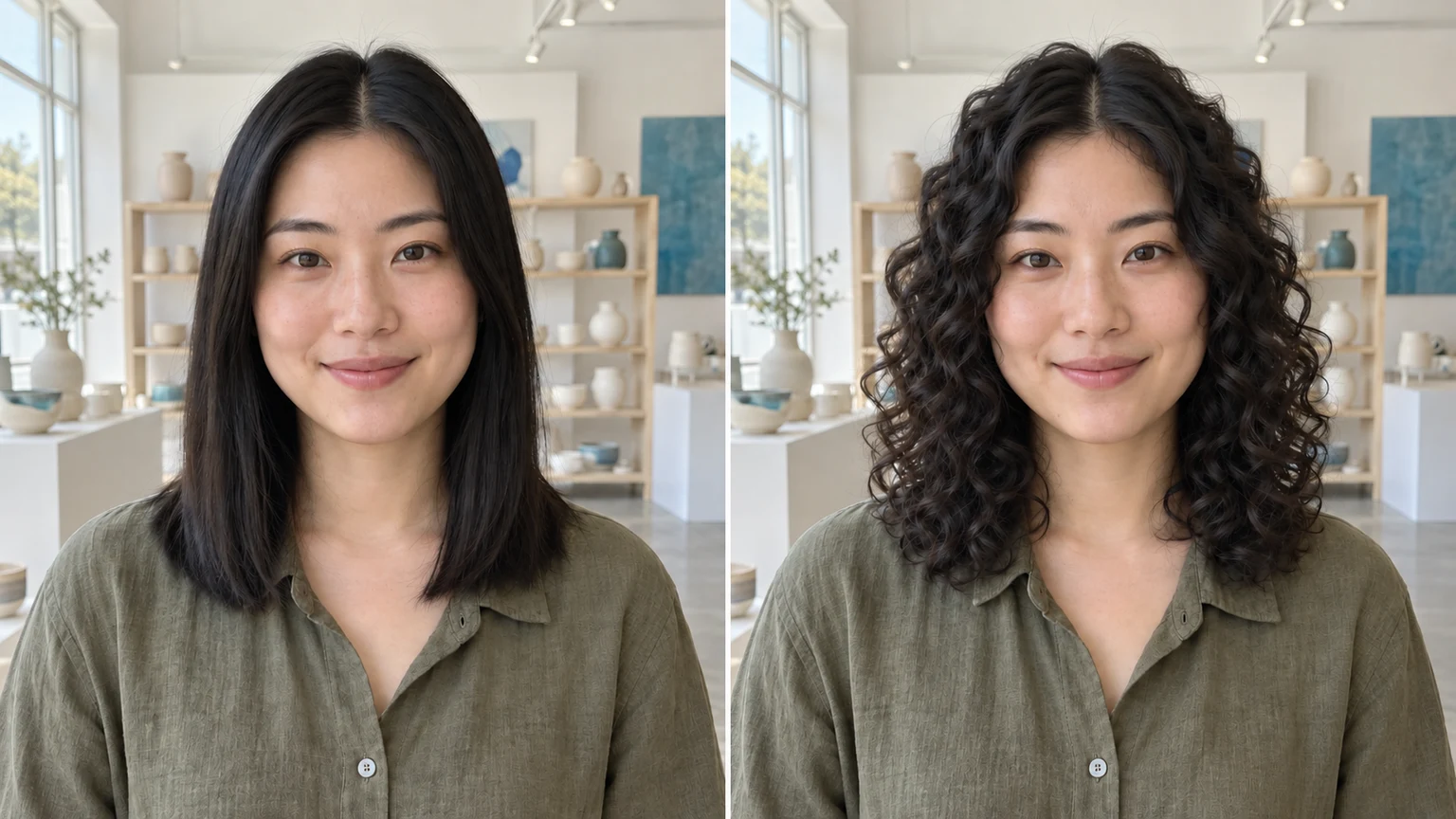
Short curls begin at the crown and continue through the top hair. Keep the original dark color and compare the hairline.
Copper spiral curls start near the roots. Review the new outline and apparent length beside the straight original.
Long brown hair gains a continuous wave pattern. Check the top of the head as well as the lower lengths.
Instructions can target one person. In this illustration, the man gains curls while his friend’s braids stay unchanged.
Explore curl ideas with these AI-generated illustrations. Choose an example to load its photo and curl settings.
Gentle S-waves begin near the blonde roots.
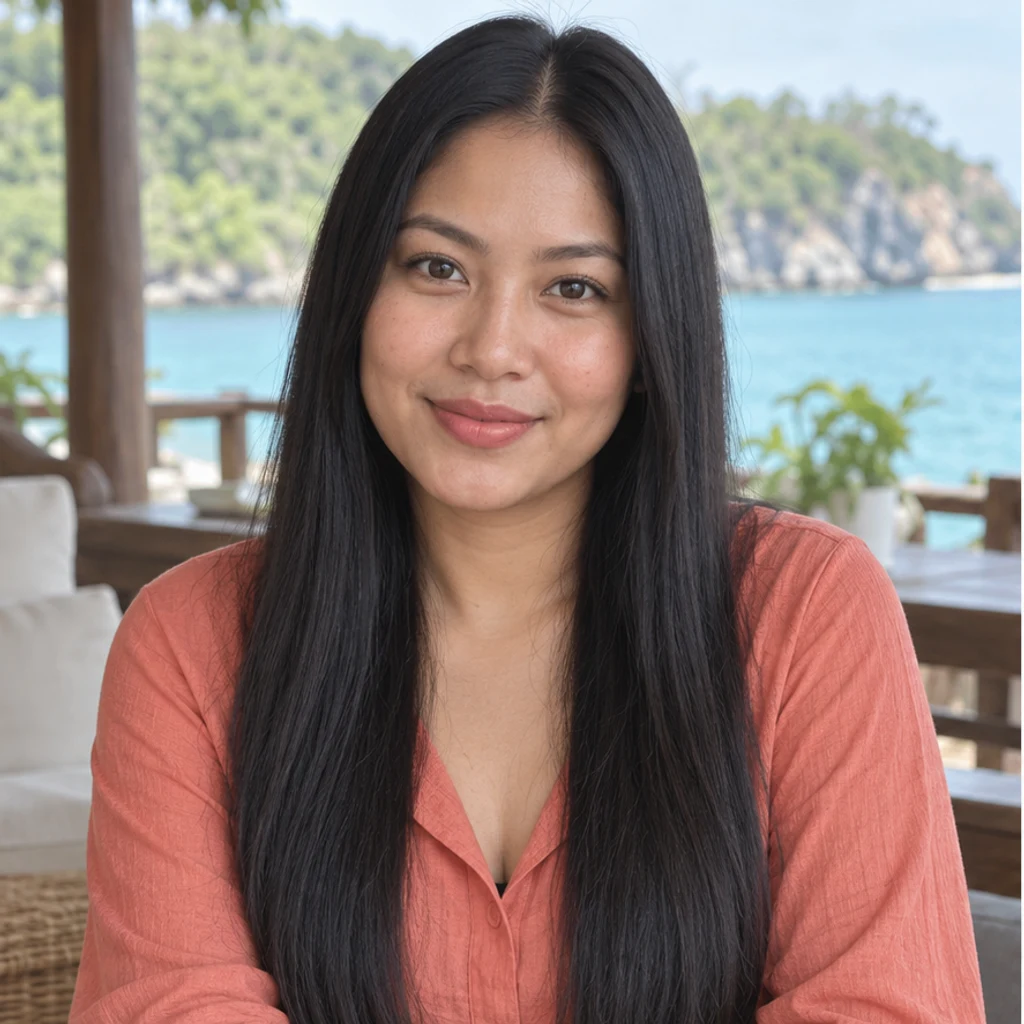
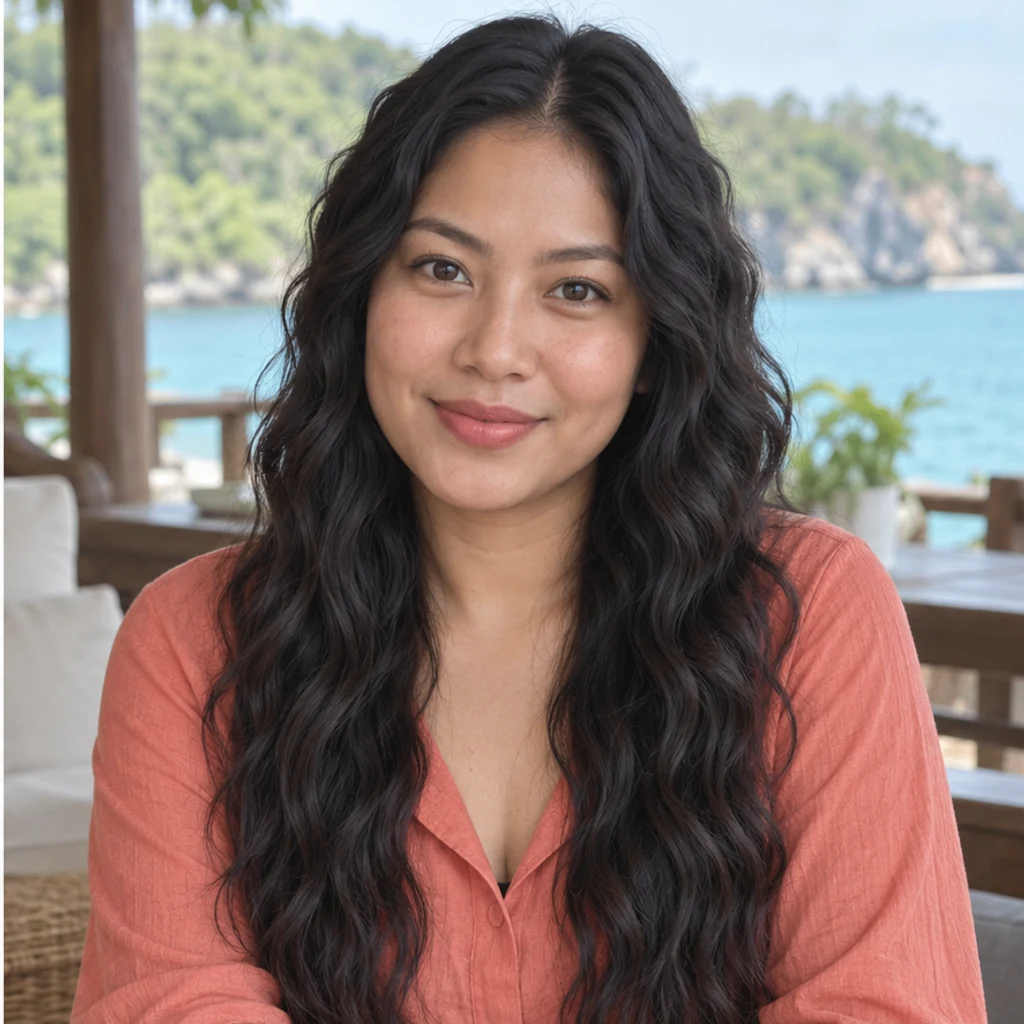
Relaxed waves continue from the black roots through the long hair.


Large dark brown curls keep the man’s face and beard.
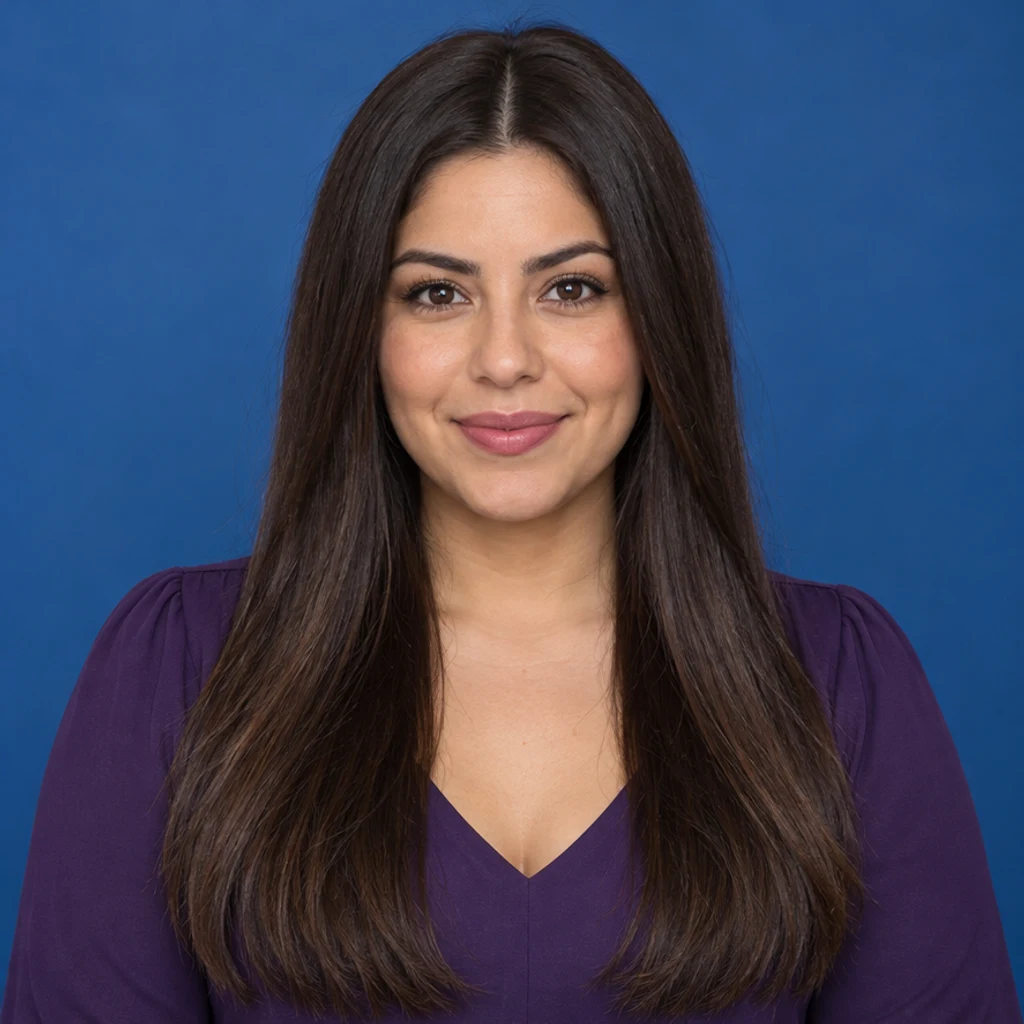
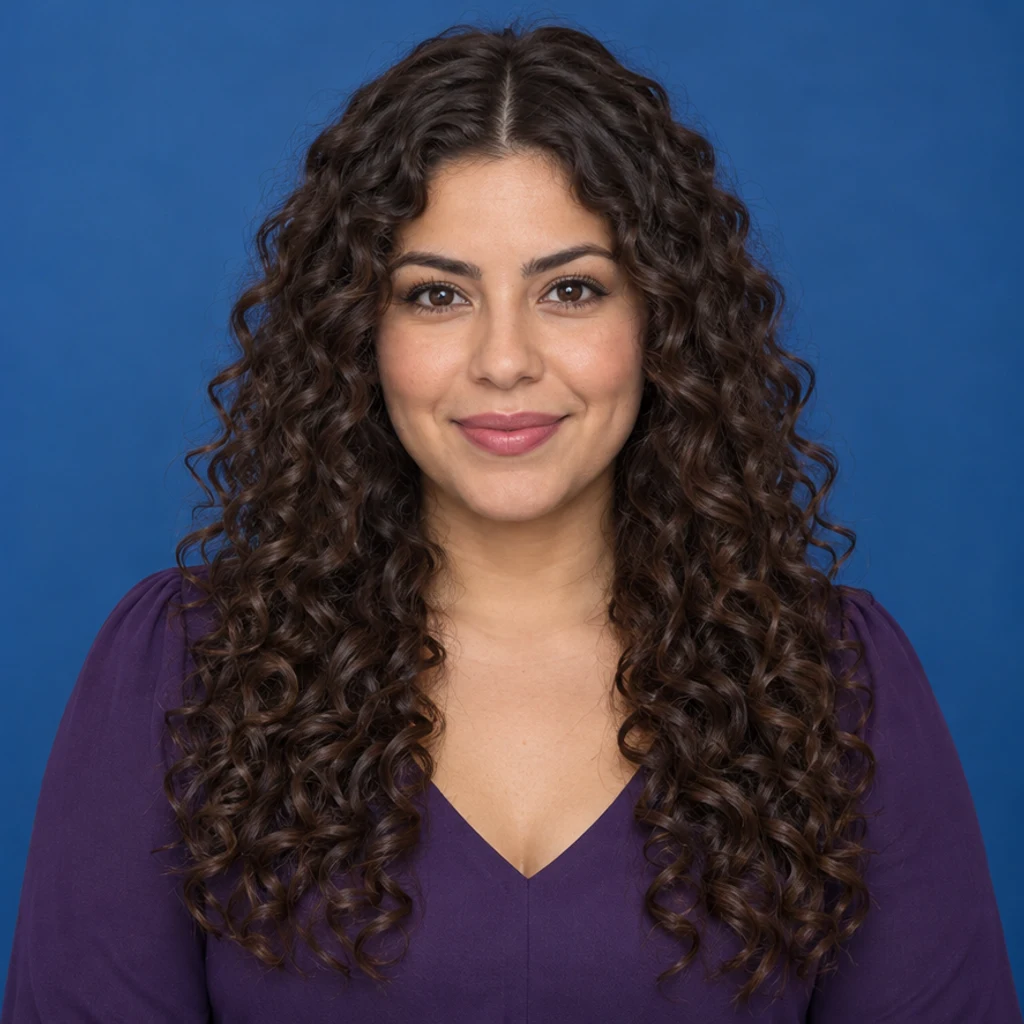
Defined chestnut spirals add shape from the crown down.
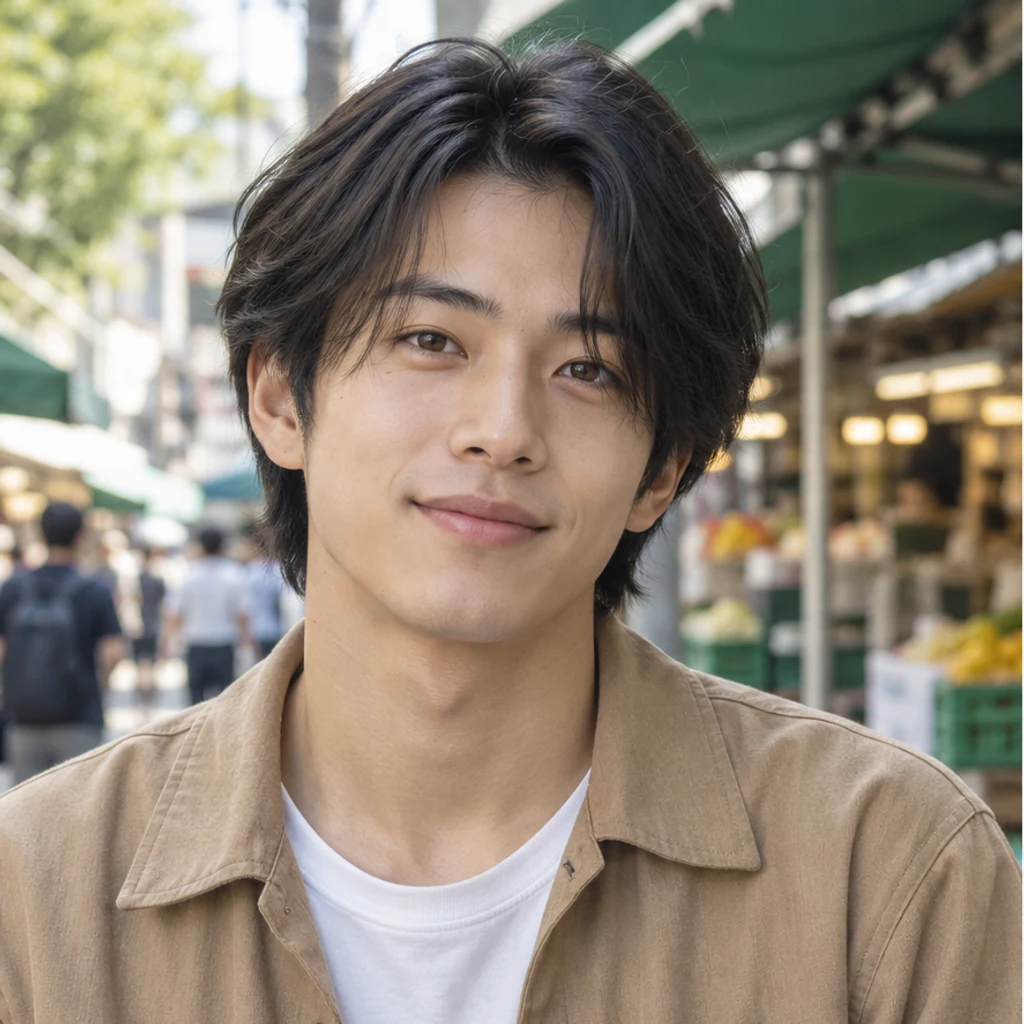
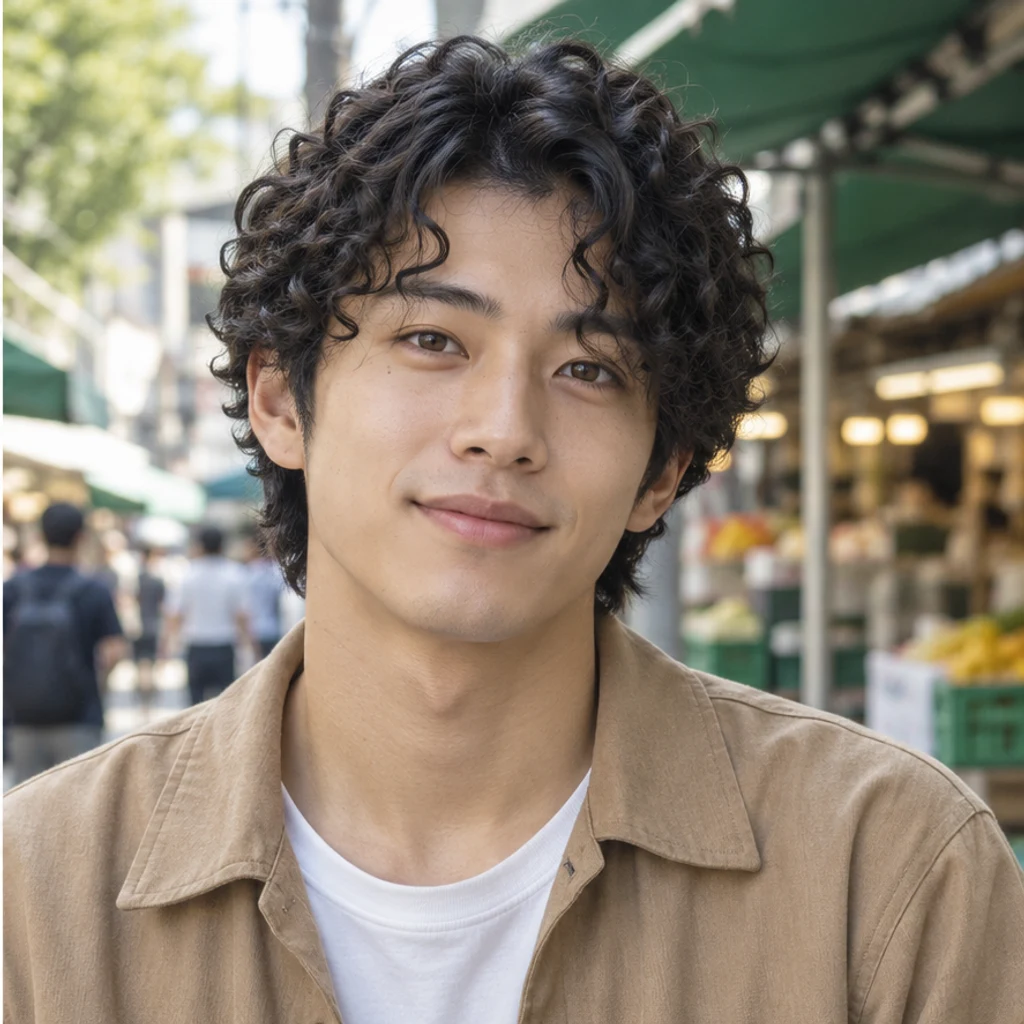
Small black curls follow the medium-length haircut.
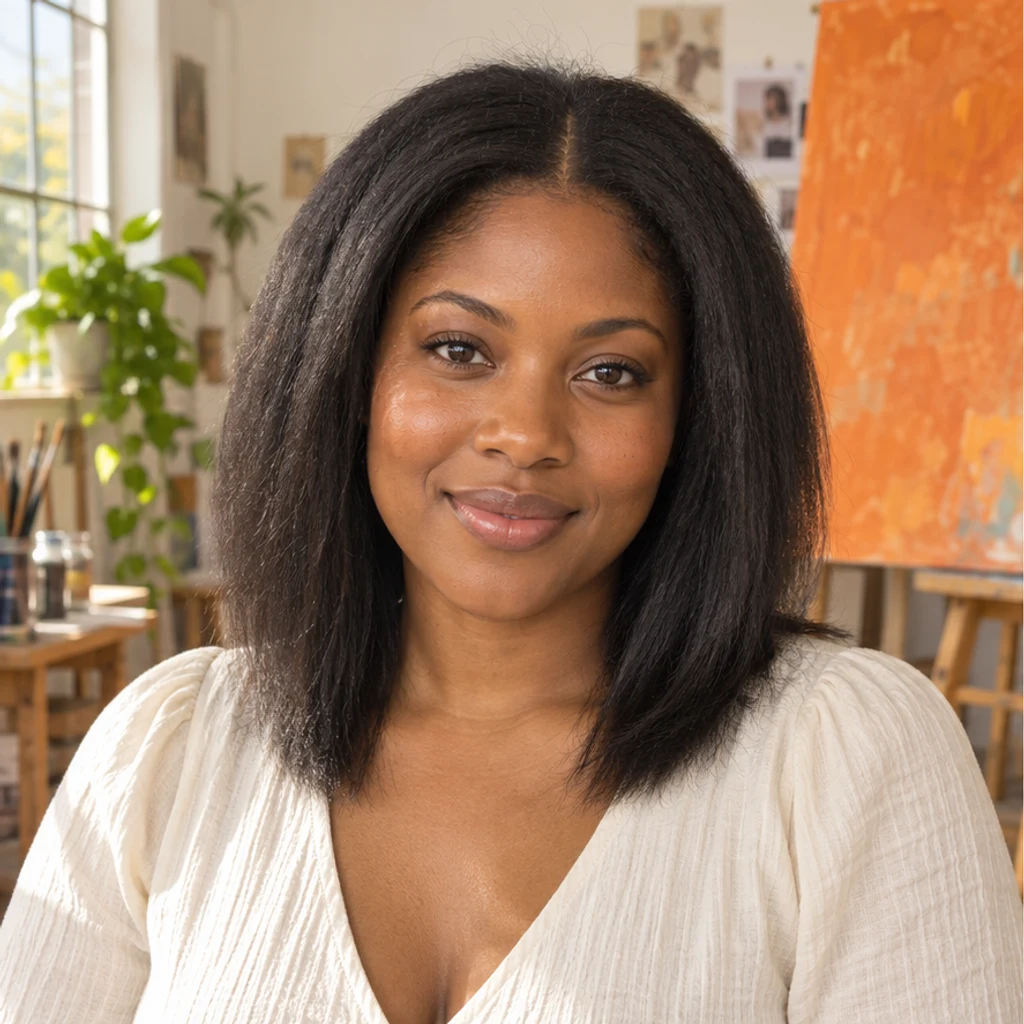
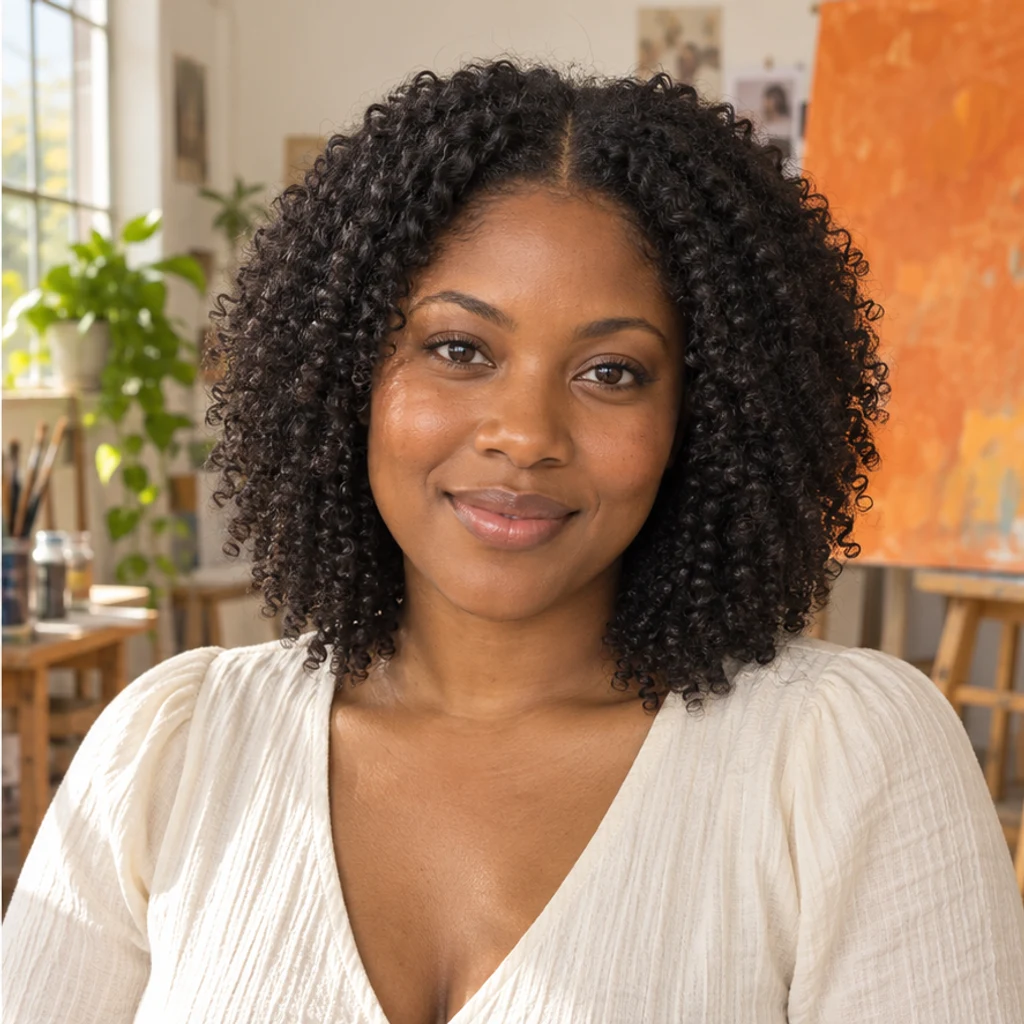
Compact coils introduce visible texture and natural shrinkage.

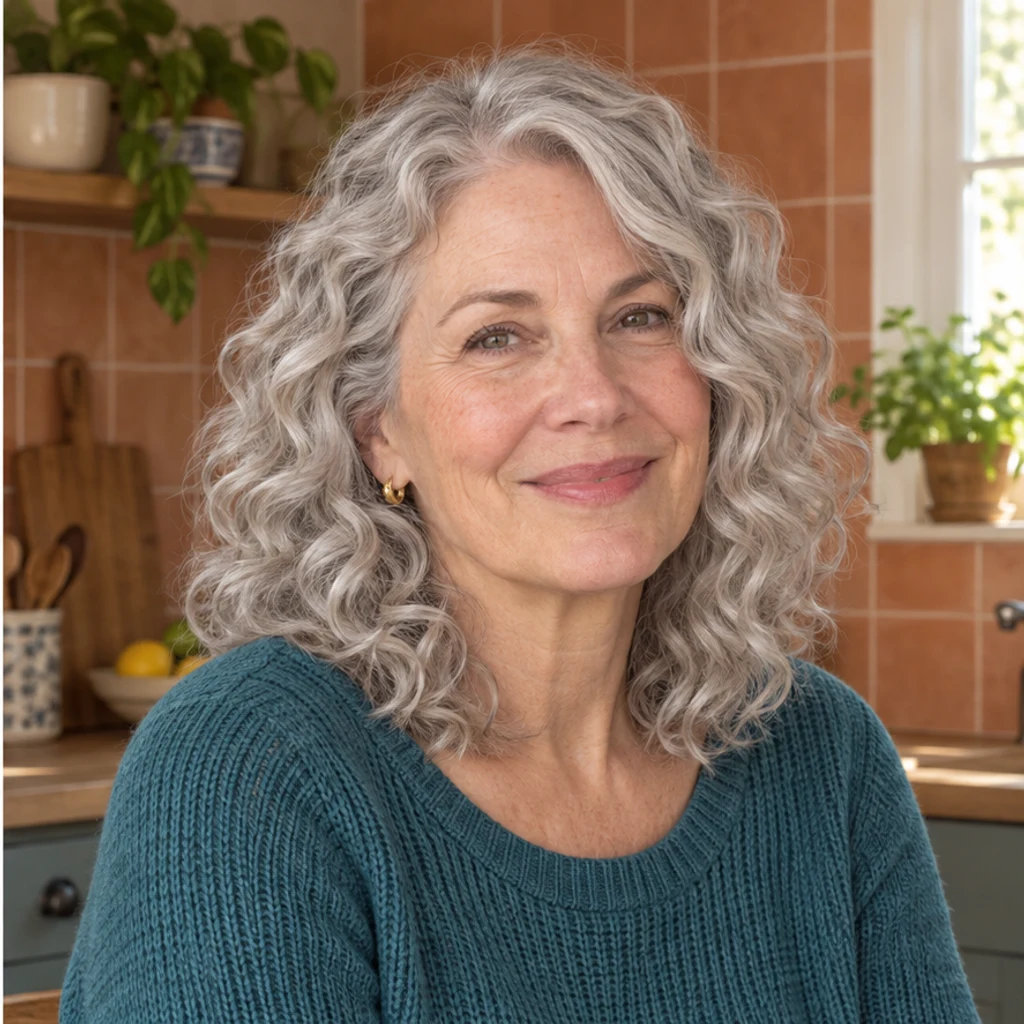
Airy curls retain the original silver-gray color.

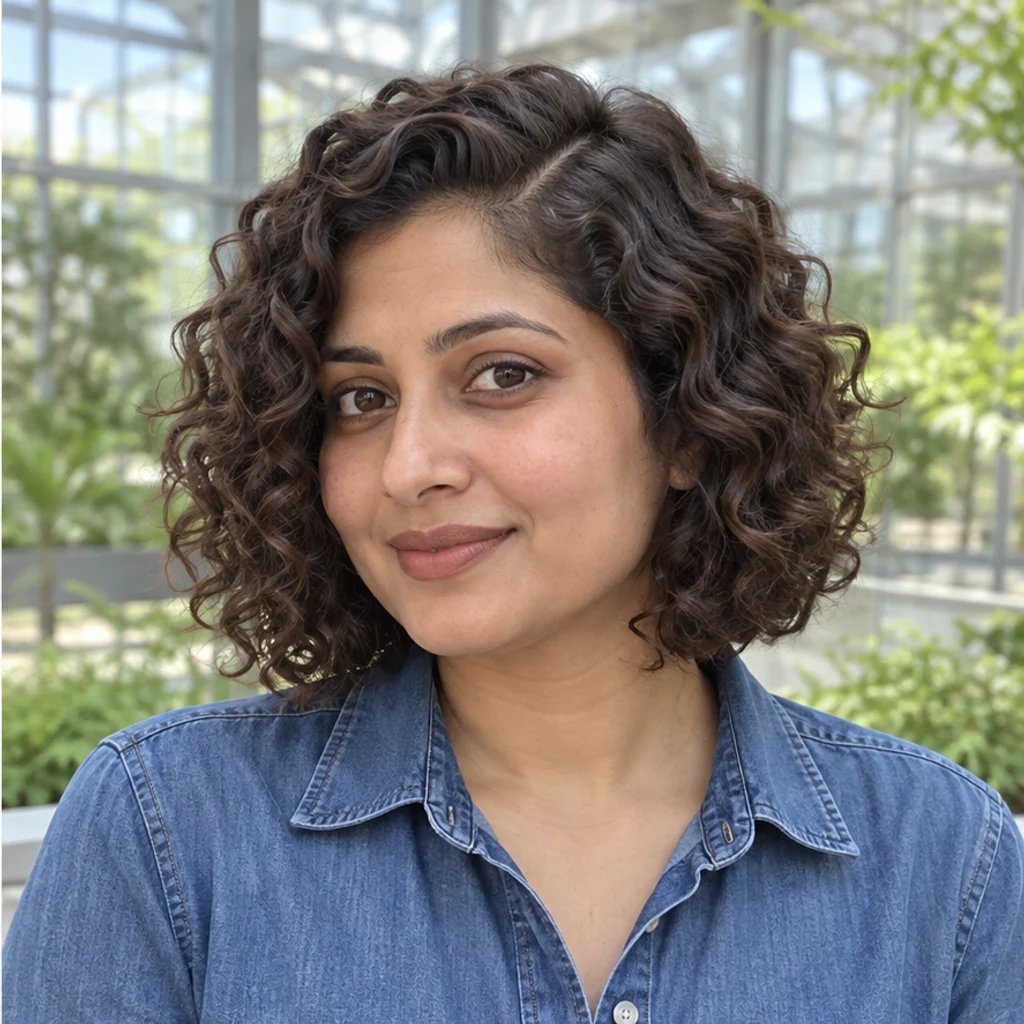
Separated curl clumps reshape a chin-length bob.
Use a clear portrait with the whole hair silhouette and hairline visible. Front or slight three-quarter views with even light are useful. Upload one JPEG, PNG or WebP up to 30 MB.
Select one of eight image cards, upload a reference or describe curls in Edit instructions. Templates start unselected, can be removed and are alternatives to an uploaded reference. At least one active style, reference or written instruction is needed.
Review the displayed credits, then Generate one image. Check roots, curl continuity, color, face and scene. Re-edit restores your inputs. Loading an example only fills the form and does not generate or spend credits.
Compare the full-size result with the same original photo. Review the roots and the whole hair outline before choosing a curl pattern.
Look for waves or curls near the part, crown and temples, continuing to the ends.
Compare the hair and root color under the original light. A reference supplies curl direction, not a new color.
Tighter curls can look shorter and fuller. Check that the result still relates to the original haircut.
Compare face shape, expression, skin texture, clothing and background.
Upload a clear portrait and compare curl patterns on the same original. Review the roots, outline and visible length together. The preview helps explore a look, but does not decide which style suits you or predict salon results.
No. You can upload a curl reference or describe the pattern in Edit instructions. A person photo and at least one active template, reference or written instruction are required.
Choose one reference source. The active image is supplied with your original and guides curl size, definition and relative volume. It does not supply the reference person’s identity, color or haircut length.
Yes. The default instruction applies the chosen wave or curl from near the scalp through the crown, temples and ends. It preserves the hairline position and root color. Write an instruction if you want curls only in the lower lengths.
The edit is instructed to keep your original color, face and scene. Explicit color instructions can change the hair color; a differently colored reference alone does not request that change. Compare the result because generated details can drift.
Curl size is adapted to the available hair. For a group, identify one person in your instructions. Other people should stay unchanged. When no scalp hair is visible, the default request keeps the image unchanged instead of adding hair.
It can create a perm-style photo preview. Curls may look shorter or fuller, but the image does not measure your hair or predict how a real treatment will behave. Use it as a visual reference.
Generation requires a LumiYing account and uses the credits displayed before Generate. Selecting a template and loading an example do not spend credits. See pricing for current plans.
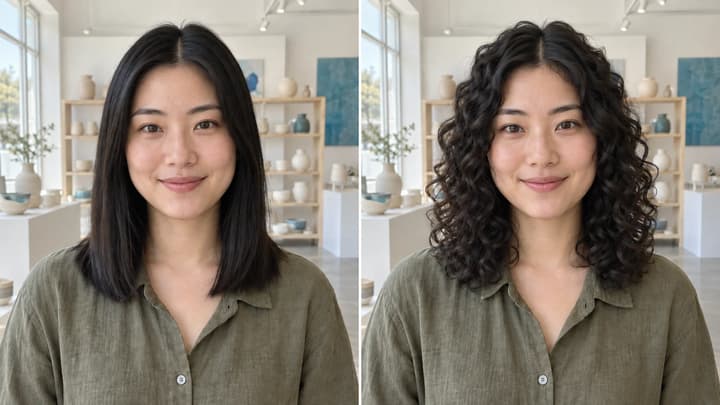
See what you would look like with curly hair. Prepare a clear photo, compare curl patterns and check roots, length, volume and your original face.
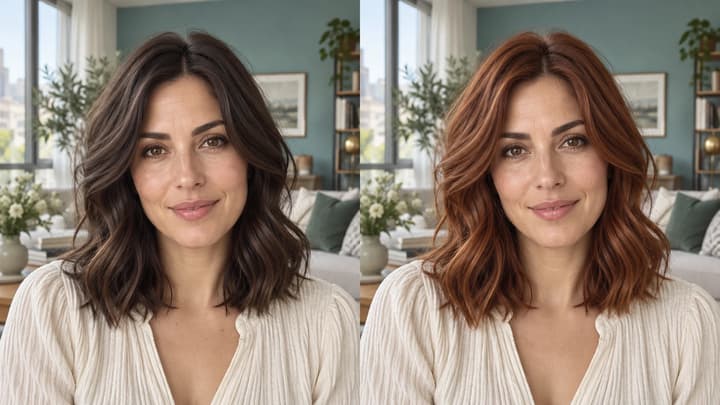
Change hair color in a photo with AI. Use a color template, upload a reference or describe your color in words, then compare and download the result.
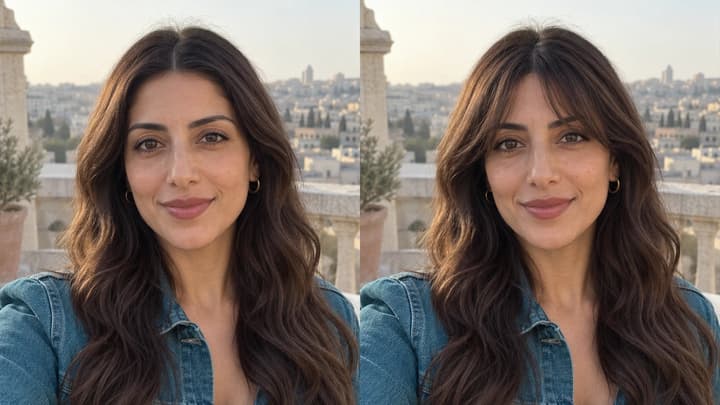
Try bangs on your photo with AI. Choose a fringe template, upload a reference or describe your style, then compare and download your preview.

Upload an image, describe the edit, and create polished visuals for products, social posts, posters, or keyframes.

Review credits and plans before generating.
Try curls from root to tip in your photo. Choose a curl template, upload a reference or write instructions while keeping your original hair color.